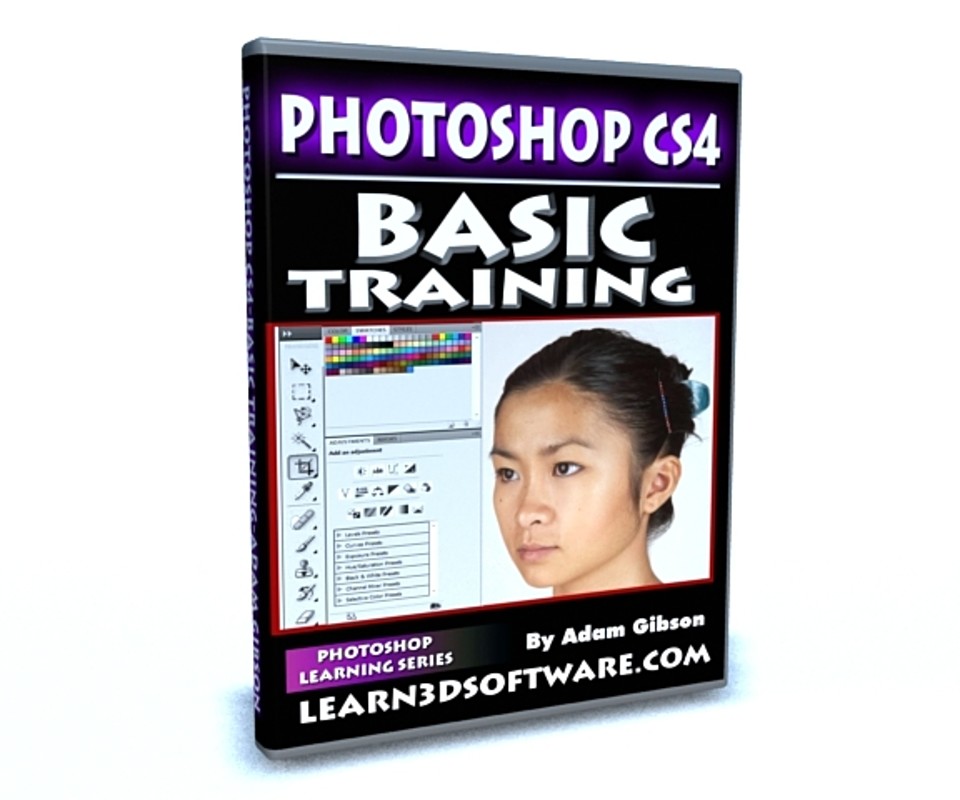
Photoshop CS4- Basic Training
Learn how to get started and be productive using Photoshop in under 4 hours. Although this video training course was recorded in CS4, most of the concepts and tools shown can be applied to most versions of Photoshop. So if you've always been wanting to learn Photoshop and but don't have a lot of time, this course is for you as the video is broken into small chapters that cover the most typically important and often used tools for a beginner level user.
Table of Contents for Photoshop Basic Training
Chapter 1- Intro
Chapter 2- Importing a Single Image
Chapter 3- Importing Multiple Images
Chapter 4- How to Create an Image within Photoshop
Chapter 5- Brush Tool
Chapter 6- Navigation Tools
Chapter 7- Color Swatches
Chapter 8- Eye Dropper Tool
Chapter 9- Eraser Tool
Chapter 10- Magic Eraser Tool
Chapter 11- Blur Tool
Chapter 12- Sharpen Tool
Chapter 13- Smudge Tool
Chapter 14- Clone Stamp Tool
Chapter 15- Saving Images and Image Compression
Chapter 16- Paint Bucket Tool
Chapter 17- Dodge Tool
Chapter 18- Burn Tool
Chapter 19- Sponge Tool
Chapter 20- Crop Tool Part One: Basics
Chapter 21- Crop Tool Part Two: Perspective Mode
Chapter 22- How to Change an Image's Size
Chapter 23- Pre-Made Shapes
Chapter 24- Brightness and Contrast Tool
Chapter 25- How to Convert an Image to Gray Scale (Black and White)
Chapter 26- Rectangular Marquee Tool
Chapter 27- Elliptical Marquee Tool
Chapter 28- Single Row Marquee Tool
Chapter 29- Single Column Marquee Tool
Chapter 30- Lasso Tool
Chapter 31- Magnetic Lasso Tool
Chapter 32- Move Tool
Chapter 33- Polygonal Lasso Tool
Chapter 34- Text Tool
Chapter 35- Text Warping Tools
Chapter 36- Vertical Text Tool
Chapter 37- Creating Drop Shadows for your Text
Chapter 38- How to Create Glowing Text
Chapter 39- Layers: How to Create a New Layer and Delete a Layer
Chapter 40- Layers: How to Name/Rename a Layer and Deleting Multiple Layers
Chapter 41- How to Import an Image as a Layer
Chapter 42- Layer Opacity and Layer Editing
Chapter 43- Applying a Filter to a Layer
Level: Beginner
Running Time: 3 hrs. 46 mins.
High Quality (Screen-Res 1440 x 900 pixels) Quicktime Video
You will get 2 files
All files previously purchased will always be available for download in your Library