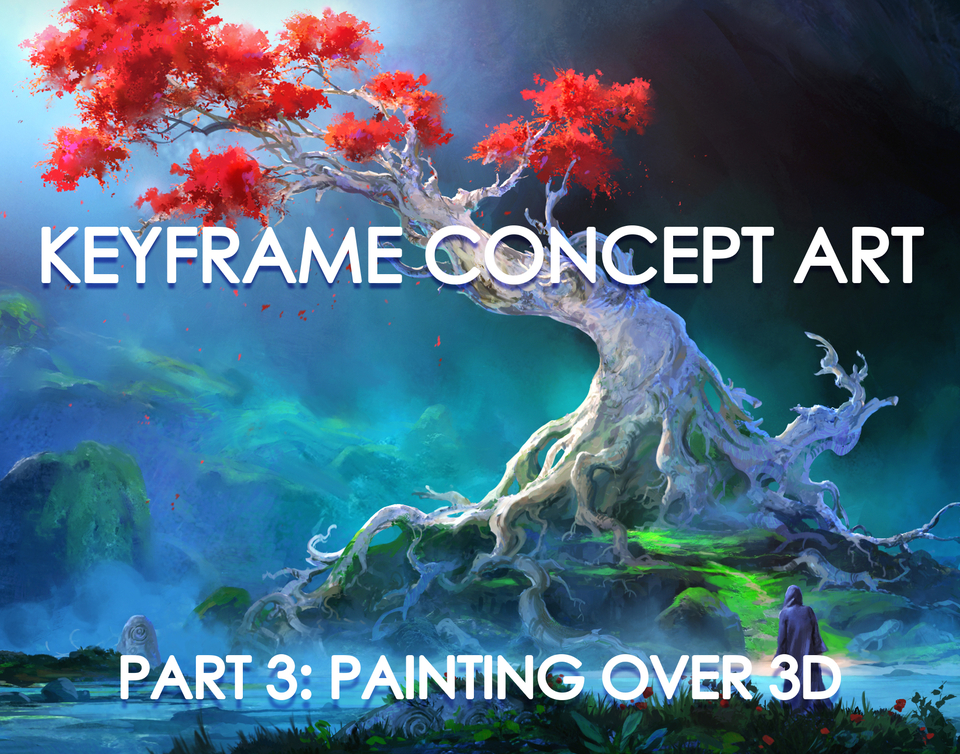


PART 3 - PAINTING OVER 3D
Keyframe Concept Art PART 3 ONLY
THIS SECTION INCLUDES THE PAINTING OVER 3D PHASE ONLY
Full tutorial here - artstation.com/a/28531309 Gumroad - gavinodonnell.gumroad.com/l/qewlg
Full tutorial trailer - https://youtu.be/ZO4zk6XDfS4?si=FLFkWJ1zrOCOaox4
Who is tutorial for?
It's aimed at beginner and intermediate artists looking to improve their painting over 3D process.
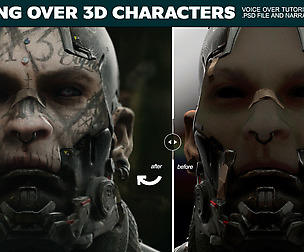
In this tutorial, I will show you how I paint over 3 renders in a beginner friendly way. I will also discuss different tips and tricks to sped up the process and approach the painting in a methodical manner. The 3 demos also include photobashing techniques and stylised painting.
Tutorial includes:
Final .PSD File for each painting jpegs of each step 3D Render Passes PureRef file Brushes Notepad doc with useful resources and links
Topics covered:
Image Preparation Photobashing Stylised Painting 3 demo paintings showing my process of painting over a 3D base
Software used:
Photoshop
Duration:
Chapter 4 - Paintover Demo - 3hrs 22mins
Chapter 5 - Paintover Demo 2 - 2hrs 53mins
Chapter 6 - Paintover Demo 3 - 3hrs 38mins
Total tutorial time - 9hrs 53mins
Please feel free to reach out with any issues, questions or feedback I'd love to hear any thoughts positive or constructive.
I'd also love to see anything that you've created using this tutorial!
Reach out via Artstation, Instagram or by email - [email protected]
Thank you so much for the support and good luck on the art journey!
You will get 12 files
All files previously purchased will always be available for download in your Library
- Photo Inspo.zip411.05 MB
- Shot 1 Paintover.zip458.09 MB
- Shot 2 Paintover.zip496.47 MB
- Keyframe 5.1 Small Update...64.91 MB
- Shot 3 Paintover.zip527.68 MB
- Homework Chapter 4-6.jpg560.17 KB
- Useful Resources Links.txt2.78 KB
- GavsBrushes.abr23.94 MB
- Bonsai of Power Ref.pur471.71 MB
- Keyframe Part 4.zip1.51 GB
- Keyframe Part 5.zip1.25 GB
- Keyframe Part 6.zip1.71 GB