

Create an Environment - Blender/Photoshop Tutorial
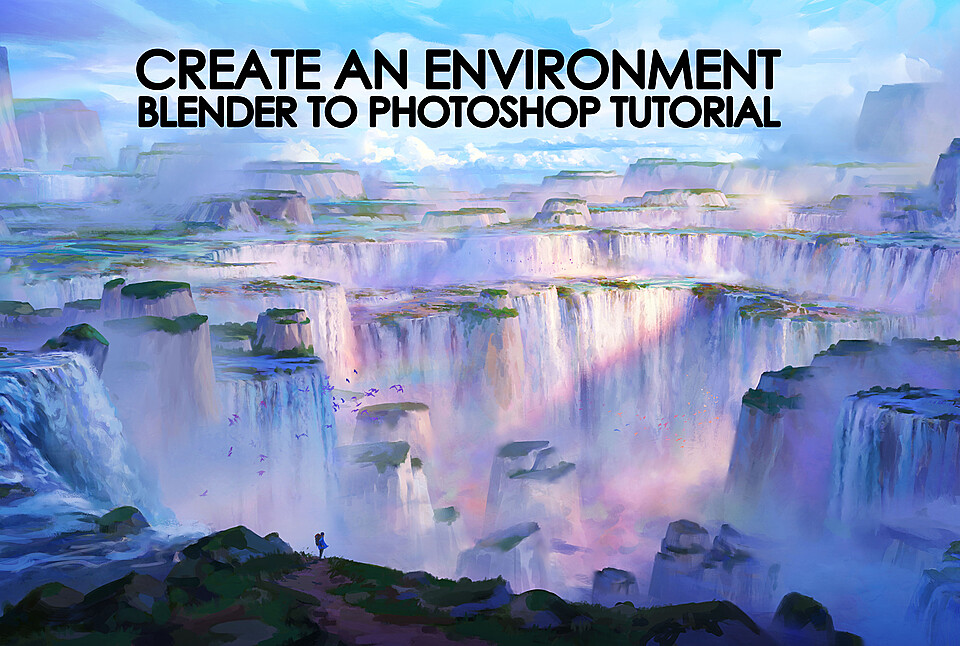
Create an Environment in Blender and Photoshop!
Trailer - https://youtu.be/bWeXyTag0zY
Who is tutorial for?
It's aimed at beginner and intermediate artists looking to broaden their toolset combining 2D and 3D techniques. I recommend that you have some foundational knowledge in Blender.
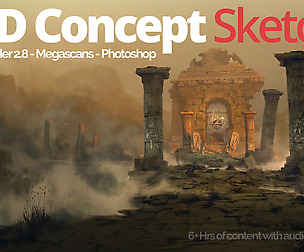
In this tutorial, I will show you how I translate my ideas using 2D and 3D tools in a beginner friendly way. I will also discuss black and white sketching, painting over 3D, photobashing, composition, lighting, and setting up a strong base to paint over in Photoshop. I've gone about this whole tutorial in a way that it's all the keys areas broken down into 64 videos spanning just under 13 hours in total.
Tutorial includes:
12+ hours of real time and time lapsed voiced over recorded content spanning 64 Videos Kitbash Set Final .PSD File jpegs of each step 3D Render Passes PureRef file Brushes Notepad doc with useful resources and links
Topics covered:
Idea Generation
Painting with AI
Composition
Painting Over 3D
A.N.T. Landscape
BlenderGiS
Bagapie
Curves
Image Displacements
Texturing
Lighting in EEVEE Engine
Framing
Cloud Maps
Rendering
In depth process of painting over a 3D base
Software used:
Blender - ( Bagapie Free ) ( Paid Addons - QuickShape Collection, Botaniq ) Photoshop
Please feel free to reach out with any issues, questions or feedback I'd love to hear any thoughts positive or constructive.
I'd also love to see anything that you've created using this tutorial! Reach out via Artstation, Instagram or by email - [email protected]
Thank you so much for the support and good luck on the art journey!
You will get 12 files
All files previously purchased will always be available for download in your Library