
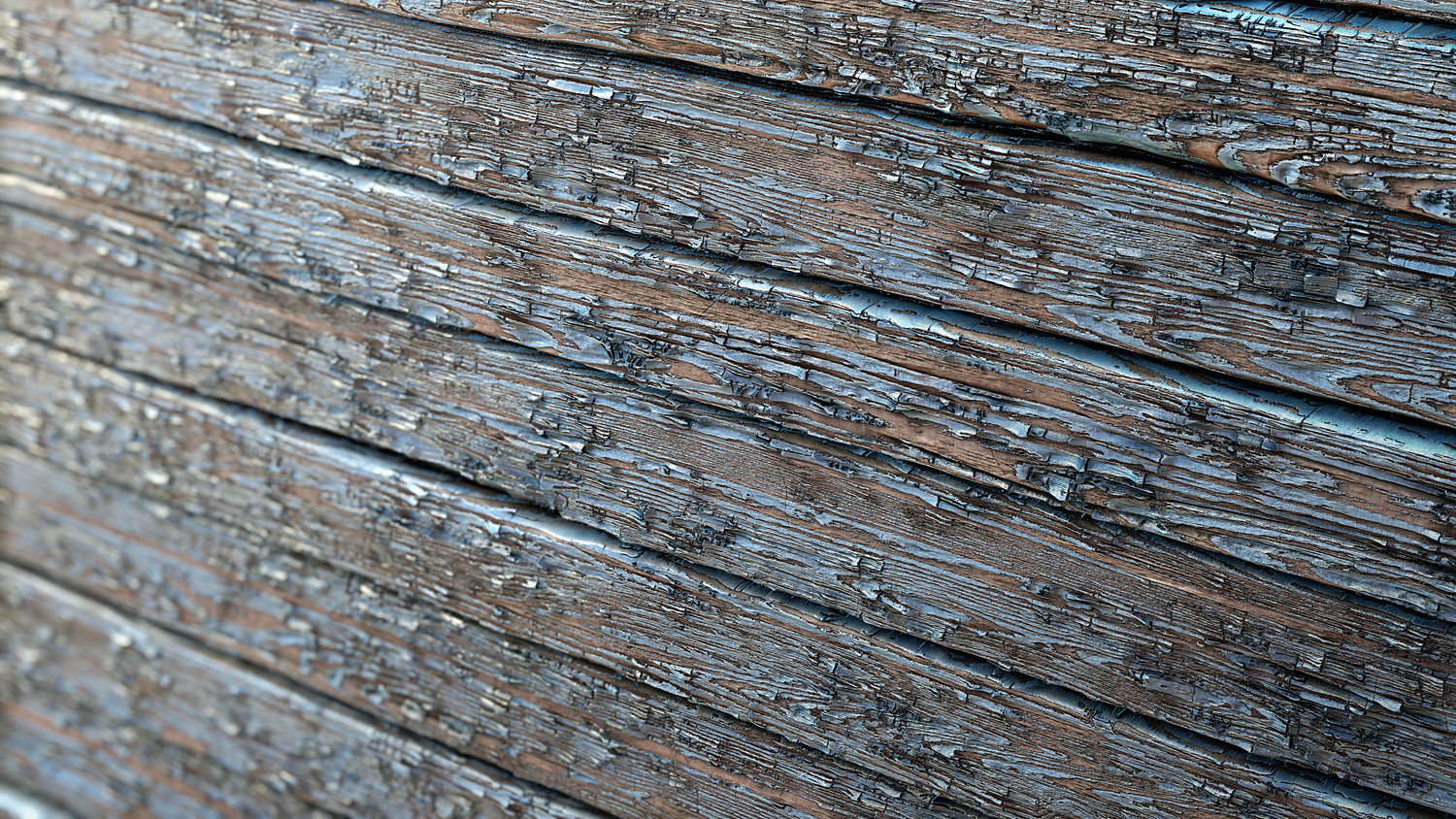
EXP | Peeling Wood in Substance Designer
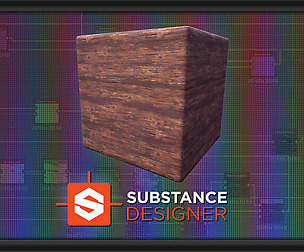
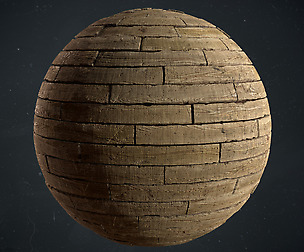
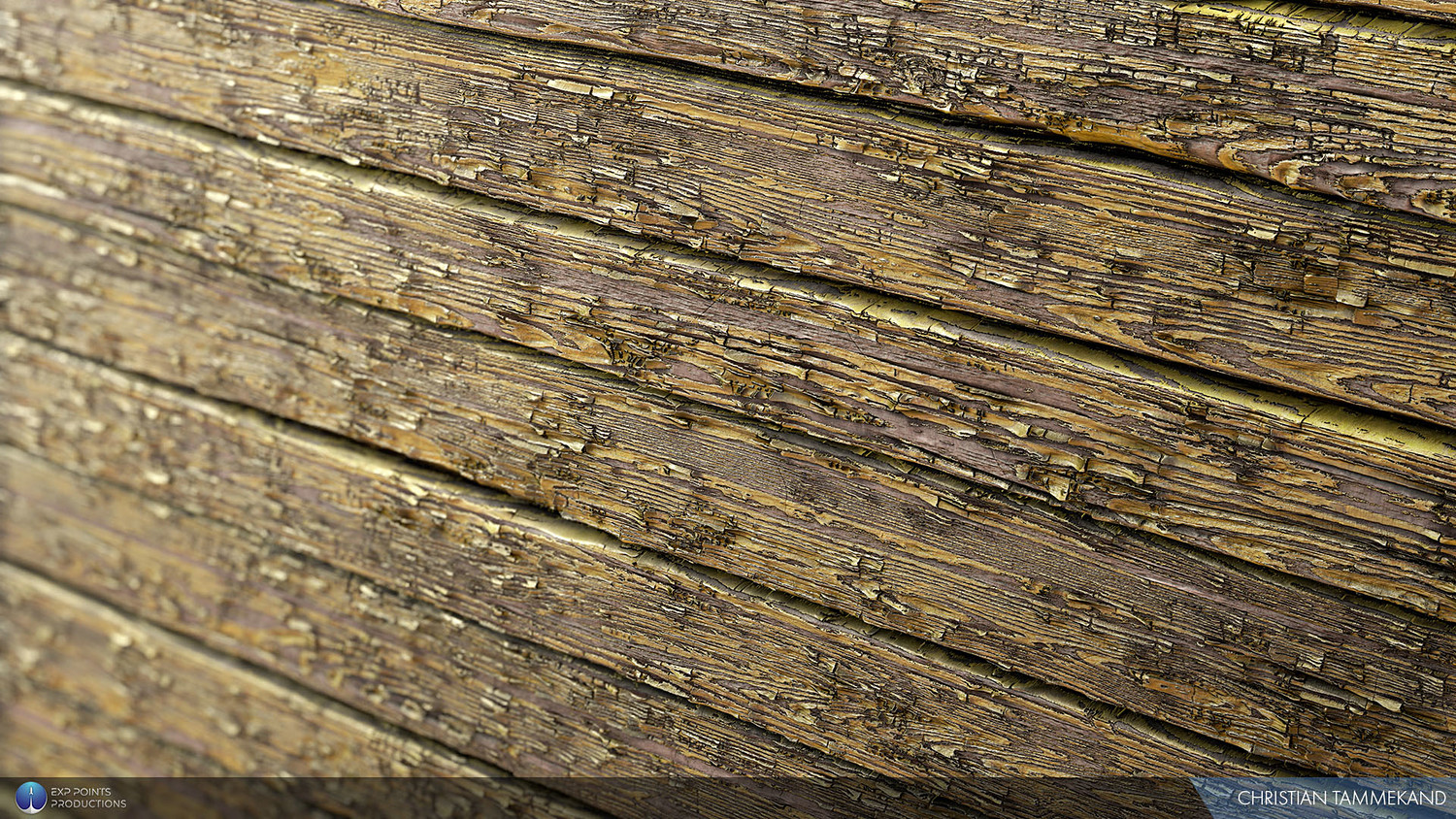
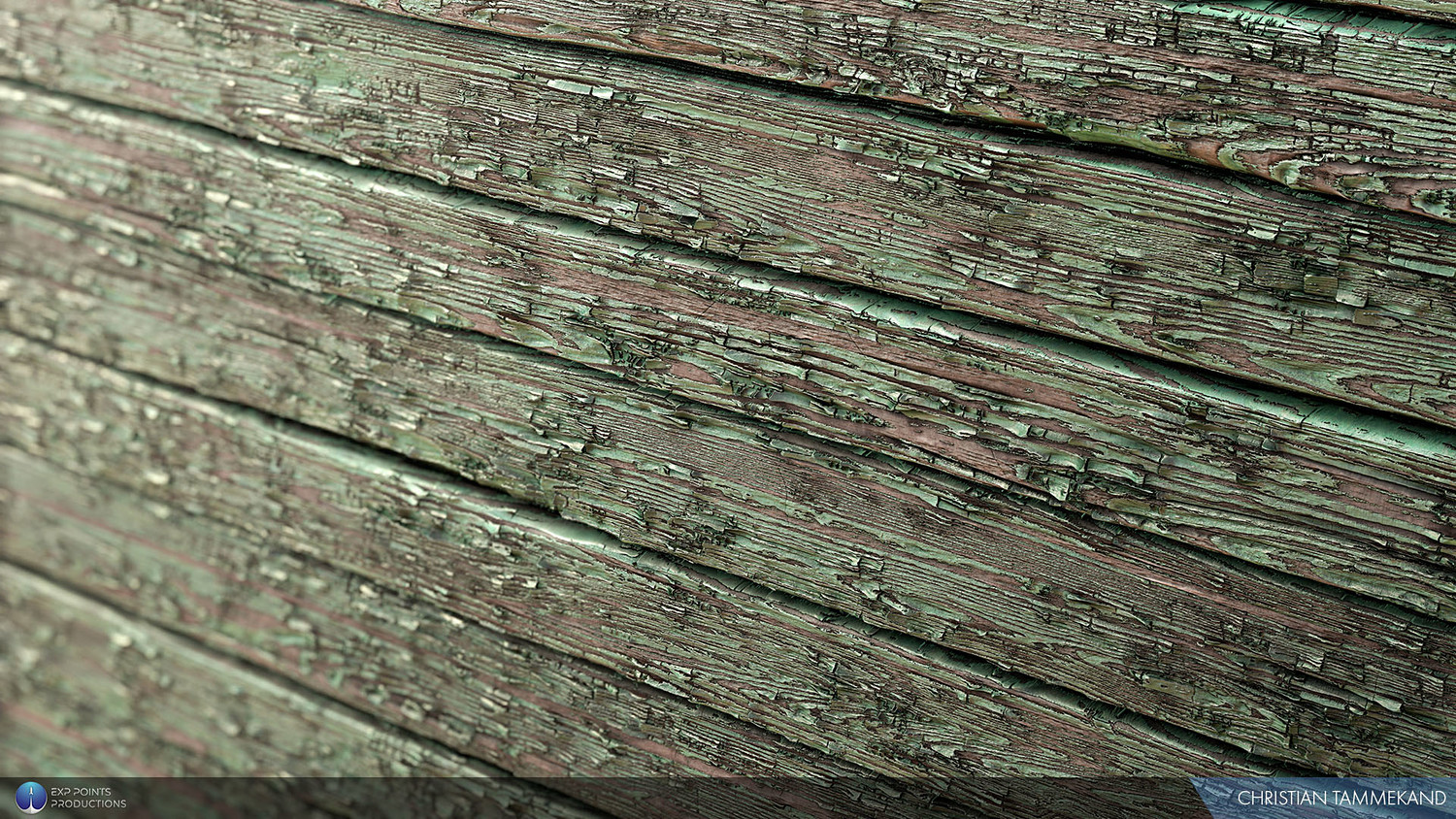
Substance Designer is one of the most versatile programs around today and creating realistic looking wood can be tricky. Step by step, Christian Tammekand, walks you through the process of creating this realistic wood material using only Substance Designer as well as setting up the parameters so that you, the artist, have full control. https://www.youtube.com/watch?v=f5MPtSFuwi4
For the Environment Artist, wood materials are present in numerous objects and the techniques you will learn in this tutorial will enable you to start creating your own wood materials, exposing parameters and create an infinite amount of variations for your projects.
Whether you’re a seasoned artist, student, hobbyist or someone just starting out, grab this tutorial and learn an essential workflow that will allow you to work faster and more efficiently. Fuel your Creative Mind today.
THE ARTIST Christian Tammekand is a Texture Artist at Ubisoft Barcelona and his work can be seen in The Division 2. His focus on realistic materials and attention to detail makes him adept in what he does everyday.
CONTENTS • 2 Hour Tutorial • References • 1080p Resolution • Source Files
You will get 3 files
All files previously purchased will always be available for download in your Library