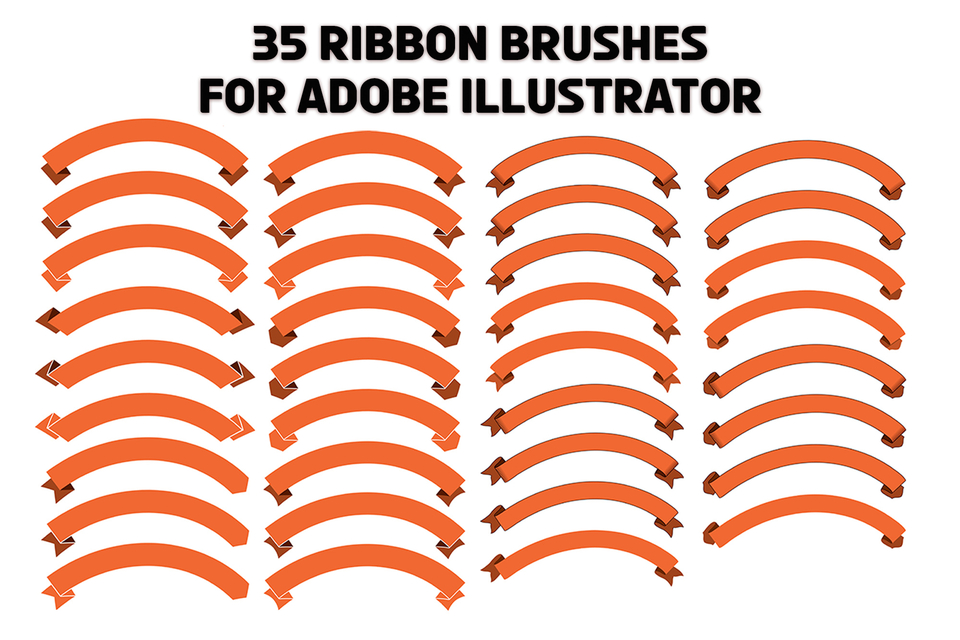
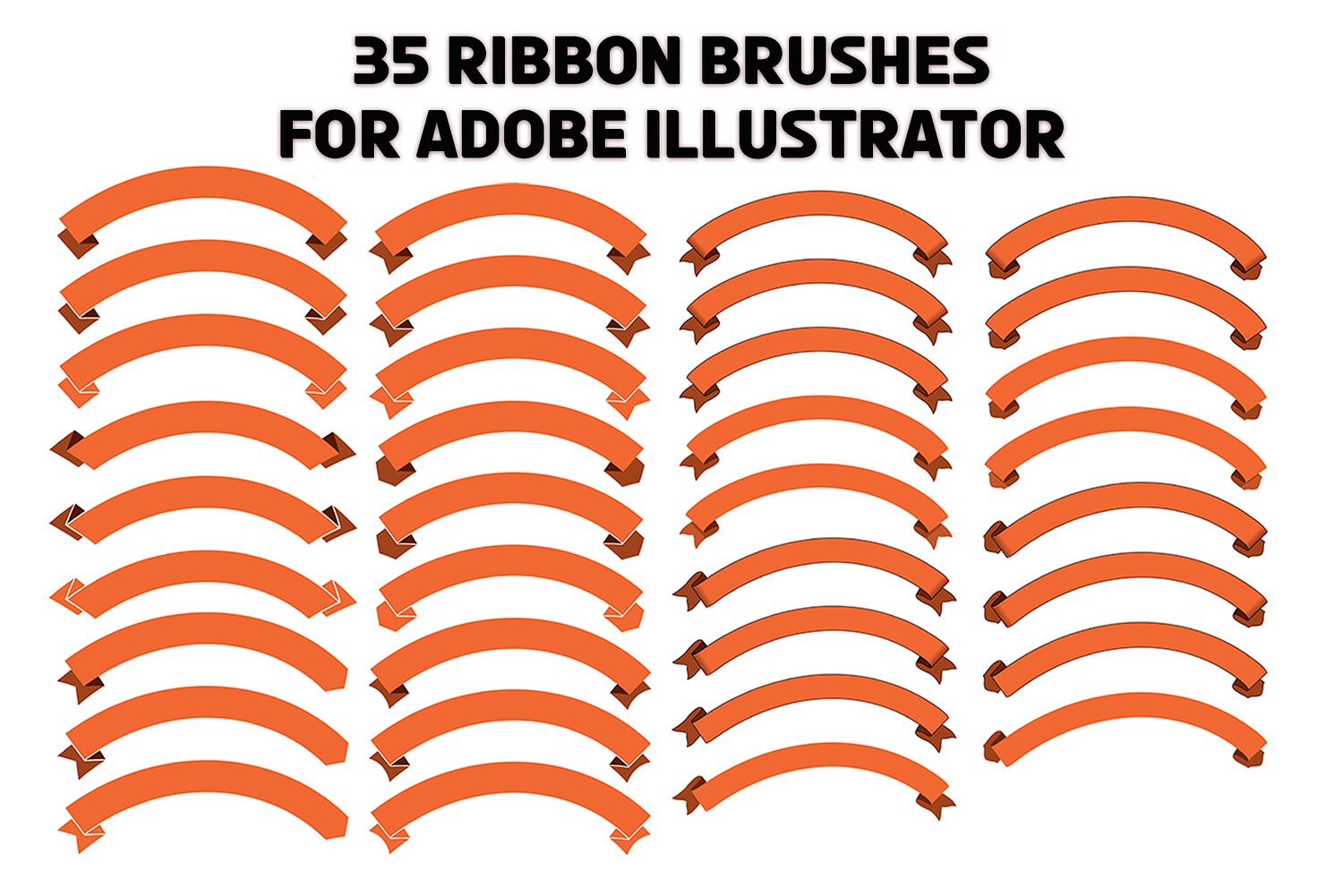
35 Ribbon Brushes For Adobe Illustrator, Orange Arched Ribbons
A collection of 35 vivid orange ribbon brushes, perfect for graphic design, banners, and decorative accents in Adobe Illustrator projects. Modern, scalable vector elements for branding and layout work.
Illustrator brushes are special because they come ready with colors and designs already built into them. Imagine picking up a paintbrush that already has colorful paint on it—when you choose one of these brushes in Adobe Illustrator and start drawing, the brush automatically adds its own bright and exciting colors and patterns to your artwork right away. You don’t need to add colors separately like you might with other tools. This makes it super easy and fun to create cool effects immediately, without extra steps, as you work on your project!
All design elements included in 1 AI file. The file can be used in Adobe Illustrator.
To use brushes effectively in Adobe Illustrator, follow these steps:
Open your (.ai) file in Adobe Illustrator.
Press F5 to display the Brushes Panel.
Select the Brush Tool from the toolbar.
Start brushing on your artwork to apply the desired brush effects.
You will get 1 file
All files previously purchased will always be available for download in your Library