Create a Satisfying Sliced Loop Animation
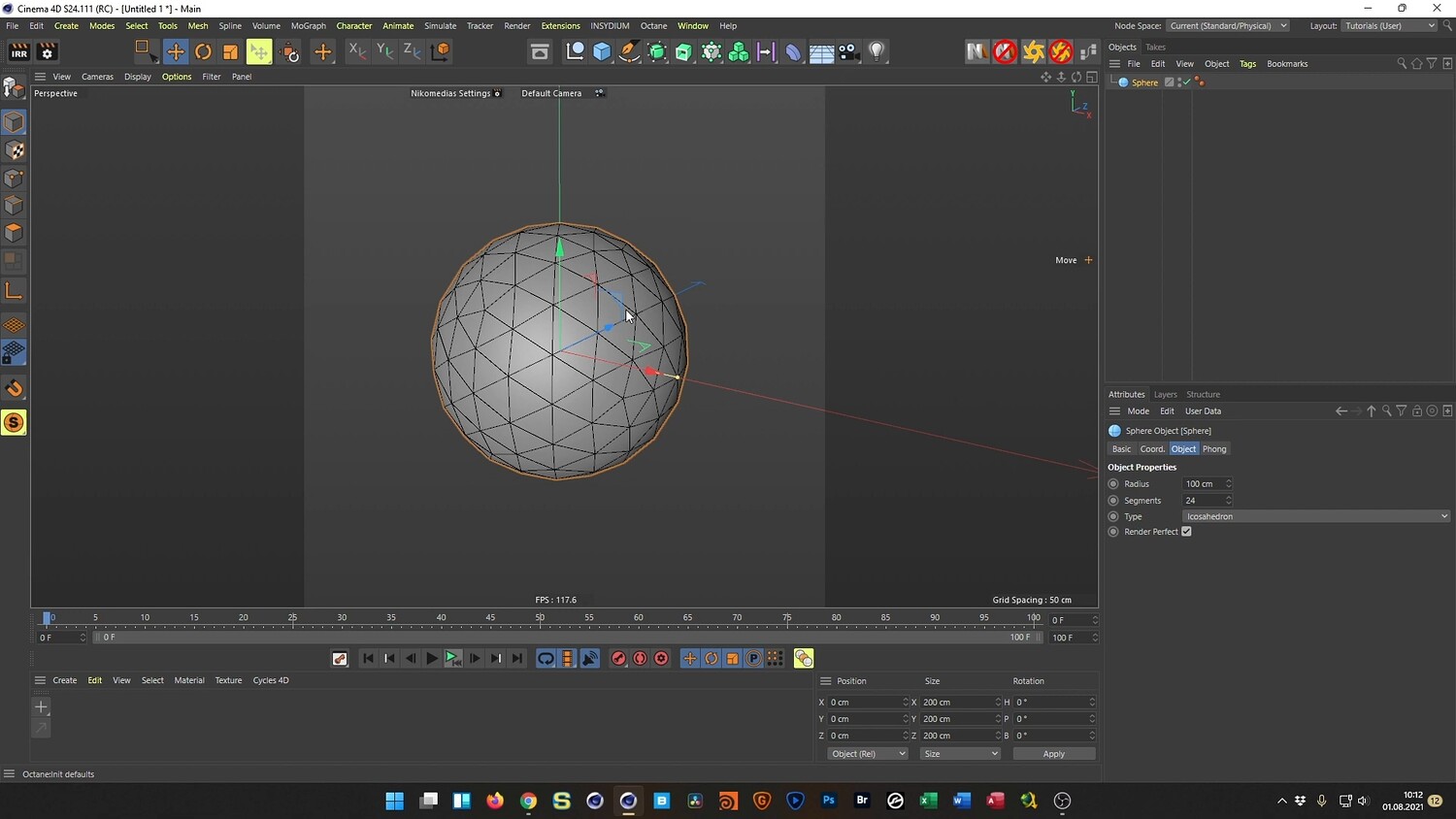
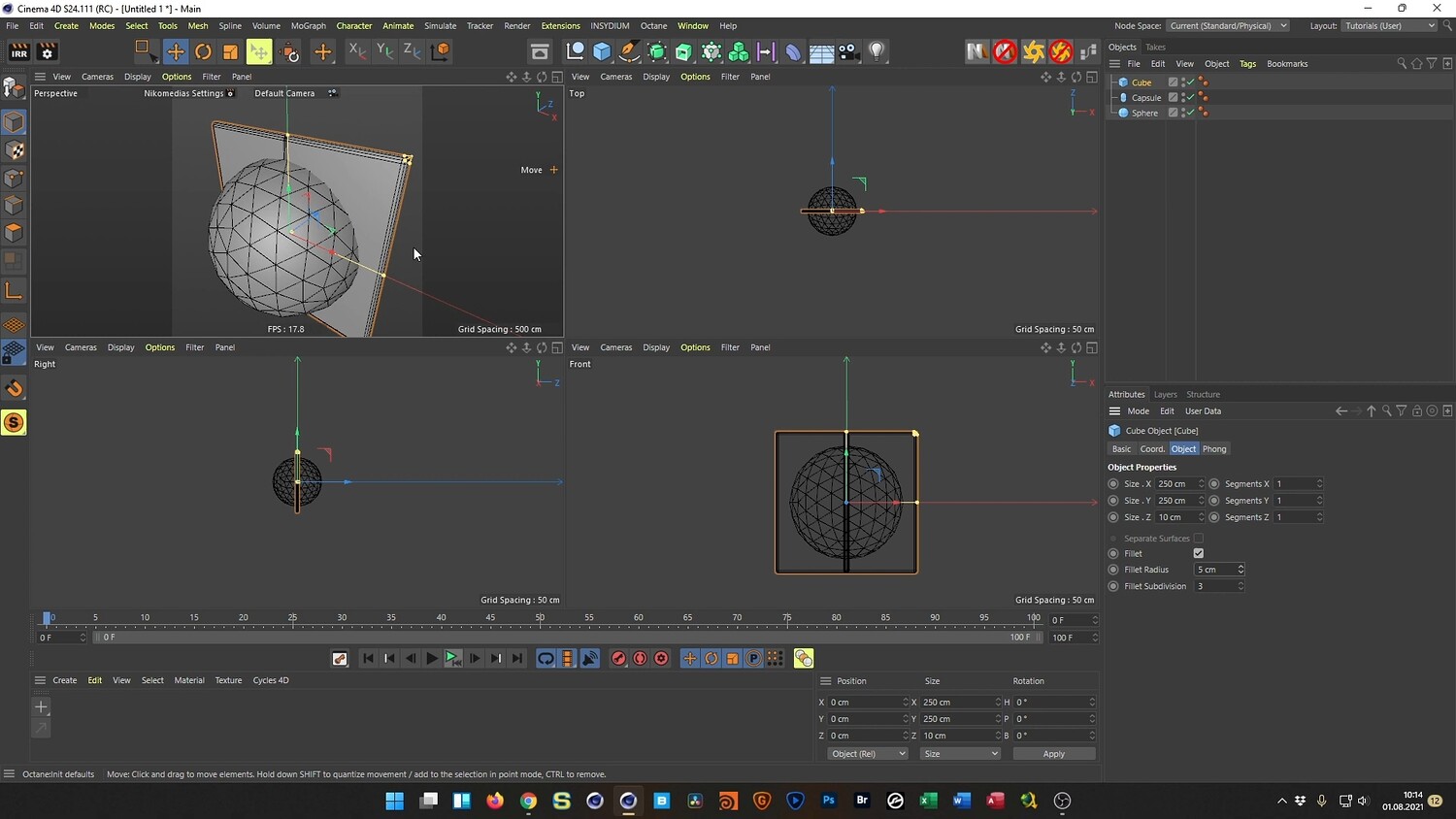
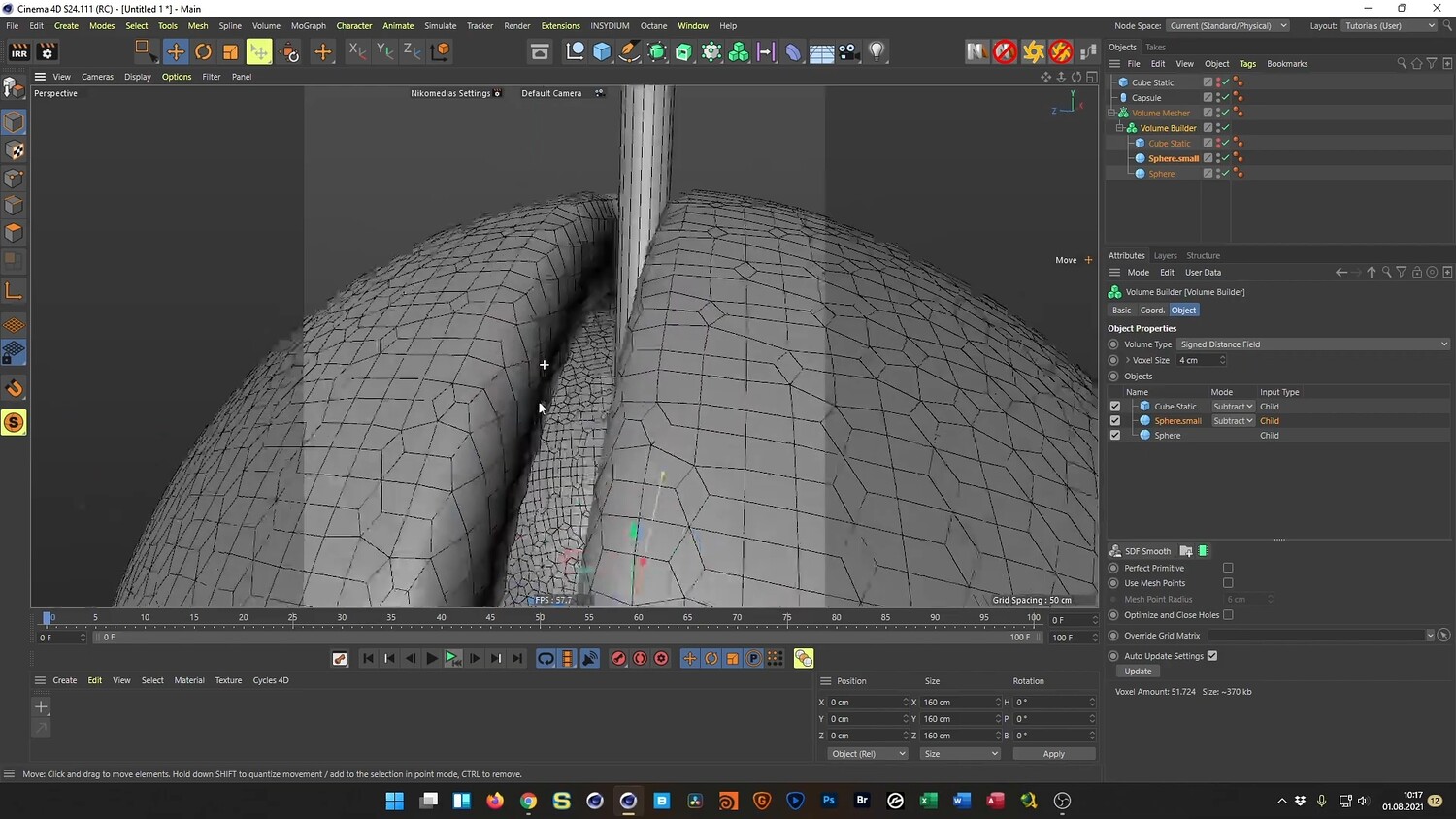
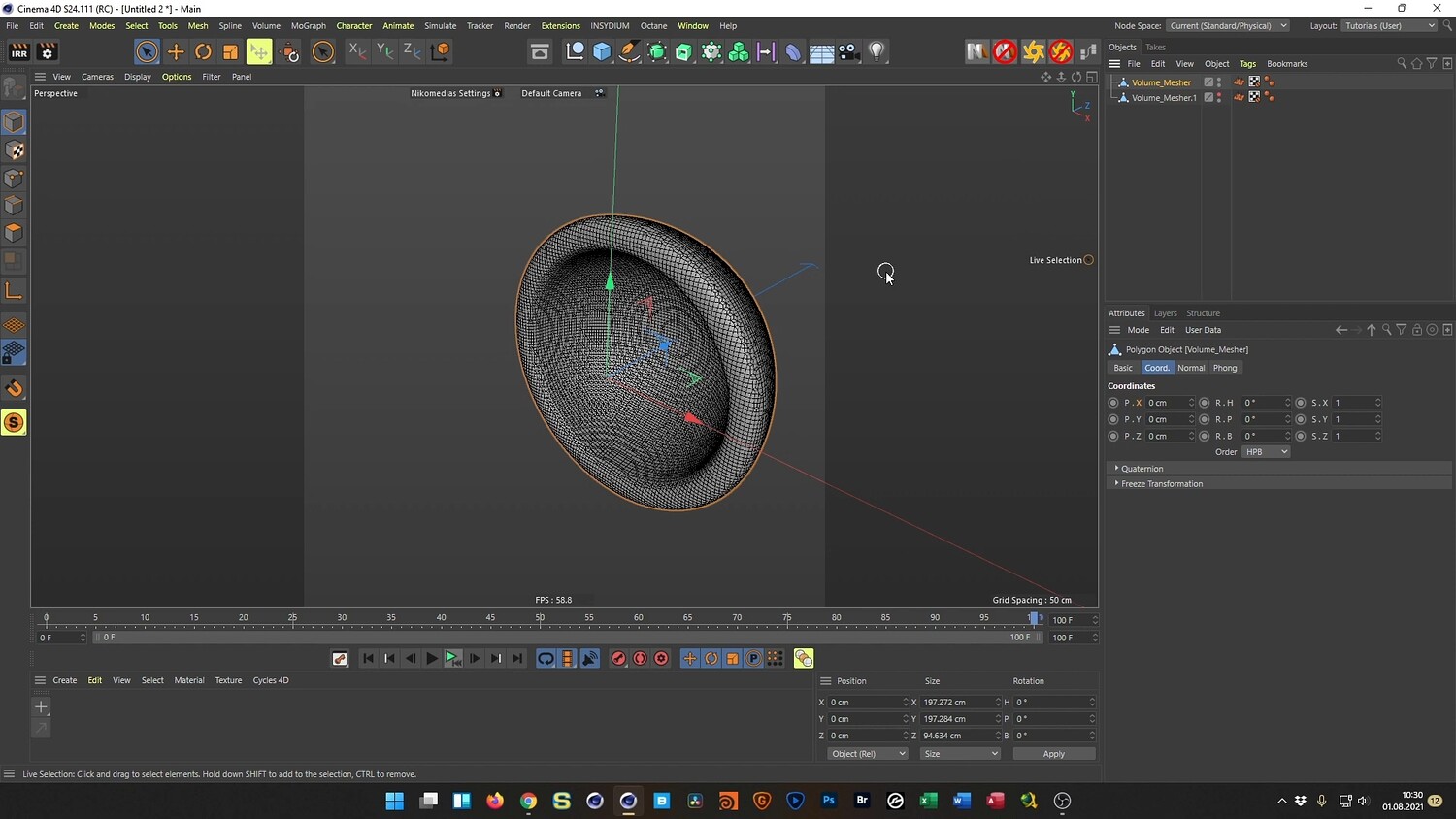
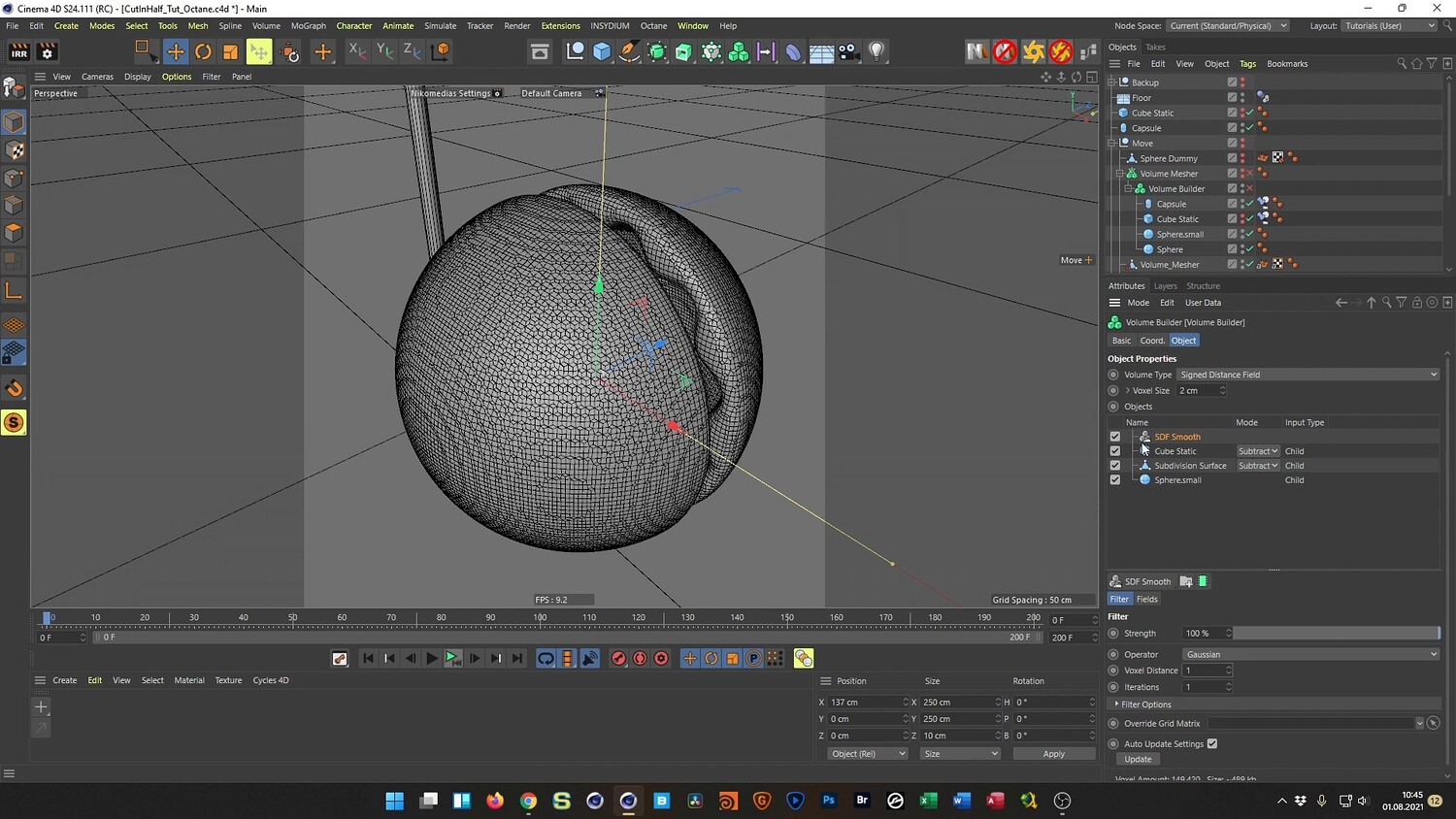
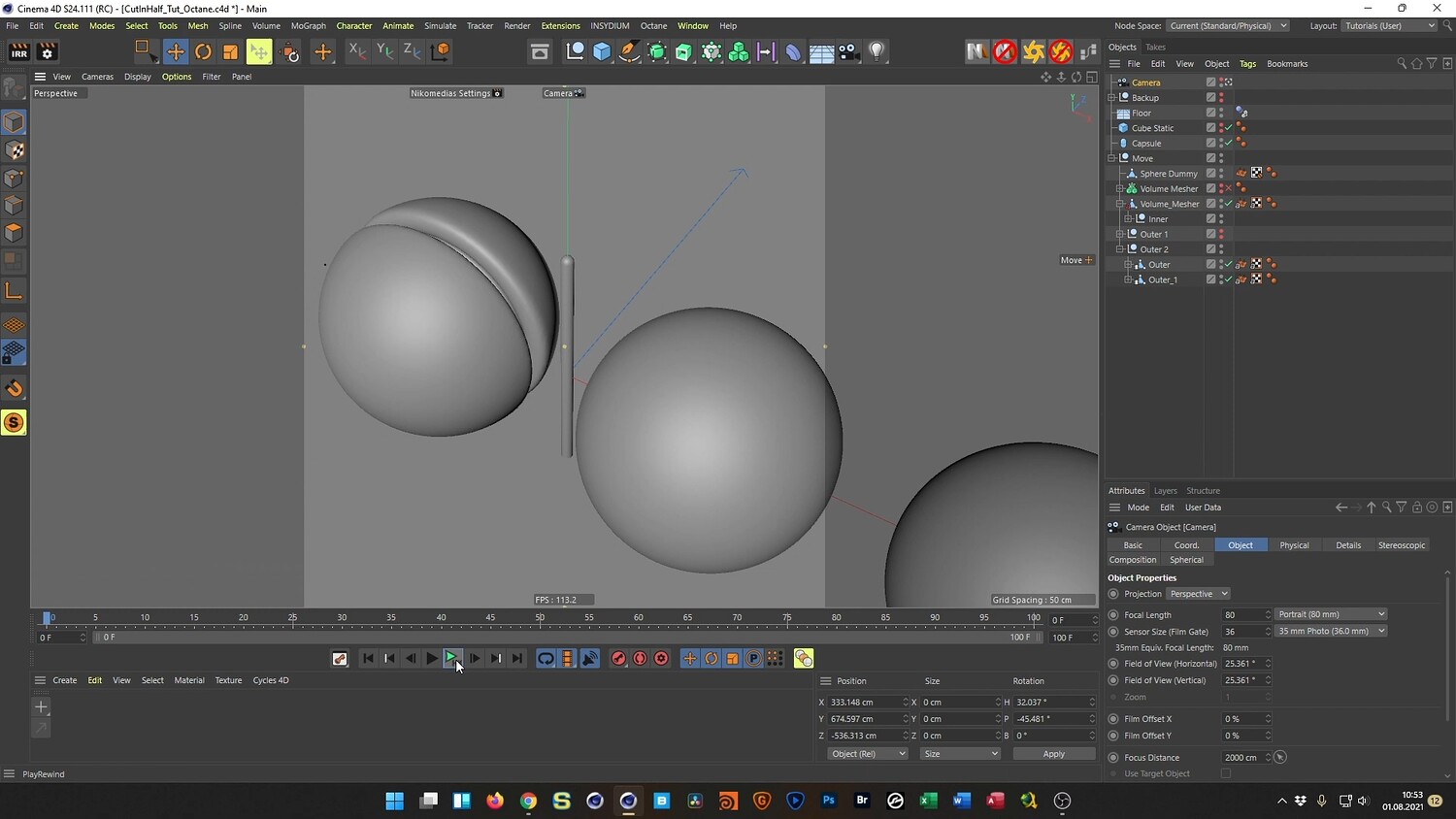
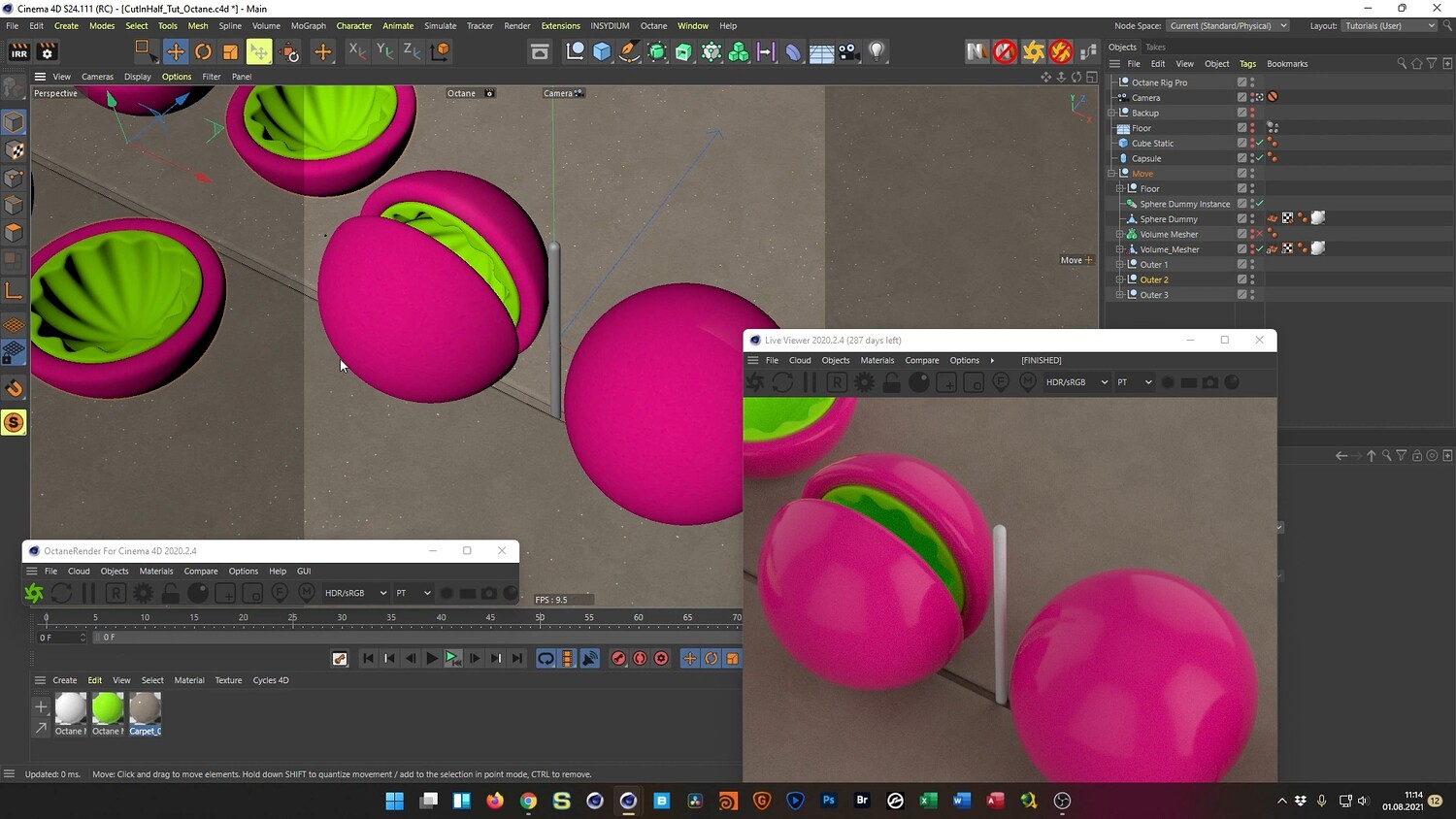
In this tutorial, we dive into creating a mesmerizing, abstract looping animation where a soft sphere is sliced in half by a static wire. The guide focuses on achieving a realistic "bulge" effect during the cutting process and managing the geometry efficiently. You will walk through the entire workflow, from setting up the initial boolean operations using Volume Builders to baking the simulation for optimized performance. Finally, the tutorial covers how to texture the scene with glossy and organic materials using Octane Render to achieve a polished, professional look.
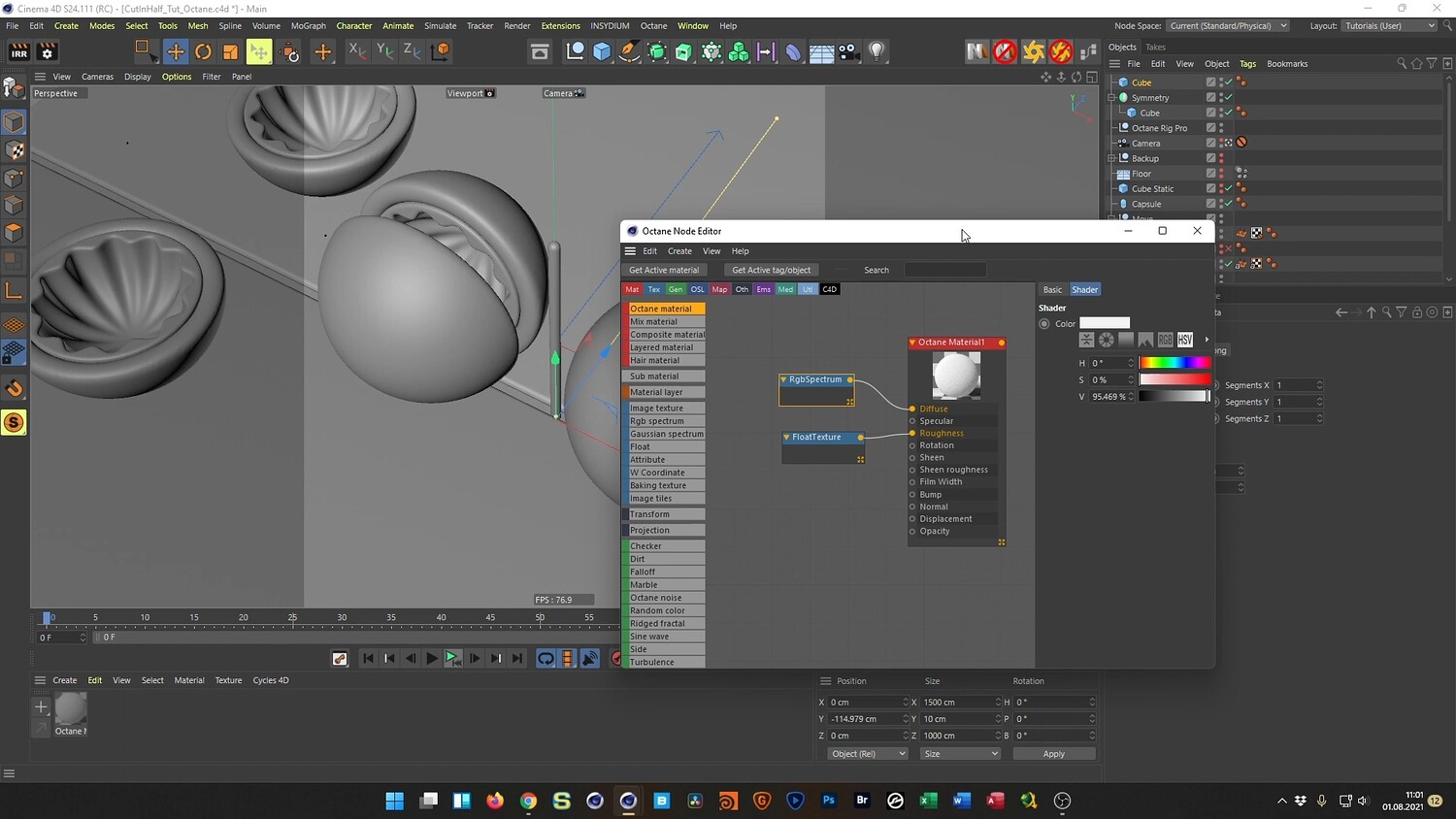
What you will learn: - How to use the Volume Builder and Volume Mesher for complex boolean subtractions and smoothing. - Techniques for creating a realistic material bulge effect using the Dilate and Erode settings. - Setting up Parent Constraints to maintain static cutting objects within a moving system. - Using rigid body dynamics to simulate the natural opening of the sliced sphere halves. - The workflow for baking animations to Alembic files to allow for easier scrubbing and time-offsetting. - How to offset keyframes and duplicate geometry to create a seamless, perfect loop. - Creating procedural materials and setting up lighting in Octane Render.
Software/Tools: - Cinema 4D - Physical Render - Octane Render - Alembic (File Format/System)
Length: 01:21:40
You will get 4 files
All files previously purchased will always be available for download in your Library