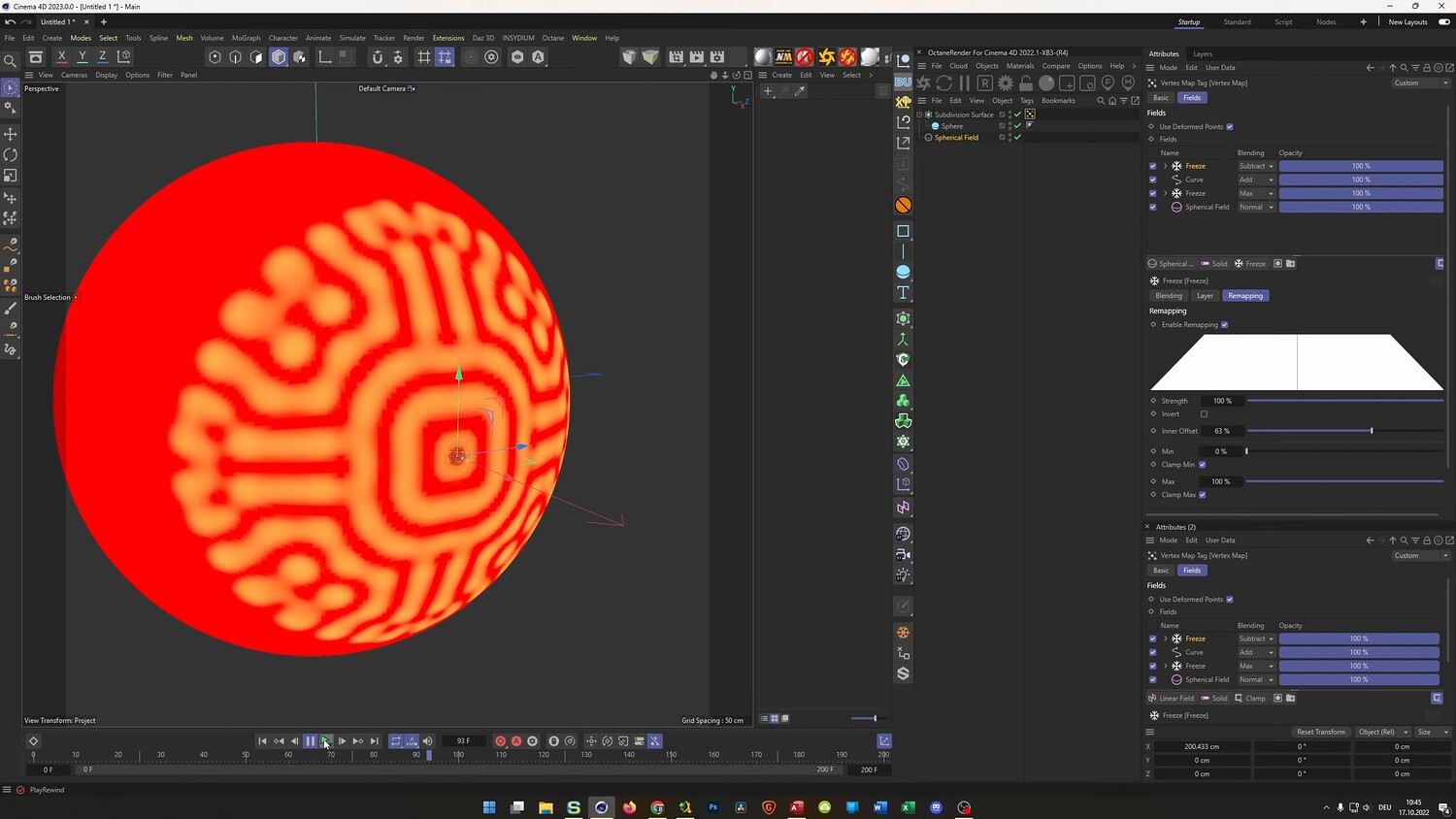
Create Organic Reaction Diffusion Patterns
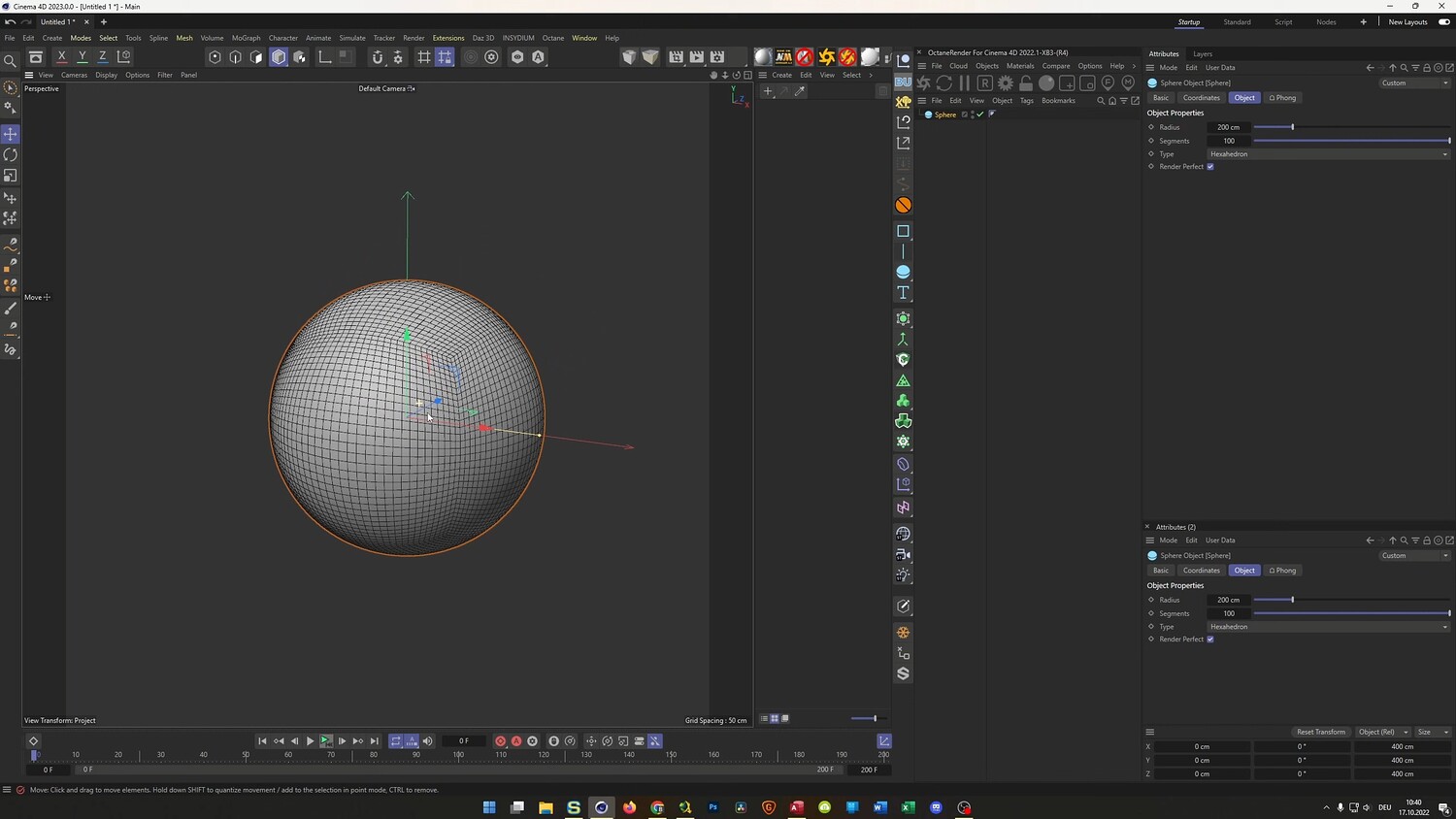
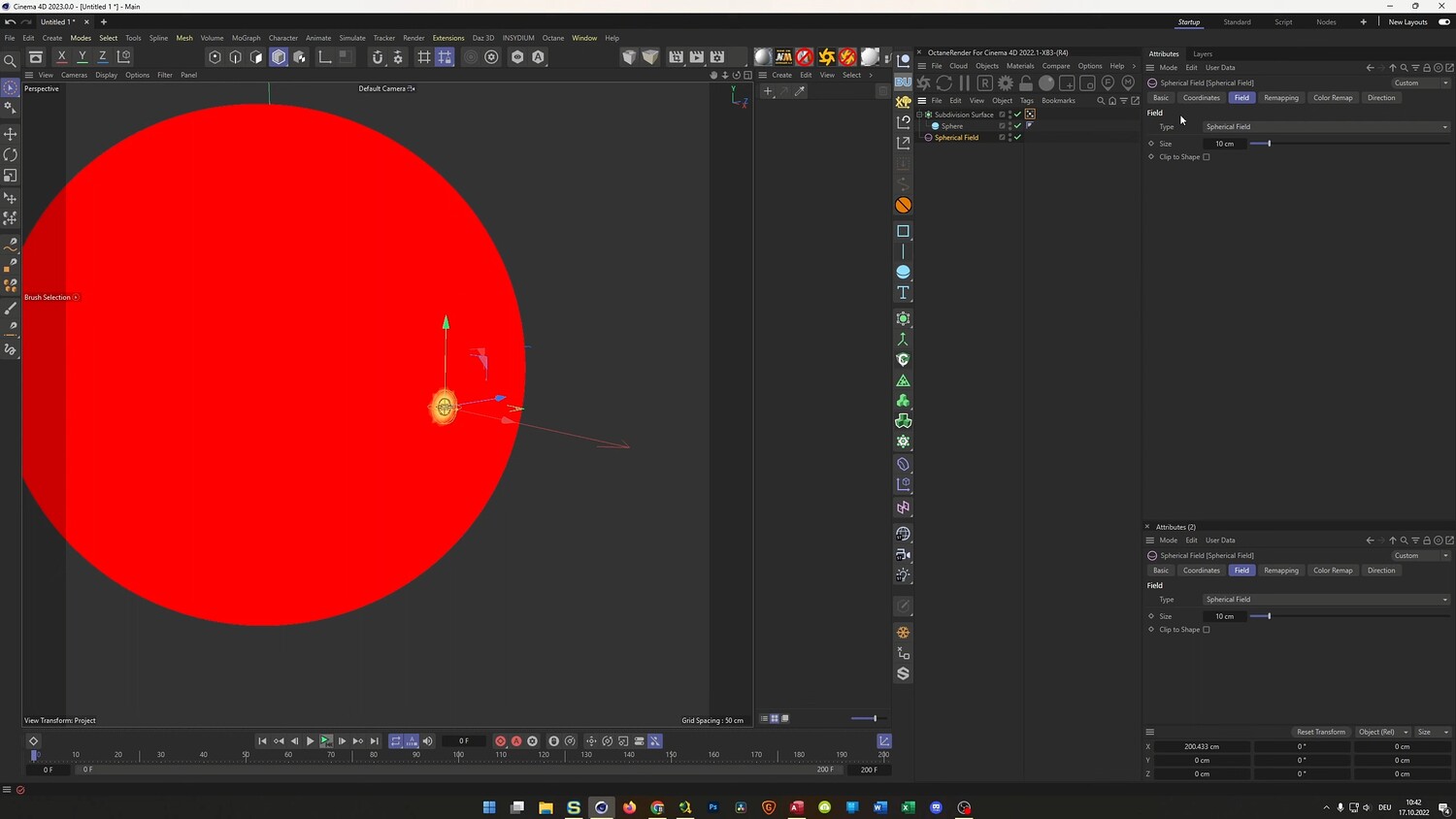
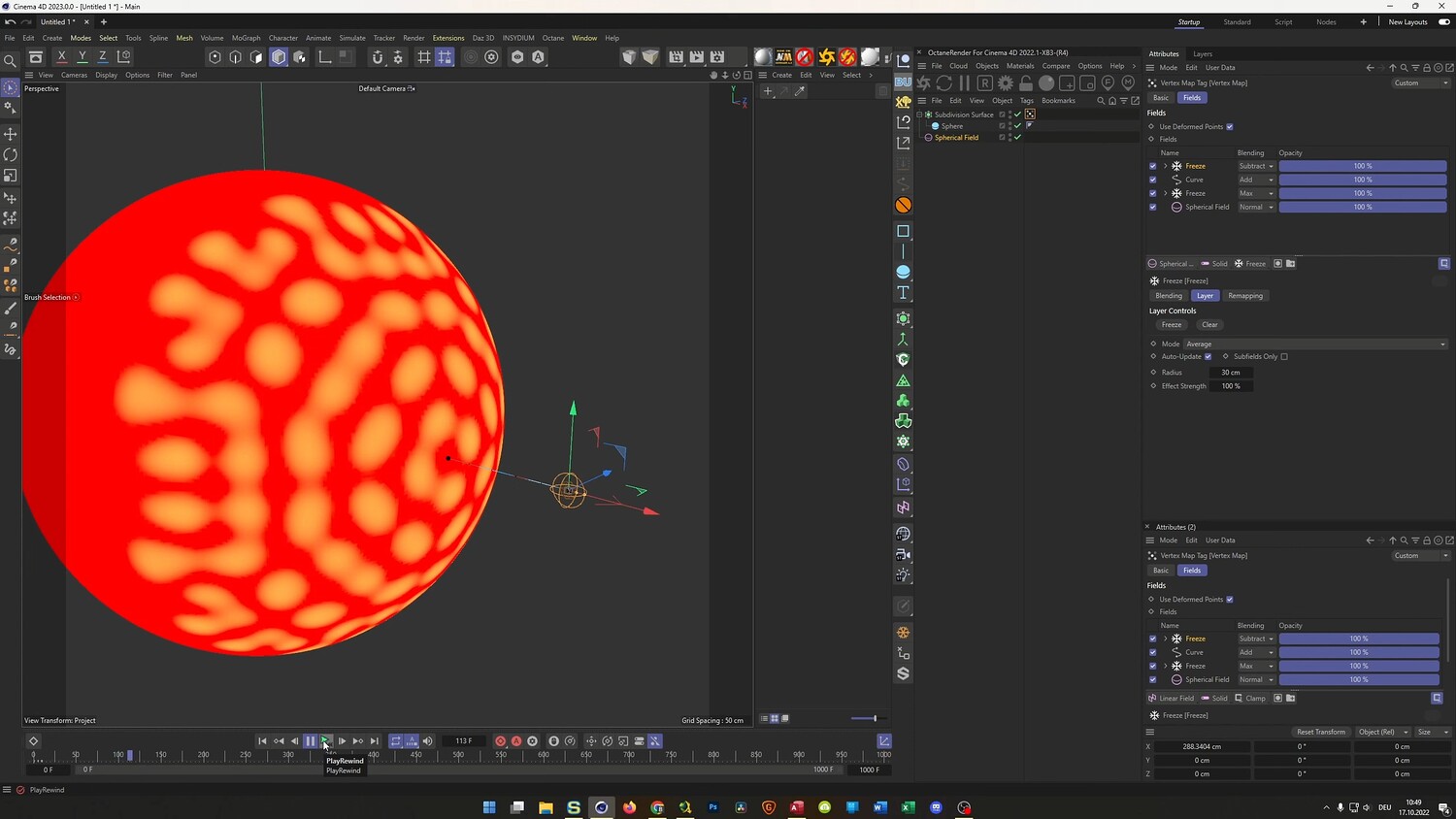
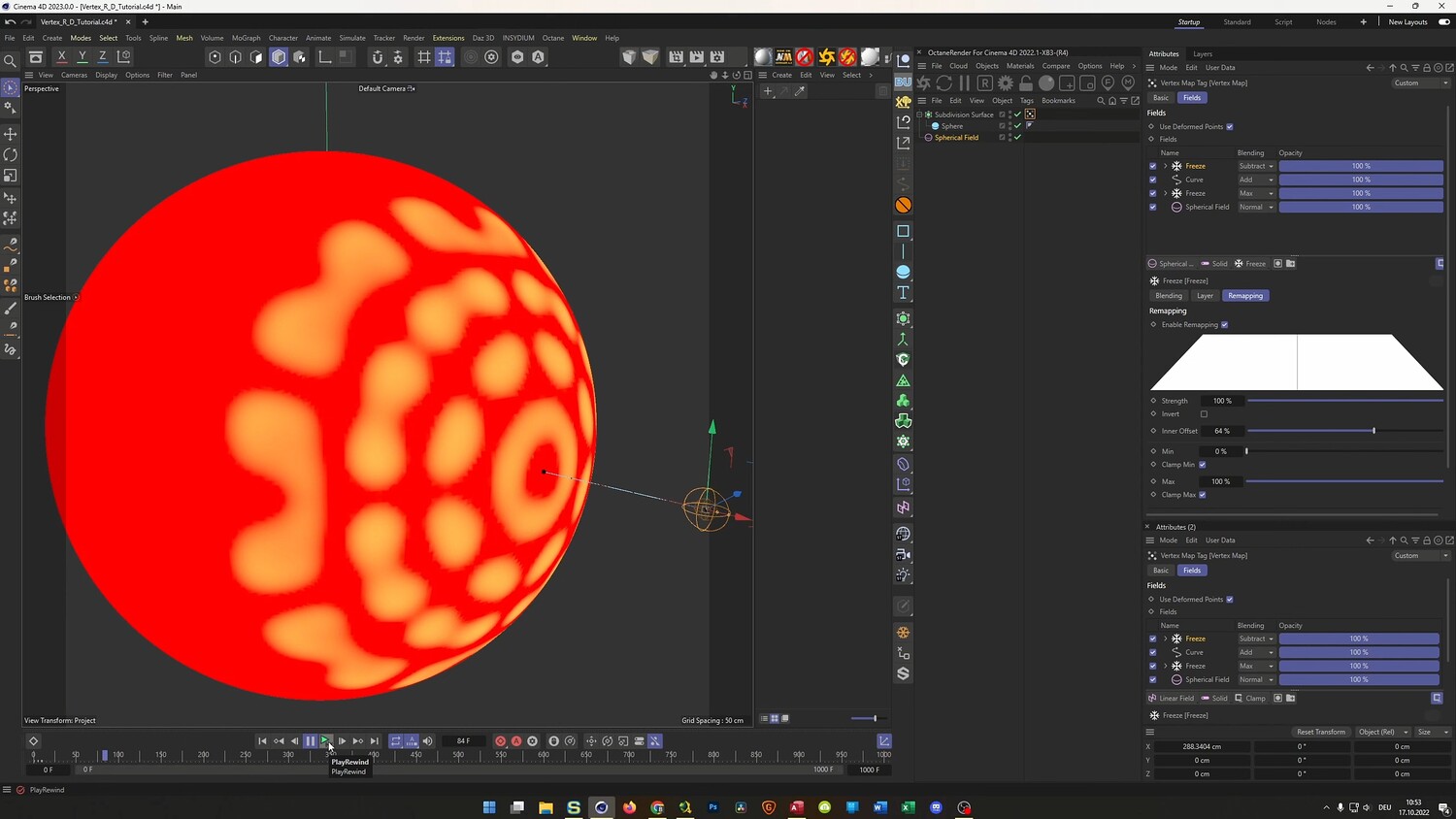
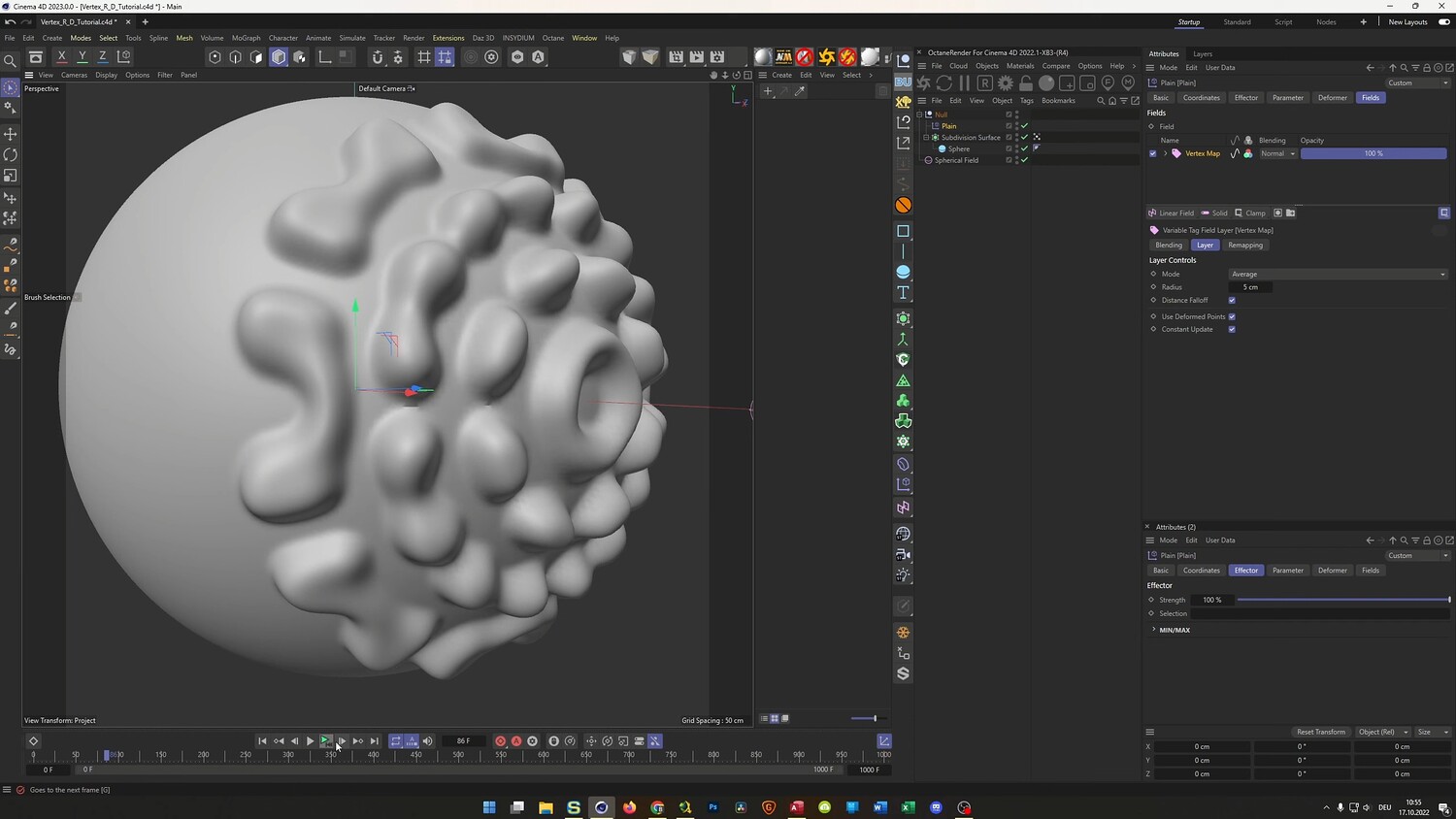
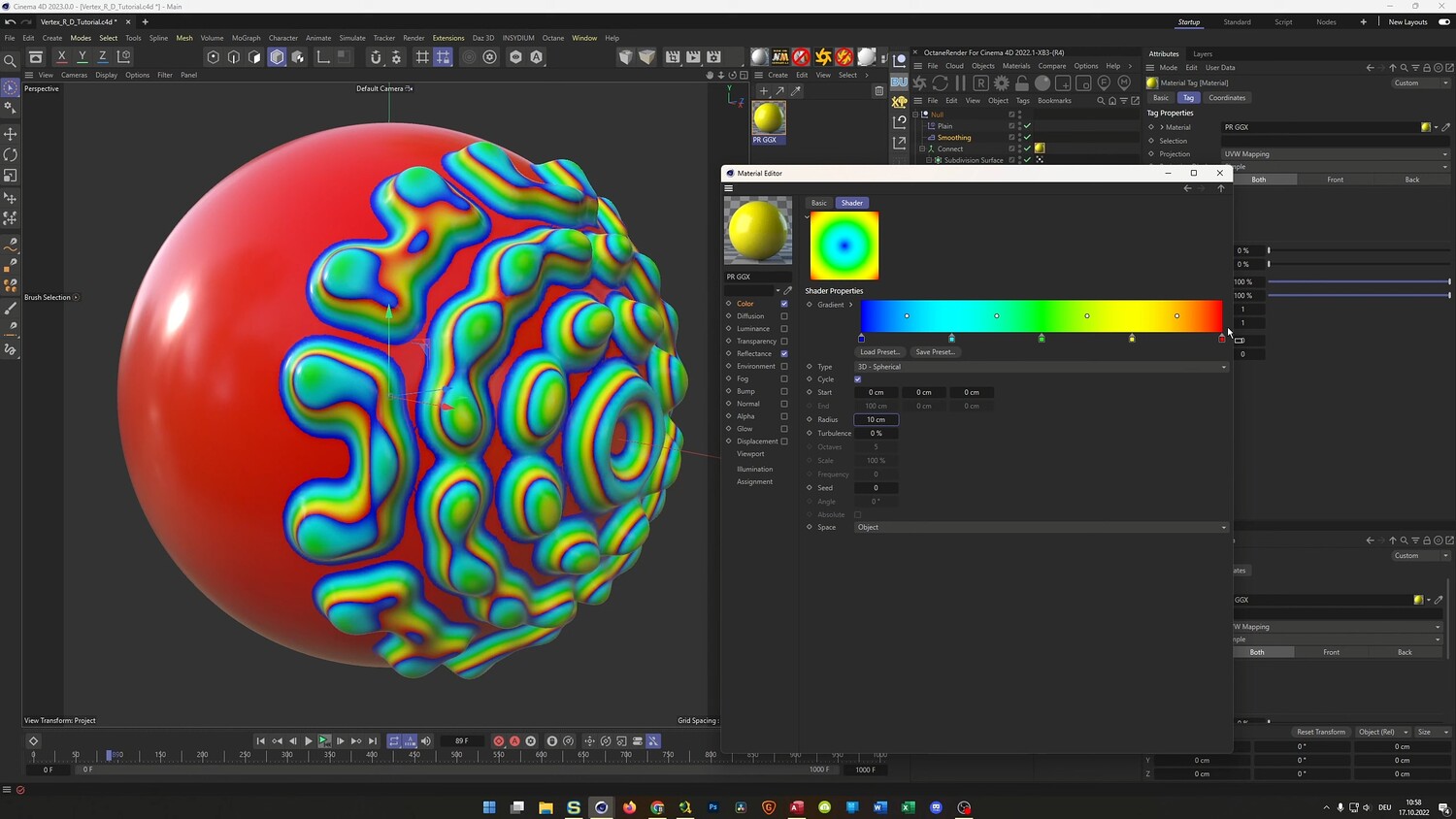
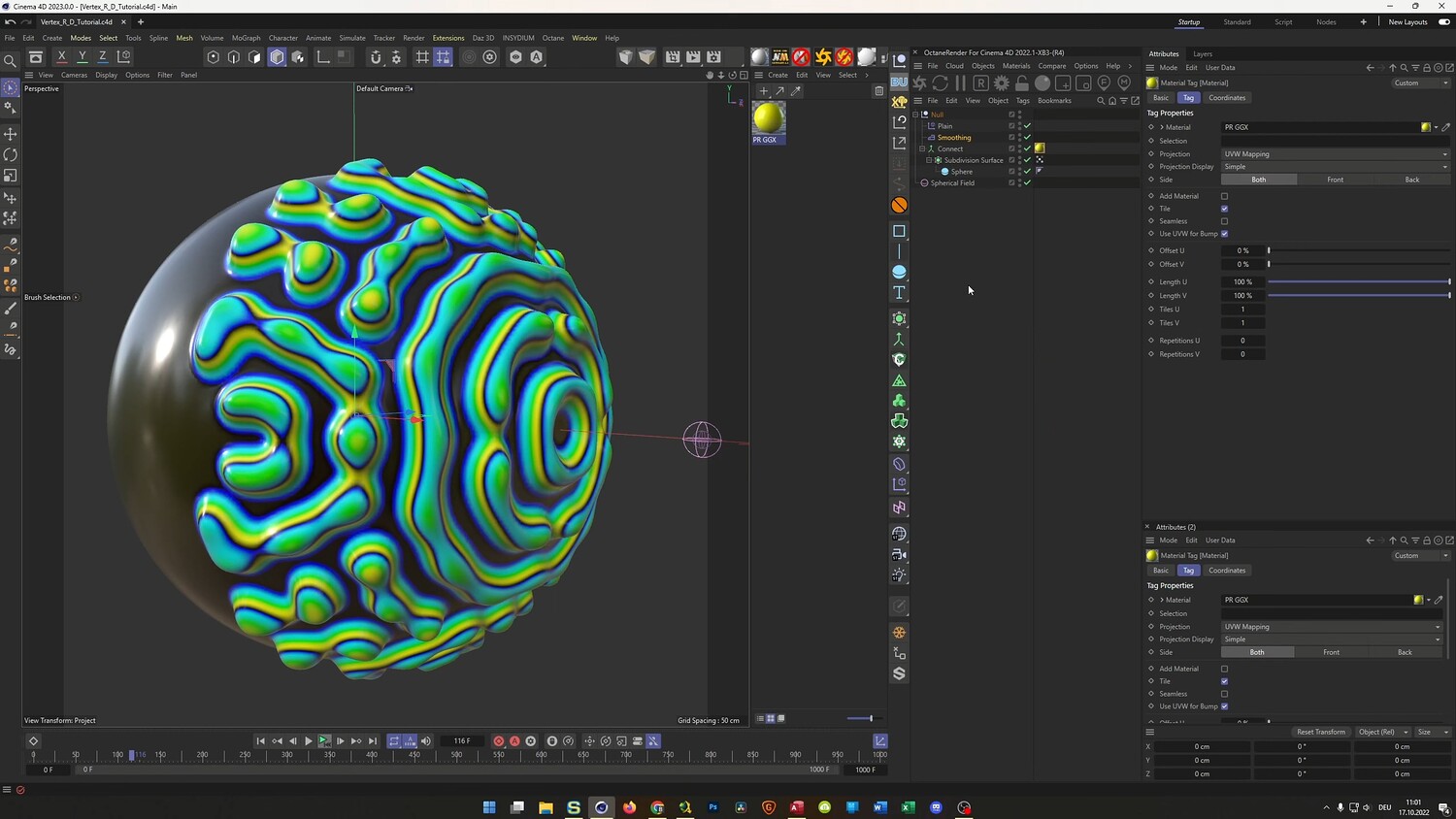
In this tutorial, you will discover how to generate organic reaction-diffusion patterns using Cinema 4D. The process involves utilizing Vertex Maps combined with Fields to drive intricate, animated textures without needing complex plugins. We will explore how to manipulate Freeze layers and Curves to achieve unique results, displace geometry for a tactile look, and finish by setting up materials for both the standard Physical Render engine and Octane Render.
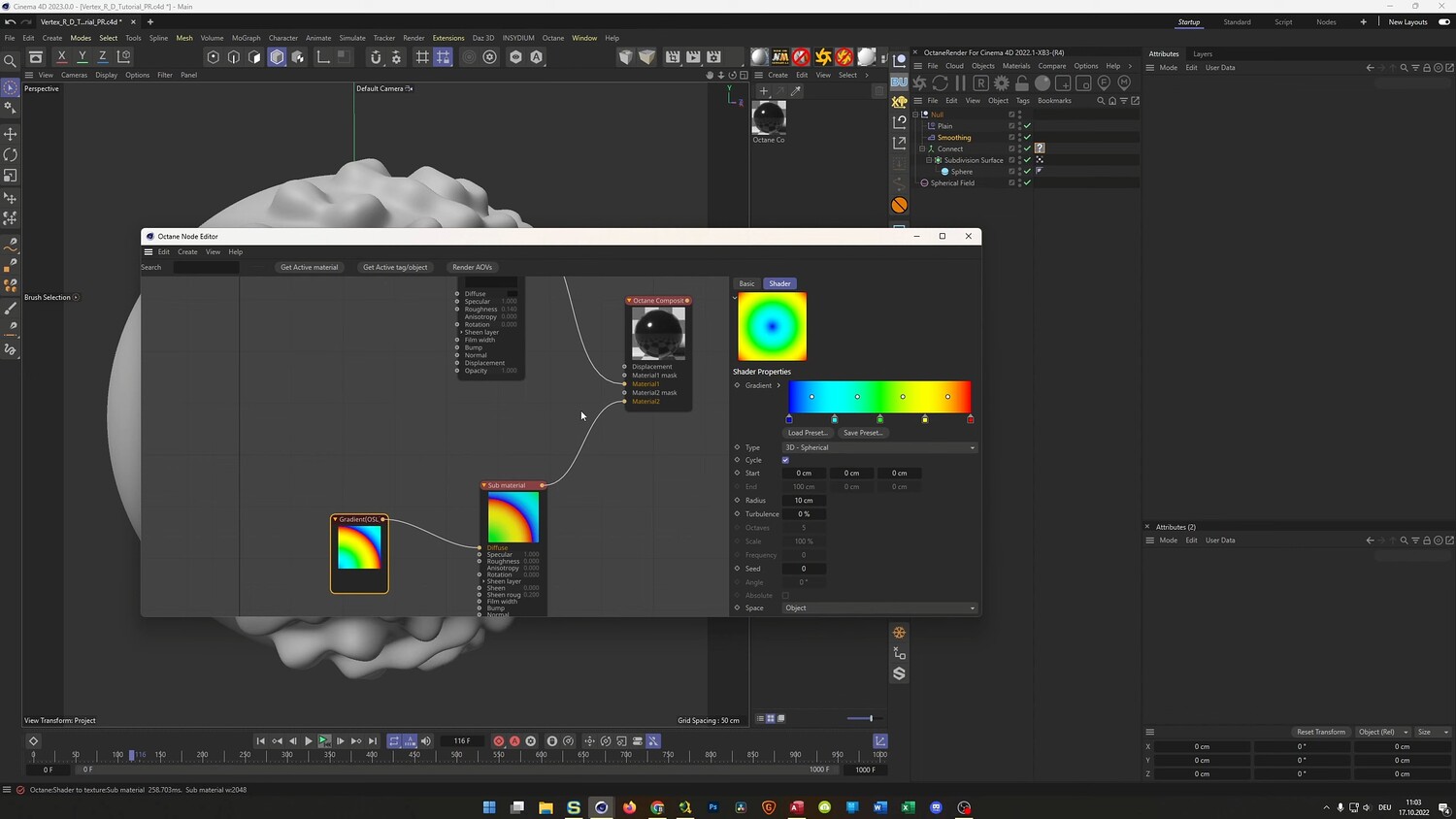
What you will learn: - Setting up high-resolution Vertex Maps on subdivision surfaces - Using Freeze layers and Curves to generate organic growth patterns - Configuring Field layers with subtraction to create self-feeding animation loops - Displacing geometry using the Plain Effector and Connect Object for smooth results - Texturing the effect using gradients in the Standard Physical Render - Creating advanced materials using Composite textures and OSL in Octane Render
Software/Tools: - Cinema 4D (2023+ features utilized for Vertex Maps on generators) - Physical Render - Octane Render
Duration: 27:20
You will get 4 files
All files previously purchased will always be available for download in your Library