Oscillating Helix Loop Animation
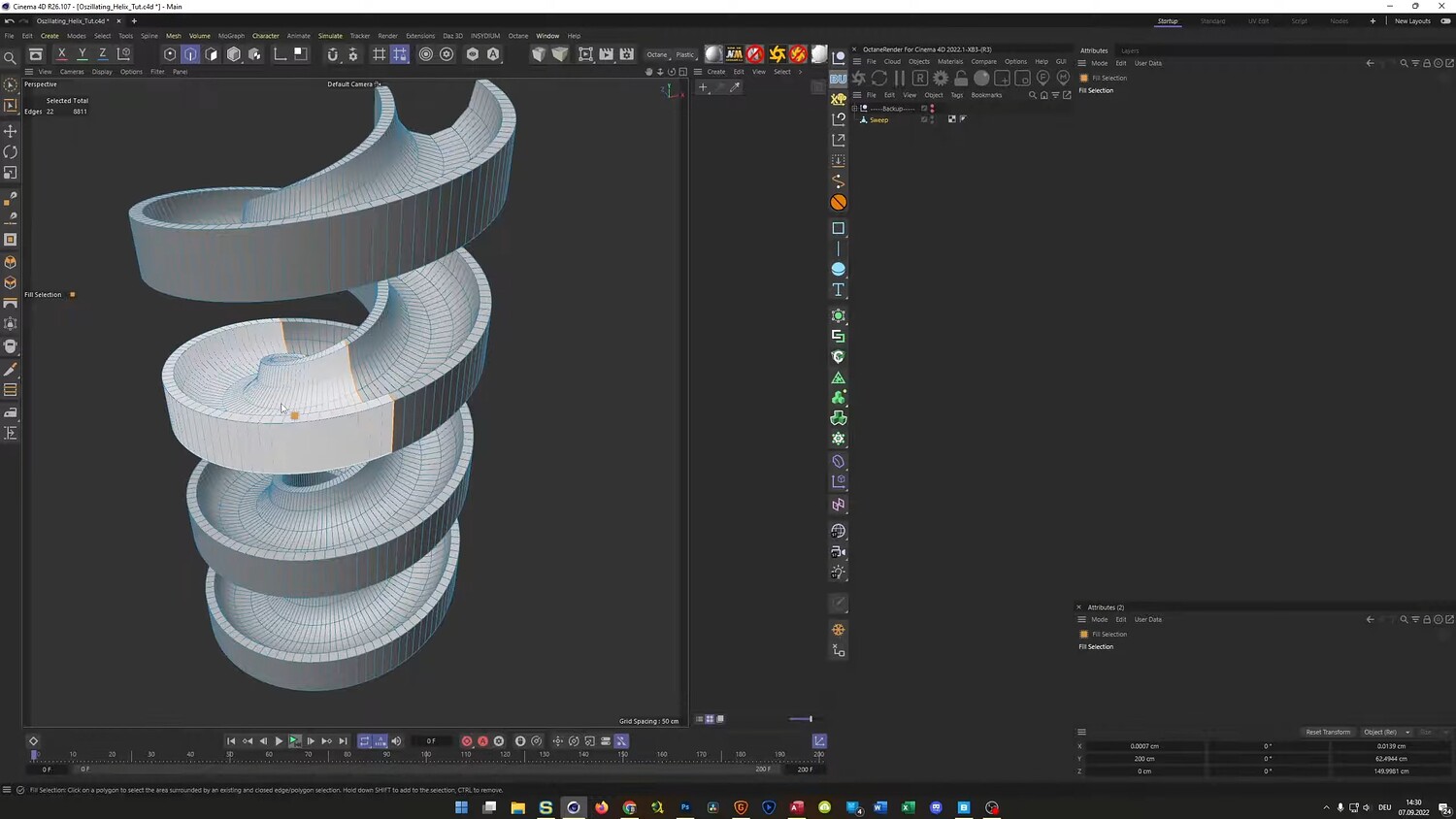
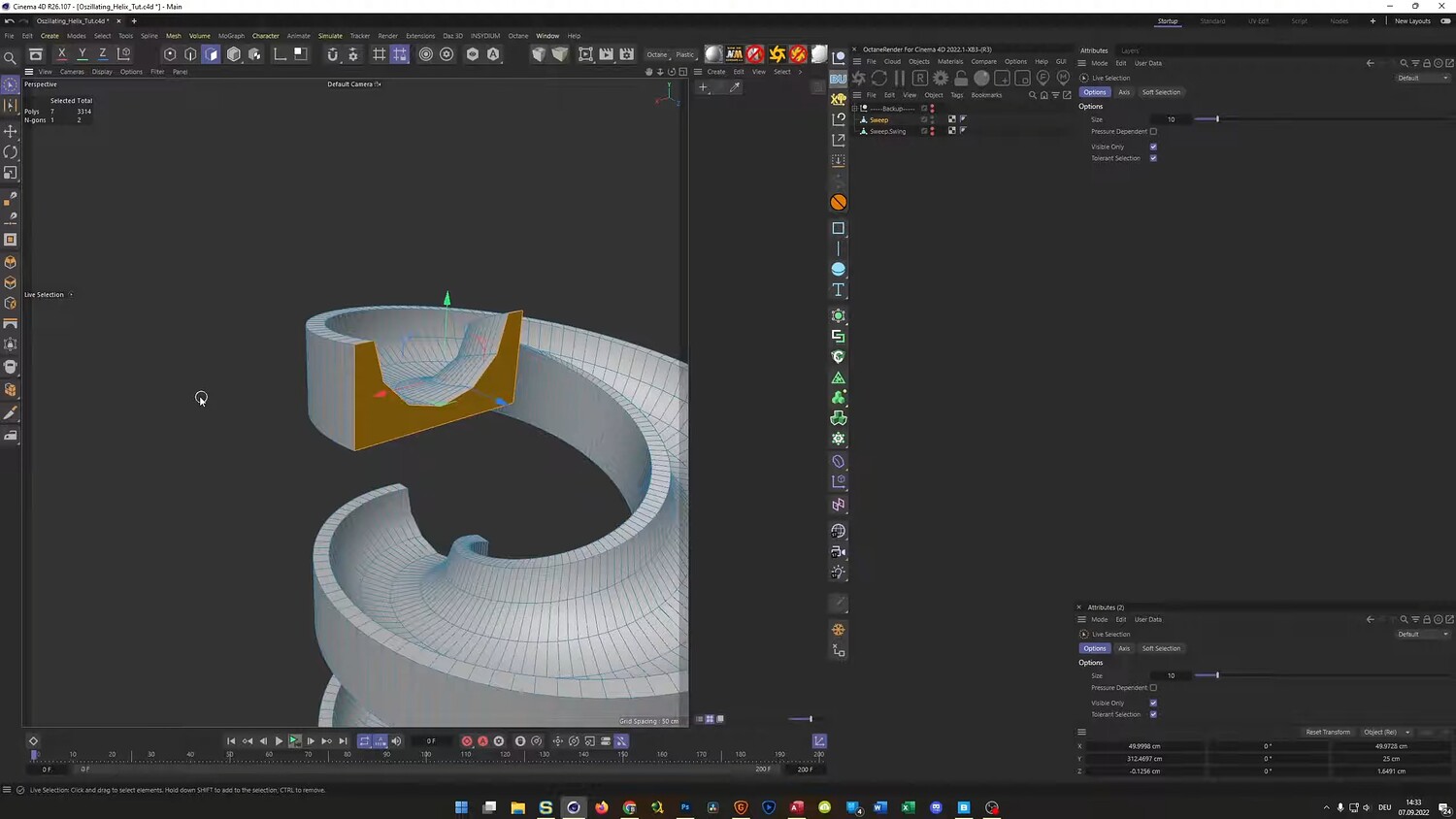
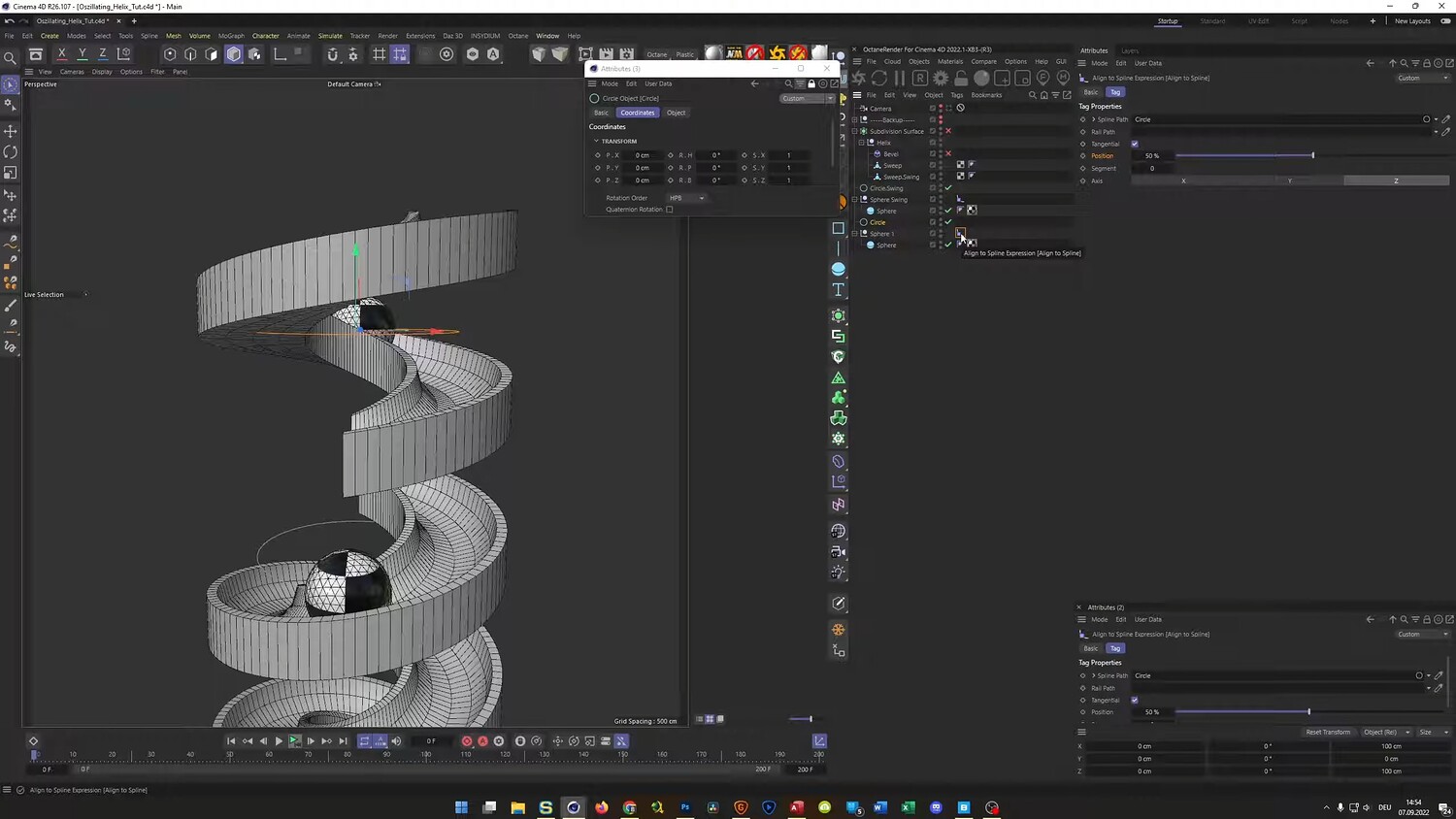
In this tutorial, we will recreate a satisfying kinetic sculpture inspired by the work of Andreas Wannerstedt. We will focus on building an oscillating helix loop where a split track swings up and down to transport rolling spheres. You will learn efficient modeling techniques using sweeps and splines, how to set up the animation curves for a smooth looping effect, and how to add organic details using Quixel Bridge assets to contrast with the geometric machinery.
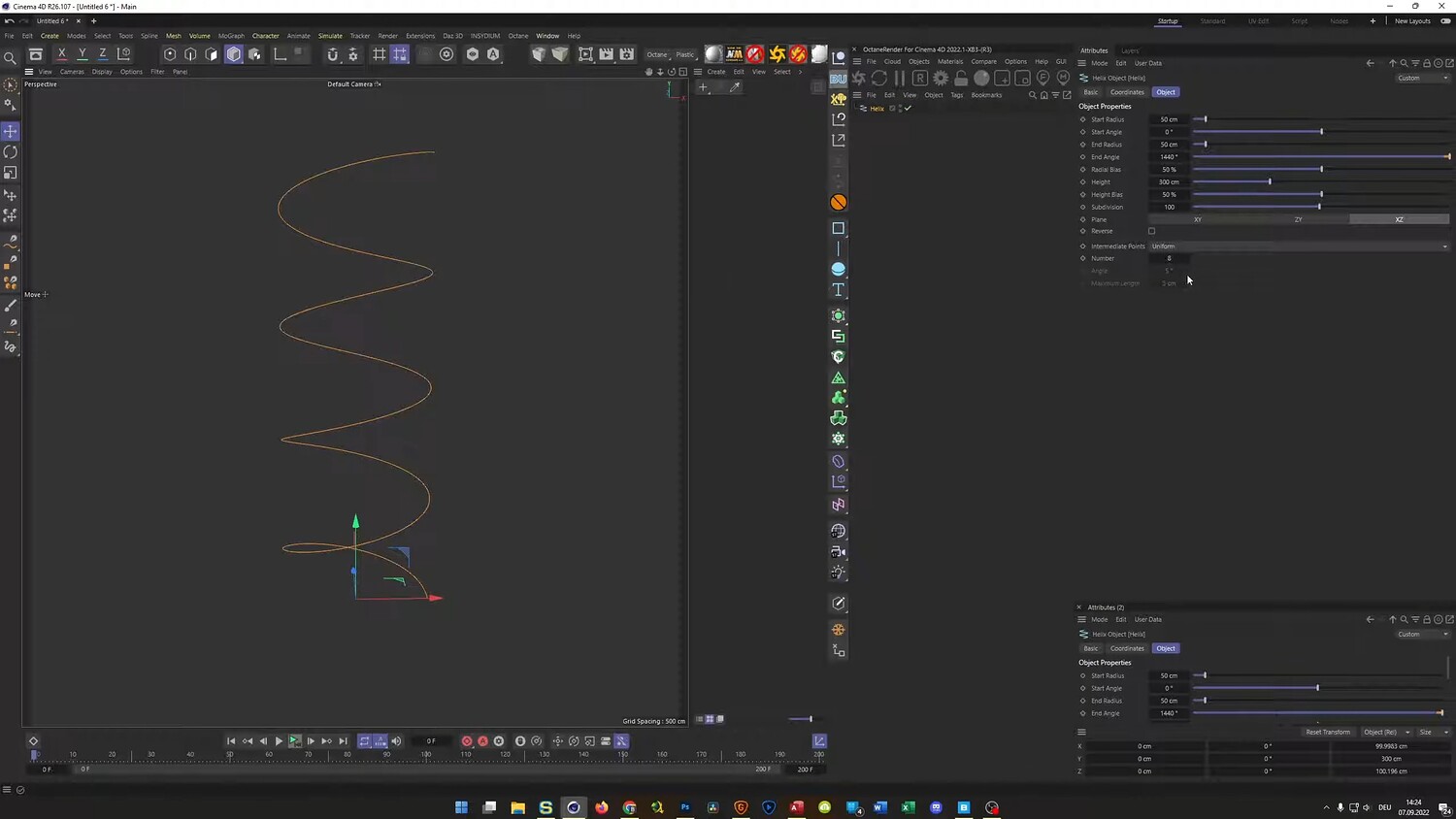
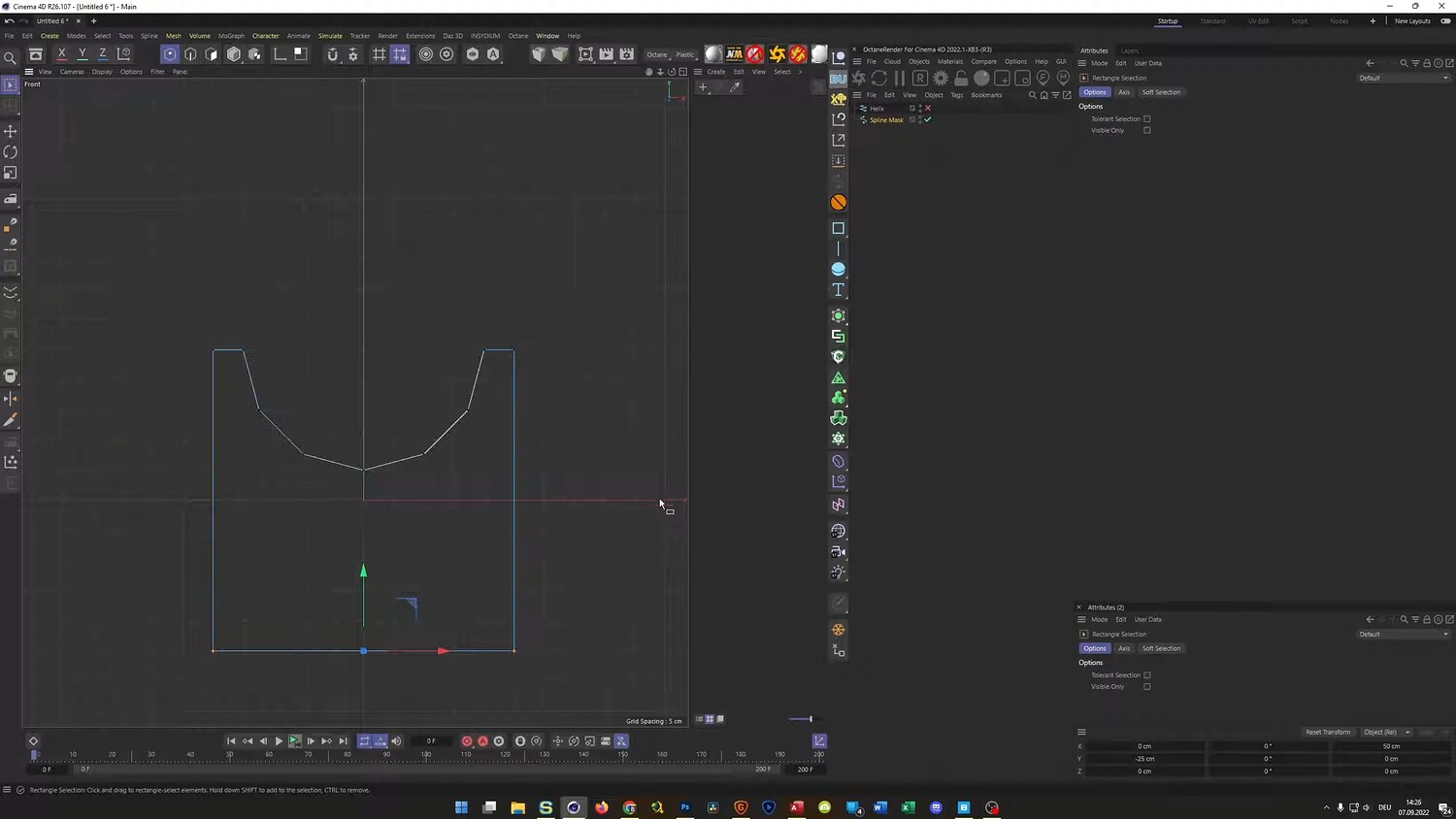
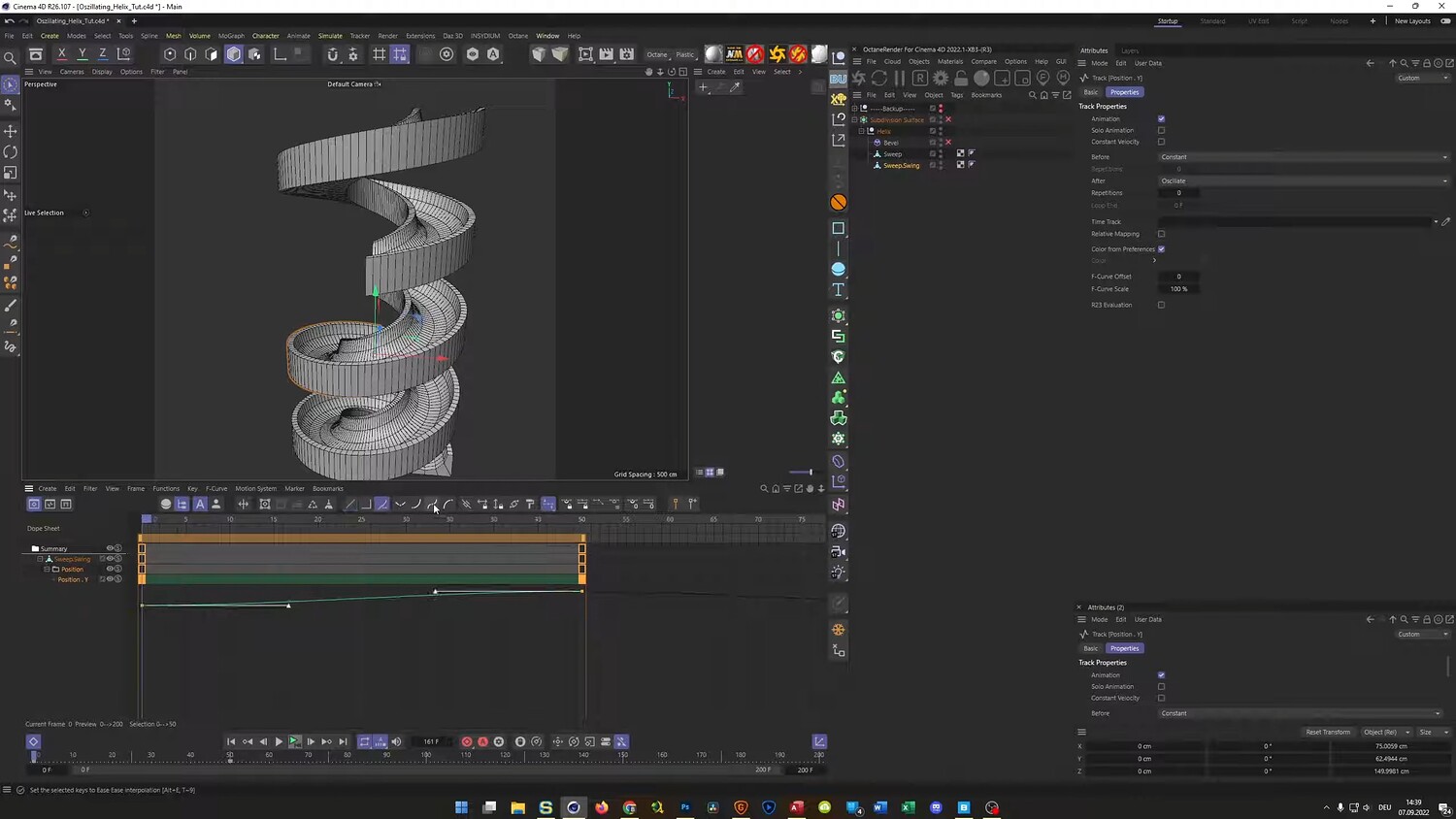
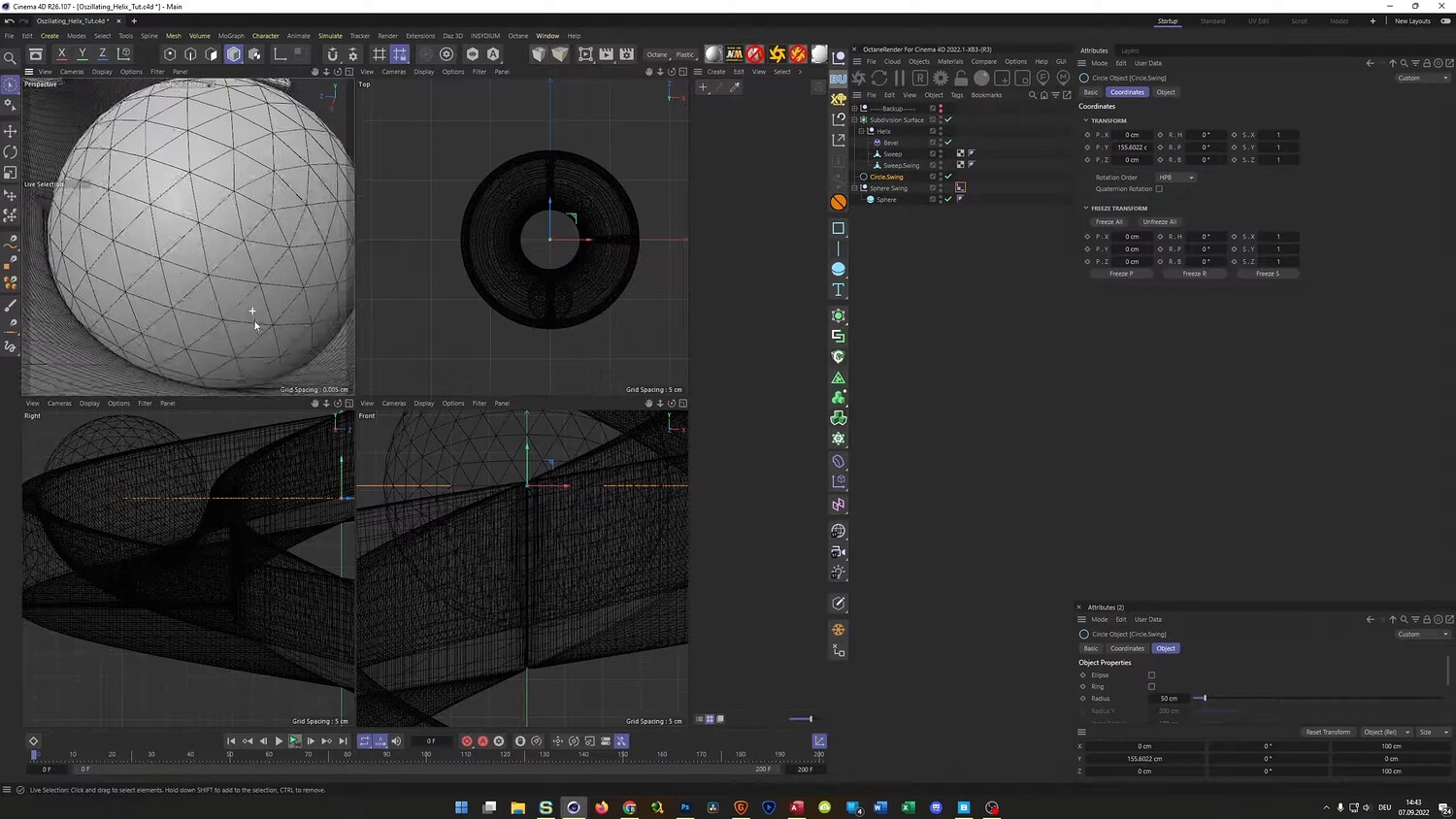
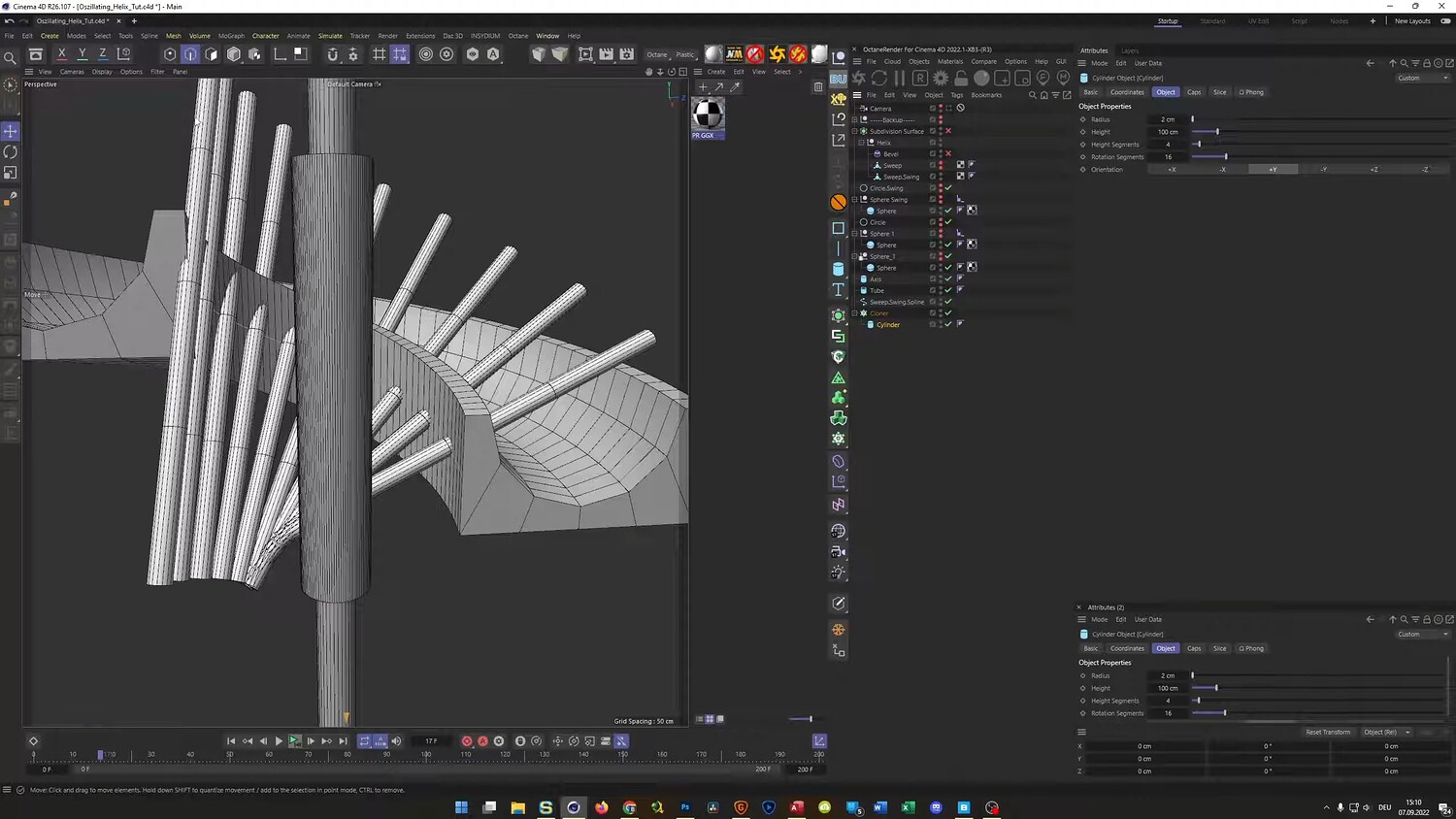
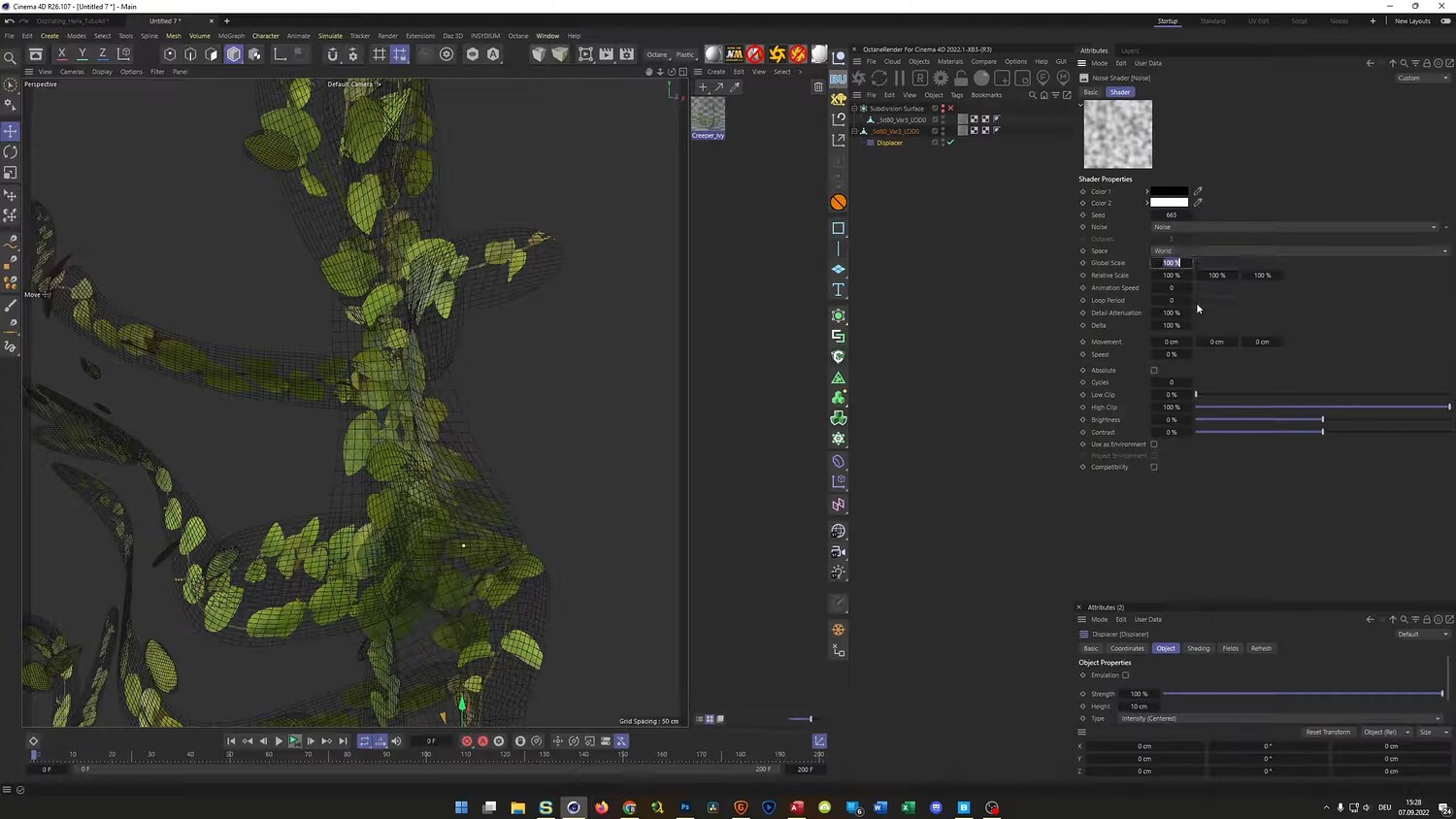
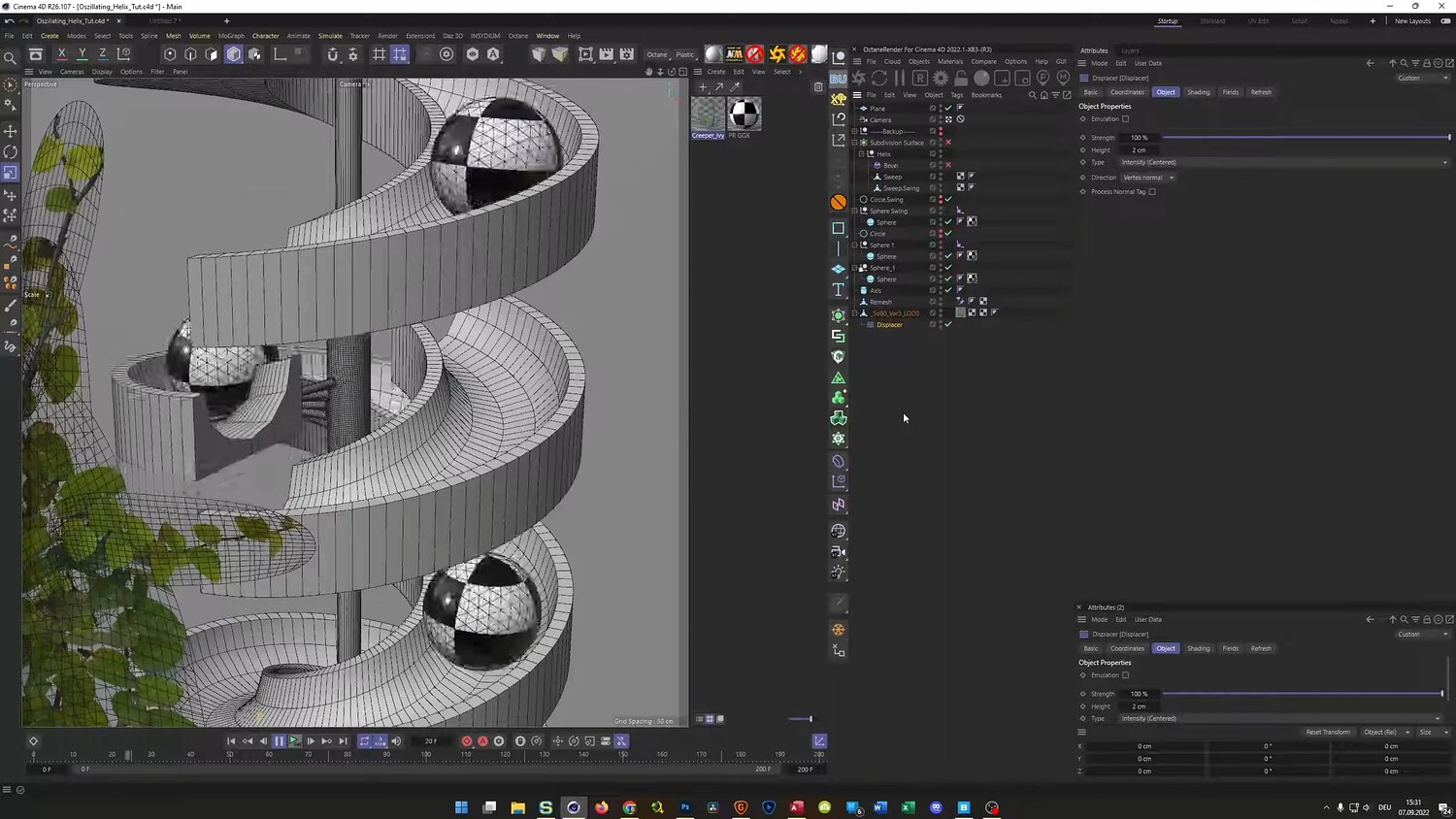
What you will learn: - How to model a helix track using Sweeps and Rail Splines for correct orientation - Techniques for splitting geometry to create a swinging track mechanism - Using the Oscillate and Repeat functions in the timeline for seamless looping - Animating spheres along a path using the Align to Spline tag - Baking animations to Alembic files to optimize the scene and duplicate objects - Modeling central mechanical parts using Cloners and the Volume Builder - Importing plant assets from Quixel Bridge and simulating wind with Displacers
Software/Tools: - Cinema 4D - Physical Render - Octane Render - Quixel Bridge
Duration: 01:14:53
You will get 4 files
All files previously purchased will always be available for download in your Library