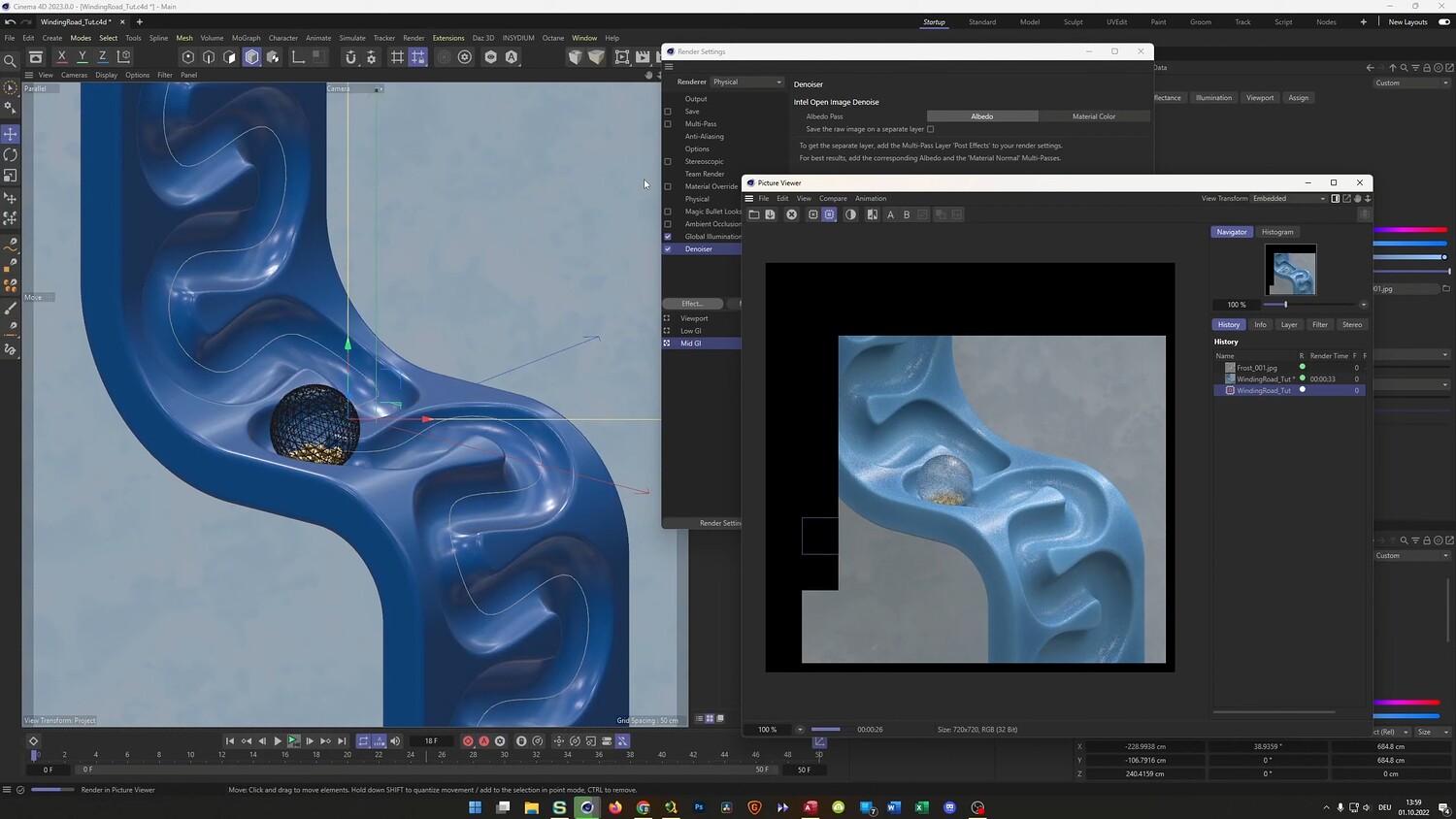
Create a Satisfying Winding Road Loop
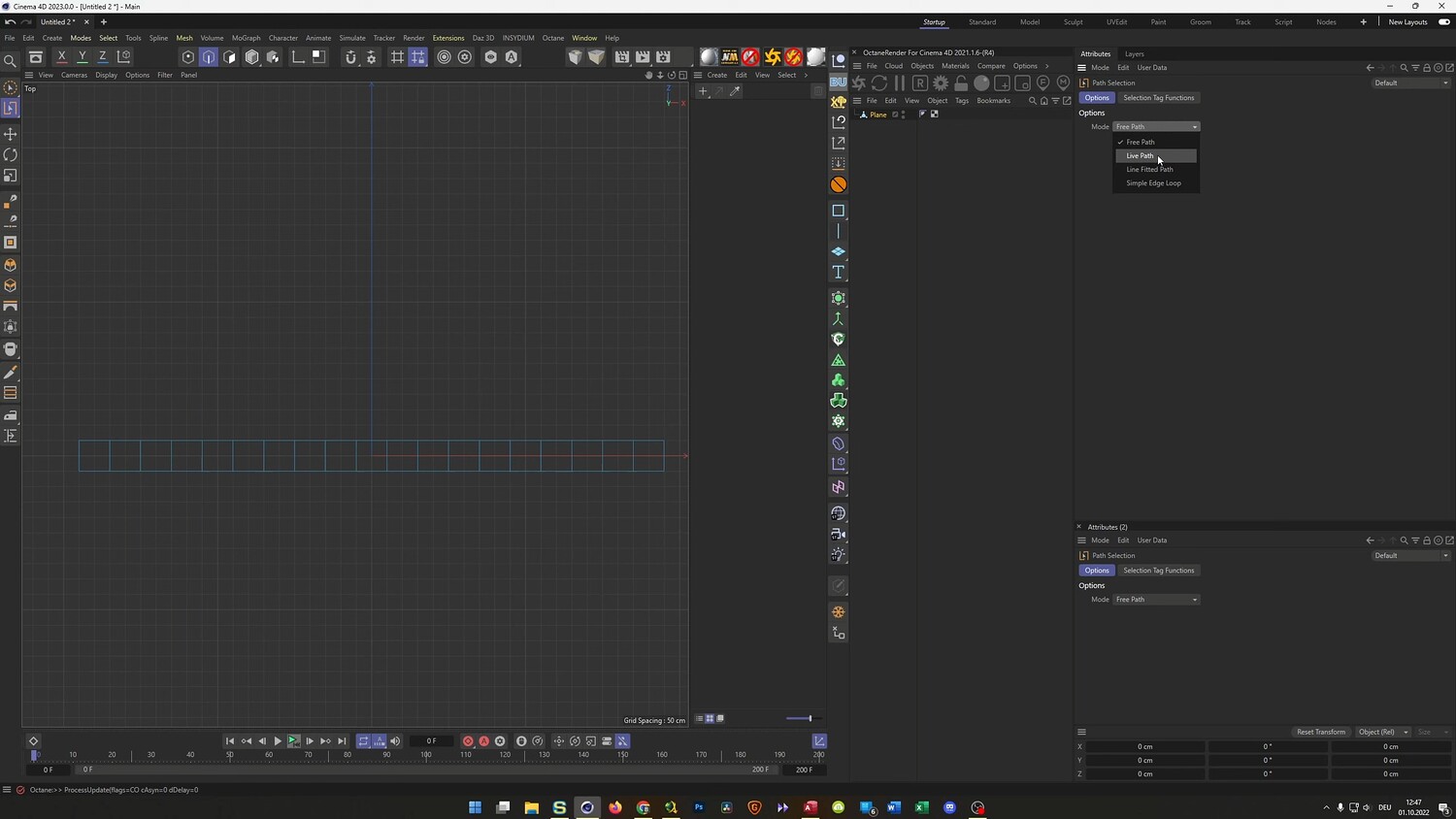
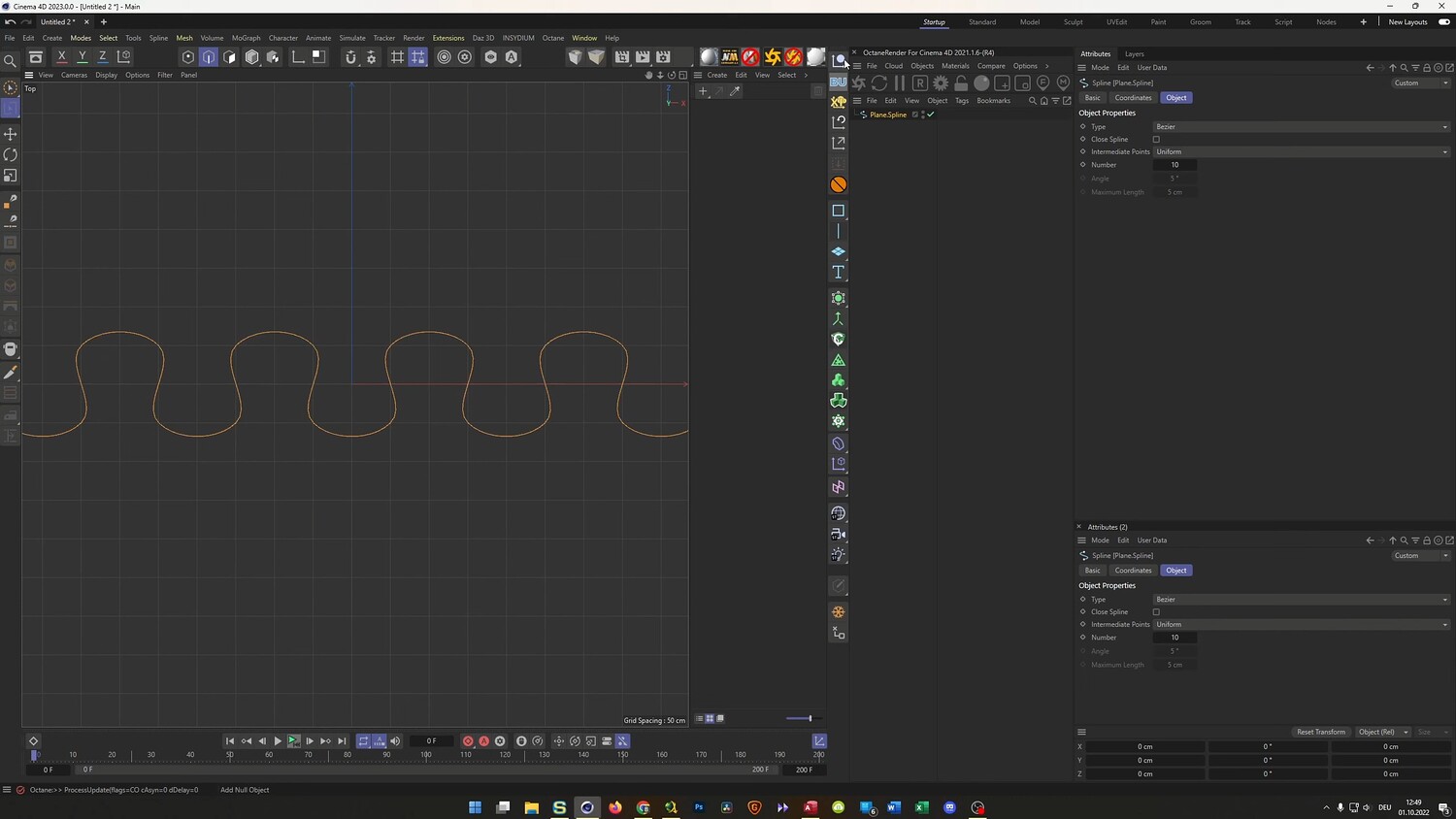
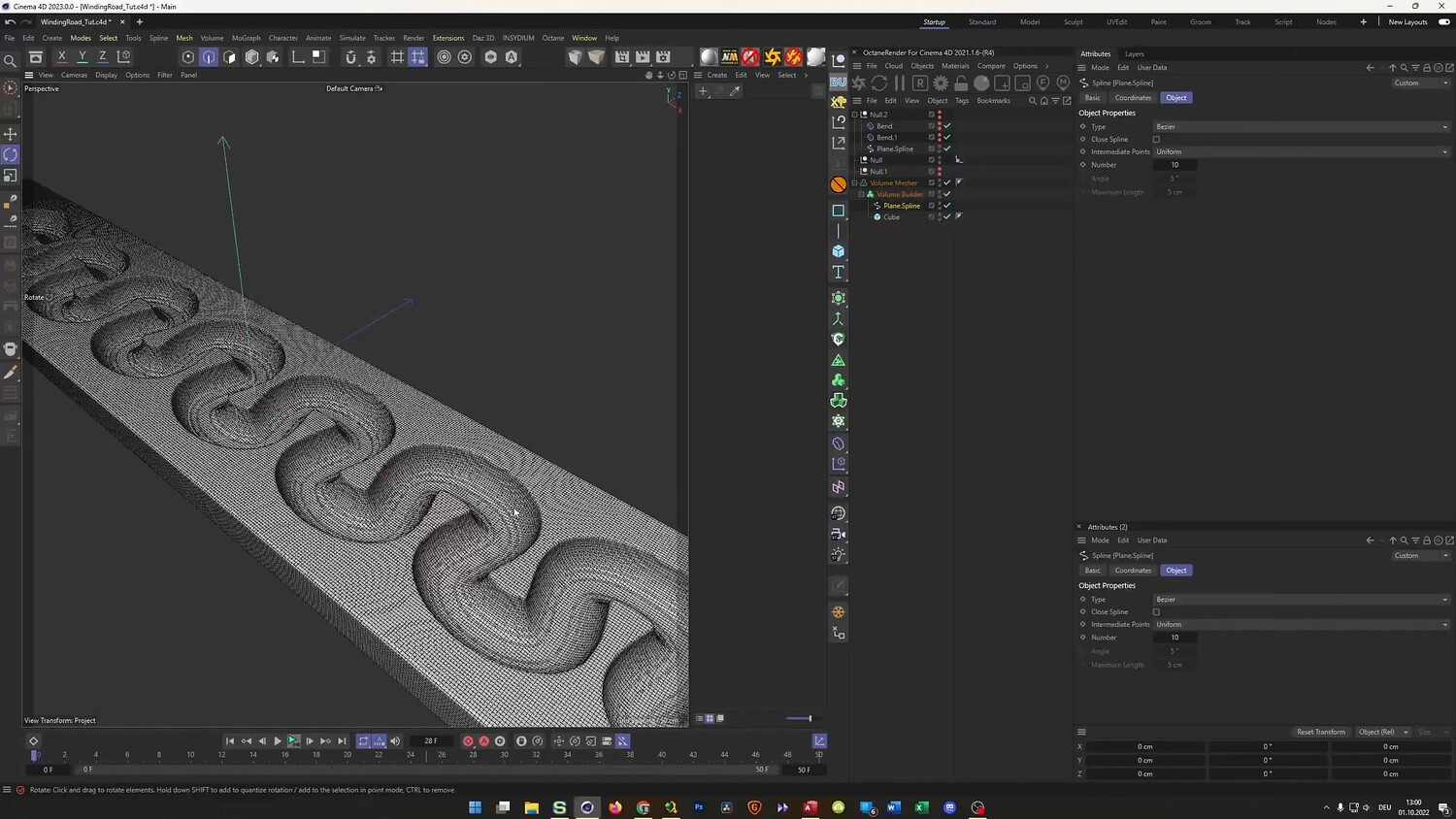
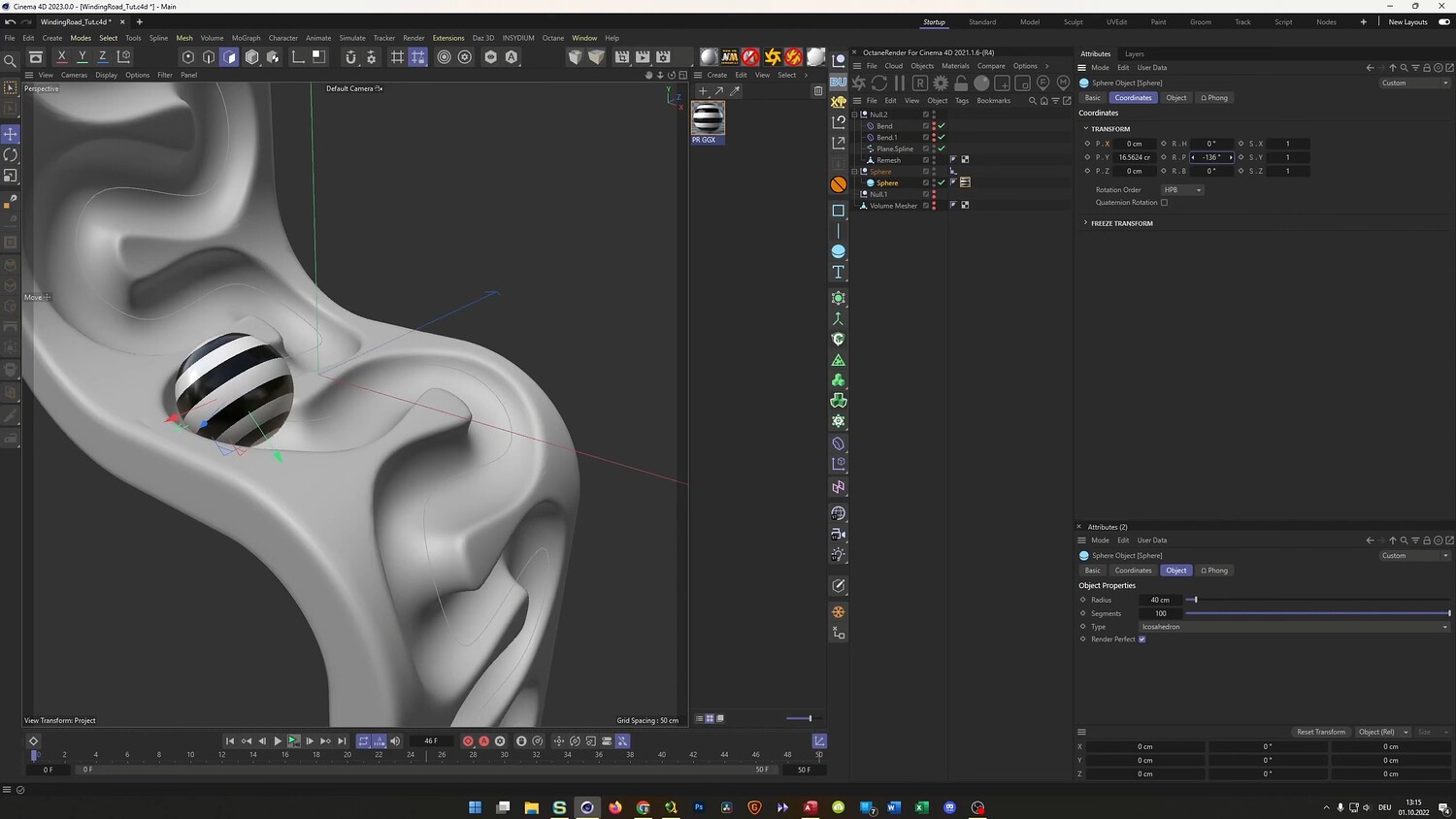
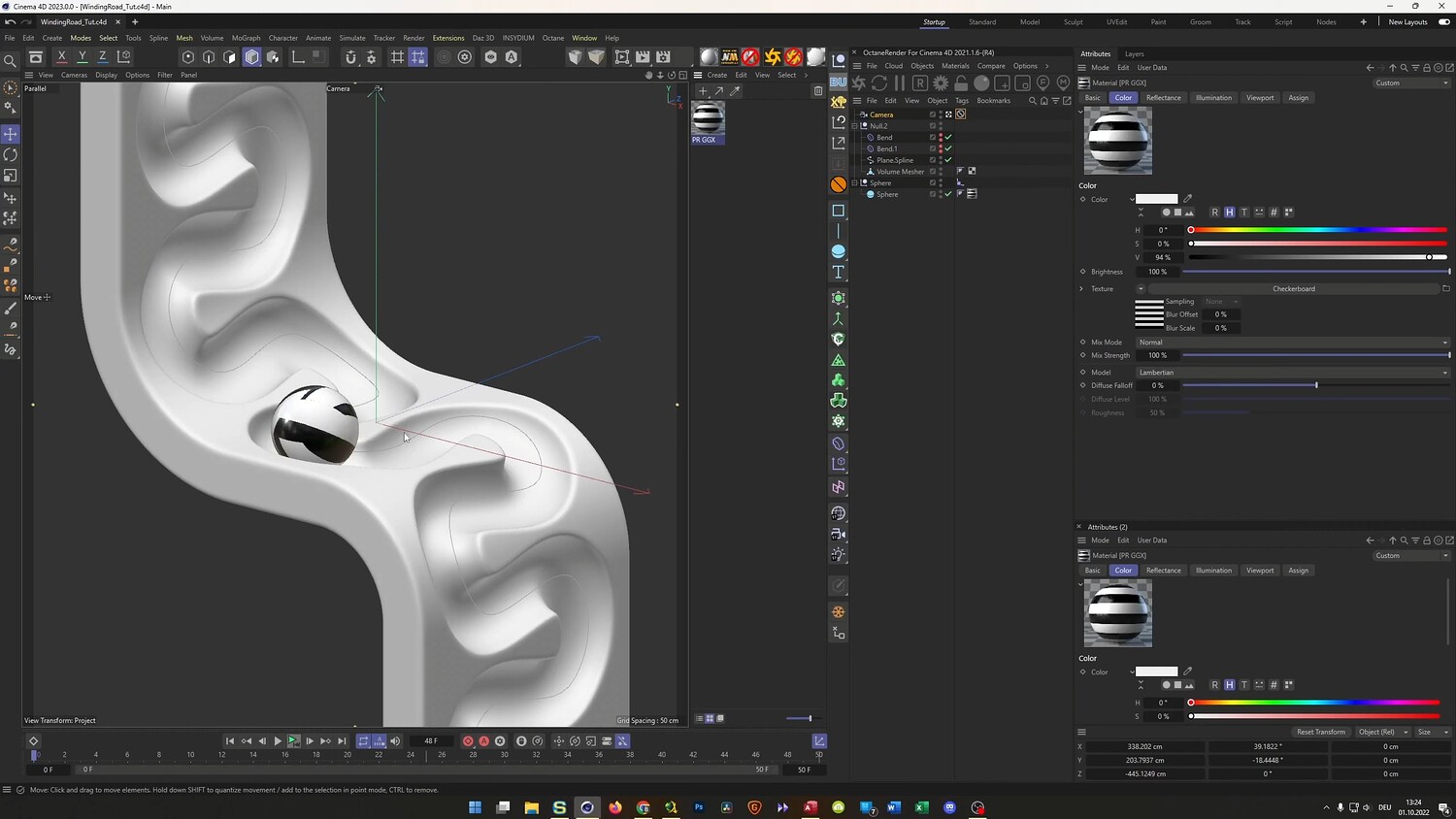
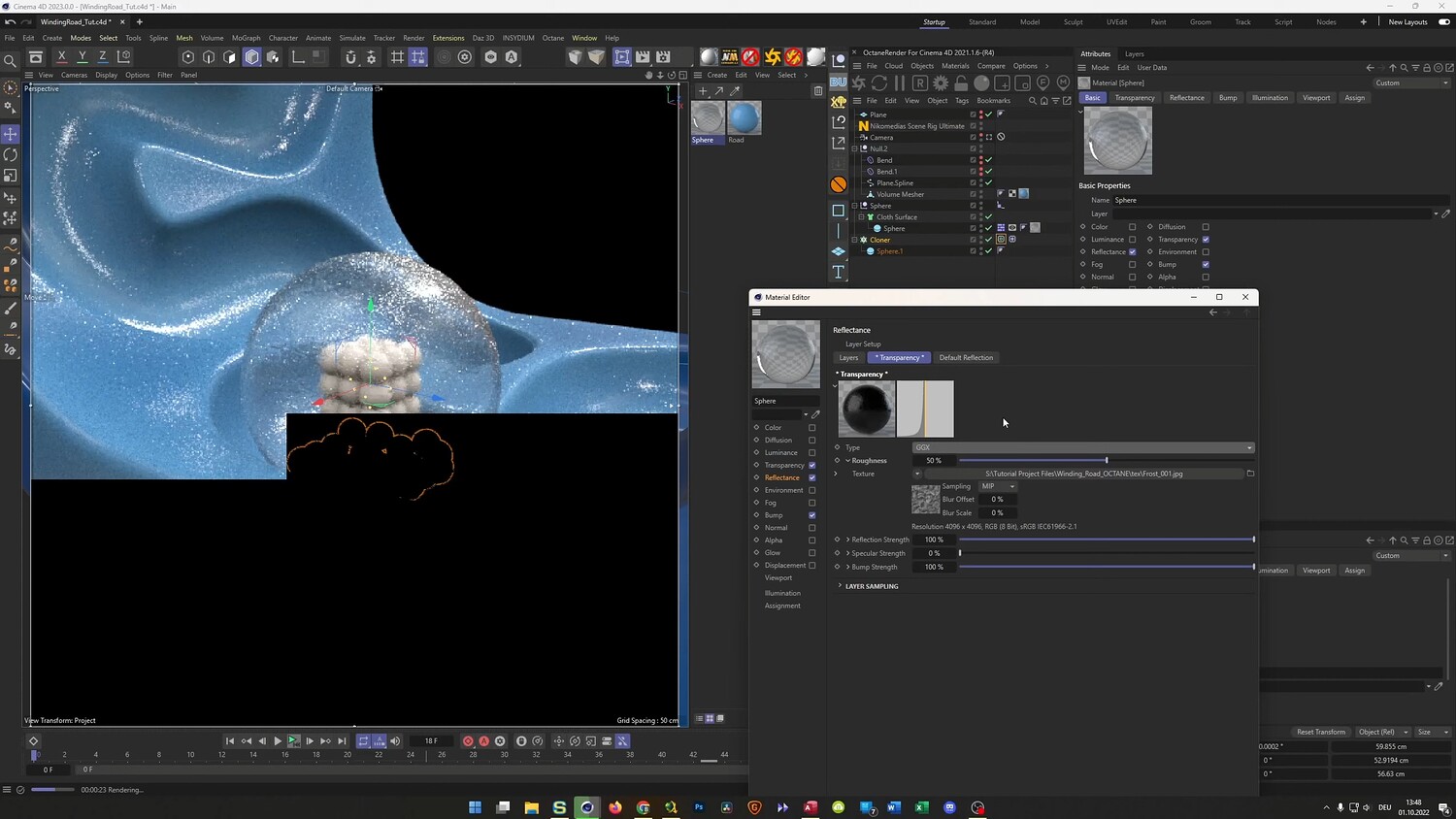
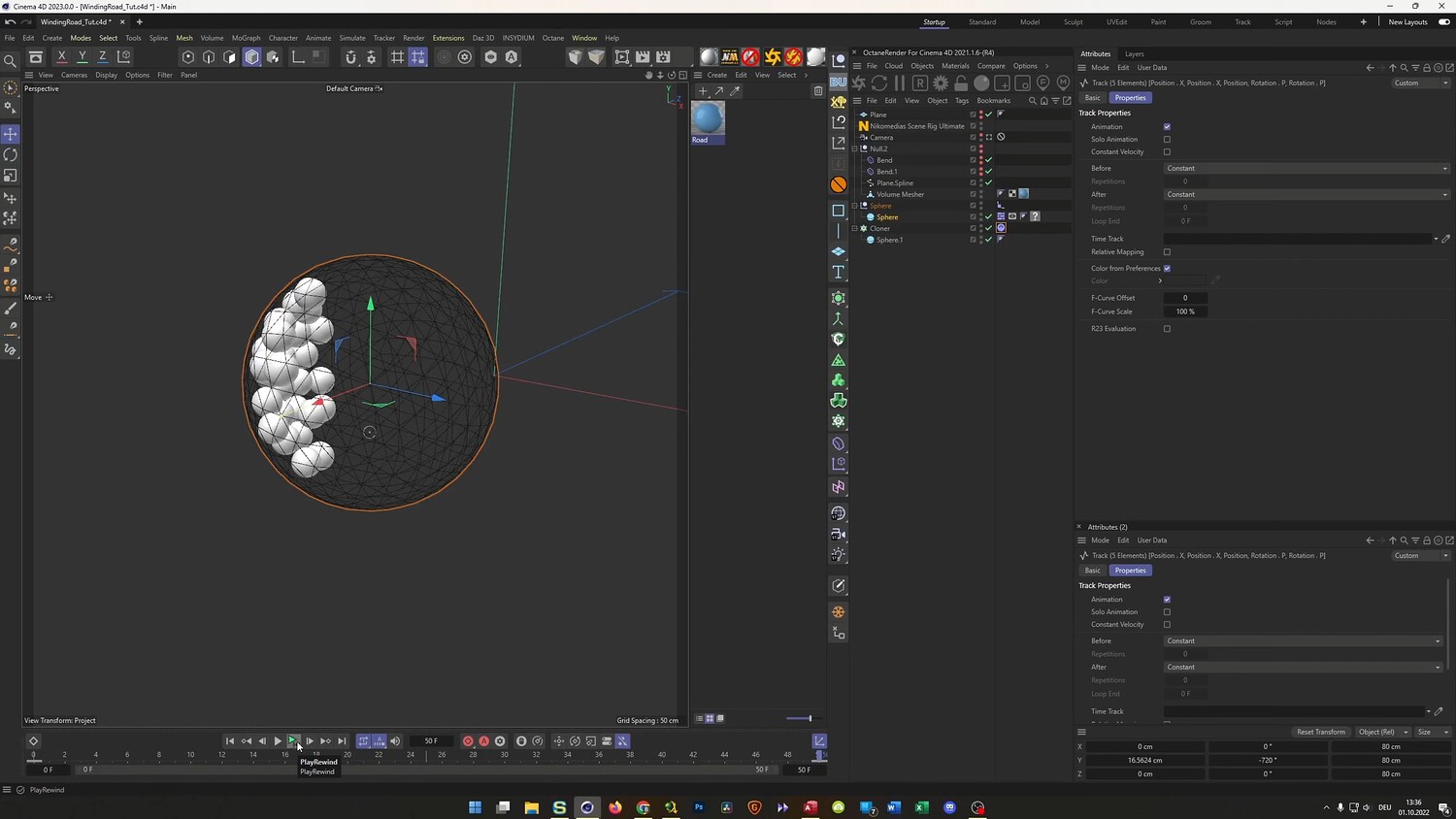
In this tutorial, we will recreate a stylish winding road loop animation inspired by digital art trends. We will walk through the entire process of modeling a serpentine track using splines and volume builders, followed by setting up a seamless loop animation for a rolling sphere. The lesson also covers advanced techniques for handling rigid body dynamics within a moving object and texturing the scene with frosted glass, gold, and custom material effects to create a polished final render.
What you will learn: - How to model a winding road using splines, planes, and the Volume Builder - Techniques for creating a seamless animation loop using the Align to Spline tag and Null objects - Using the Bend Deformer to shape geometry without breaking the animation - Setting up Rigid Body dynamics for small objects inside a moving container - How to bake Mograph simulations and use Loop Blending for seamless physics - Texturing workflows for creating frosted glass, gold, and fake Subsurface Scattering - Camera setup tips using Parallel projection for an isometric look
Software/Tools: - Cinema 4D - Octane Render - Standard/Physical Renderer
Duration: 01:19:06
You will get 4 files
All files previously purchased will always be available for download in your Library