Create an Abstract Kinetic Sculpture with Constraints
Sorry for the bad Audio :(
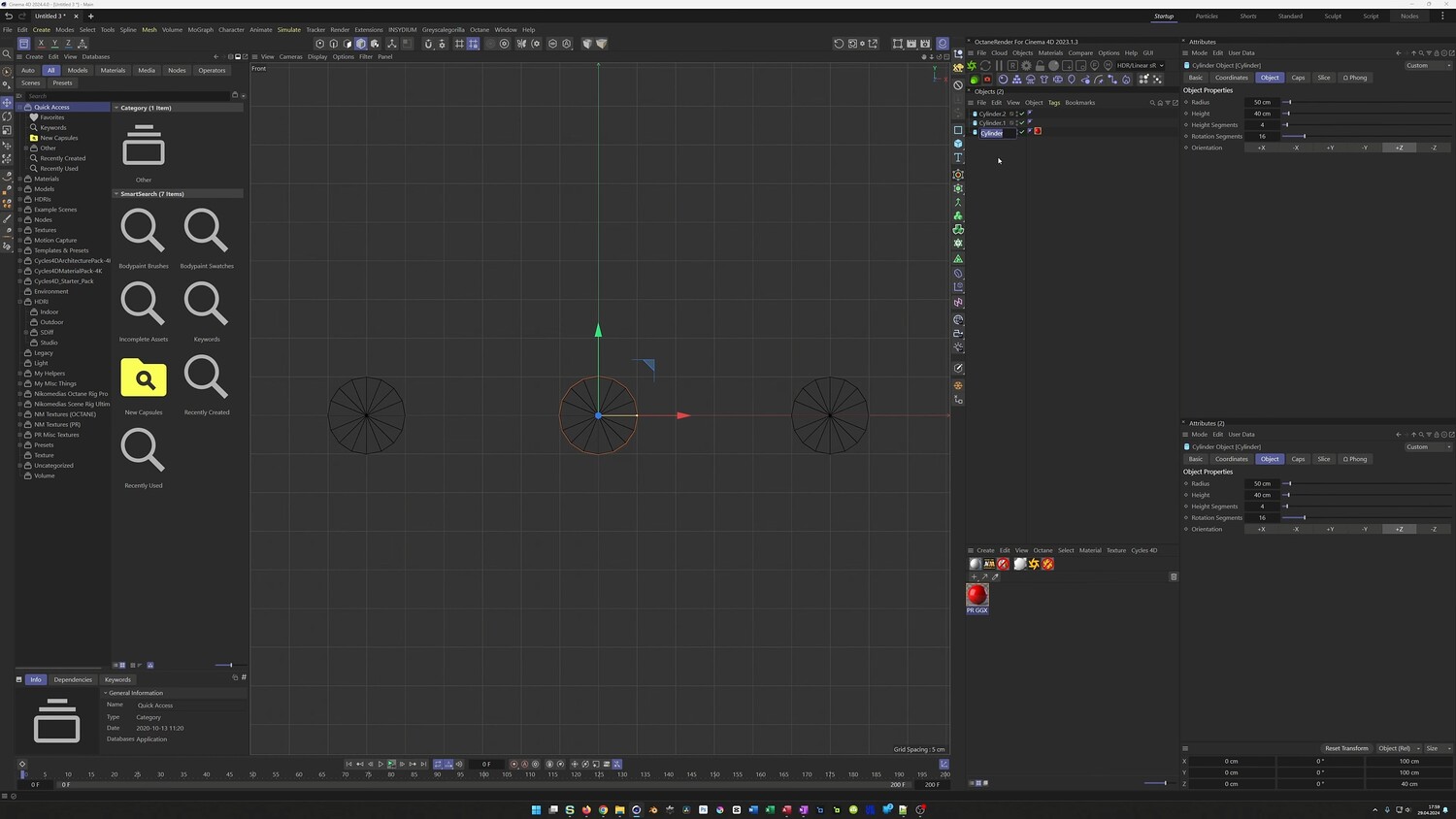
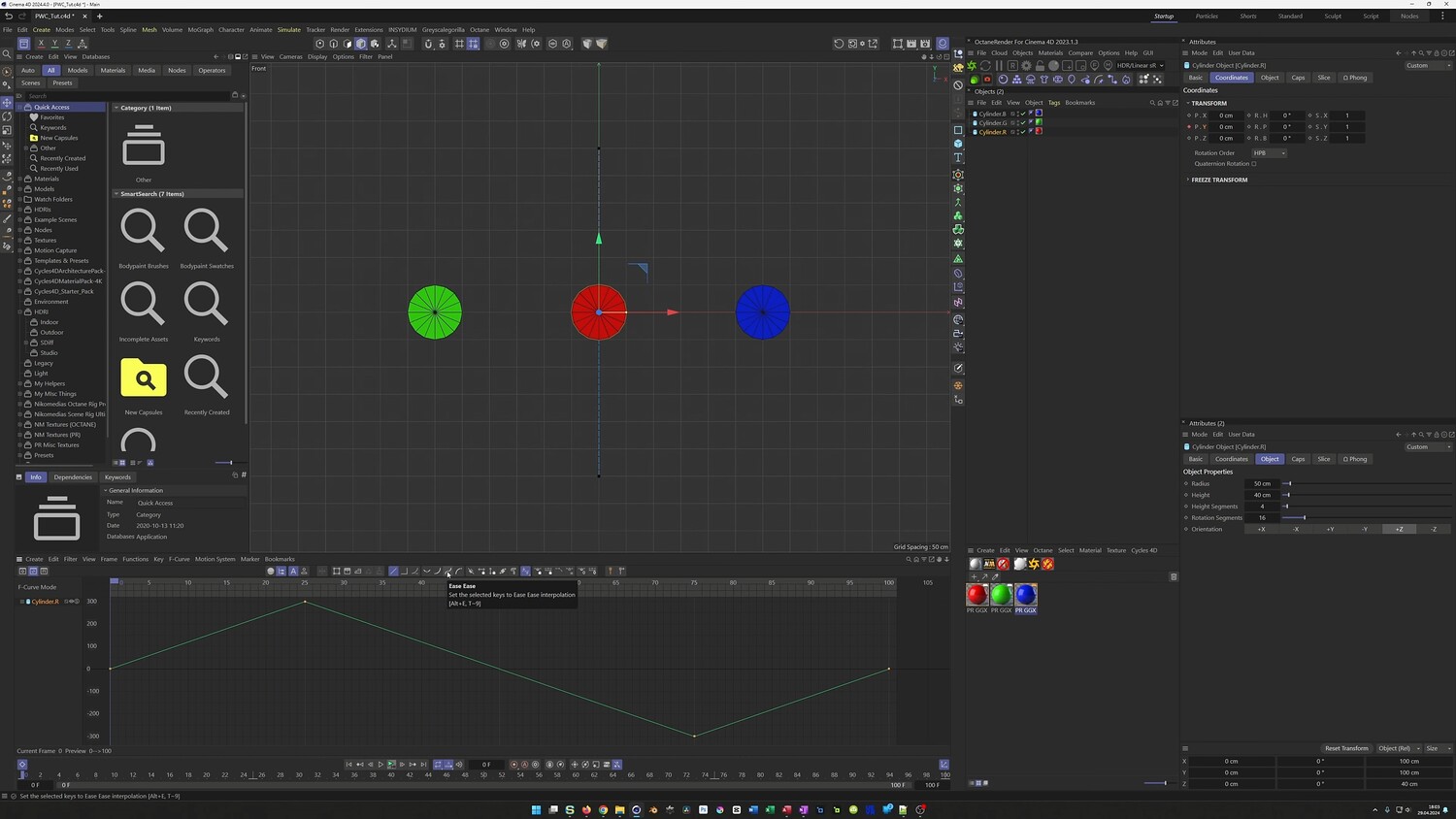
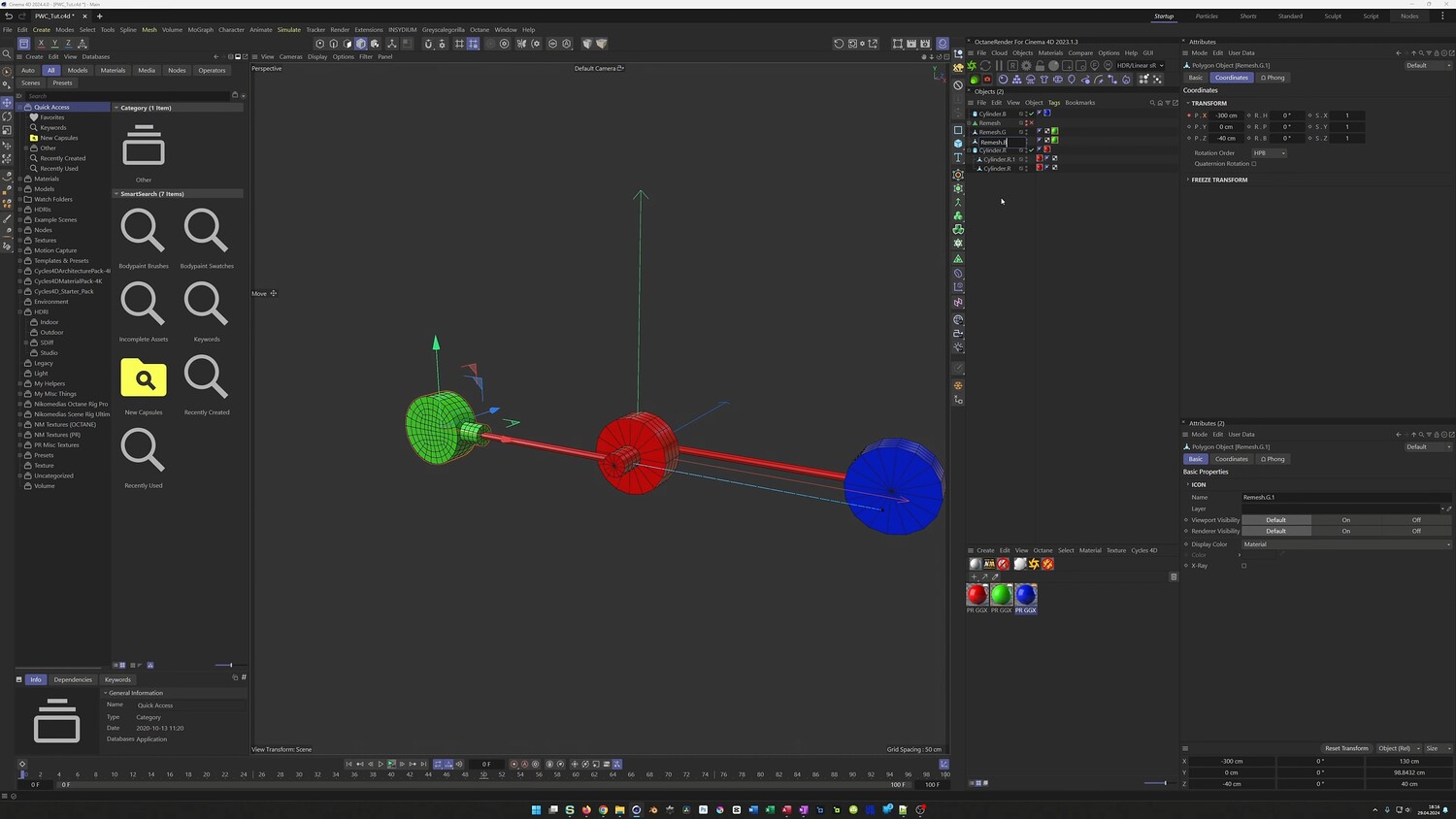
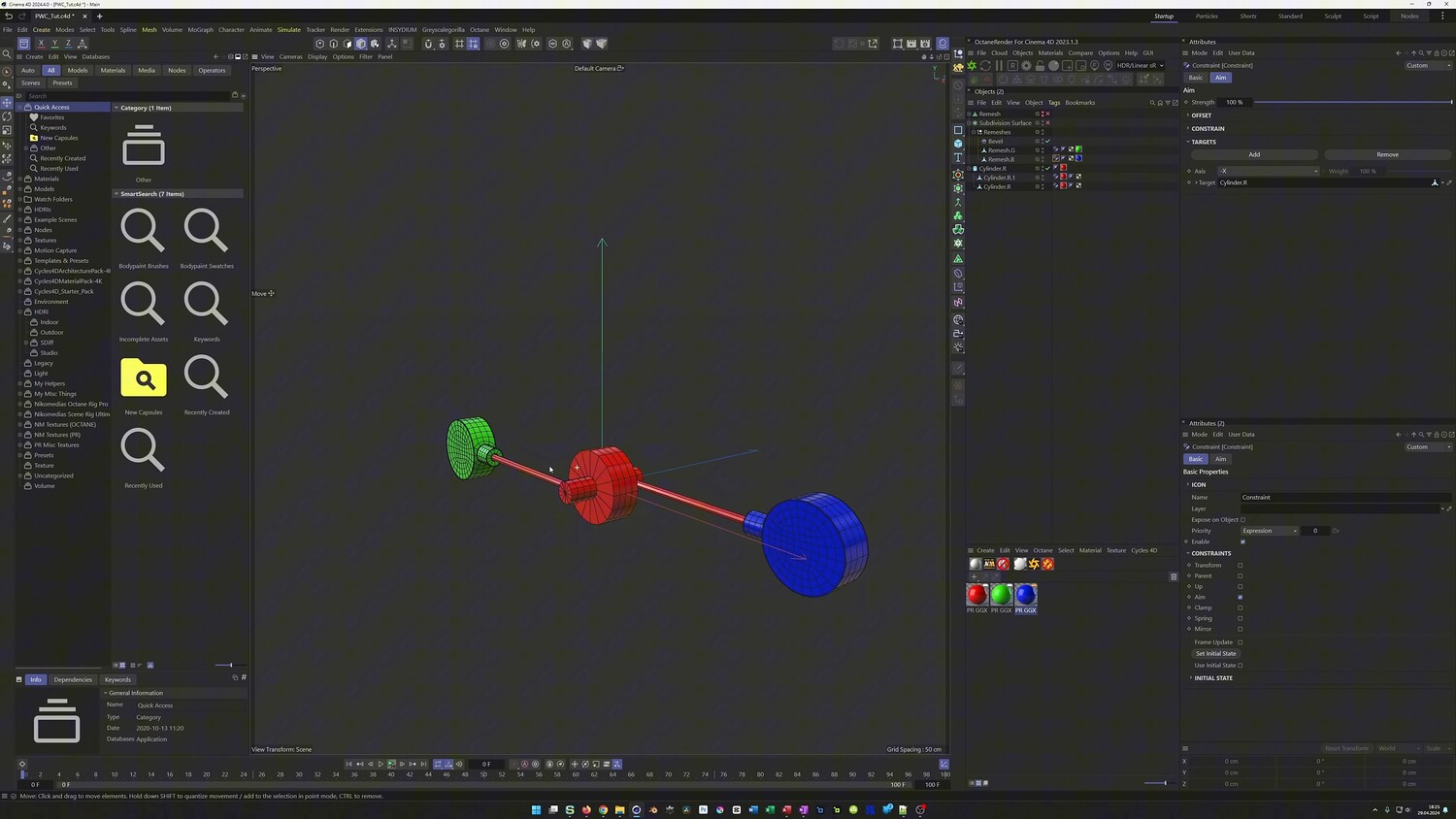
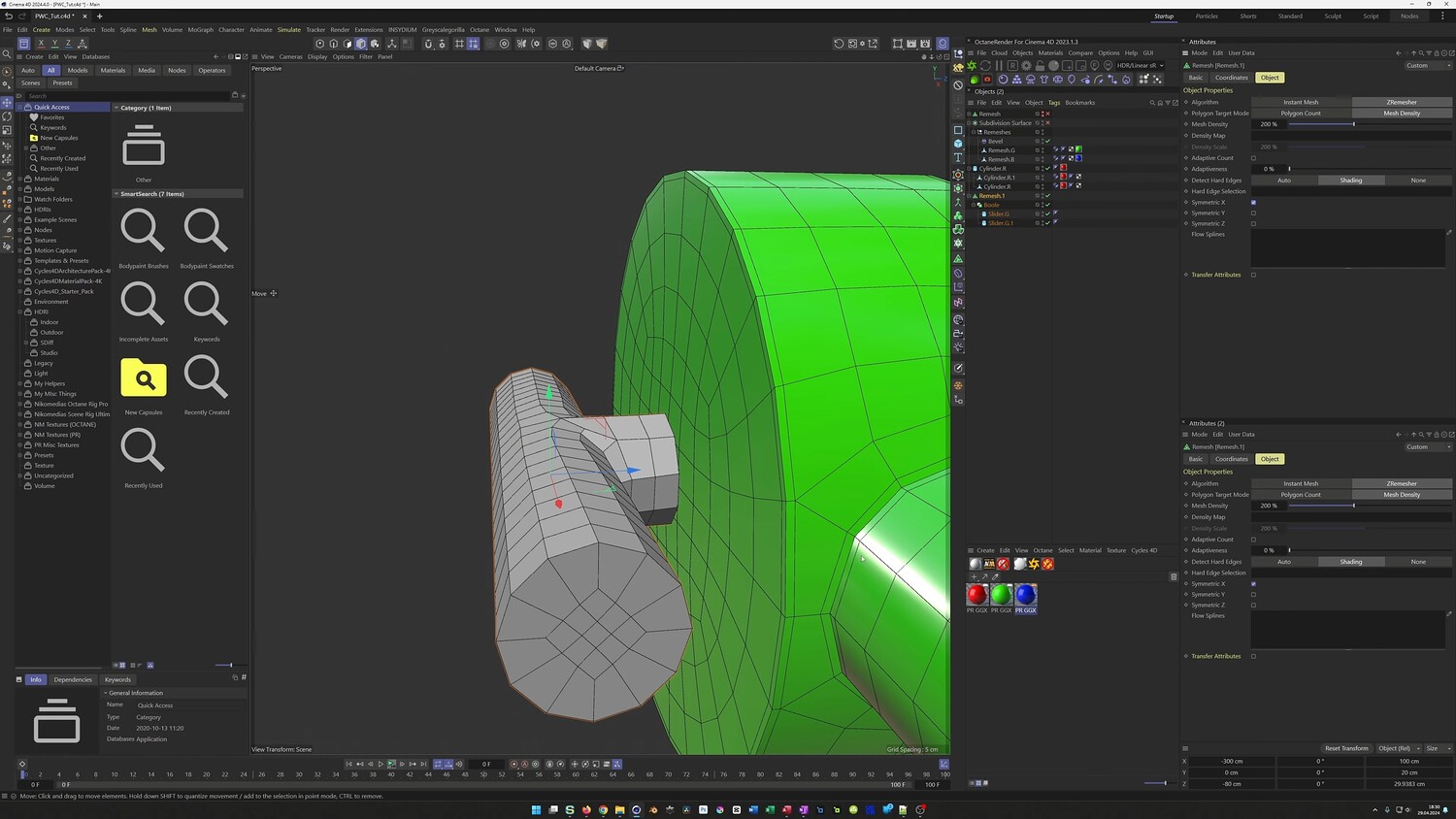
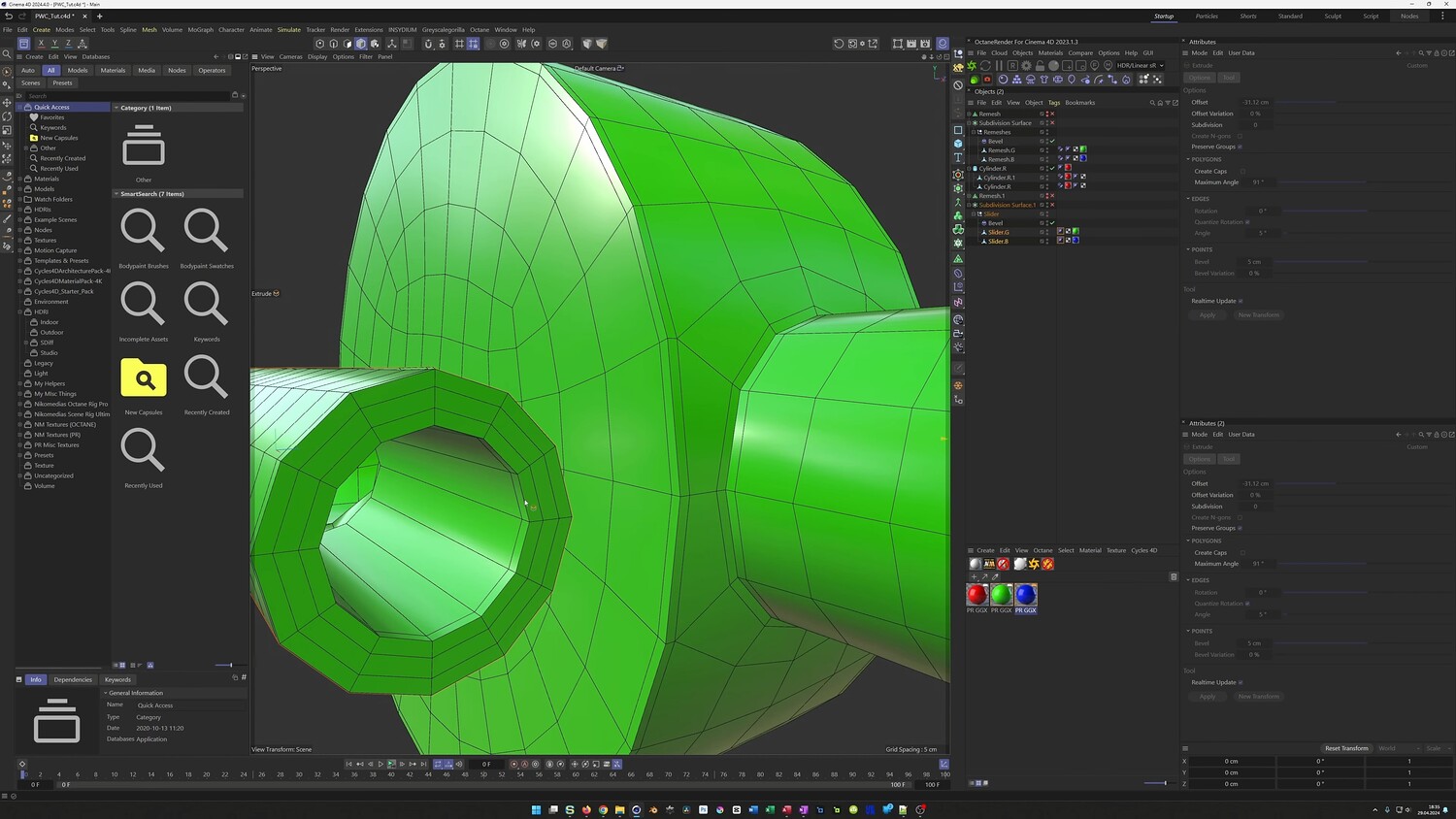
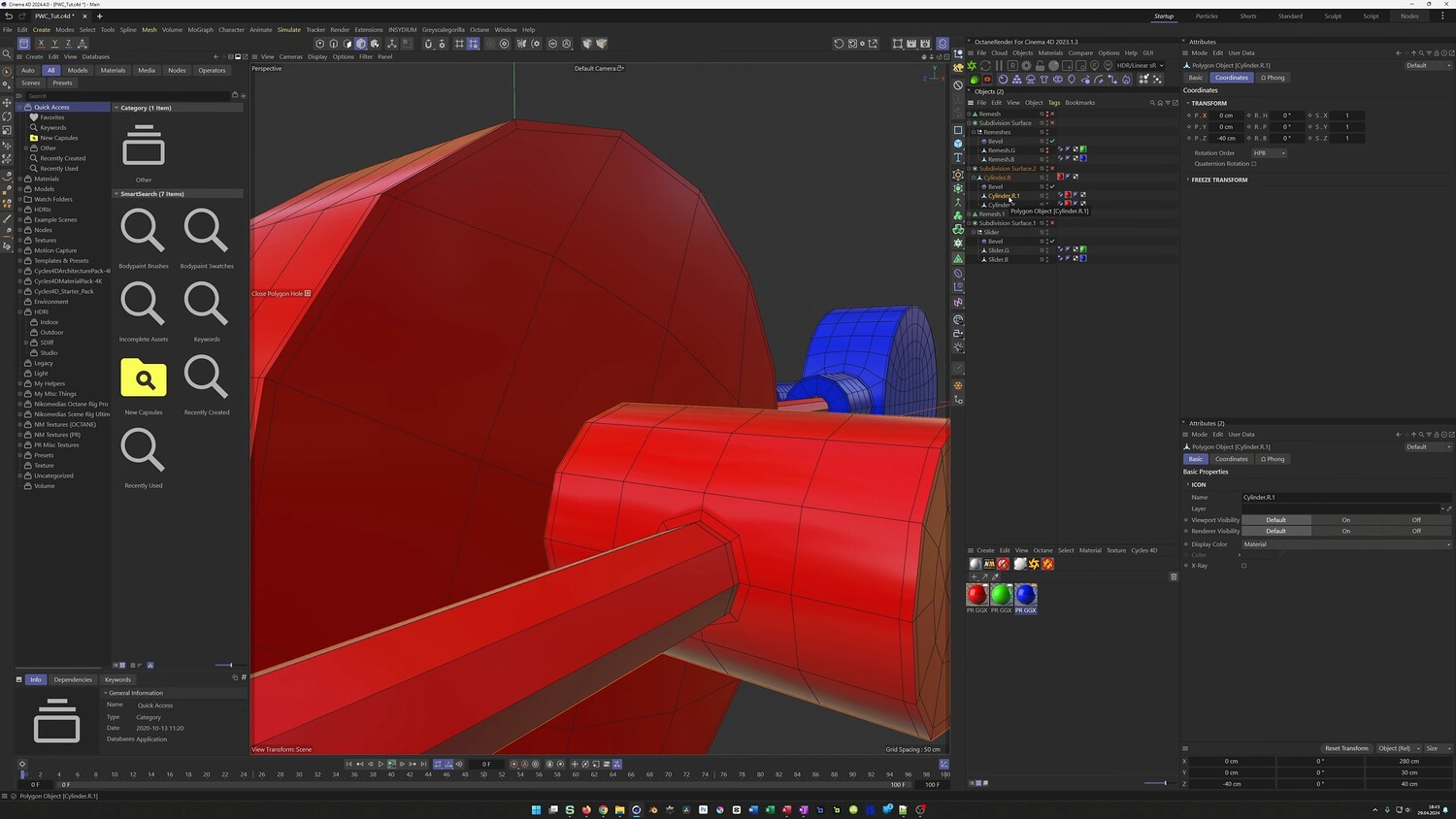
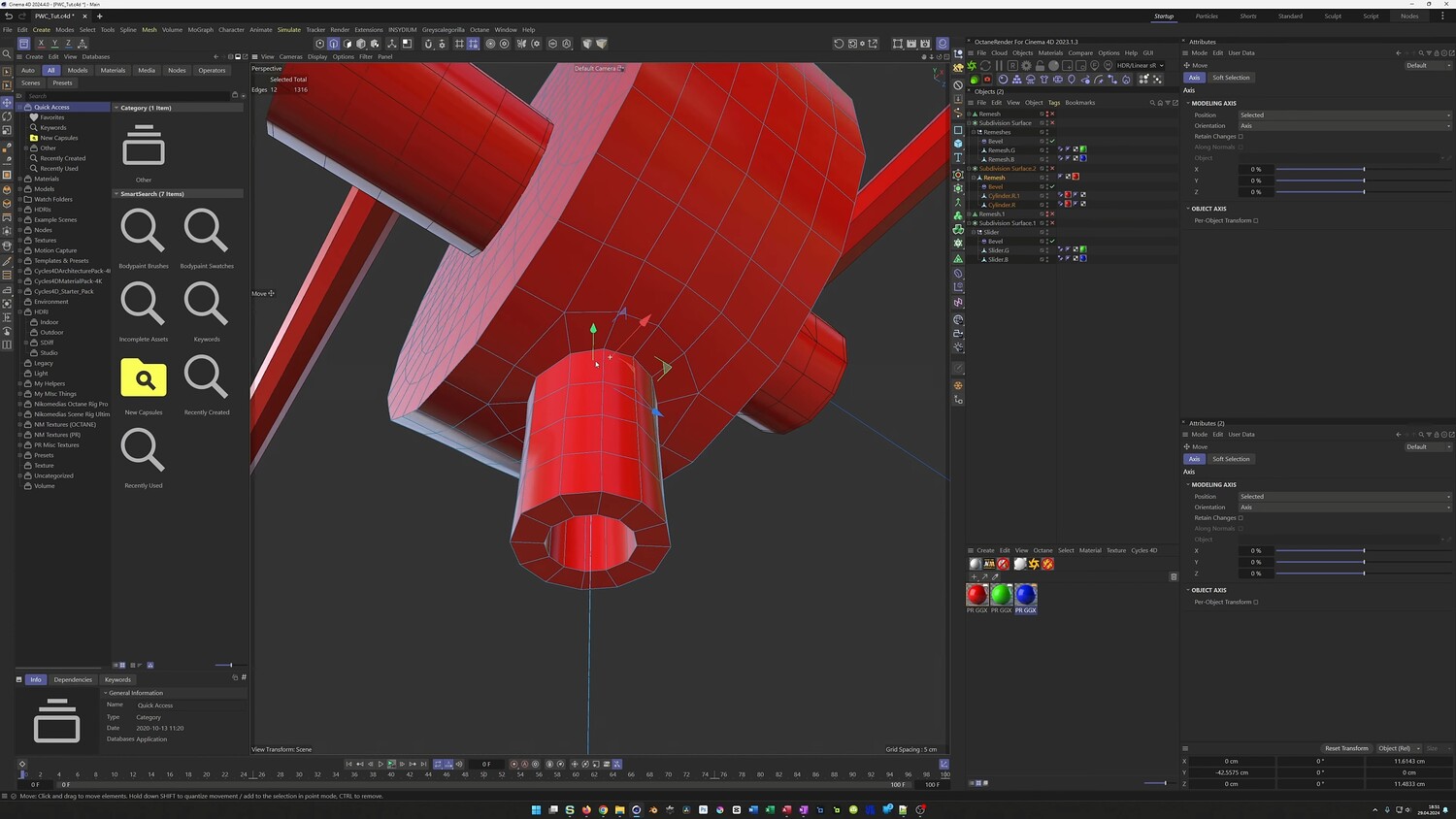
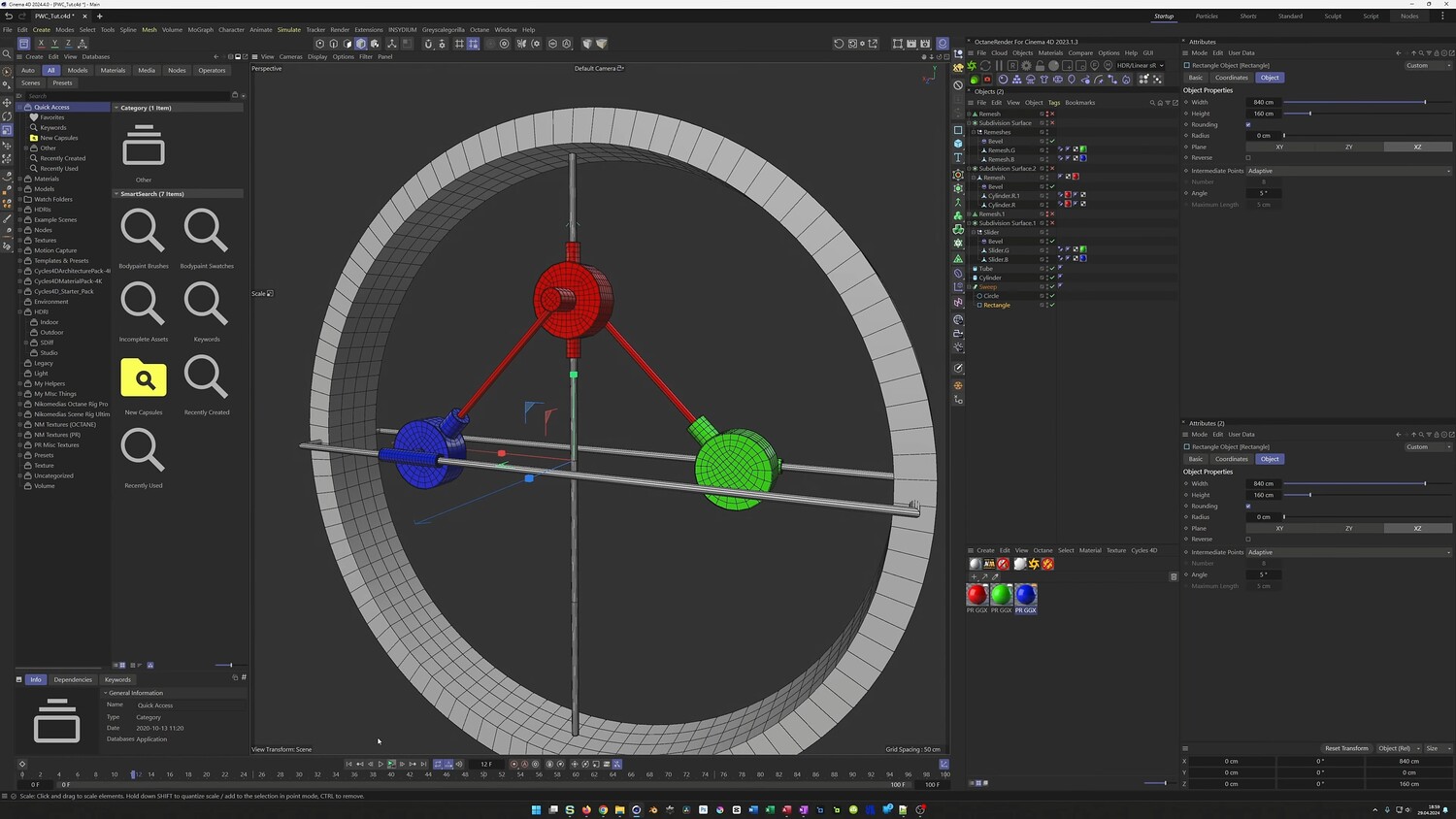
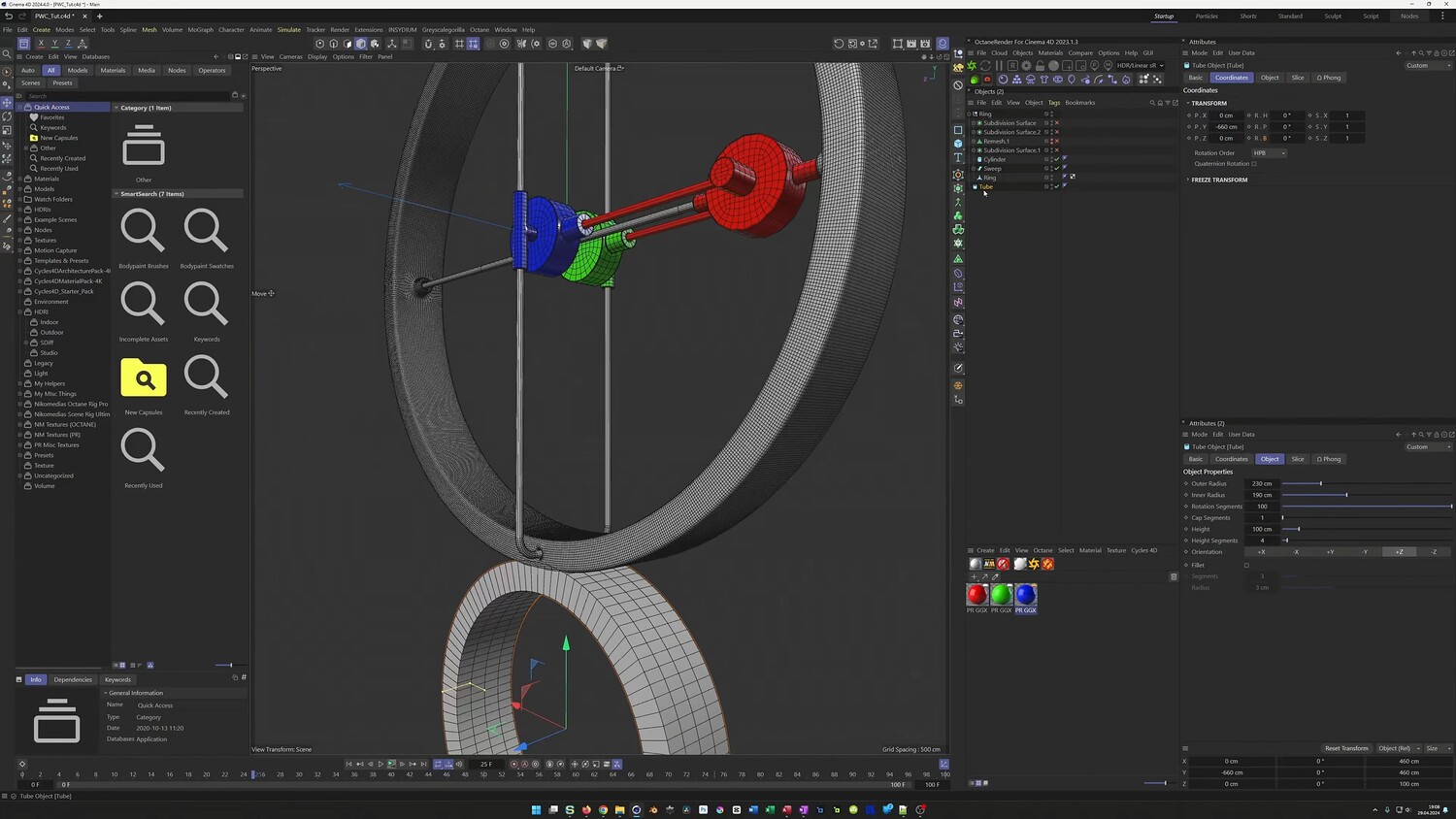
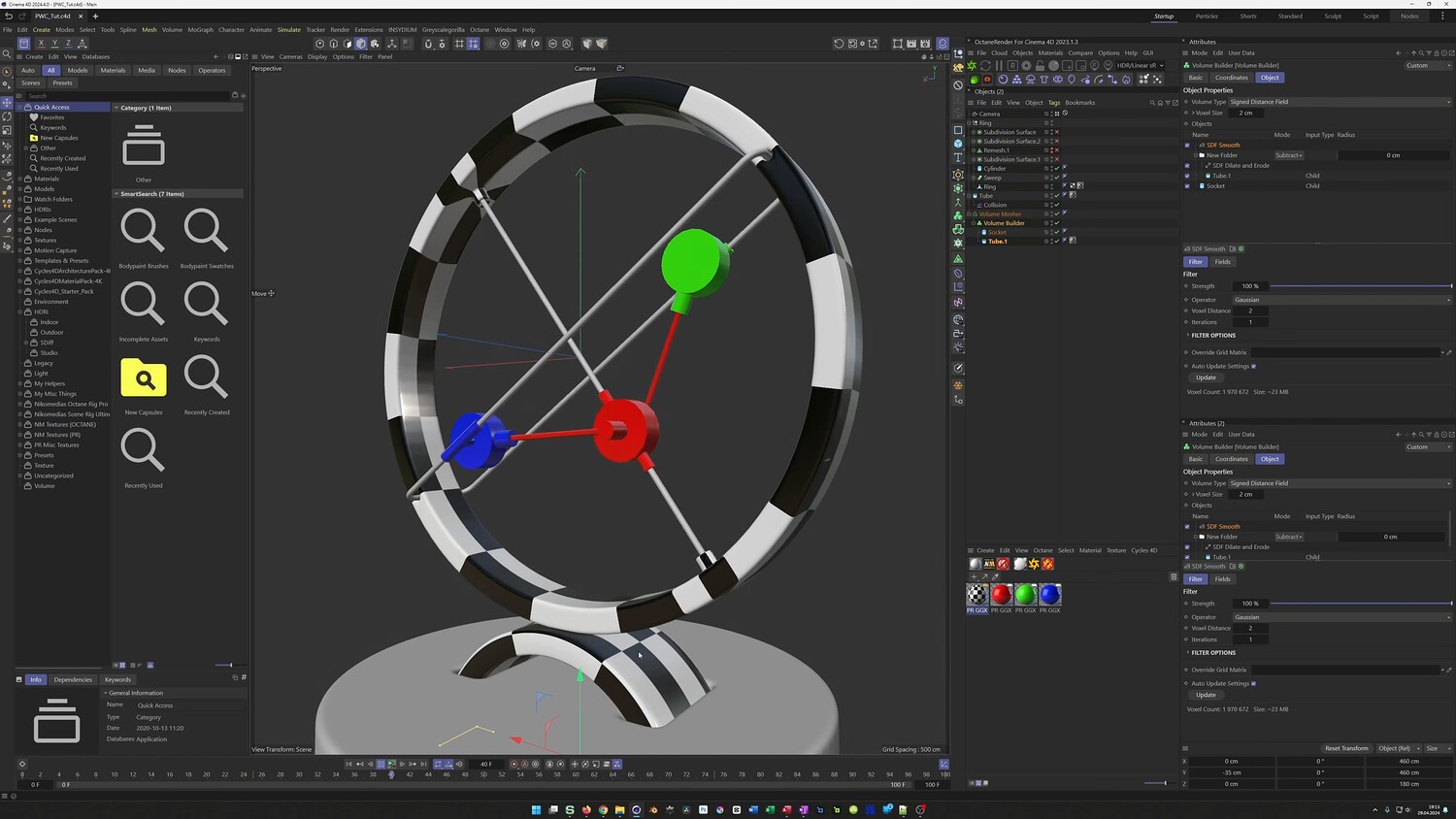
In this tutorial, we explore the process of creating a photorealistic kinetic sculpture. The lesson focuses on modeling mechanical parts and establishing complex relationships between them without using complex dynamics. You will walk through the entire workflow, from setting up the initial cylinder geometry to refining the animation curves for smooth movement. The tutorial places a heavy emphasis on using Constraint tags to rig the internal mechanism, ensuring pistons and rods stay perfectly aligned during the animation. Additionally, you will look at modeling techniques involving Booleans and Remeshing, as well as adding final touches with a Collision Deformer.
What you will learn: - Modeling mechanical shapes using primitives and Boolean subtraction - Using the Remesher to clean up geometry after Boolean operations - Animating with F-Curves to convert linear movements into smooth transitions - Rigging mechanical parts using Aim and Parent Constraints - Creating a seamless, infinite loop for the kinetic structure - Applying the Collision Deformer to simulate soft-surface interactions
Software/Tools: - Cinema 4D - OctaneRender
Duration: 01:20:18
You will get 4 files
All files previously purchased will always be available for download in your Library