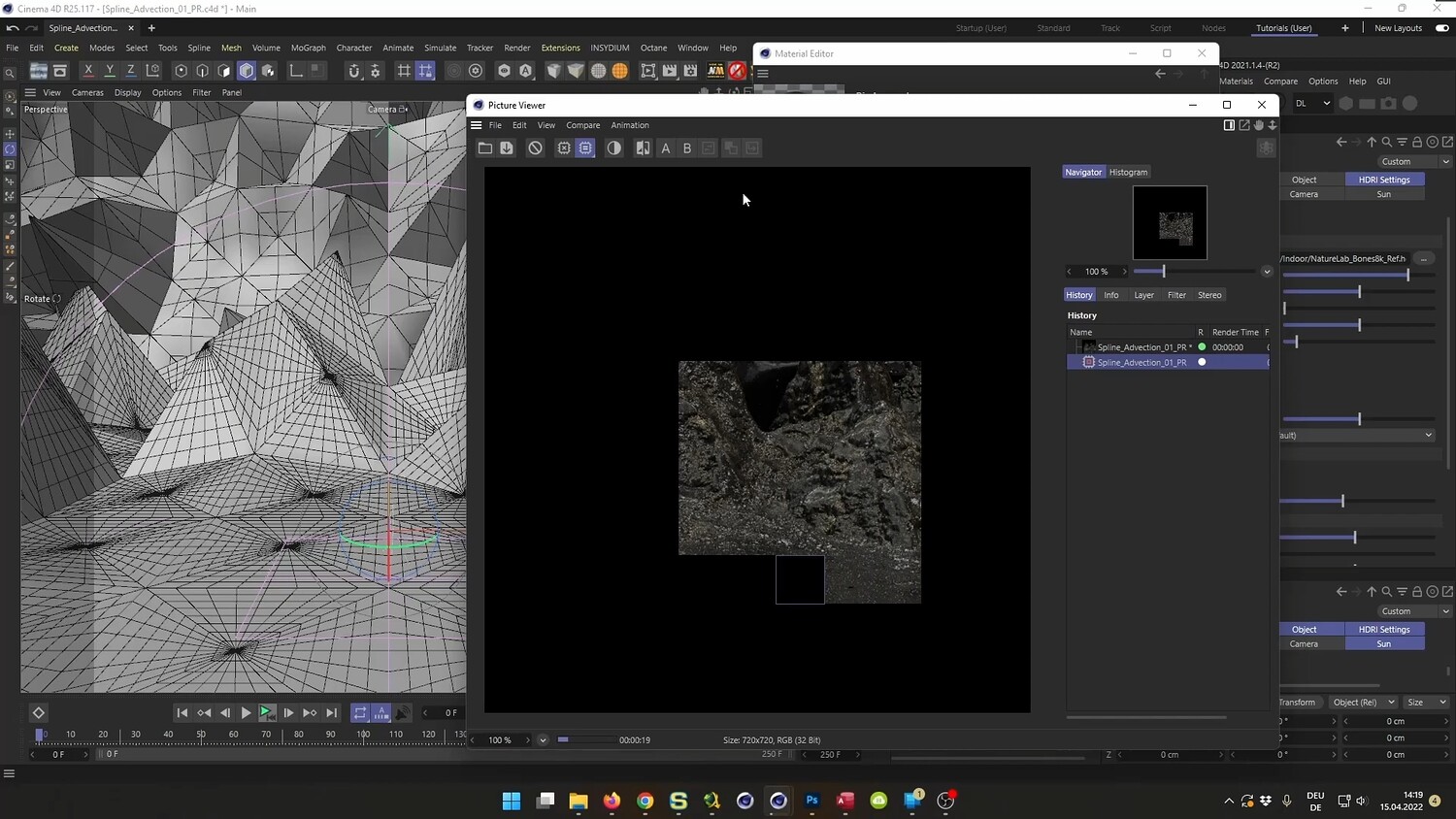
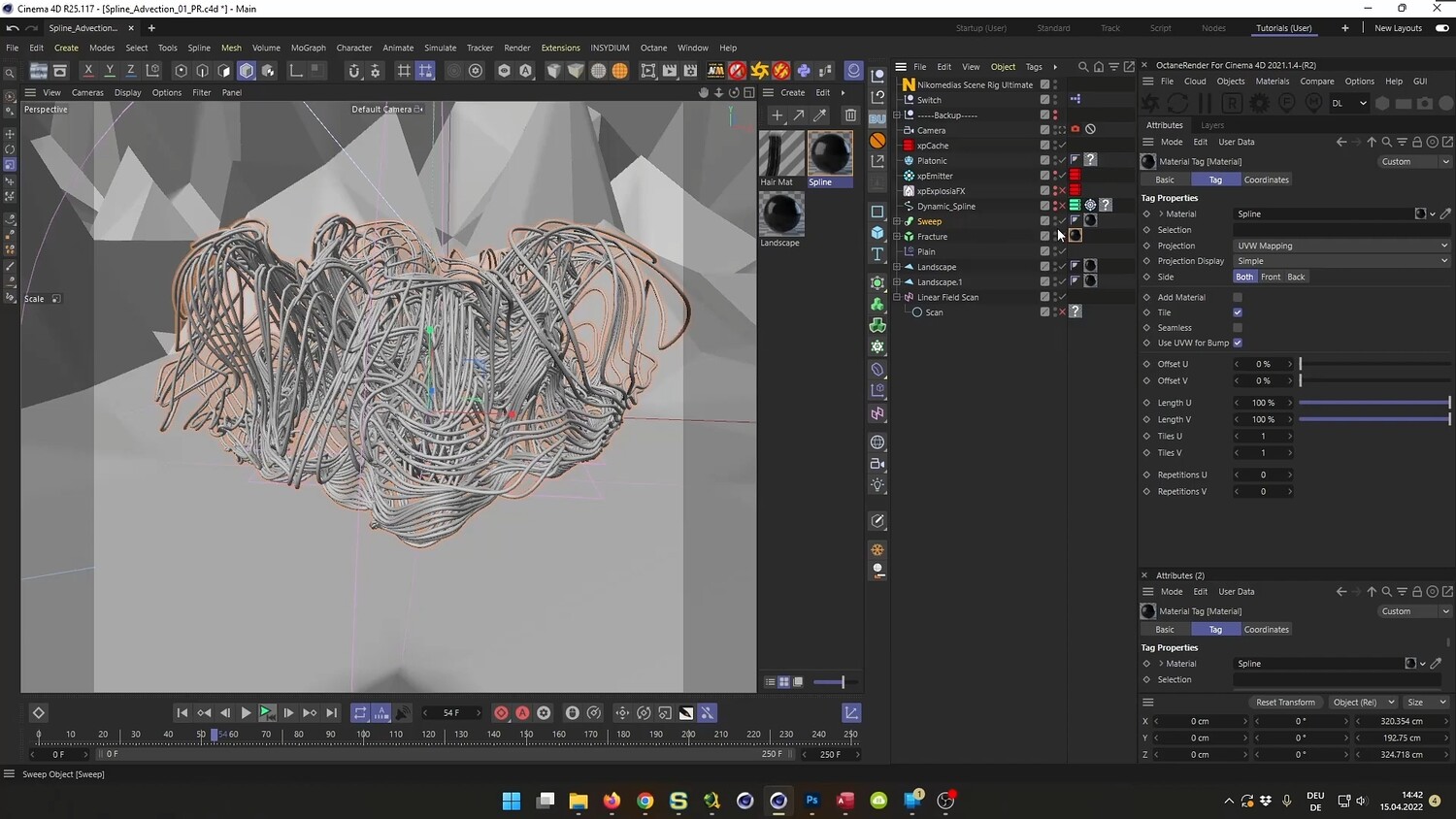
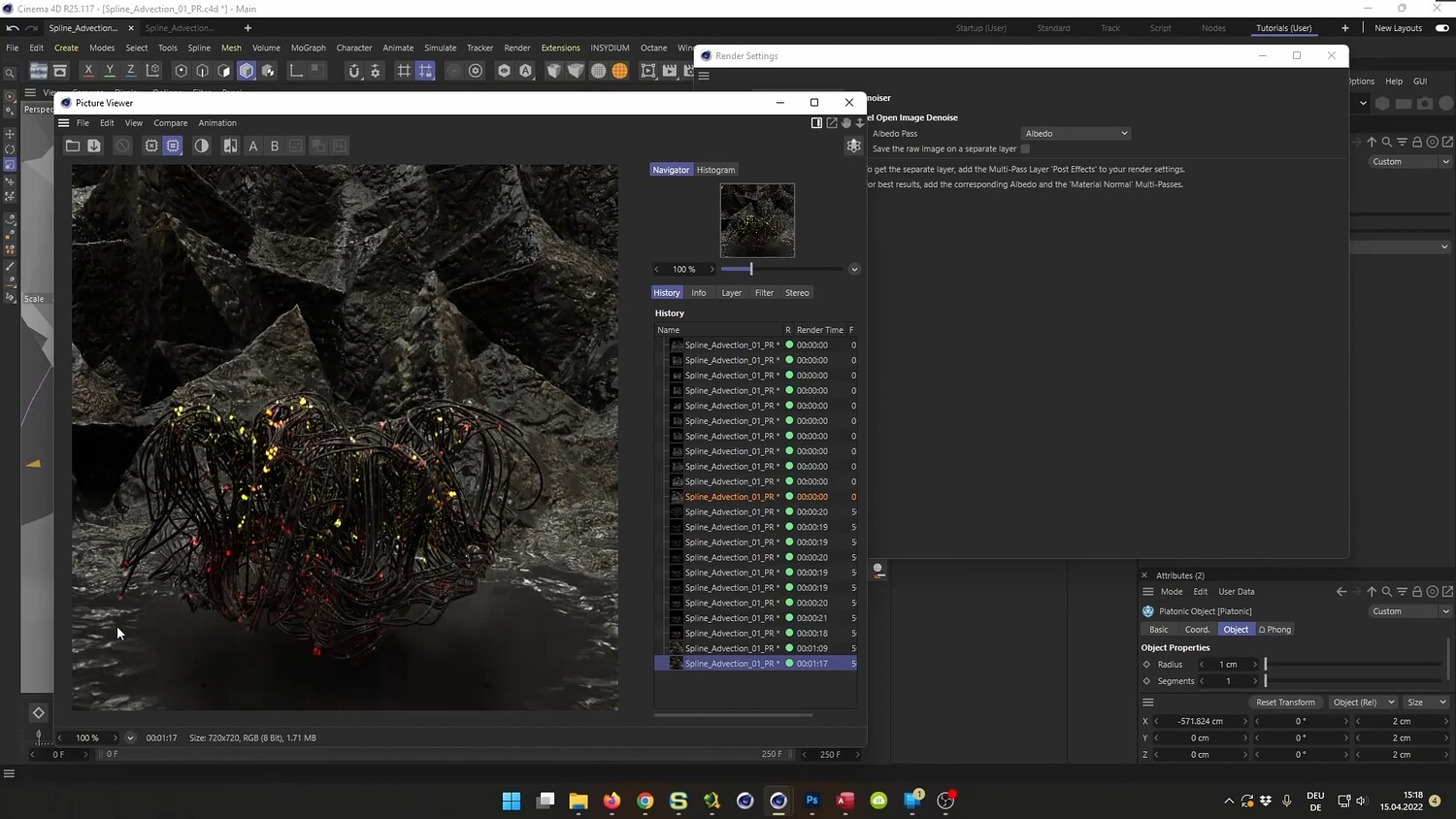
Create Abstract Spline Advection in Cinema 4D & X-Particles
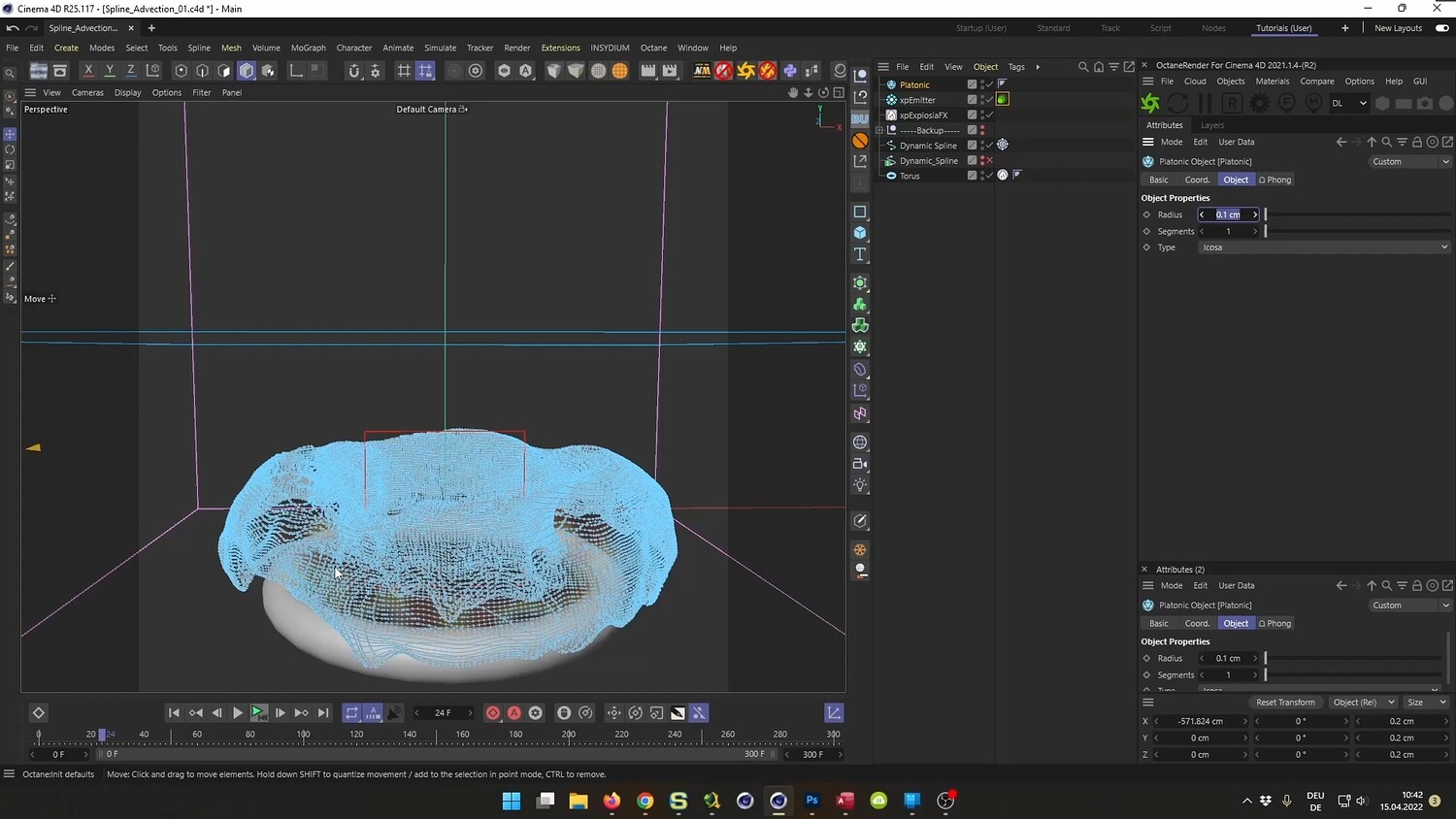
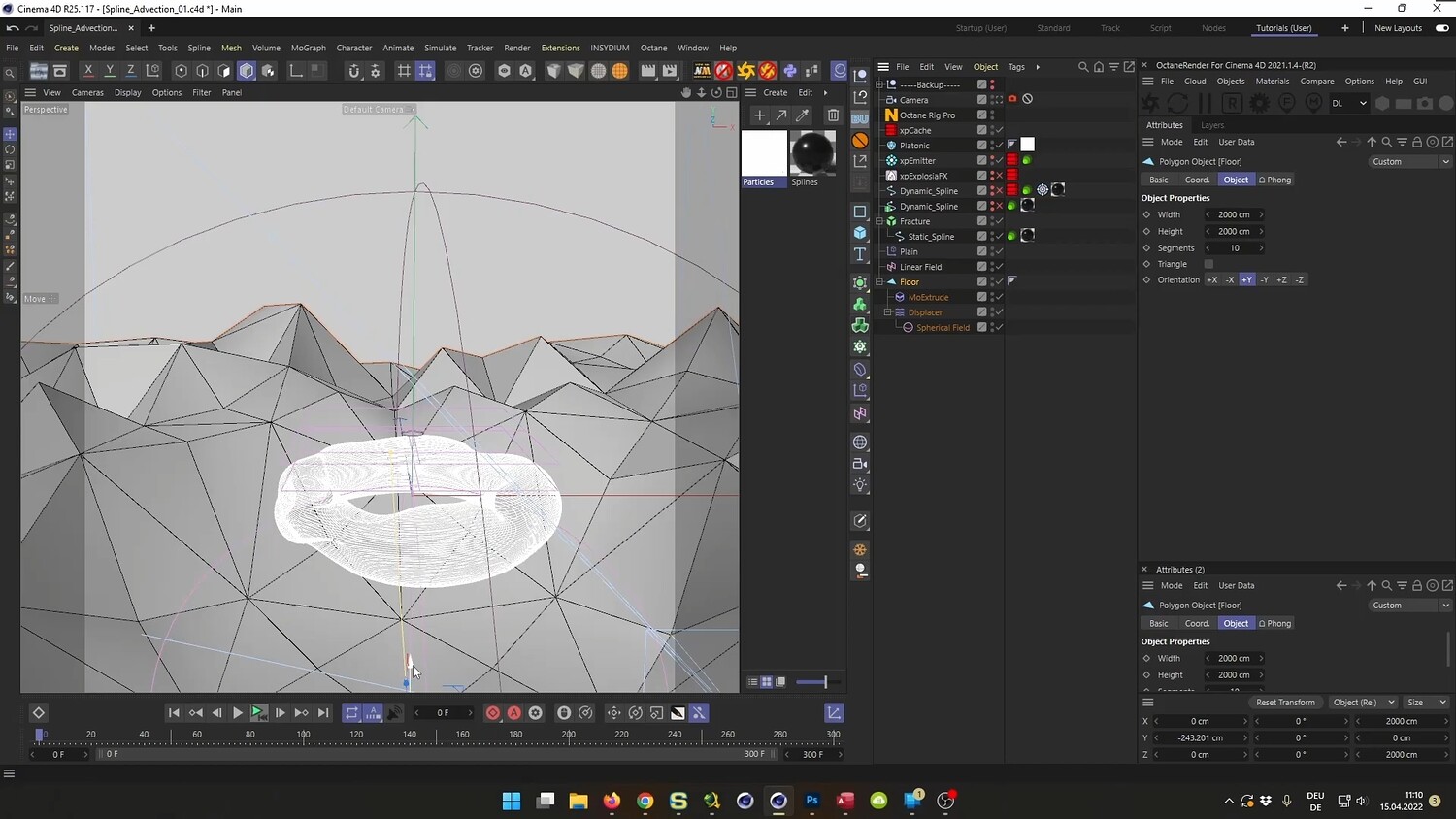
In this comprehensive tutorial, we will recreate a complex abstract 3D scene featuring a Spline Advection effect. The process involves generating organic tangled structures, driving them with smoke simulations to create a flying spline effect, and building a stylized environment. The video covers the entire workflow from initial modeling and simulation to advanced texturing and rendering. Additionally, the tutorial demonstrates how to achieve these results using both Octane Render and Cinema 4D's native Physical Render.
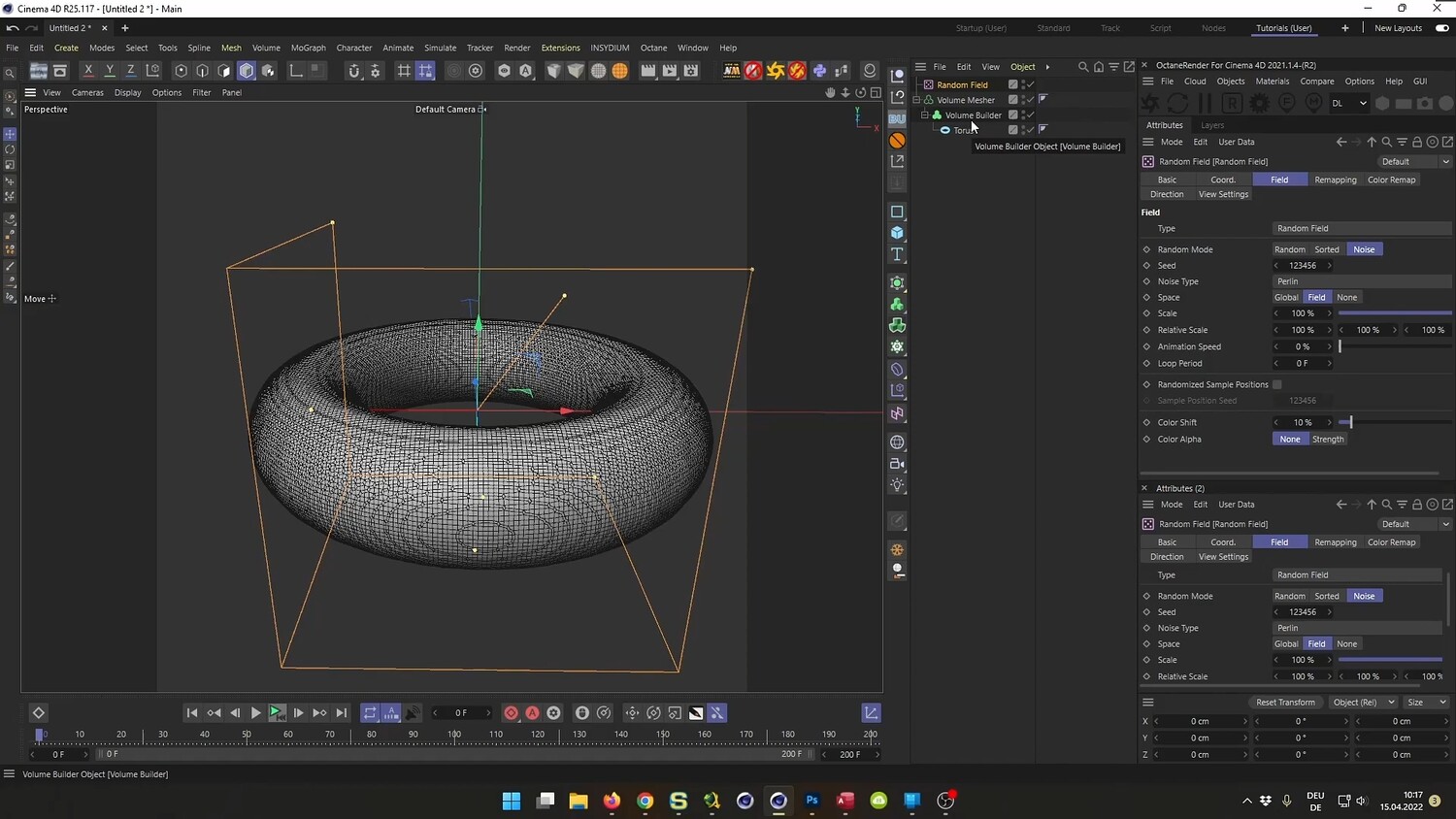
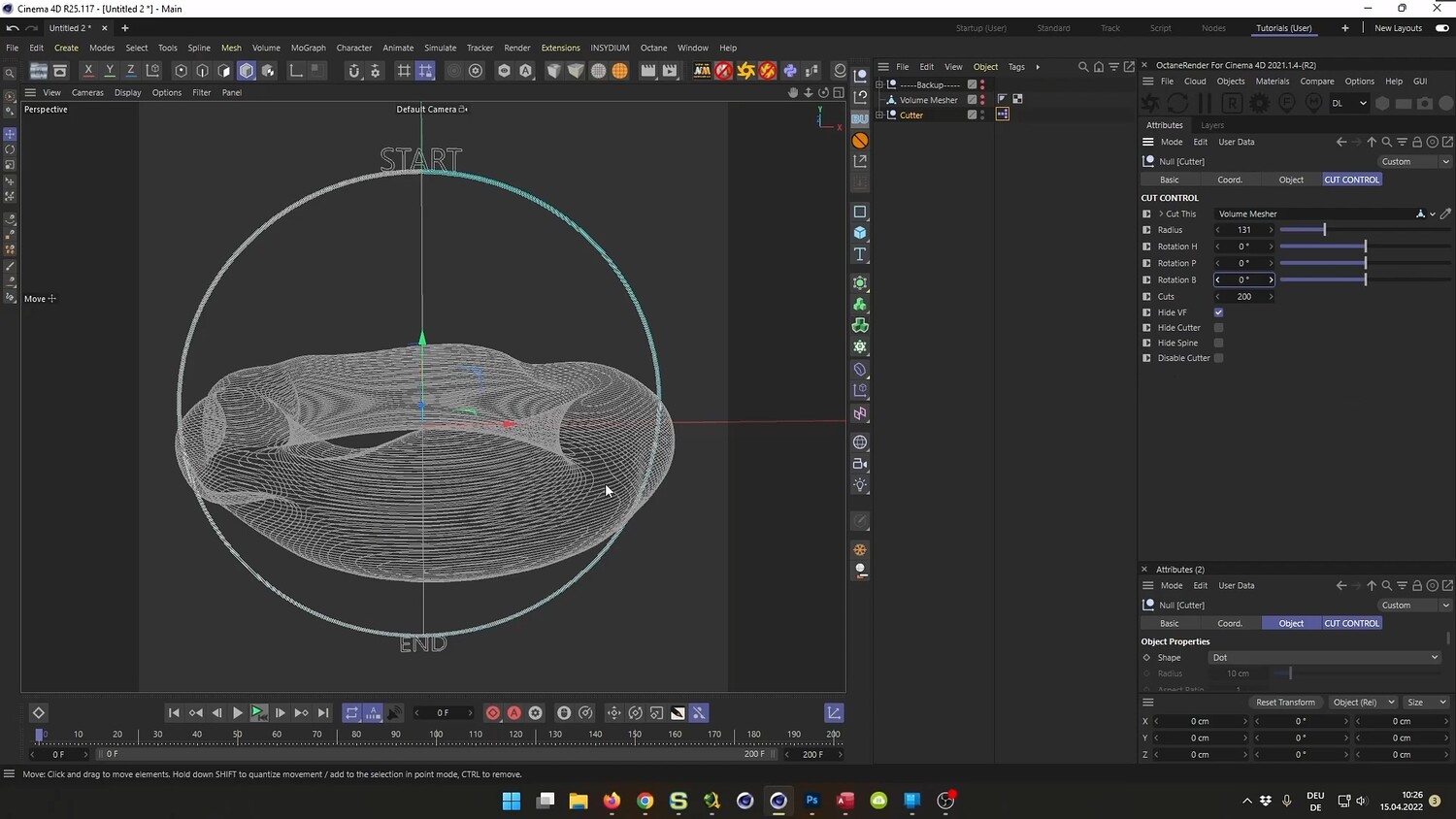
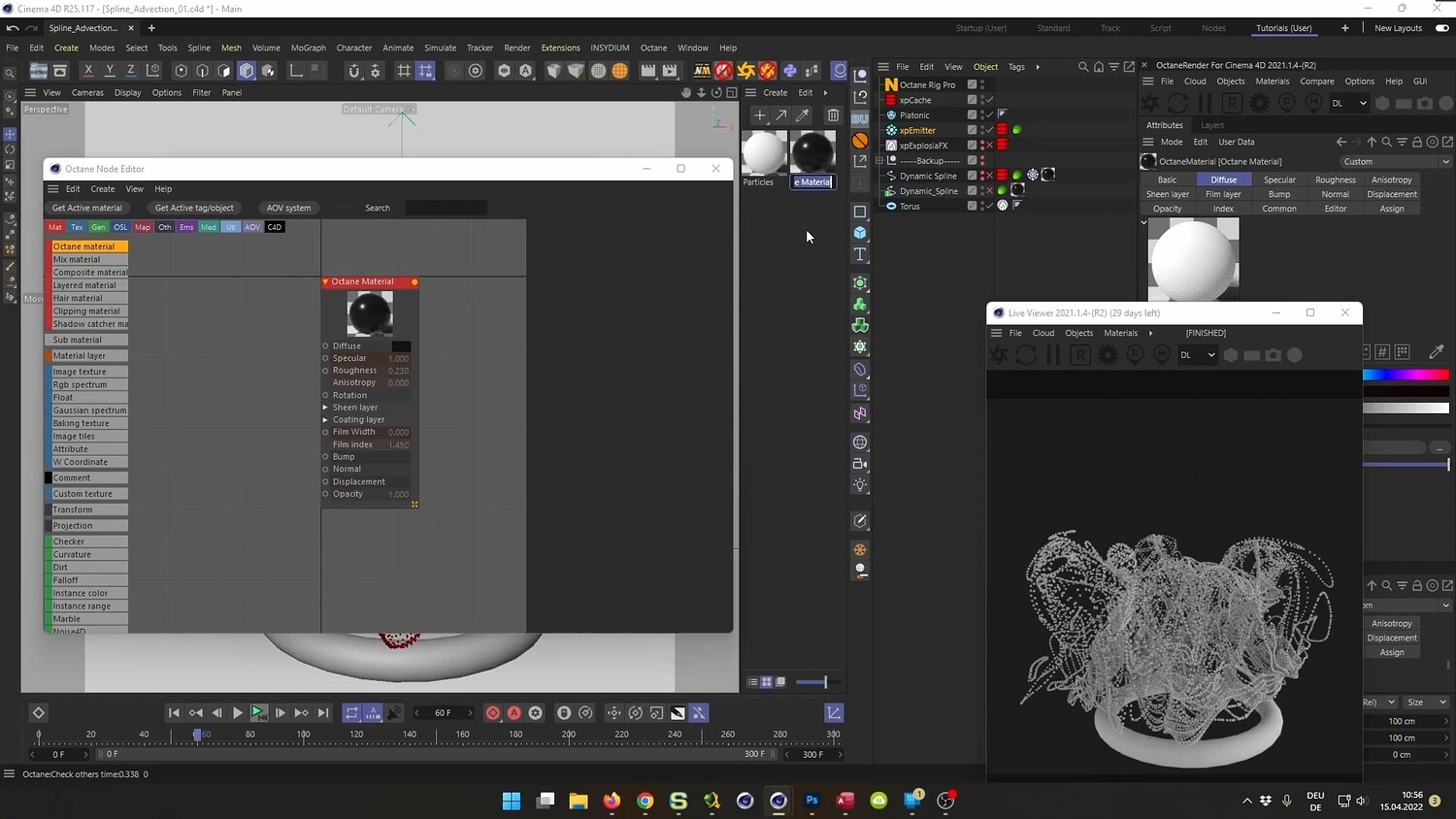
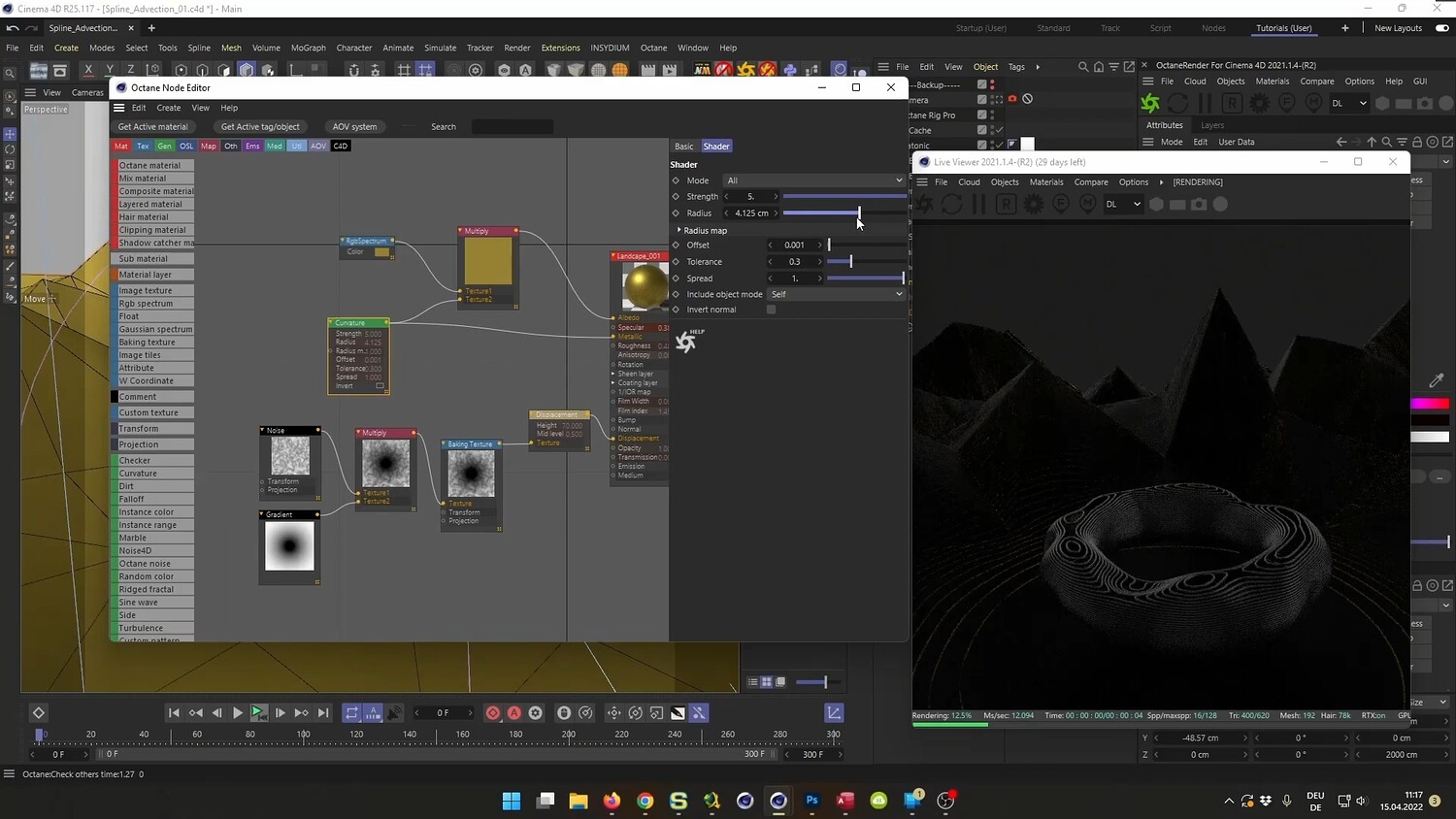
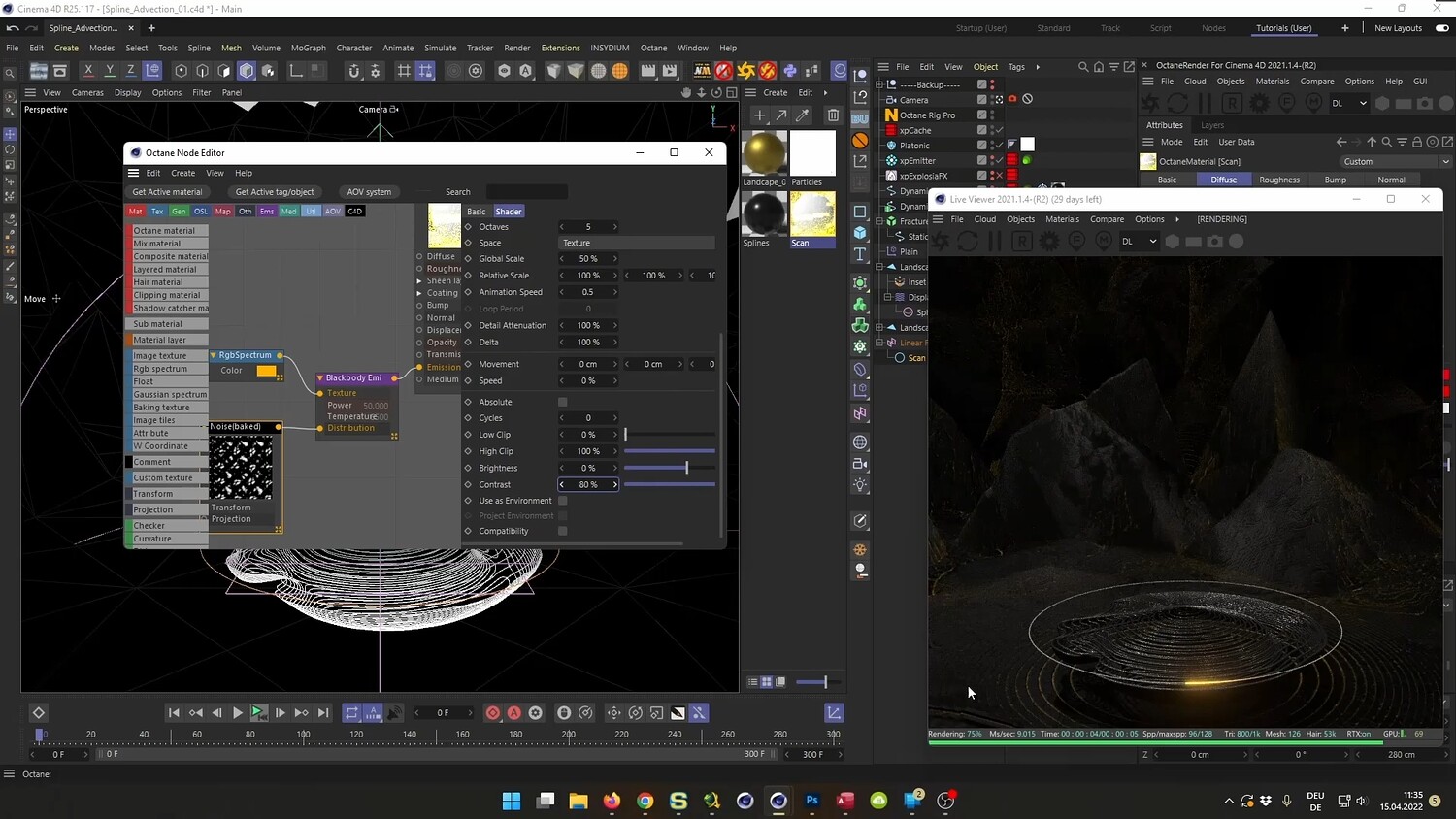
What you will learn: - How to use Volume Builder and Fields to create organic, tangled meshes from simple geometry - Techniques for generating splines using Voronoi Fracture and the Edge to Spline command - Setting up X-Particles Explosion FX to drive spline advection simulations - Baking dynamics to Alembic files for better performance and timeline scrubbing - Rendering particles and hair using Octane Render, including Blackbody emission materials based on speed - Creating a stylized landscape environment with concentric ring patterns using Displacers and Fields - Setting up a "Scan" effect animation using Linear Fields - Using Xpresso to create a custom switch for toggling between static and dynamic scene states - Alternative workflow for achieving similar results using the Standard/Physical Renderer
Software/Tools: - Cinema 4D - X-Particles - Physical Render - Octane Render - Physical Render (Native C4D)
Duration: 02:55:17
You will get 4 files
All files previously purchased will always be available for download in your Library