Animated Layered Volumes Loop in Cinema 4D
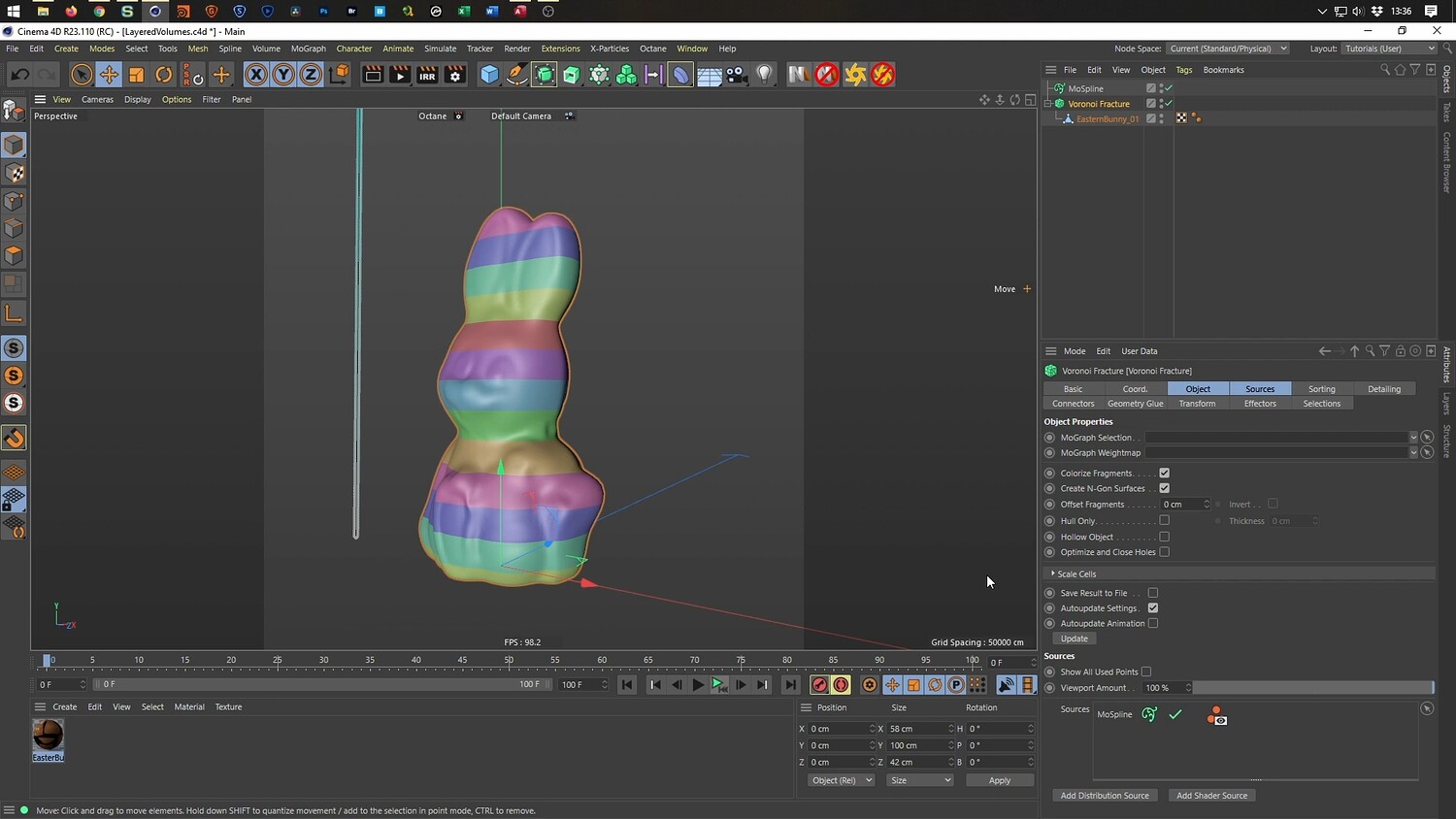
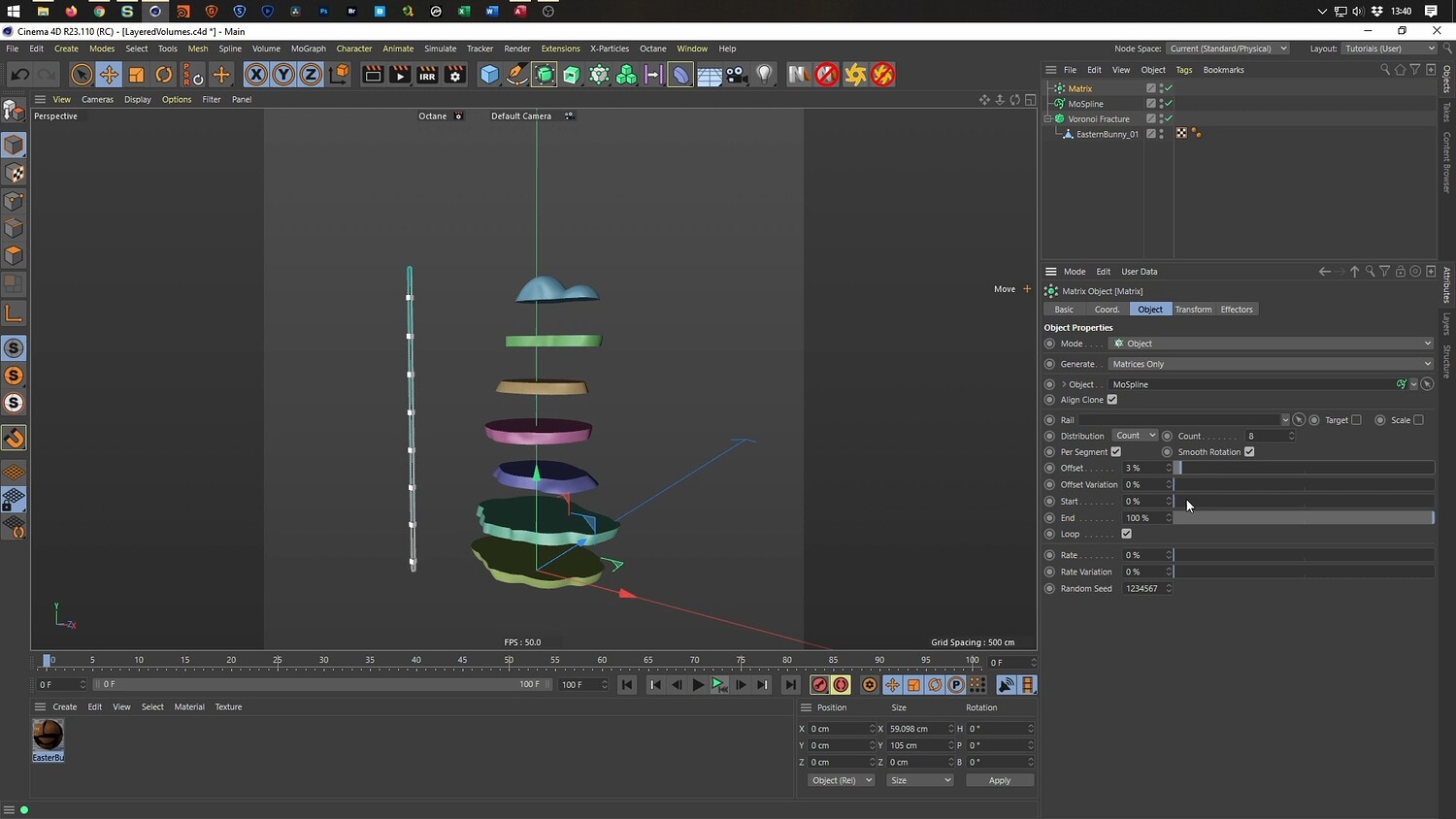
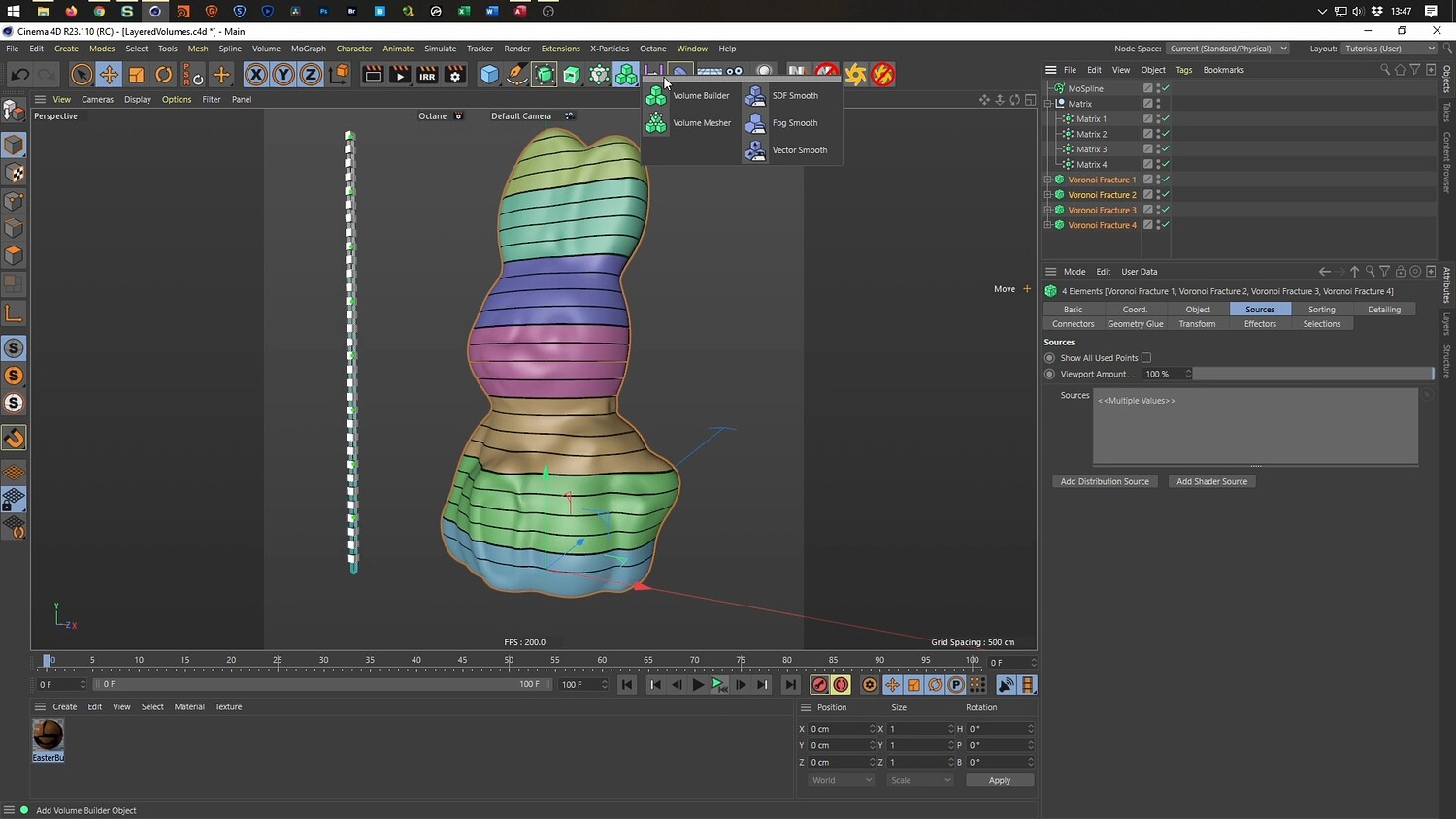
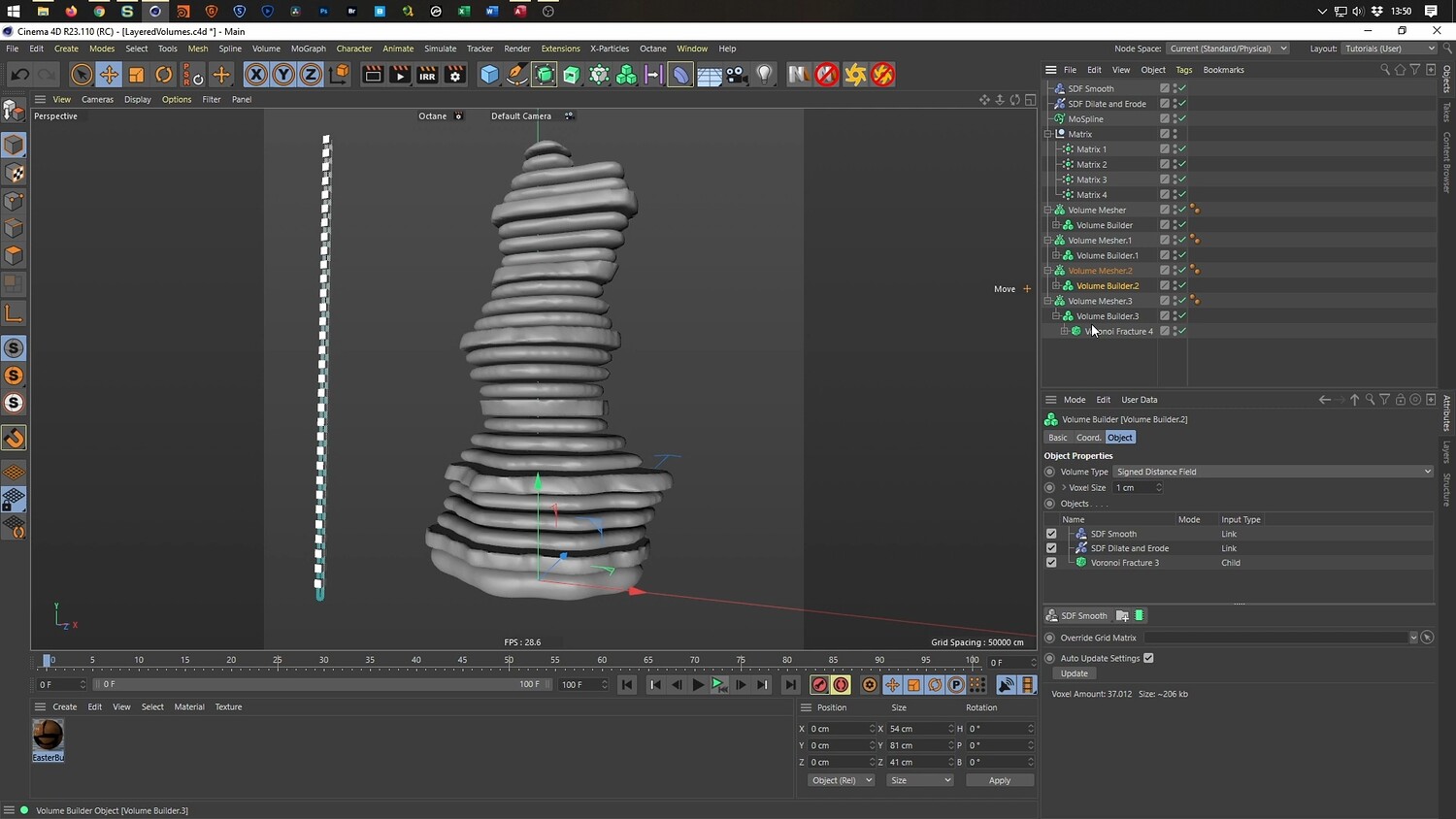
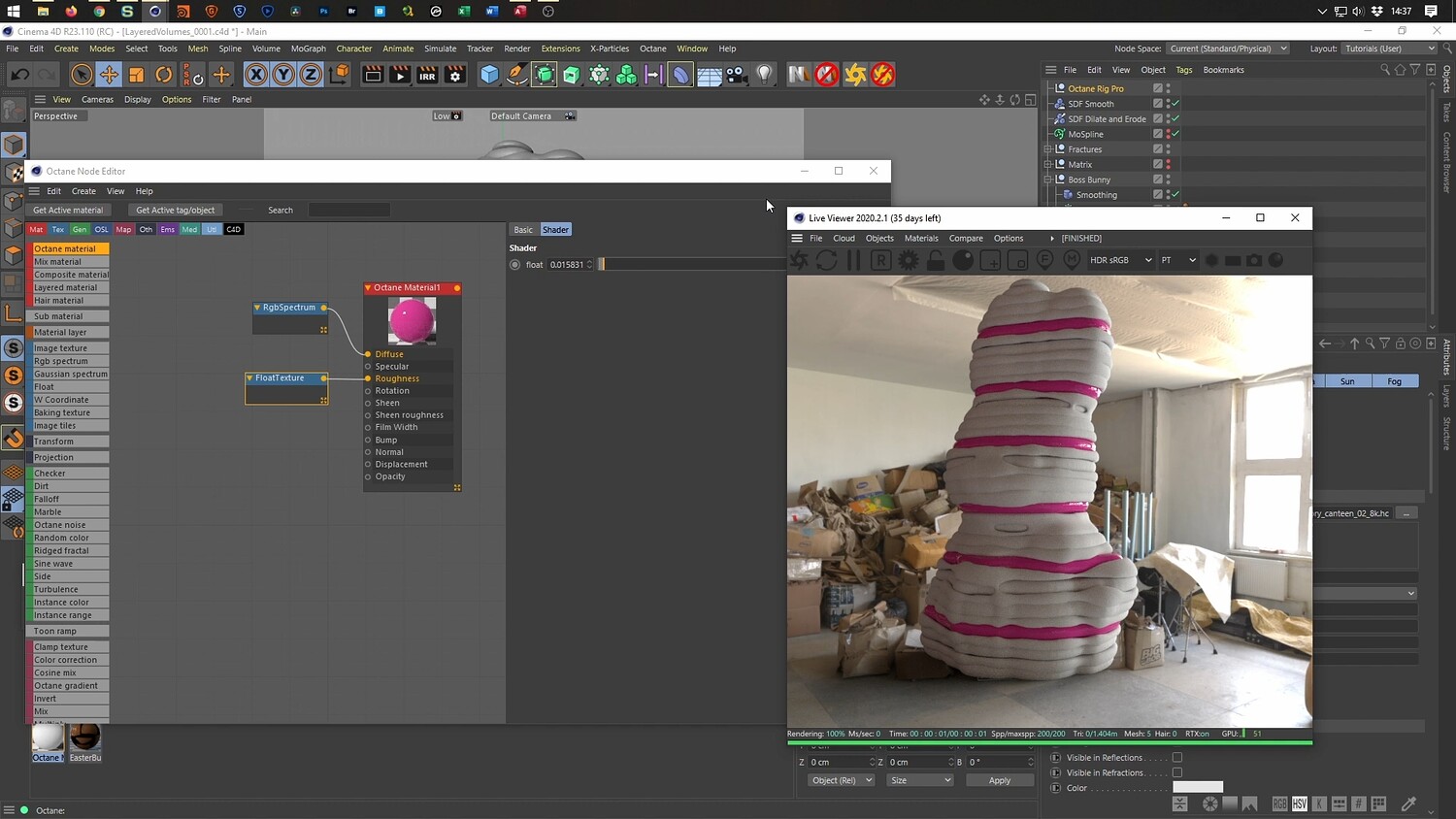
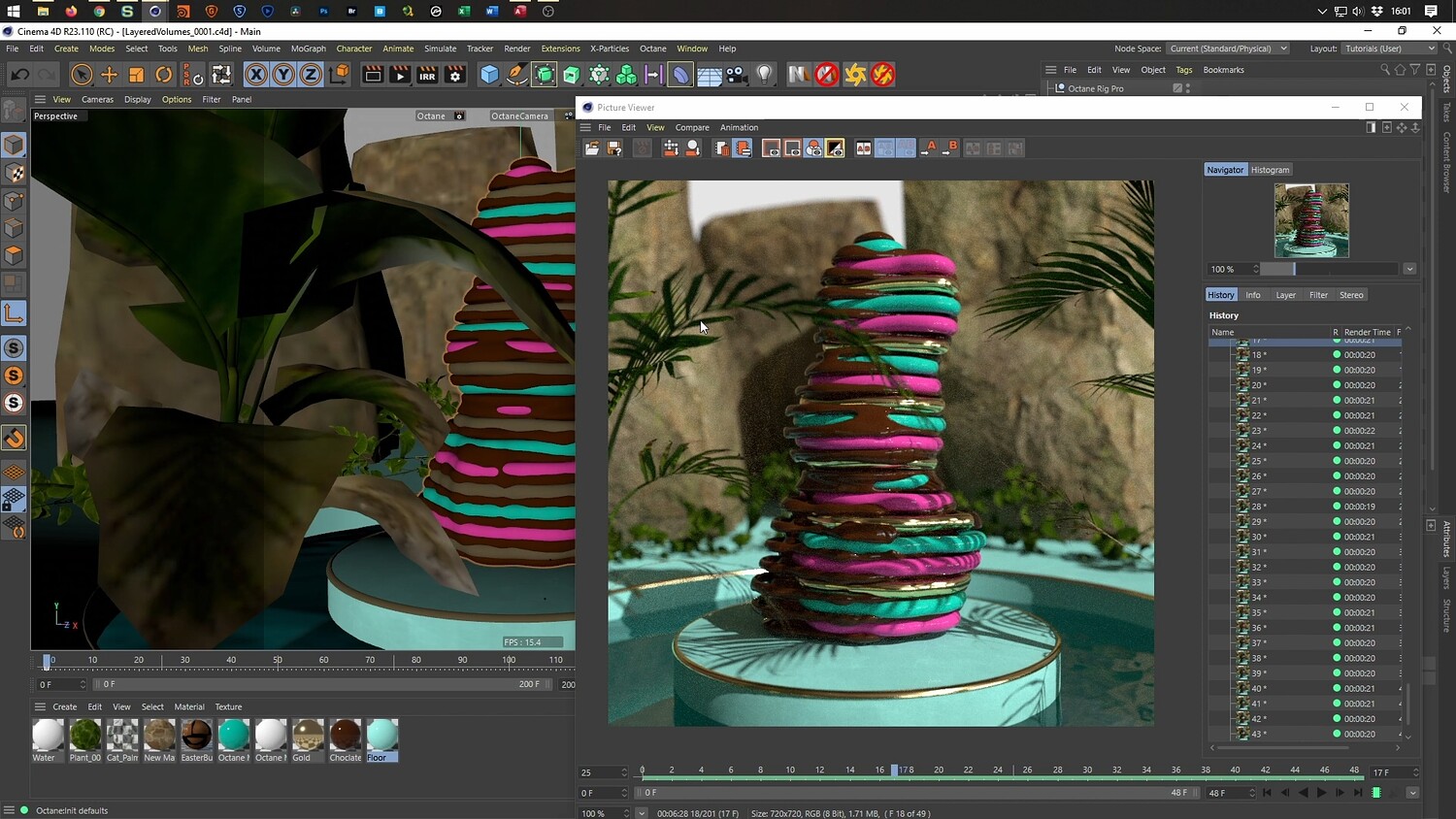
Follow along in this detailed tutorial to create an abstract, looping 3D animation inspired by the work of Andreas Wannerstedt. This guide transforms a standard model into a mesmerizing stack of melting, viscous layers using Cinema 4D's powerful volume and MoGraph tools. The video breaks down distinct methods for achieving this effect, starting with basic slicing and moving toward a more complex spline-based approach, concluding with texturing and environmental setup in Octane Render.
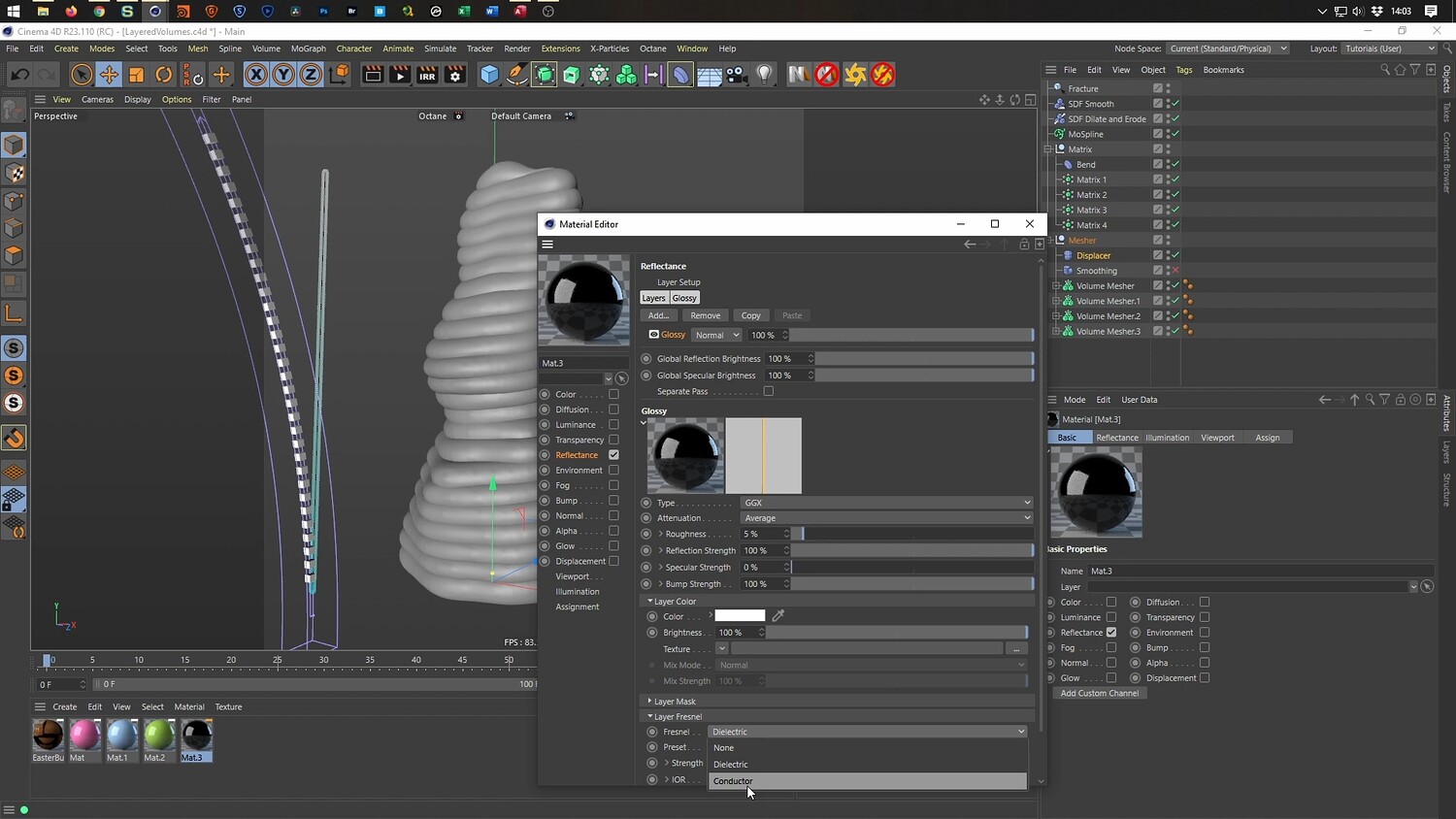
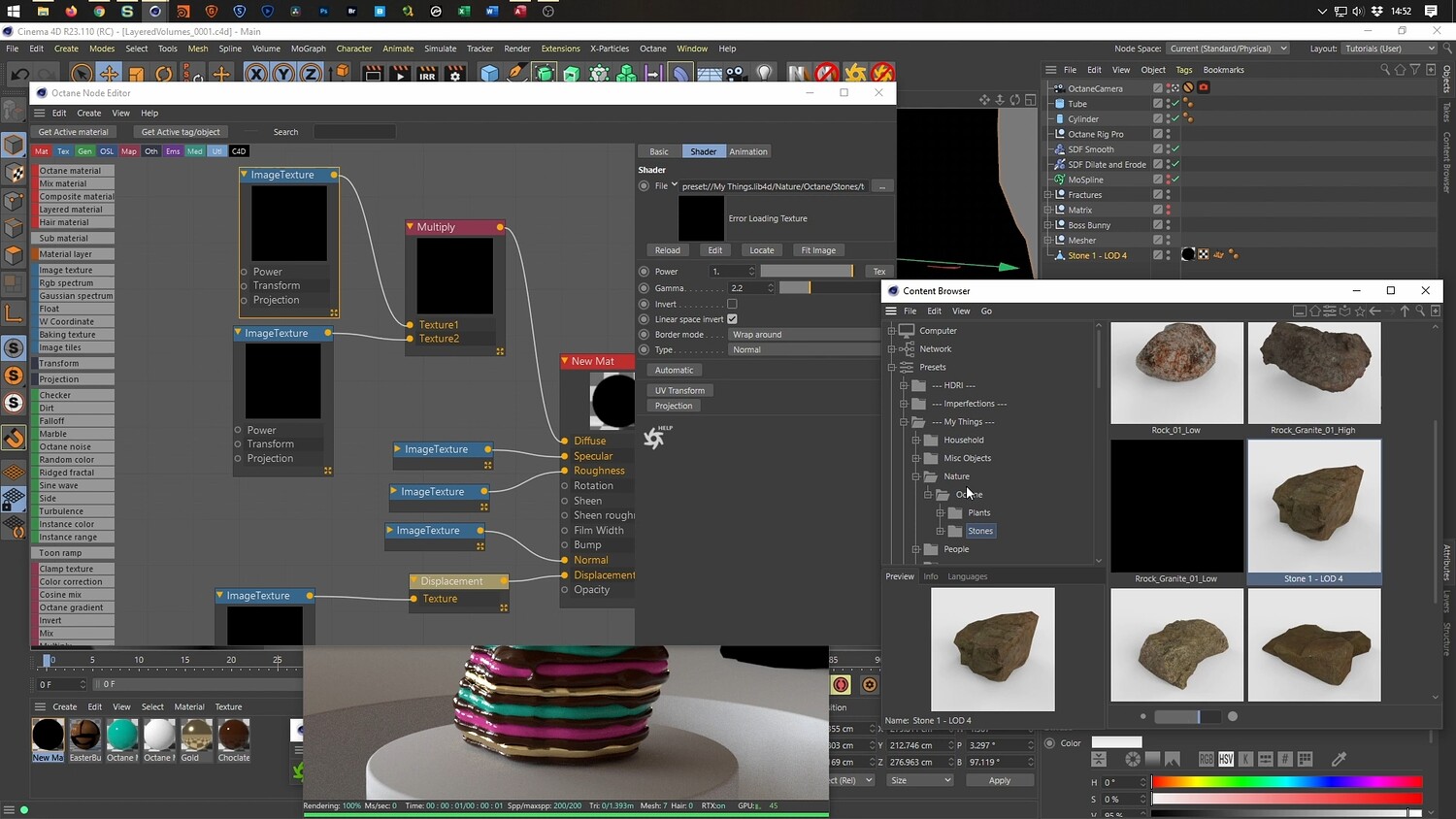
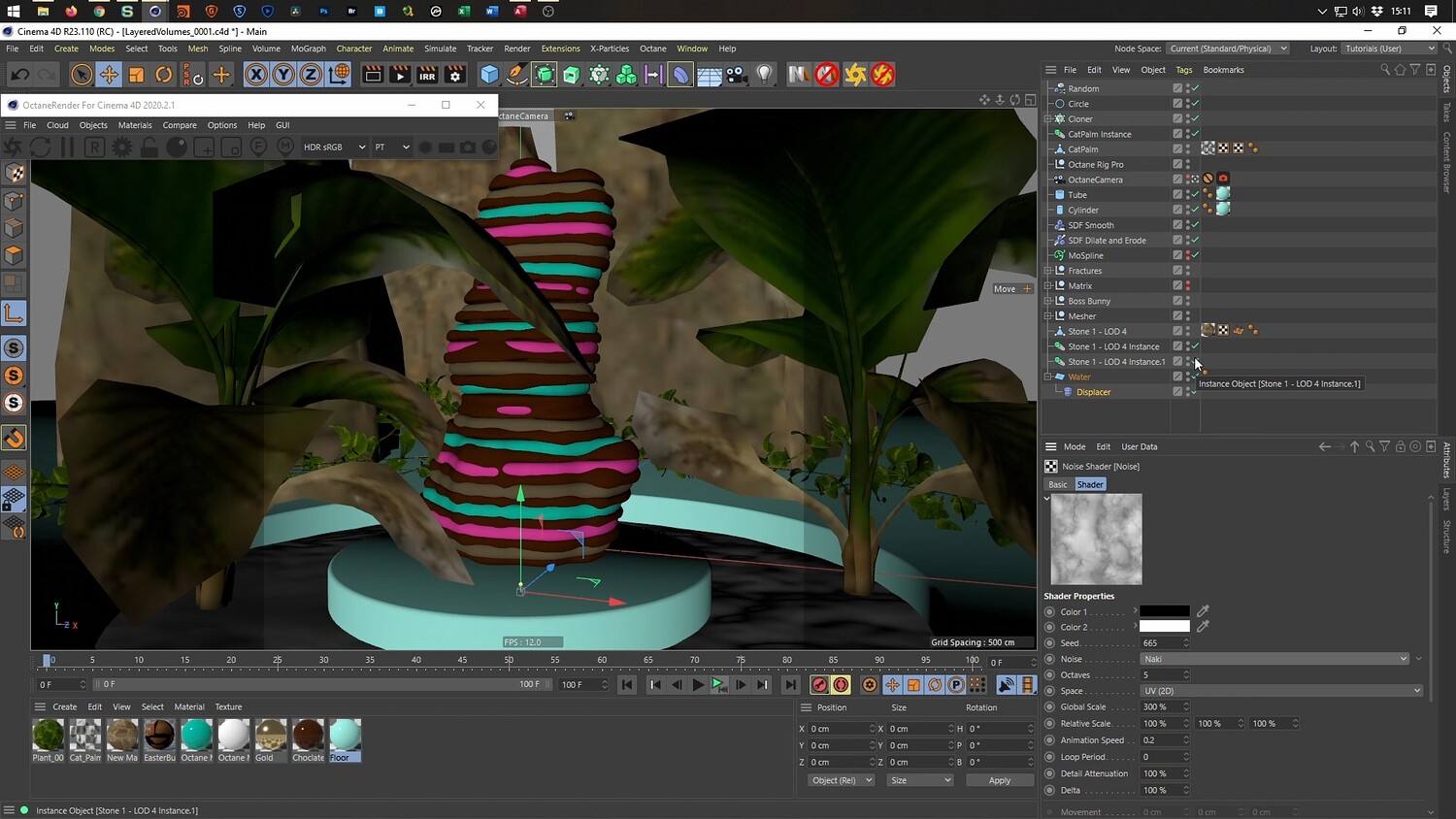
What you will learn: - How to use Voronoi Fracture combined with MoSpline and Matrix objects to slice geometry - Techniques for offsetting matrices to create seamless looping animations - Using Volume Builder and Volume Mesher to smooth geometry and create a melting liquid aesthetic - A workflow for converting surface edges to splines for detailed ring effects - Setting up a tropical environment with animated water displacement and wind dynamics for plants - Texturing the scene in Octane Render using chocolate, glossy icing, and metallic gold materials
Software/Tools: - Cinema 4D - Physical Render - Octane Render - Edge to Spline Plugin
Length: 02:14:58
You will get 4 files
All files previously purchased will always be available for download in your Library