Create an Abstract Artificial Pool Loop
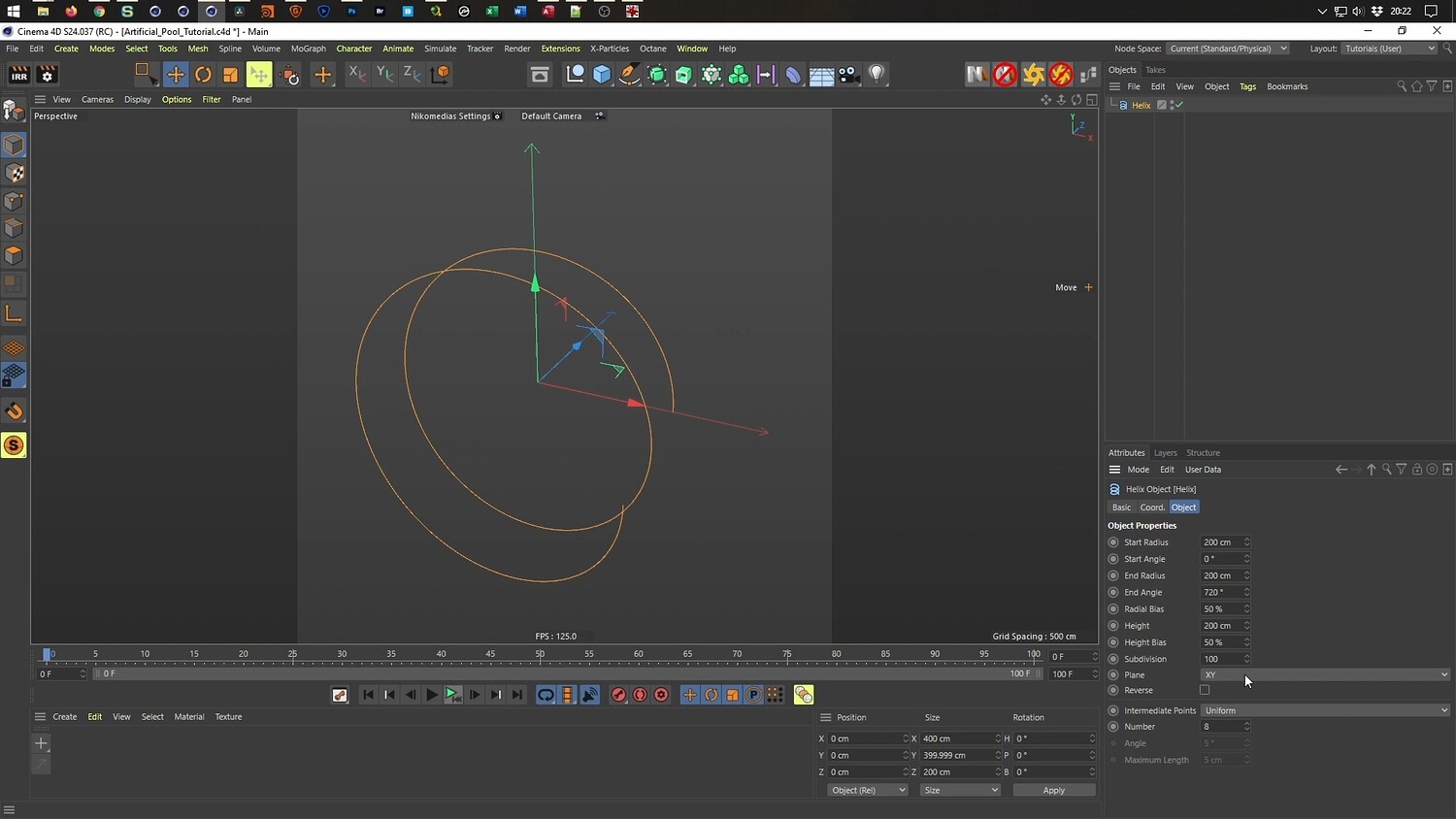
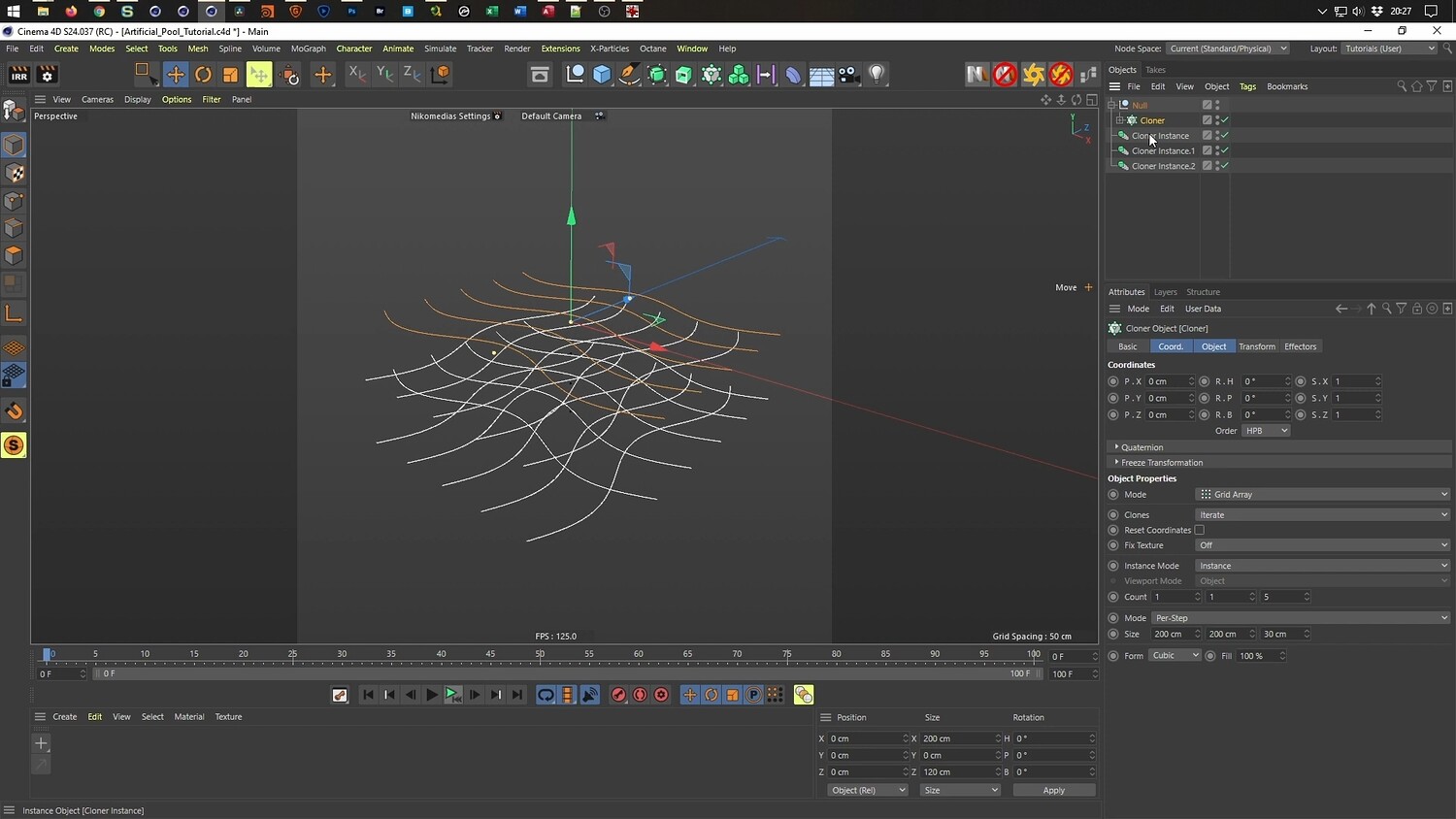
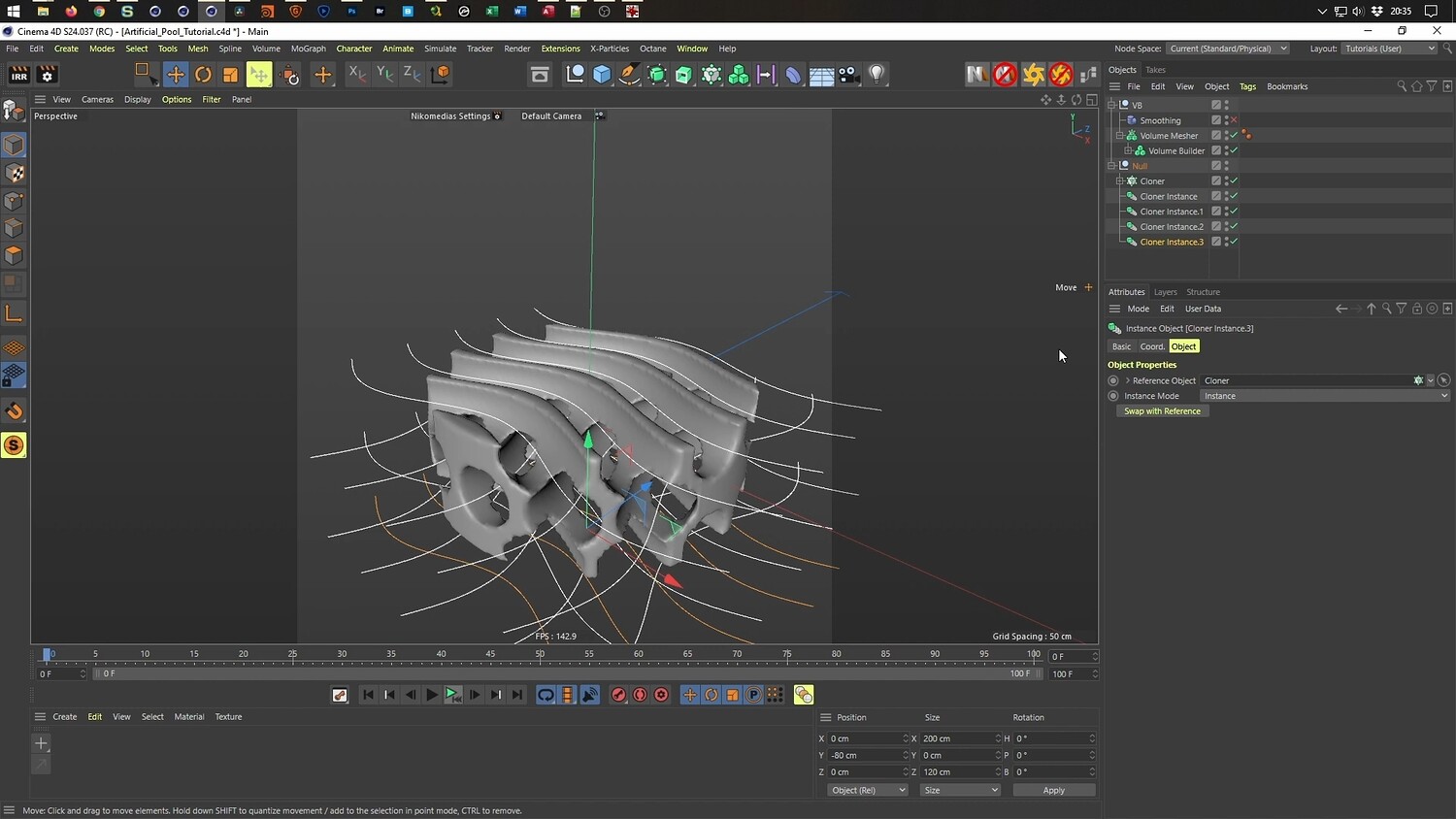
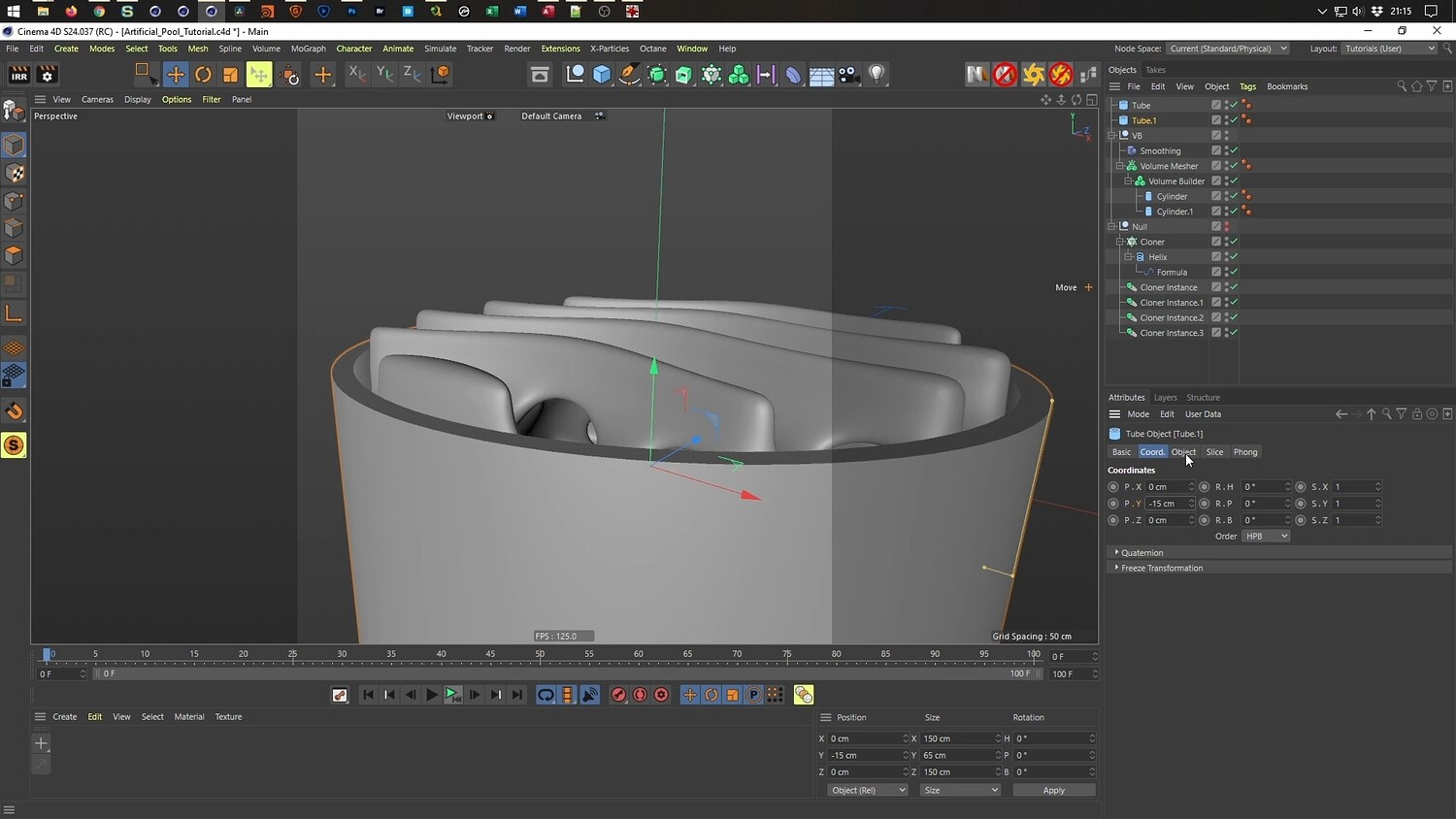
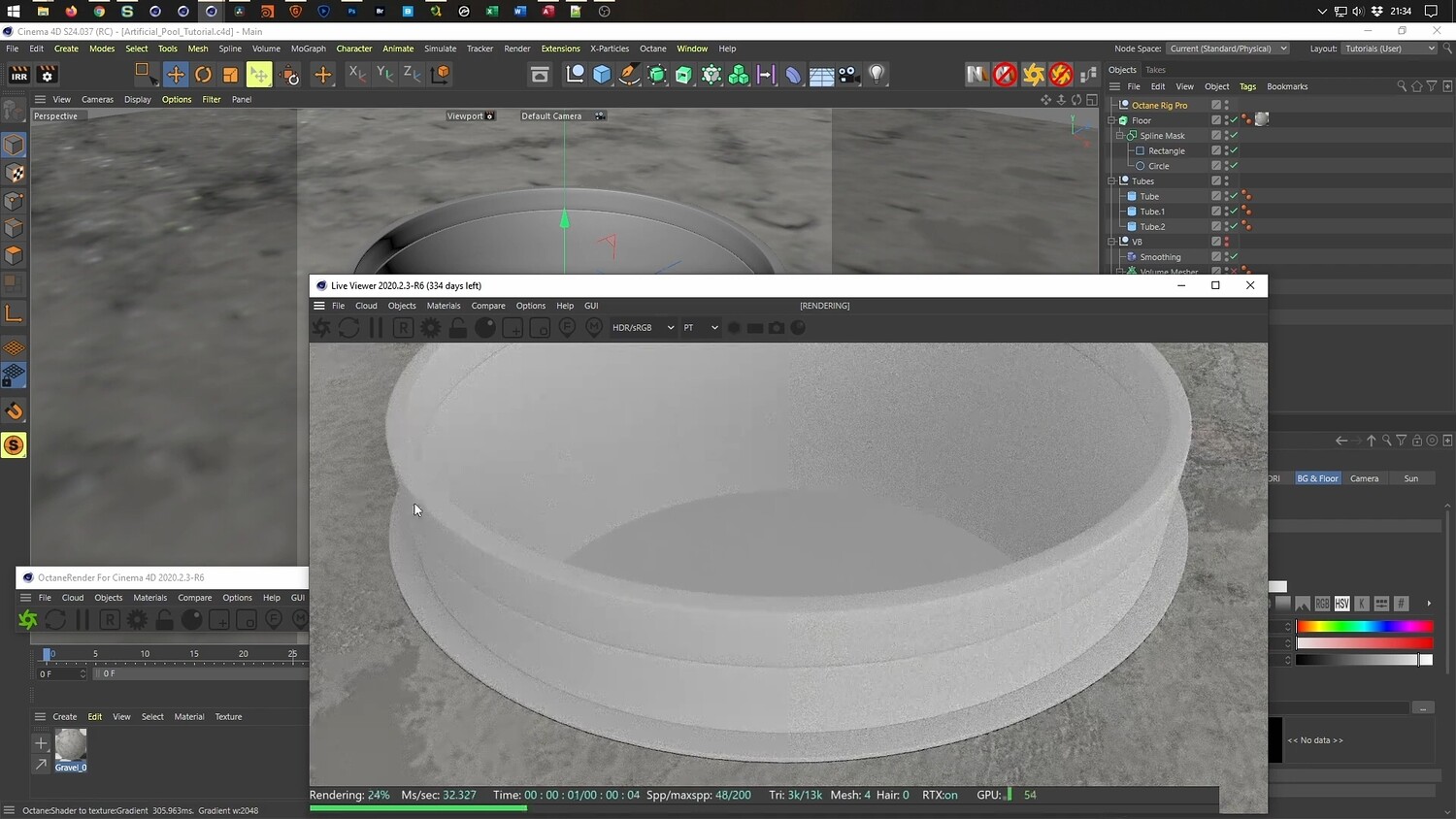
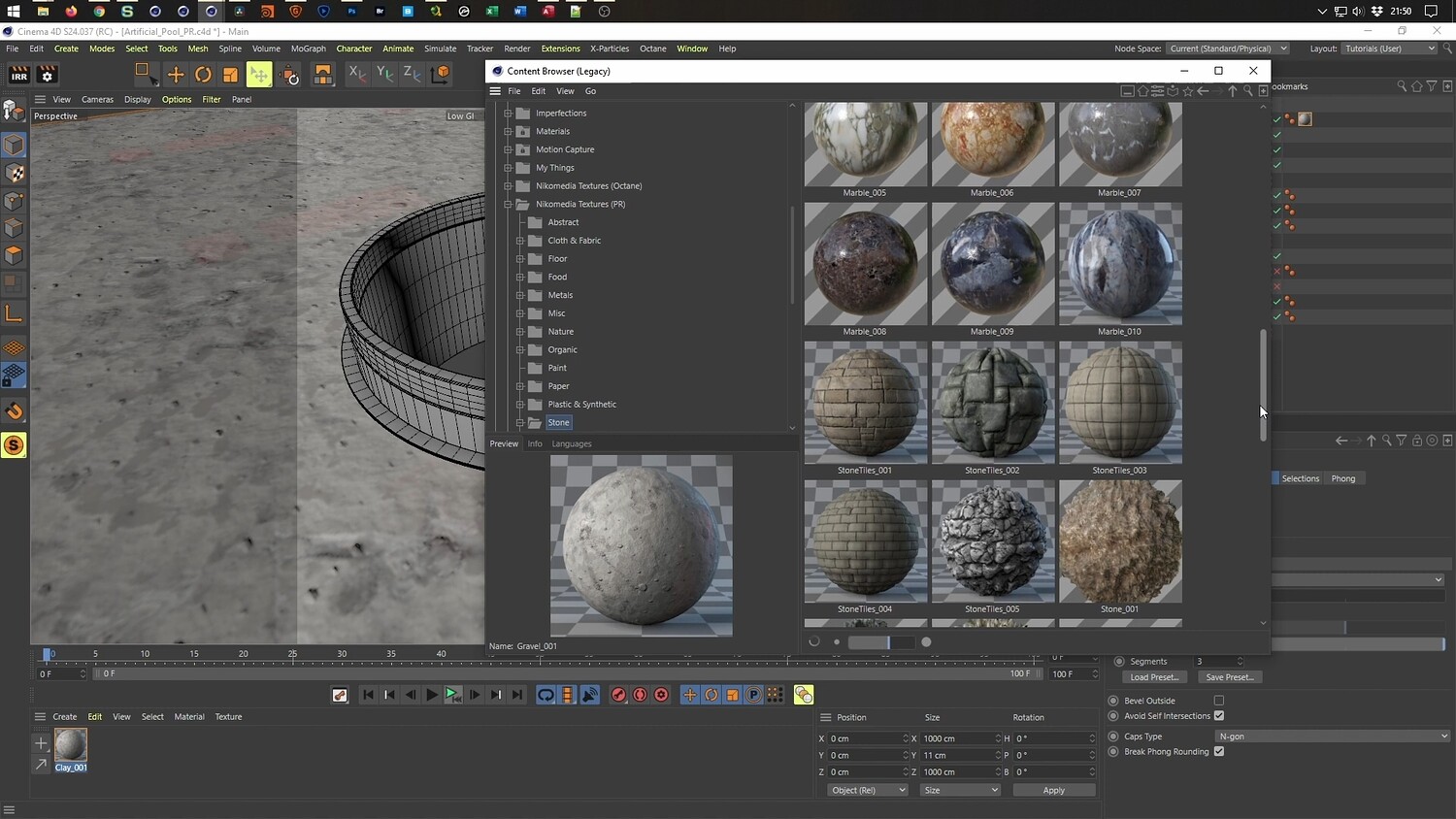
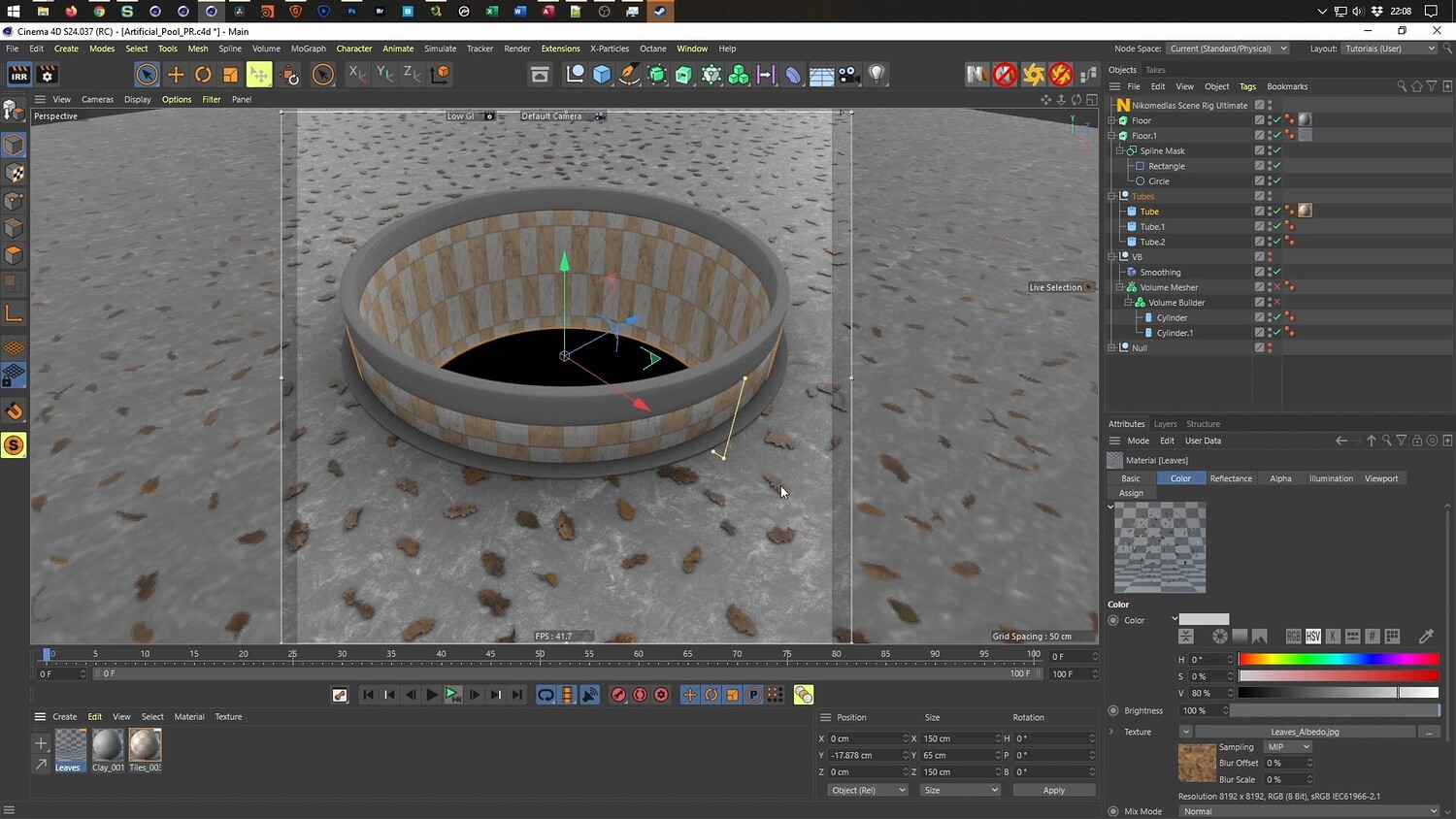
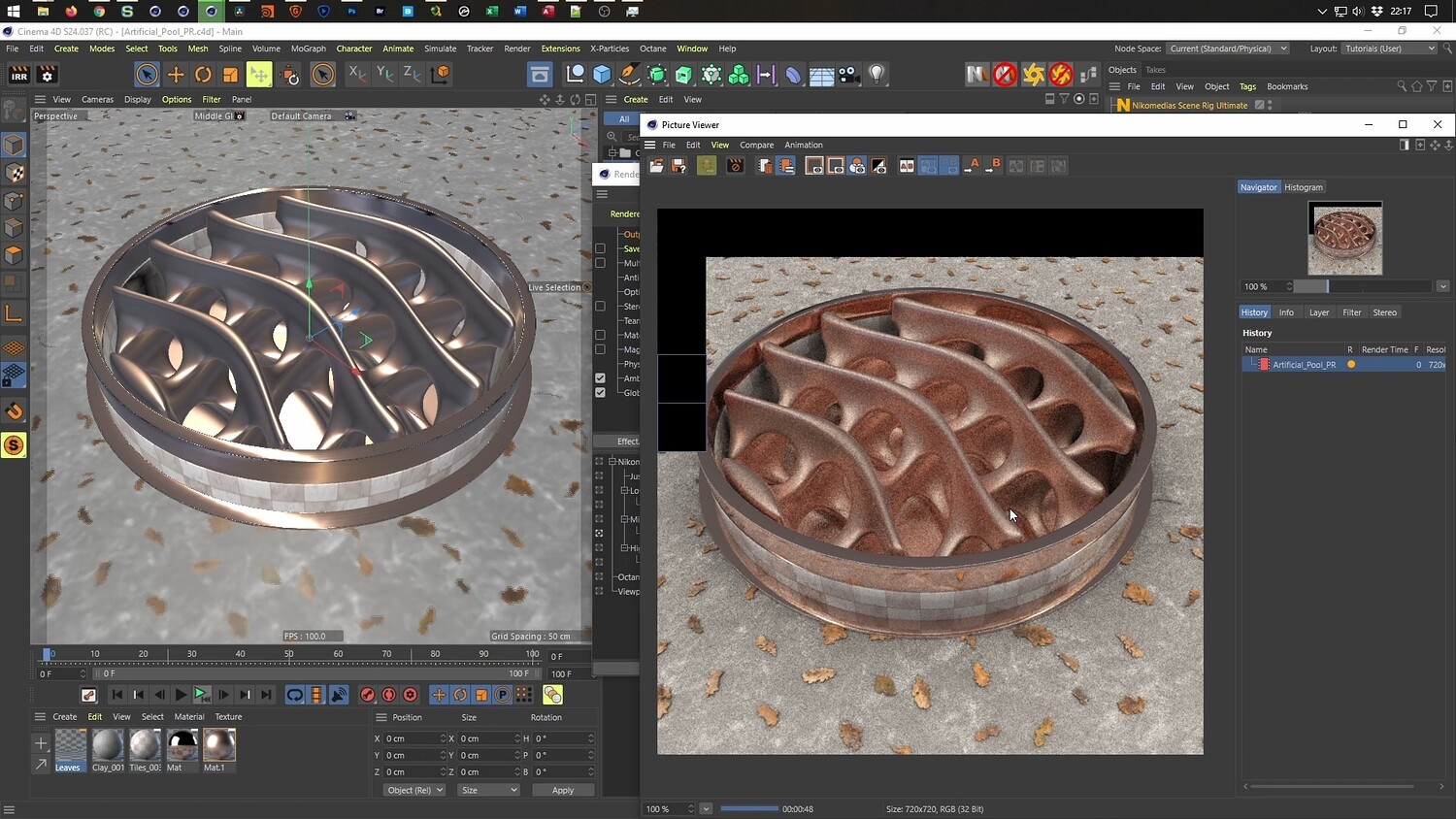
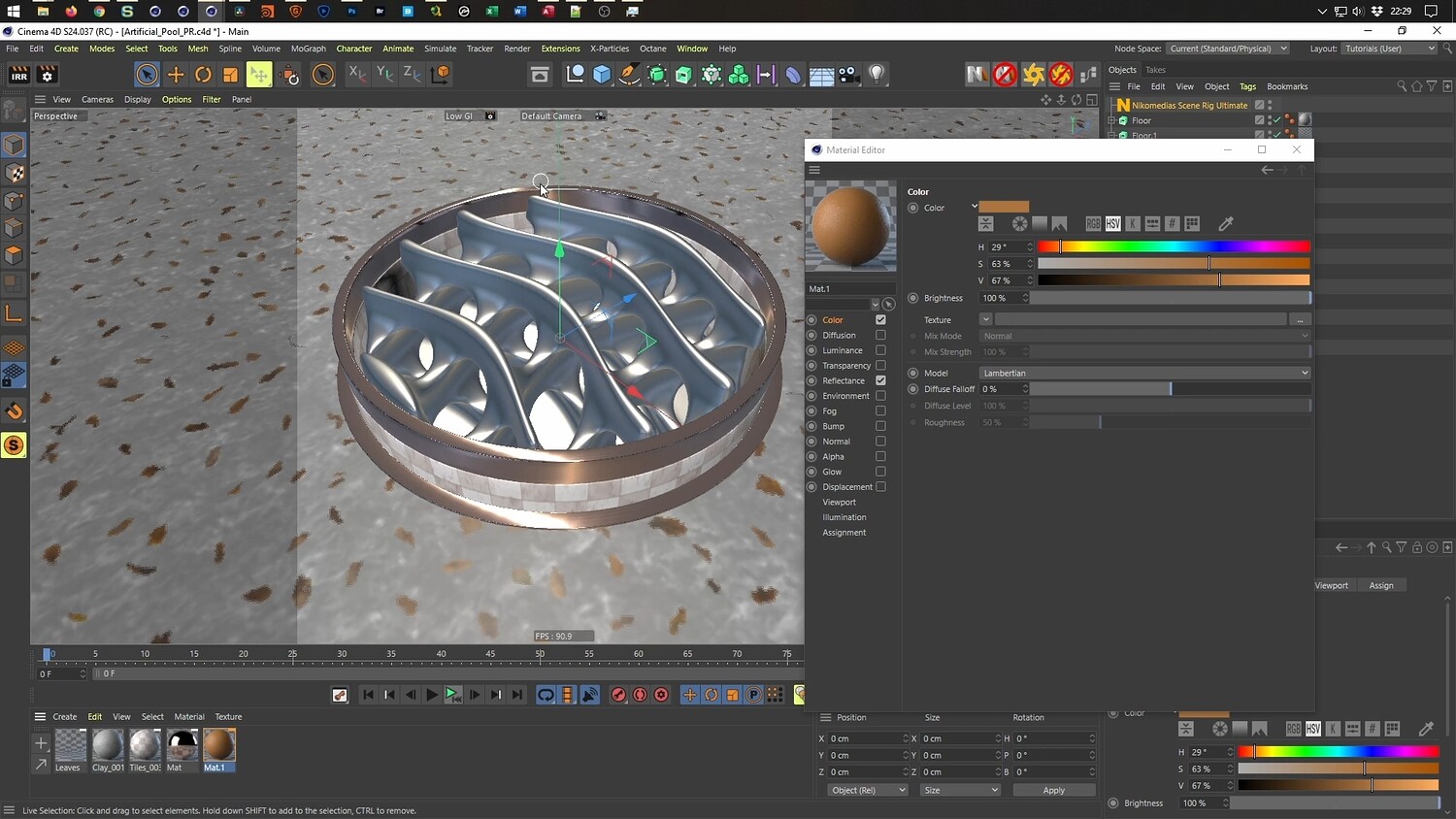
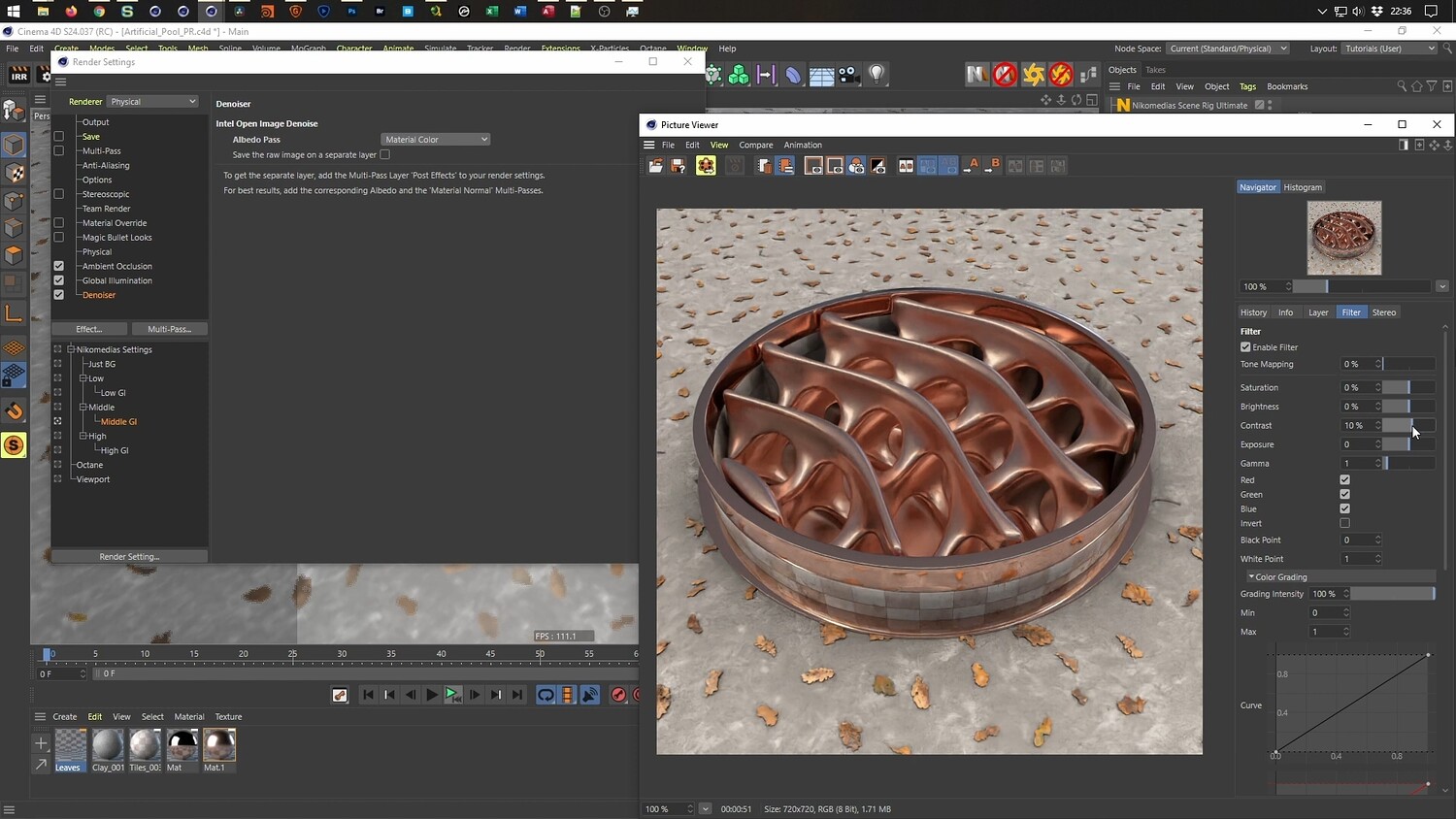
In this tutorial, explore the process of designing a mesmerizing, abstract 3D animation featuring a liquid pool with an organic, wavy surface. The guide breaks down how to use splines and effectors to generate motion, and how to utilize the Volume Builder to create smooth, flowing geometry. You will also learn techniques for building a realistic environment, including texturing tiled surfaces and scattering details like dry leaves using efficient mapping methods. The tutorial covers workflows for setting up a seamless loop and adjusting render settings for high-quality results.
What you will learn: - How to use Helix Splines and the Formula Effector to create wave animations - Utilizing the Volume Builder and Volume Mesher for organic liquid modeling - Setting up seamless loop animations by offsetting coordinates - Texturing techniques for metallic fluids and realistic tiled surfaces - Efficient methods for scattering leaves using opacity and alpha maps - Rendering workflows using the Physical Render with denoiser settings
Software/Tools: - Cinema 4D - Volume Builder - Octane Render - Physical Render
Length: 01:39:04
You will get 4 files
All files previously purchased will always be available for download in your Library