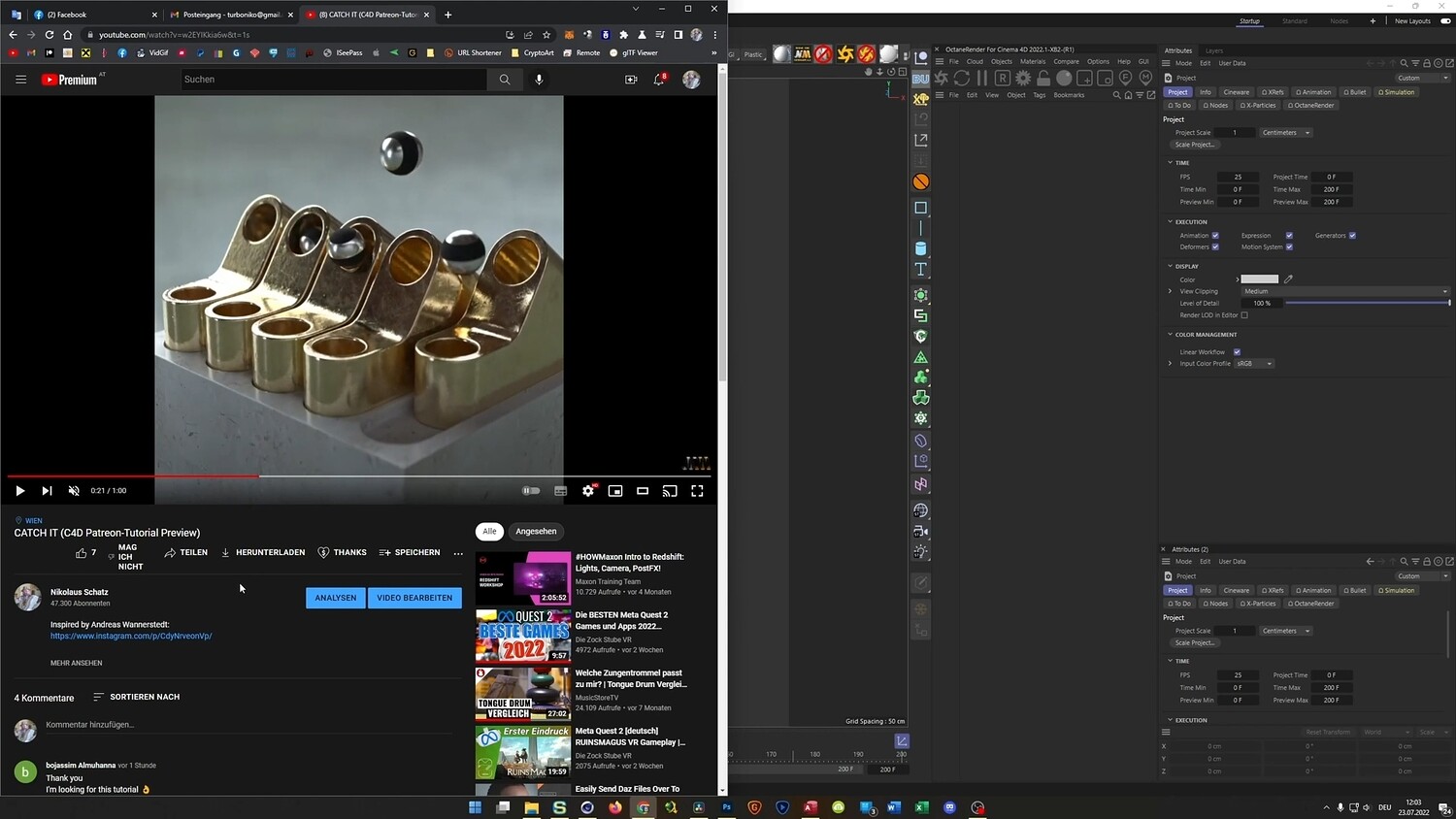
Catch It Animation in Cinema 4D
In this tutorial, we dive deep into Cinema 4D and build a complex-looking animation from scratch using smart, efficient workflows and native tools only.
SORRY FOR THE TERRIBLE SOUND!
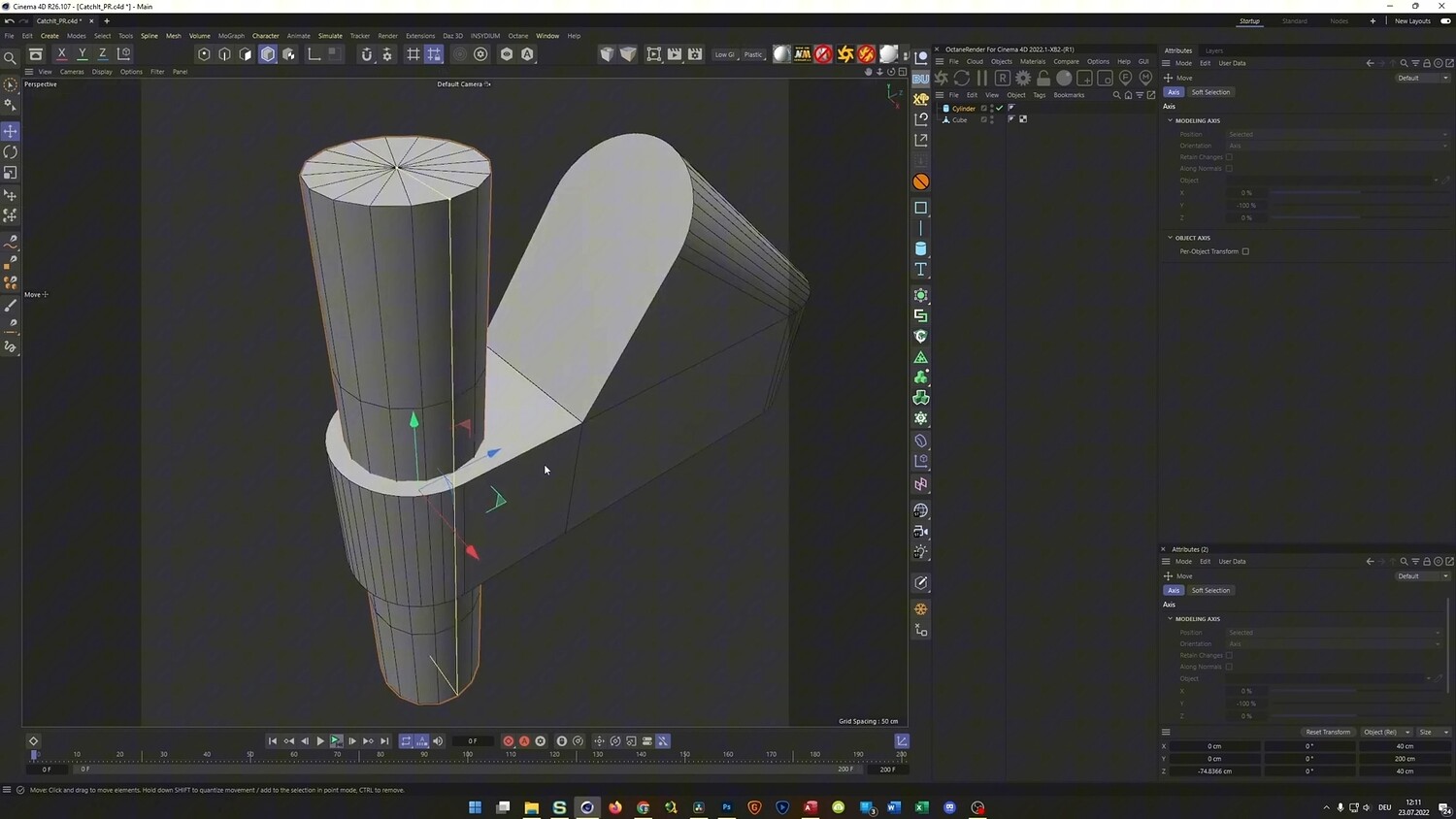
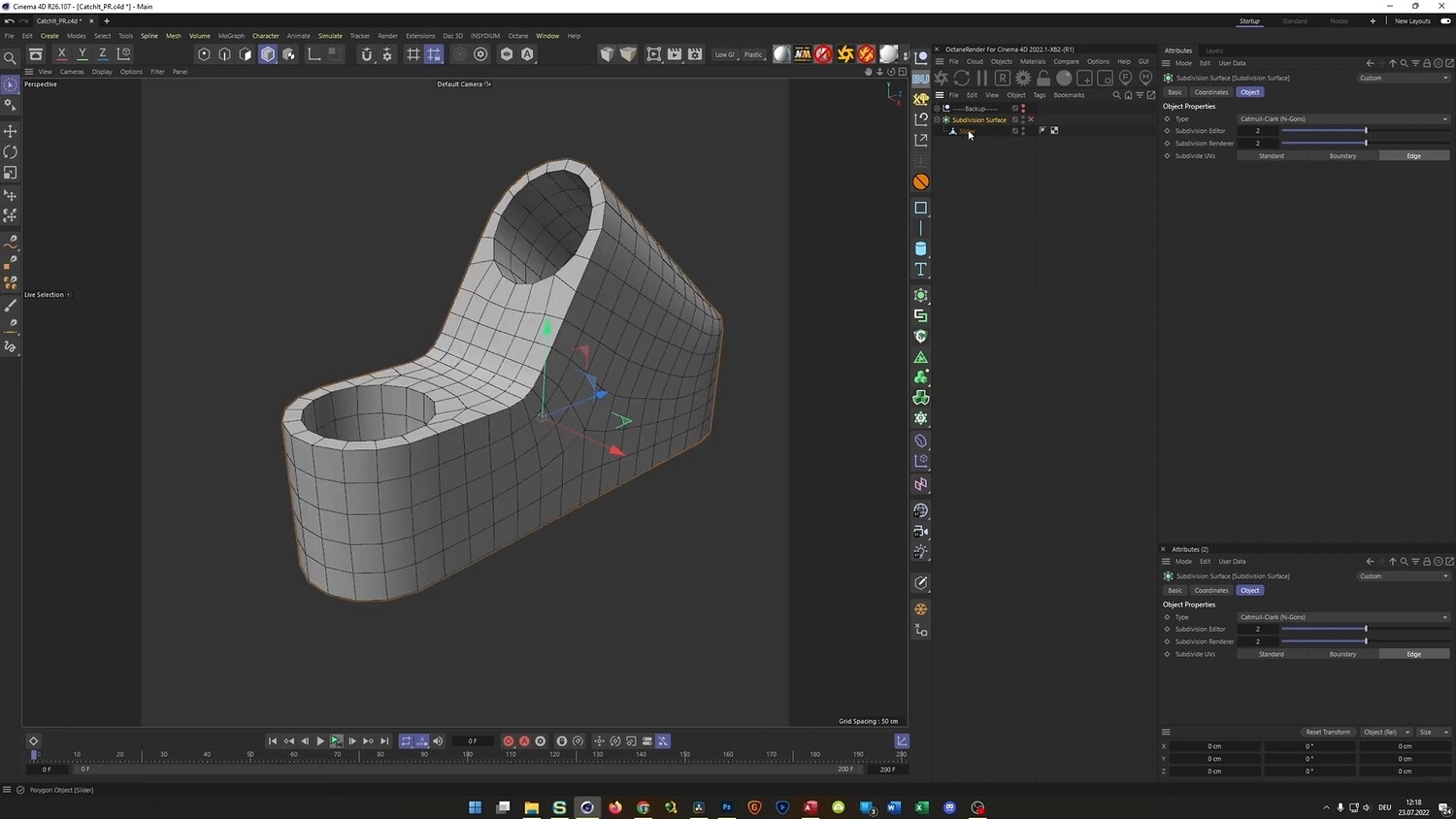
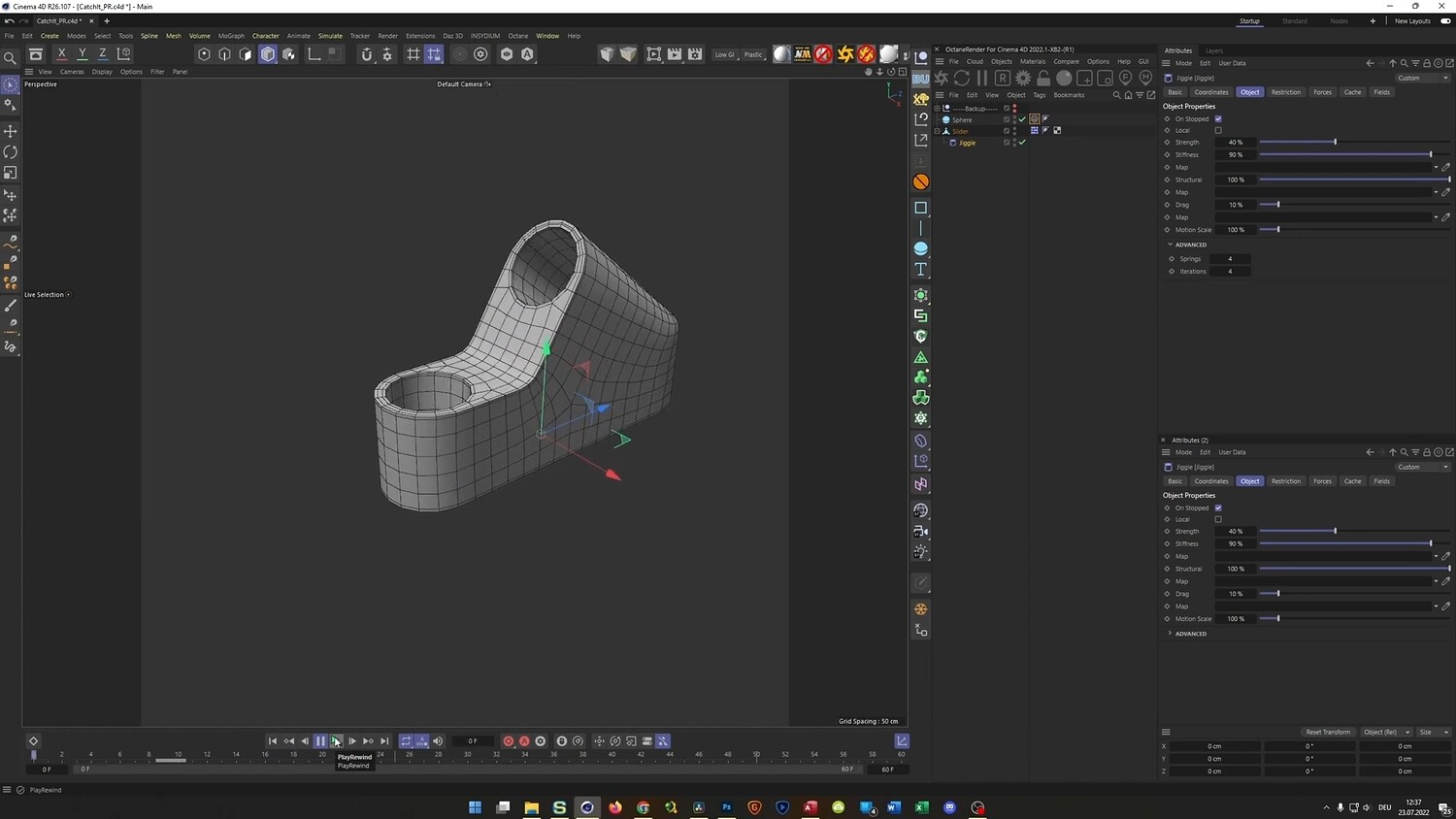
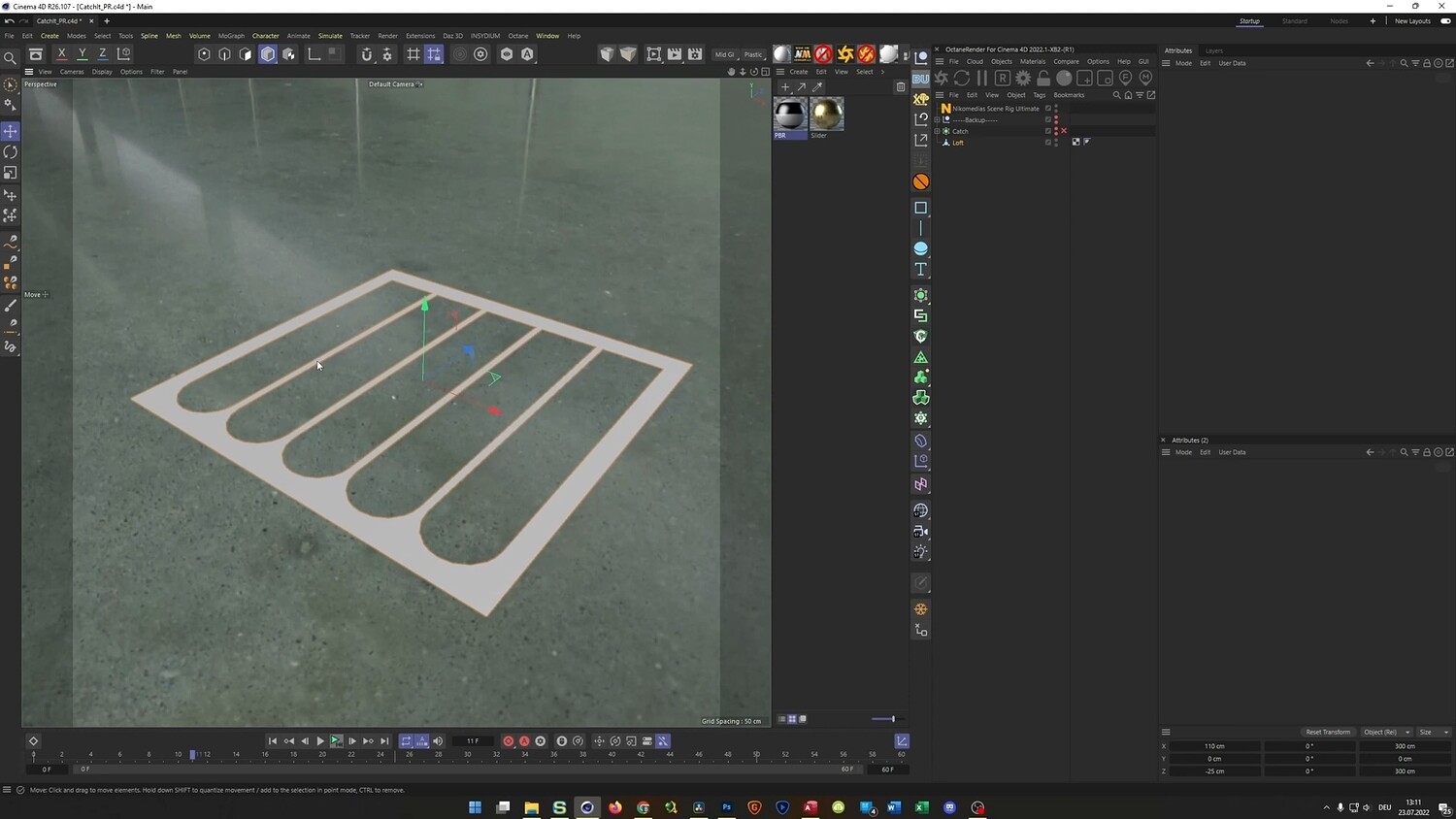
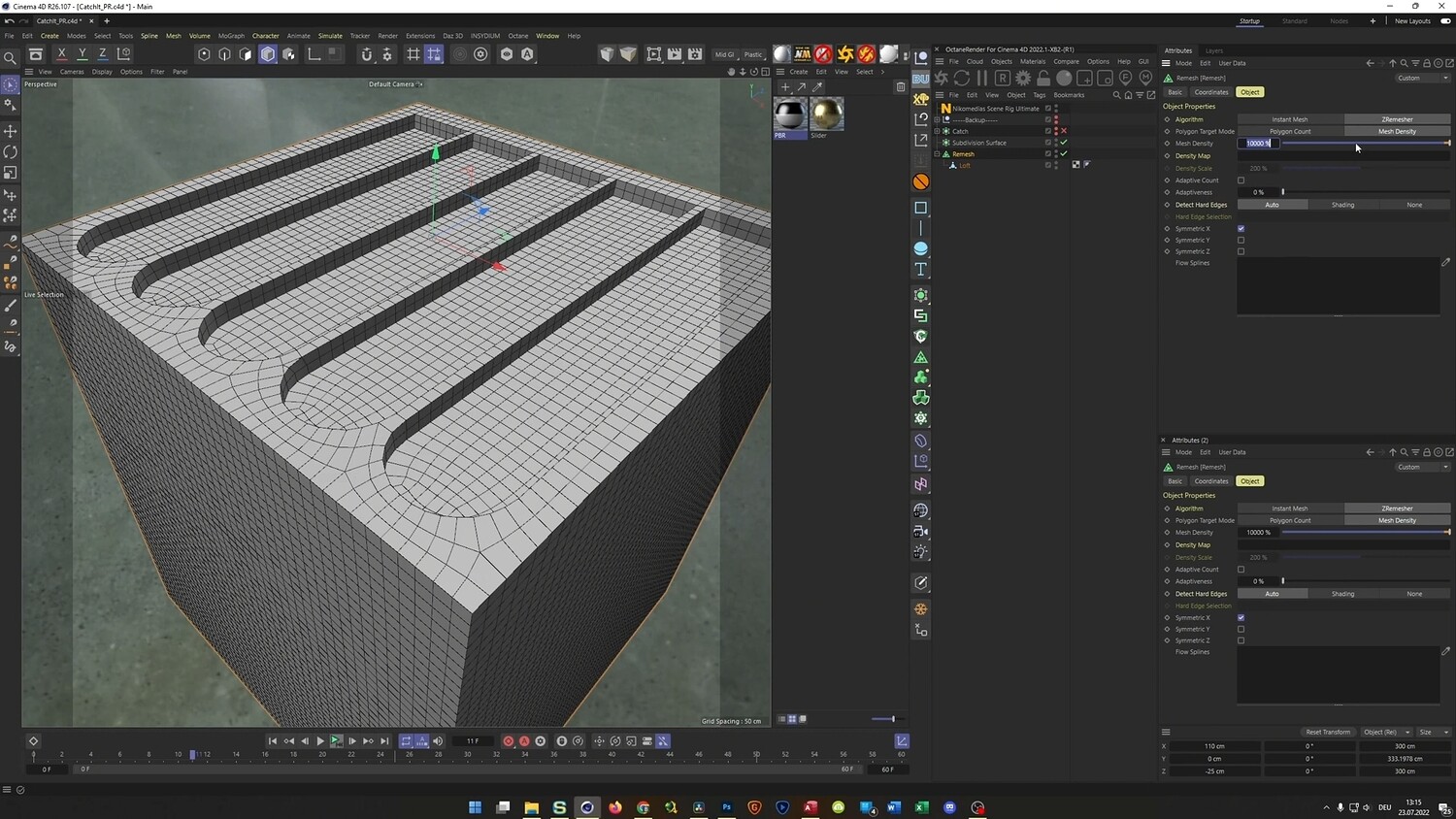
We start by modeling the slider mechanism using a Boolean-based workflow combined with the Volume Remesher to achieve clean, production-ready topology without tedious manual cleanup. You will then learn how to set up Rigid Body Dynamics to shoot and catch a sphere, enhancing realism with the Jiggle Deformer for subtle secondary motion.
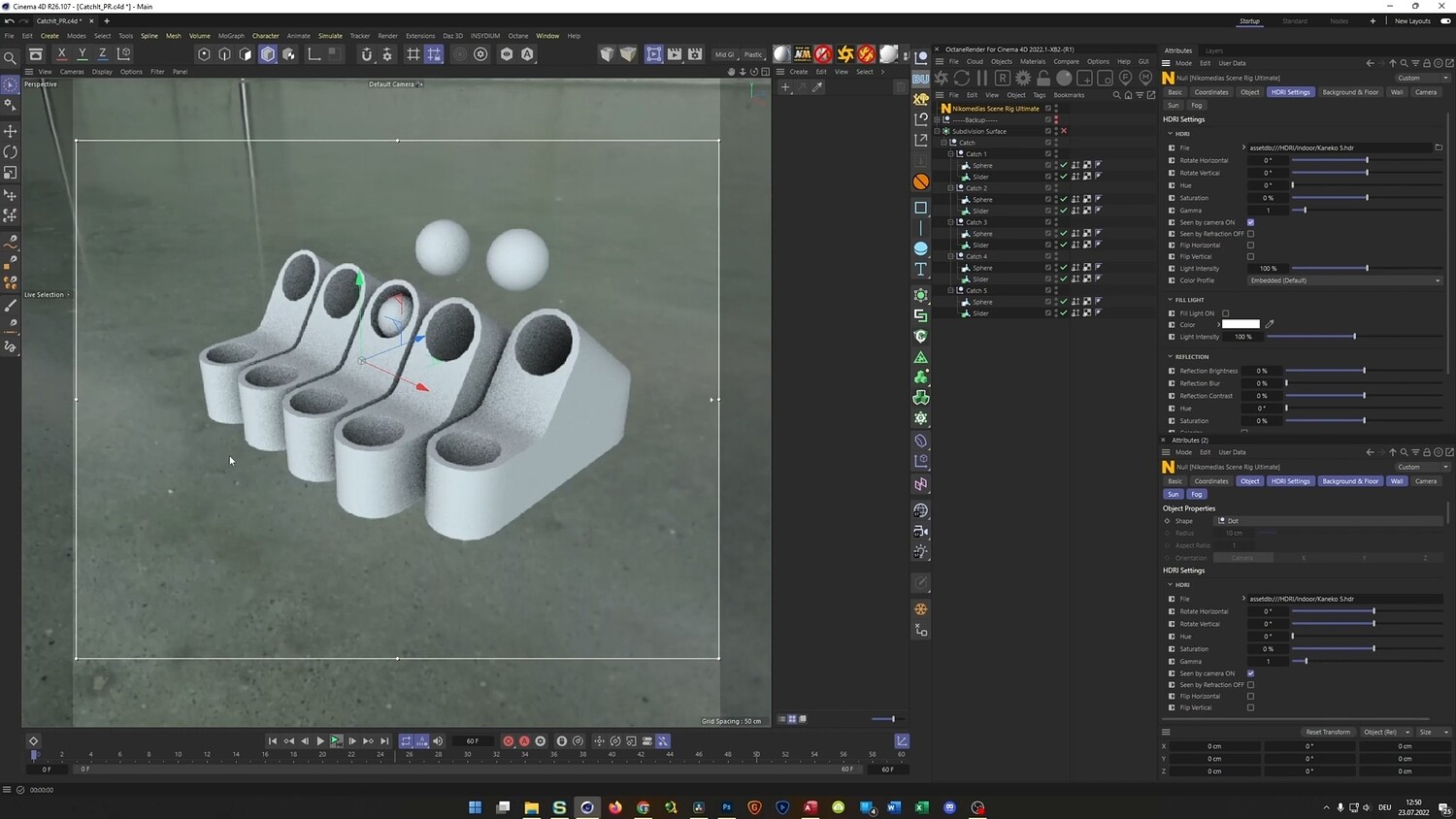
The core of this training is the Alembic workflow. You will learn how to bake your dynamics, offset animations across multiple clones, and create a seamless, infinite loop suitable for high-end motion design projects.
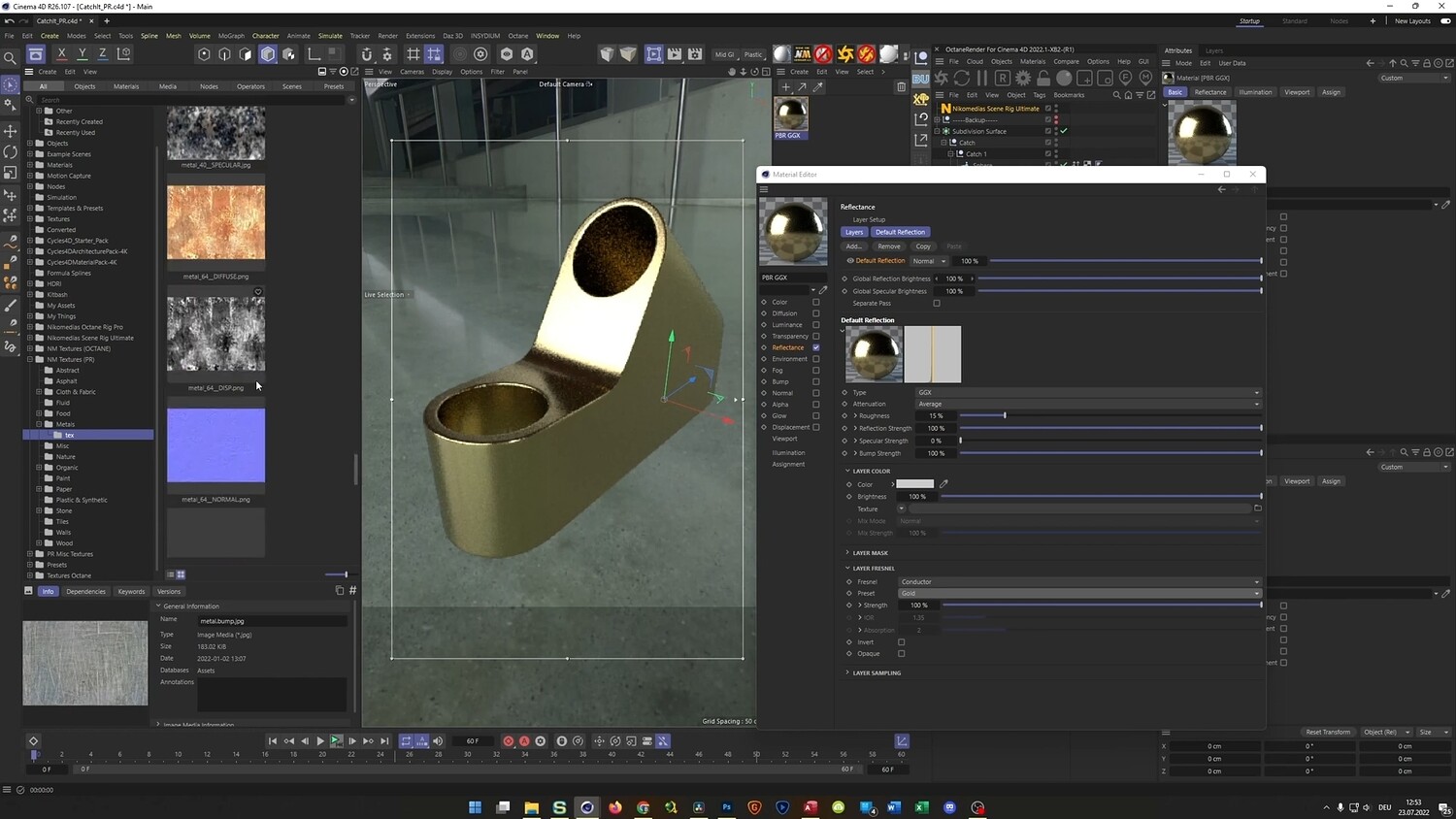
Finally, we focus on texturing and rendering. You will create realistic metal and marble materials with surface imperfections such as scratches, and render the final animation using the Physical Render with Depth of Field and Denoising for clean, cinematic results.
WHAT YOU WILL LEARN
Modeling
Efficient hard-surface modeling using Booleans combined with the Volume Remesher for clean topology.
Dynamics
Setting up Rigid Body simulations with custom initial velocity and angular velocity.
Deformation
Adding secondary motion and perceived weight using the Jiggle Deformer.
Alembic Workflow
Baking dynamics to Alembic, offsetting animation timing for a wave effect, and creating a perfect seamless loop.
Texturing
Creating realistic metal and marble shaders with subtle scratches and imperfections.
Rendering
Using the Physical Render, setting up Depth of Field, and applying the Denoiser for clean final images.
FILES INCLUDED
• Full Cinema 4D project files (Physical Render version)
• Octane Render version included as a bonus
• Texture assets
Whether you are a beginner or an intermediate Cinema 4D user, this tutorial will give you the skills needed to create high-end, satisfying looping animations for your portfolio.
Duration: 01:31:30
You will get 4 files
All files previously purchased will always be available for download in your Library