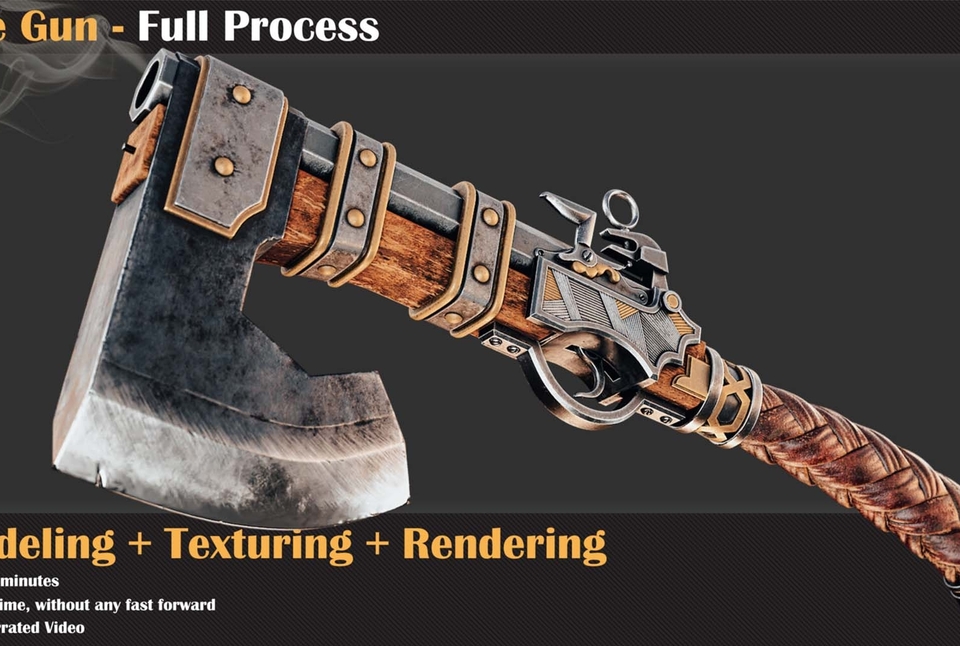


Axe Gun Tutorial
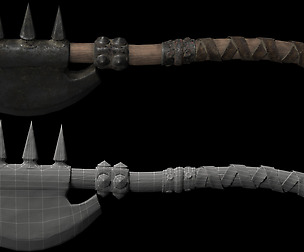
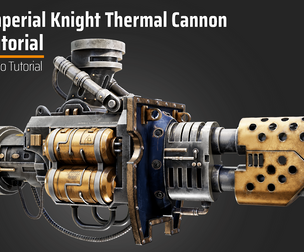
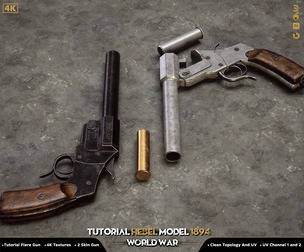
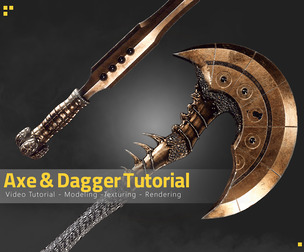
In this Tutorial, we will model, unwrap, texture, and render an axe with gun support from zero to complete level. To follow this tutorial correctly, You should have basic knowledge of these software. (+6 Hours)
Tutorial Contents:
Modeling
+3 hours of the modeling process in 3Ds max and Sculpting in Zbrush. For this Axe Gun, we create a proxy mesh from the 2d Image that we have, and after that, we are going to use the turbo smooth method to create a detailed version. and we are going to use Zbrush to sculpt the wood handle.
Unwrapping & Texturing
- 2 hours of unwrapping in Rizom UV and Texturing in the Substance Painter. Before getting started with the texturing process it needs to have proper uv and for this section we use RizomLab, after that, we move to Substance Painter and start the texturing process.
Rendering
For the Rendering phase, we choose the best real-time engine which is the Marmoset toolbag. We create material and import texture into marmoset and apply the materials to the model. The next phase is setting up lights and framing the camera and setting the cameras.
Software Used:
-3Ds Max
-Zbrush
-Rizom UV
-Substance Painter
-Marmoset Toolbag
Level:
Intermediate
Prerequisite Basic knowledge of the software used ( how to navigate and work with primary functions in them )
Attention: the final model and project files don't include this product.
Attention: all videos are unnarrated (it means there are no voice-over videos or subtitles)
You will get 3 files
All files previously purchased will always be available for download in your Library