




Poster Studio for Photoshop
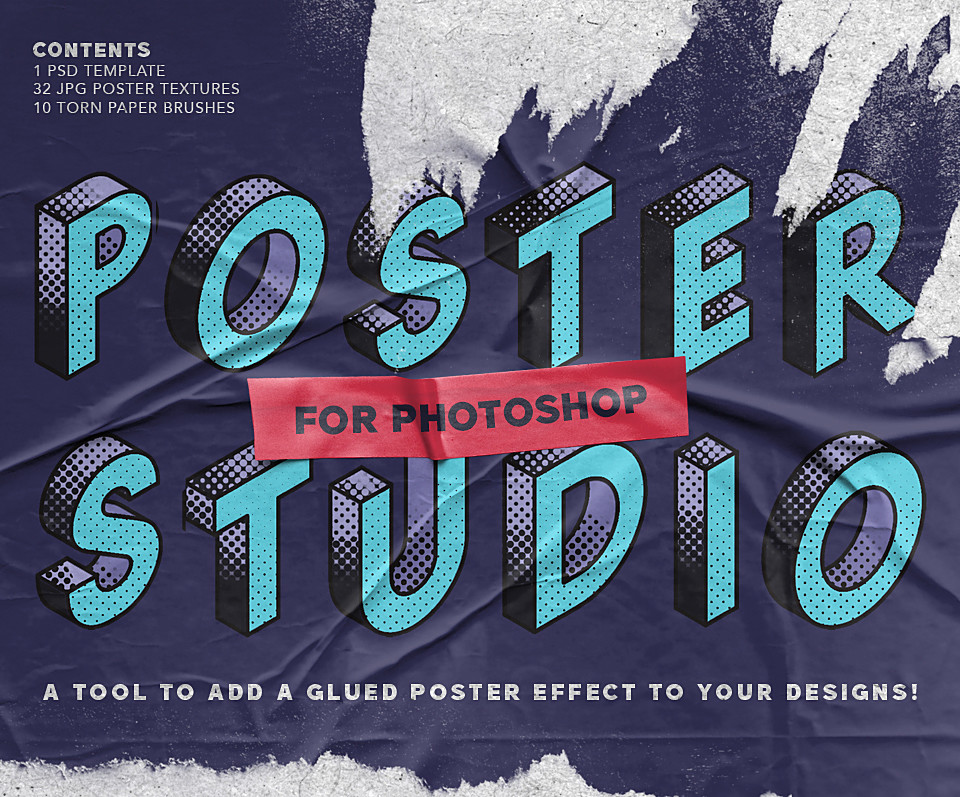
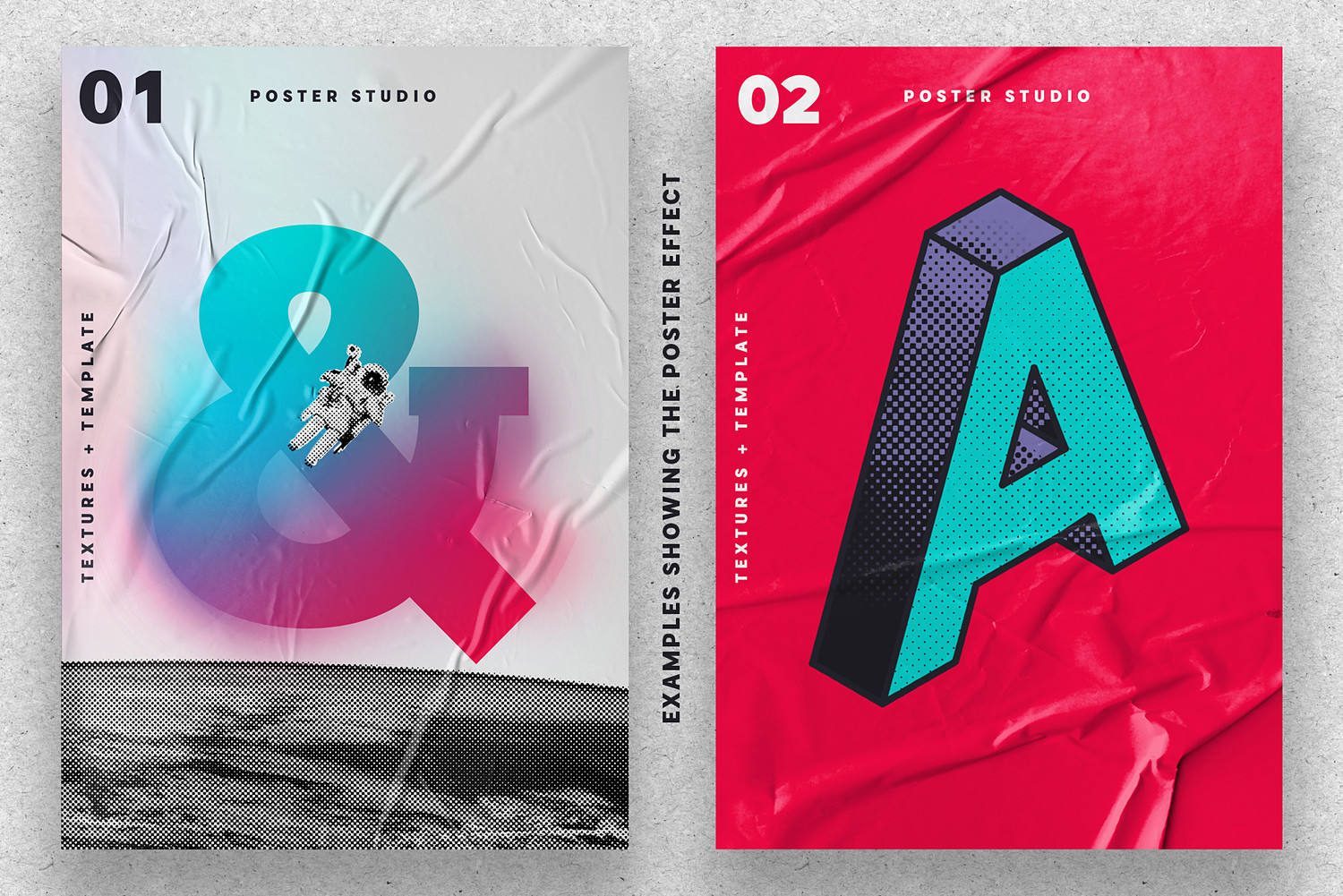
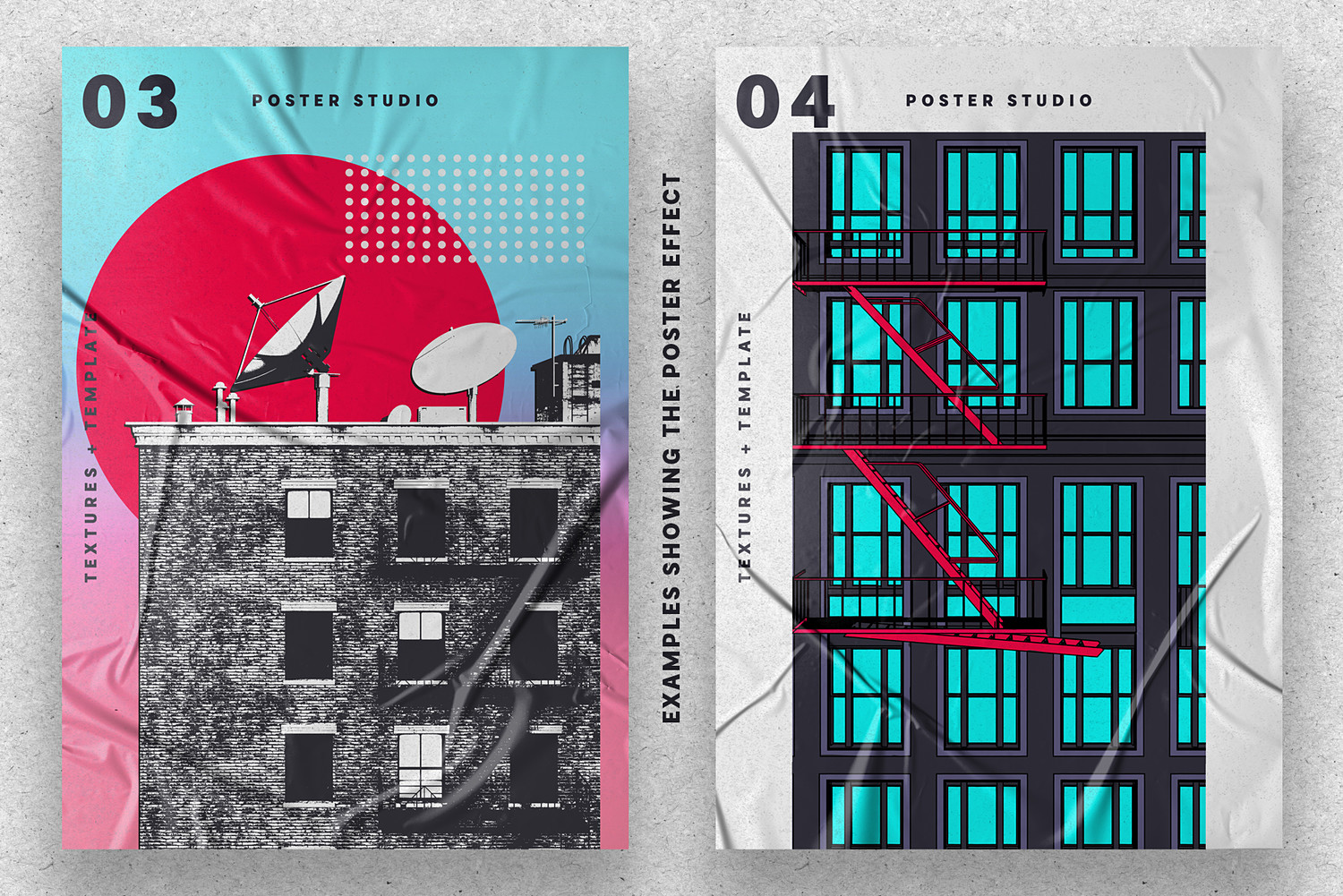
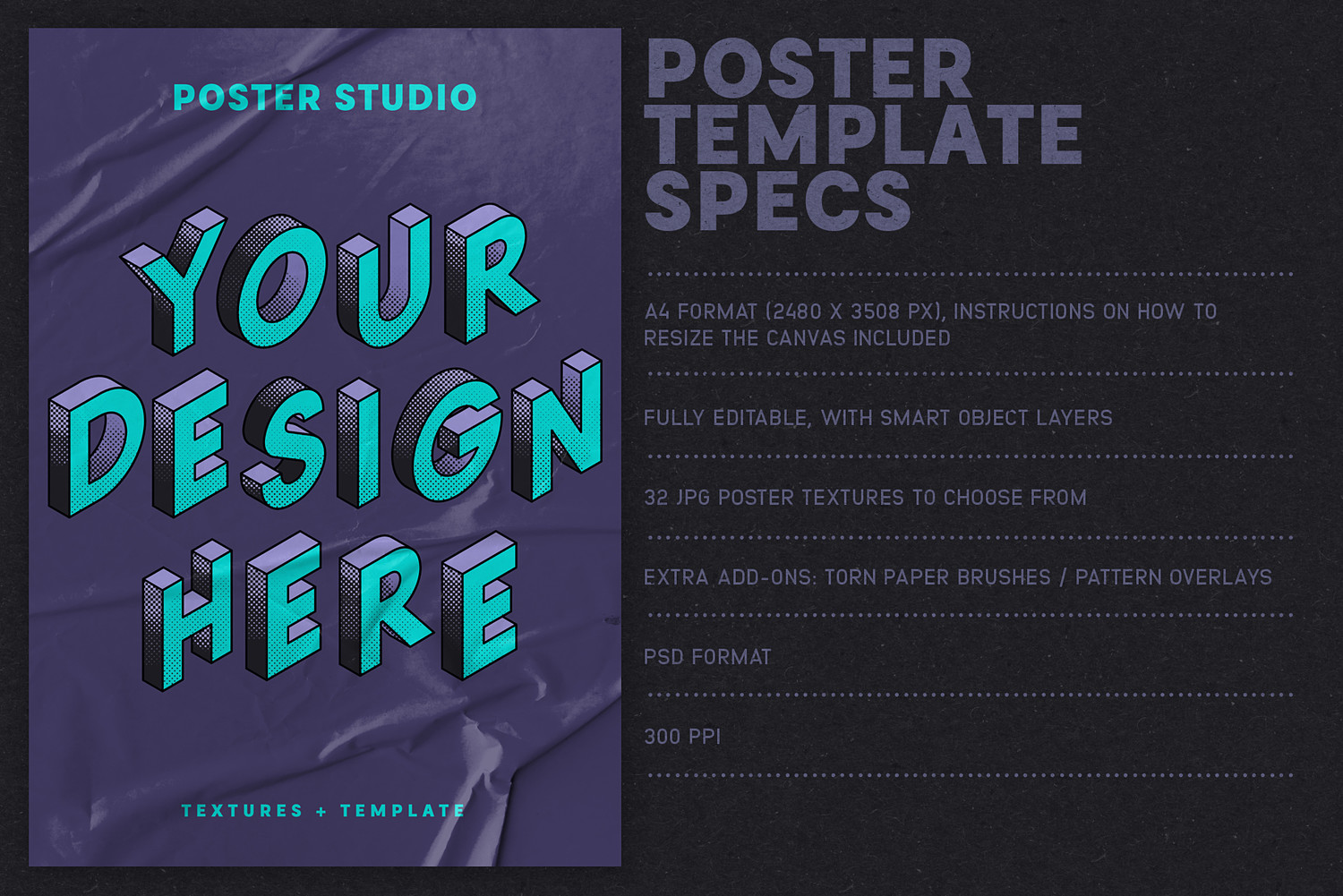
The Poster Studio tool: featuring a fully editable PSD template with smart object replacement, where you can add your own design, choose from 32 poster textures, add a pattern overlay and torn paper brushes. This template imitates the look of a badly glued poster to give dimension to the artwork.
The textures: a collection of 32 handmade poster textures that have been carefully captured from real folds and creases.
The pattern overlays: 6 subtle seamless cardboard & grit overlays with editable scale, included in the PSD template, to add some extra texturing on top of your image.
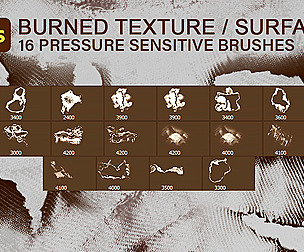
The brushes: a set of 10 torn paper Photoshop brushes to help you achieve an even more “worn out” look for your poster designs with a just a few clicks.
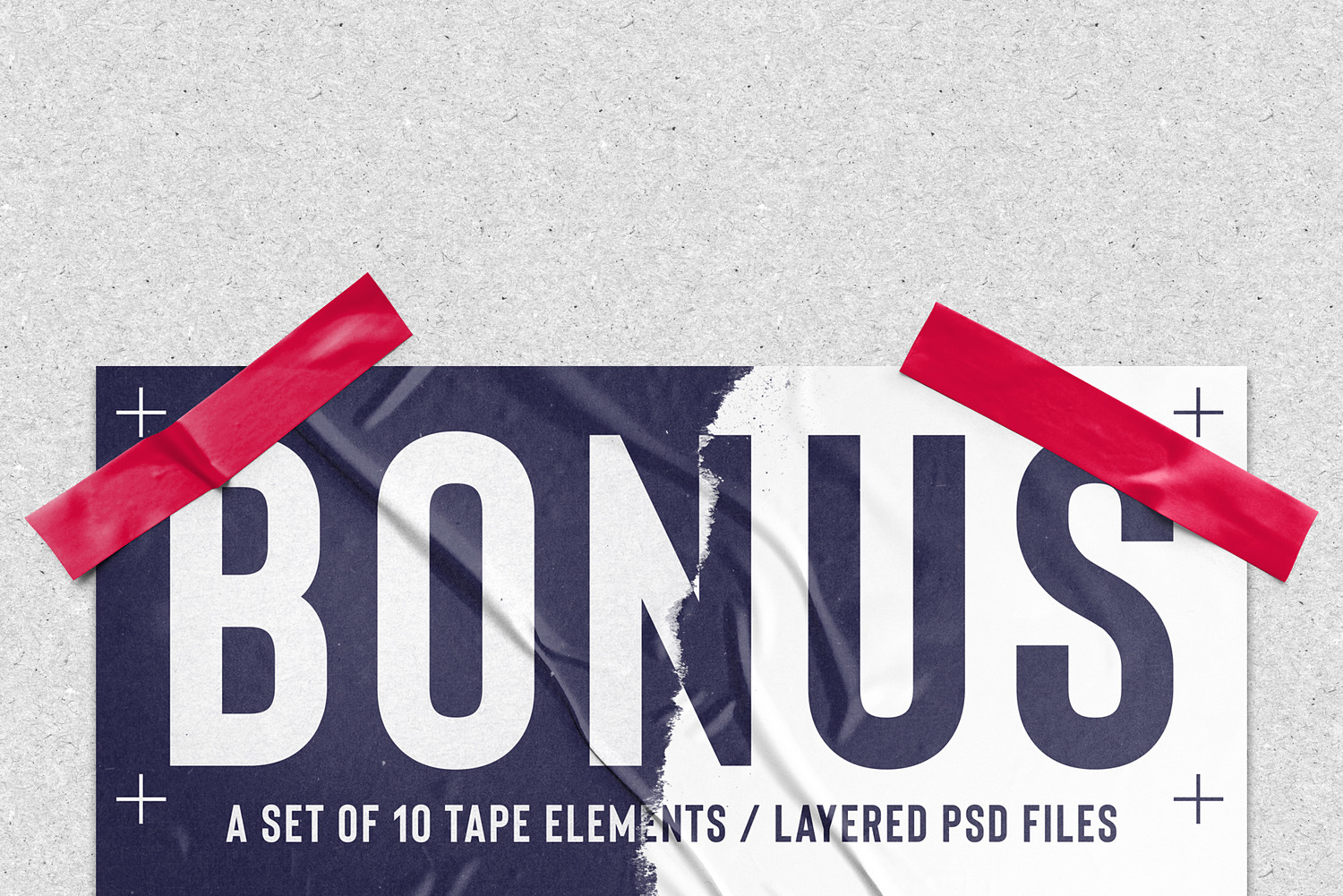
Bonus! While I was creating the cover image, I added a photo of a piece of electrical tape. Then I thought, why not create a few more of these and add them to the kit as a bonus? So there it is - 10 tape pieces, provided as layered PSD files with an option to modify the color of the tape.
The kit comes with a detailed user guide with pictures and useful tips to use the Poster Studio template!
What’s included:
1 Poster Studio template with smart object replacement (A4 format, 300 PPI)
32 JPG poster textures (6000 x 4000 px, 300 PPI)
1 PDF user guide with instructions and reference sheets
1 ABR file containing the 10 torn paper Photoshop brushes
10 PSD bonus tape elements
Compatibility:
This product requires Photoshop (CC) in order to use the Poster Studio template and the brushes.
You will get 1 file
All files previously purchased will always be available for download in your Library