

Lightwave 2019- Volume #10- Modeler Tools II
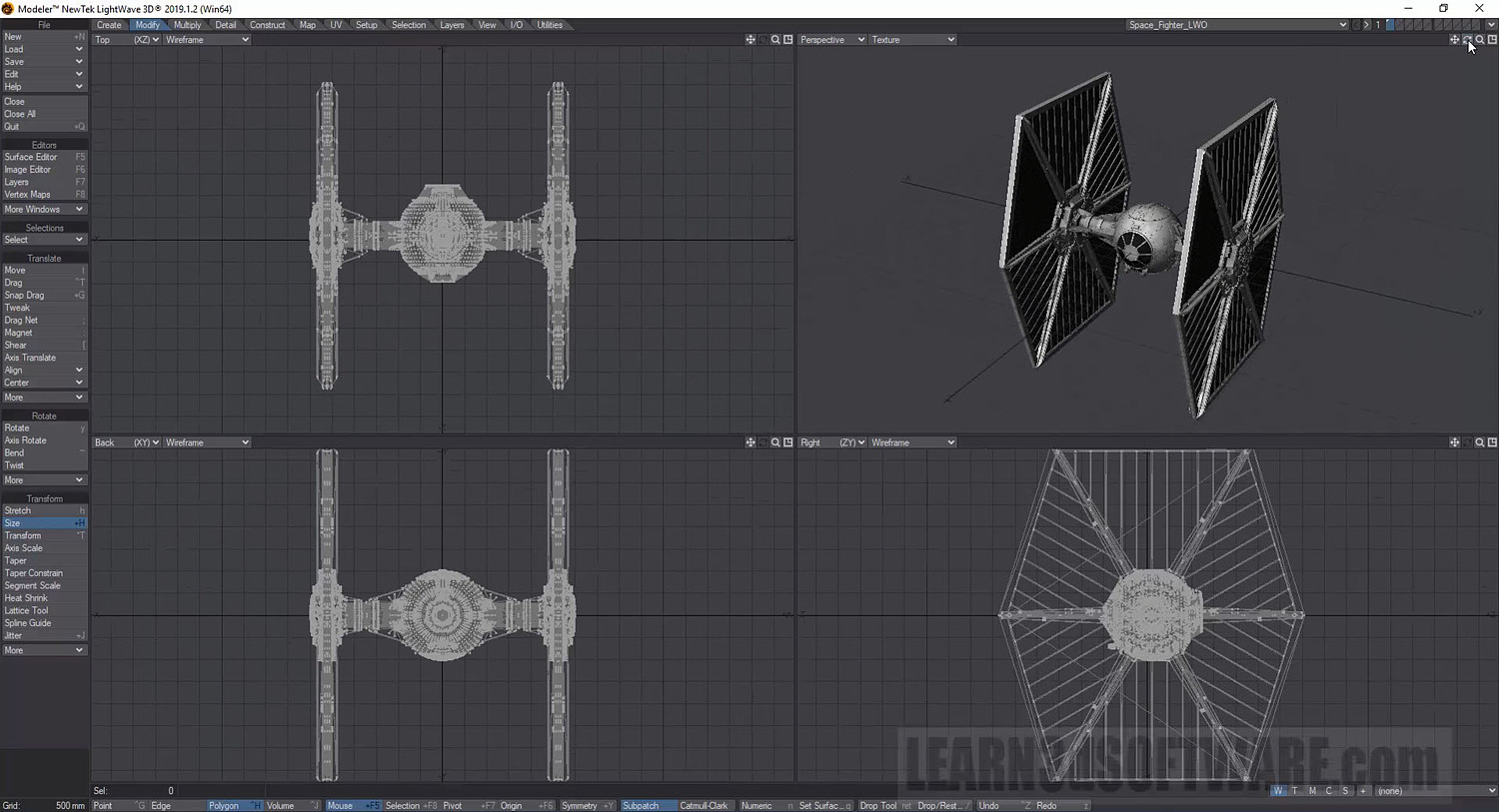
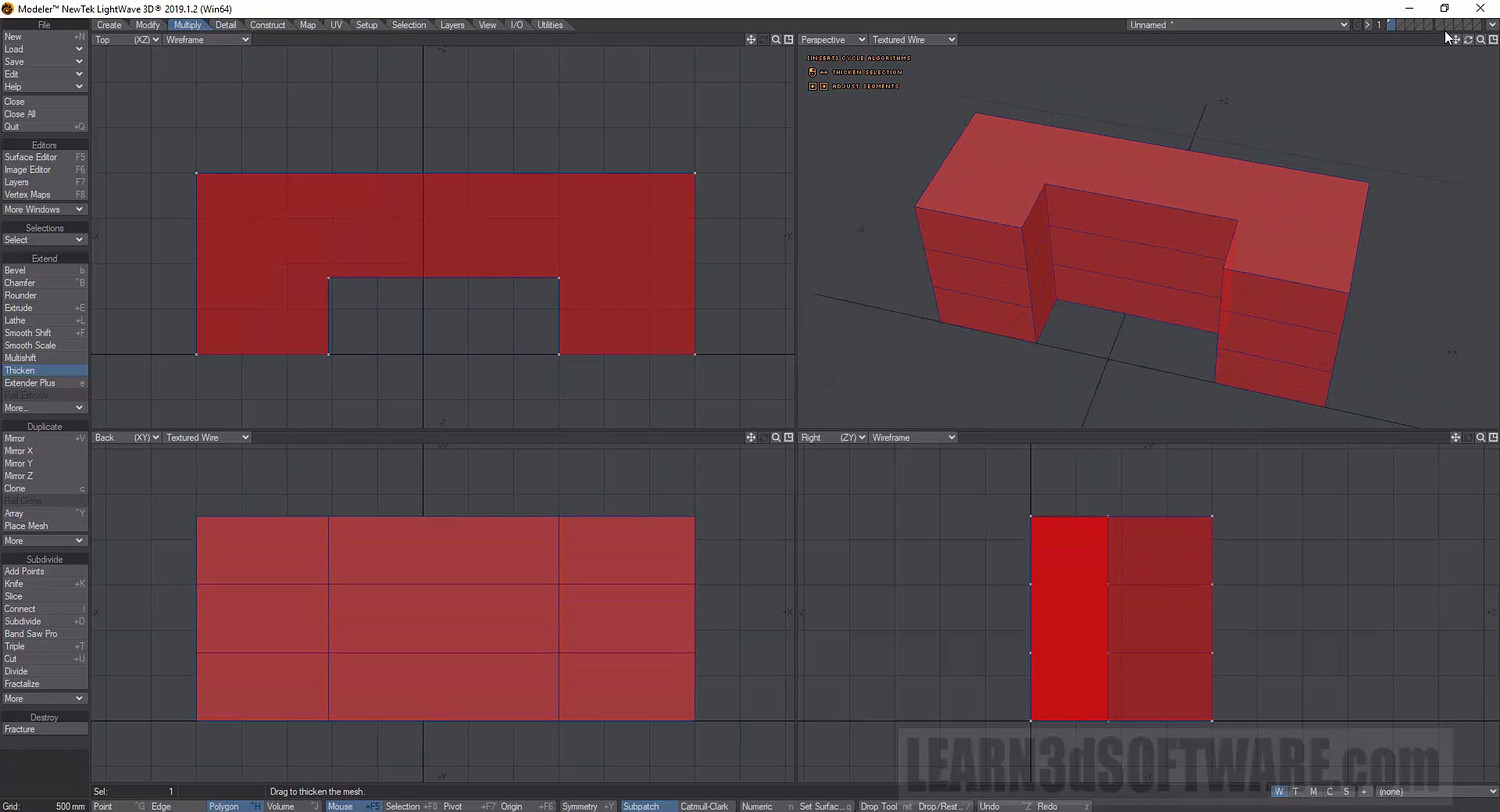
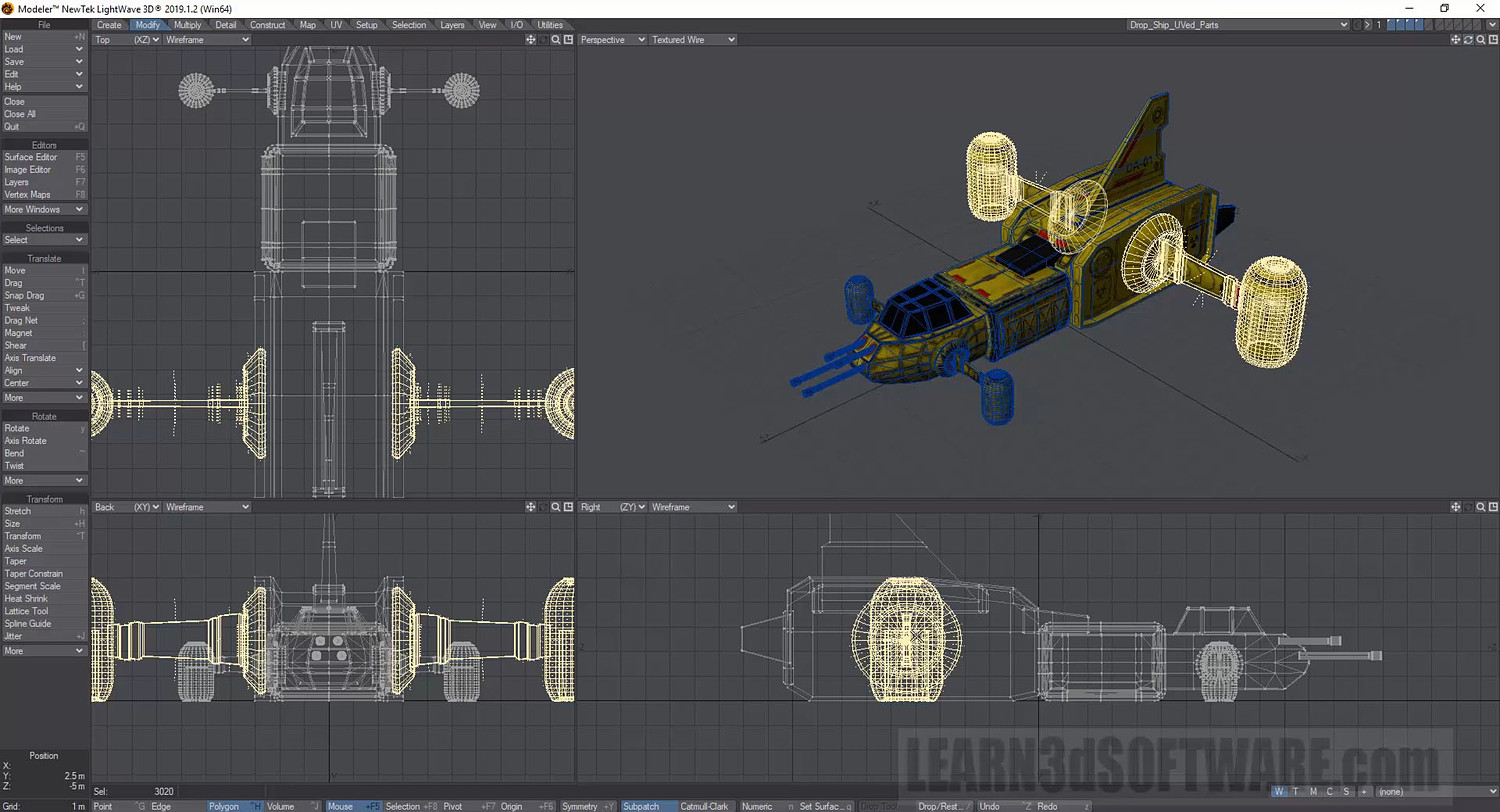
In this tenth volume of the Lightwave 2019/2018 (12 Volume Series) 3D Instructor Adam Gibson continues his detailed introduction to Modeler's powerful toolset. A great place to start for beginner Lightwave Users.
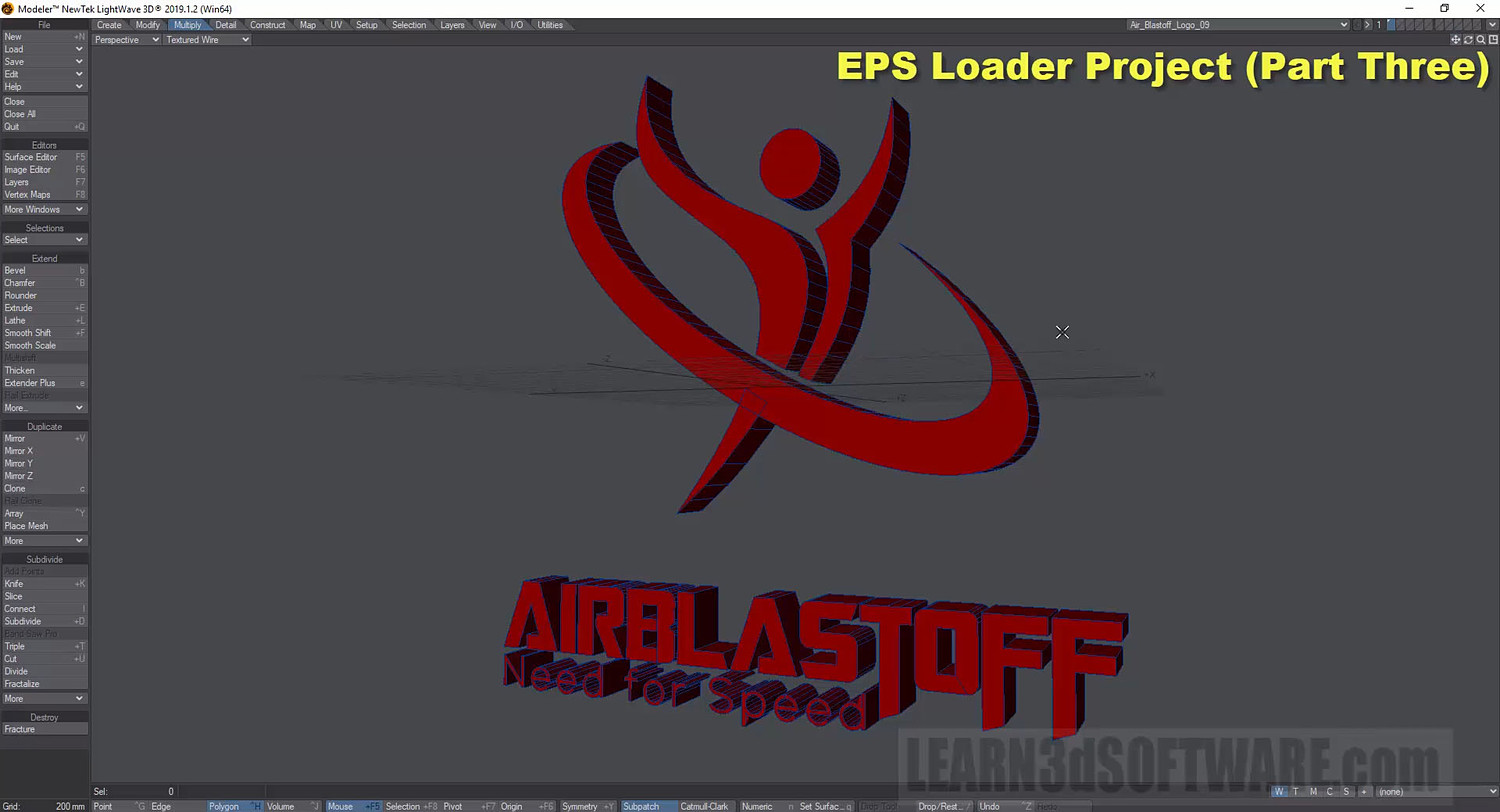
Some of the Topics Covered: 1) Mesh Modify Tools (Move, Rotate, Stretch, Size), 2) Axis Constraints, 3) Mouse Action Center Options, 4) 3D Text Logo Tools, 5) Point & Polygon Creation Tools, 6) Converting EPS (Encapsulated Postscript Files) from Adobe Illustrator for use in Lightwave 3D, 7) EPS File Import, 8) EPS to 3D Logo Project, 9) Mesh Correction/Optimization.
Table of Contents
Chapter 1- Intro
Chapter 2- Move Tool (Mesh Editing, Axis Contraints, Keyboard Shortcut)
Chapter 3- Rotate Tool (Action Centers, Mesh Editing, Keyboard Shortcut)
Chapter 4- Stretch Tool (Part One)-
Chapter 5- Stretch Tool (Part Two)
Chapter 6- Size Tool (Action Centers, Mesh Editing, Keyboard Shortcut)
Chapter 7- Make Points (Single & Multiple Point Creation)
Chapter 8- Make Polygon Tool (Point to Polygon Creation, 3D Model Correction)
Chapter 9- Logo Tool (Logo Text, Extrusion Depth, Select Font)
Chapter 10- Text Tool
Chapter 11- EPS Loader (Part One)
Chapter 12- EPS Loader (Part Two)
Chapter 13- EPS Loader (Part Three)
Chapter 14- Final
Running Time: 2 hrs. 3 mins.
High Quality (Screen-Res 1920 x 1080 pixels)
Video Format: MP4 (.mp4)
Level: Beginner
You will get 14 files
All files previously purchased will always be available for download in your Library
- LW_2019_Vol_10_Chap_01_In...1.51 MB - 16.746666666666666 sec
- LW_2019_Vol_10_Chap_02_Mo...86.07 MB - 12 min
- LW_2019_Vol_10_Chap_03_Ro...126.31 MB - 12 min
- LW_2019_Vol_10_Chap_04_St...67.55 MB - 6 min
- LW_2019_Vol_10_Chap_05_St...83.15 MB - 8 min
- LW_2019_Vol_10_Chap_07_Ma...23.82 MB - 4 min
- LW_2019_Vol_10_Chap_06_Si...66.11 MB - 5 min
- LW_2019_Vol_10_Chap_09_Lo...23.59 MB - 2 min
- LW_2019_Vol_10_Chap_08_Ma...45.45 MB - 5 min
- LW_2019_Vol_10_Chap_10_Te...82.41 MB - 10 min
- LW_2019_Vol_10_Chap_11_EP...72.0 MB - 9 min
- LW_2019_Vol_10_Chap_14_Fi...875.87 KB - 10.431999999999999 sec
- LW_2019_Vol_10_Chap_13_EP...167.85 MB - 12 min
- LW_2019_Vol_10_Chap_12_EP...251.21 MB - 32 min