

Lightwave 11- Endomorph Essentials
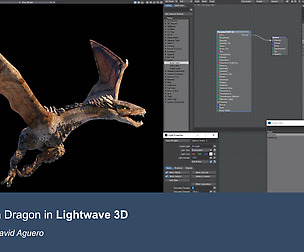
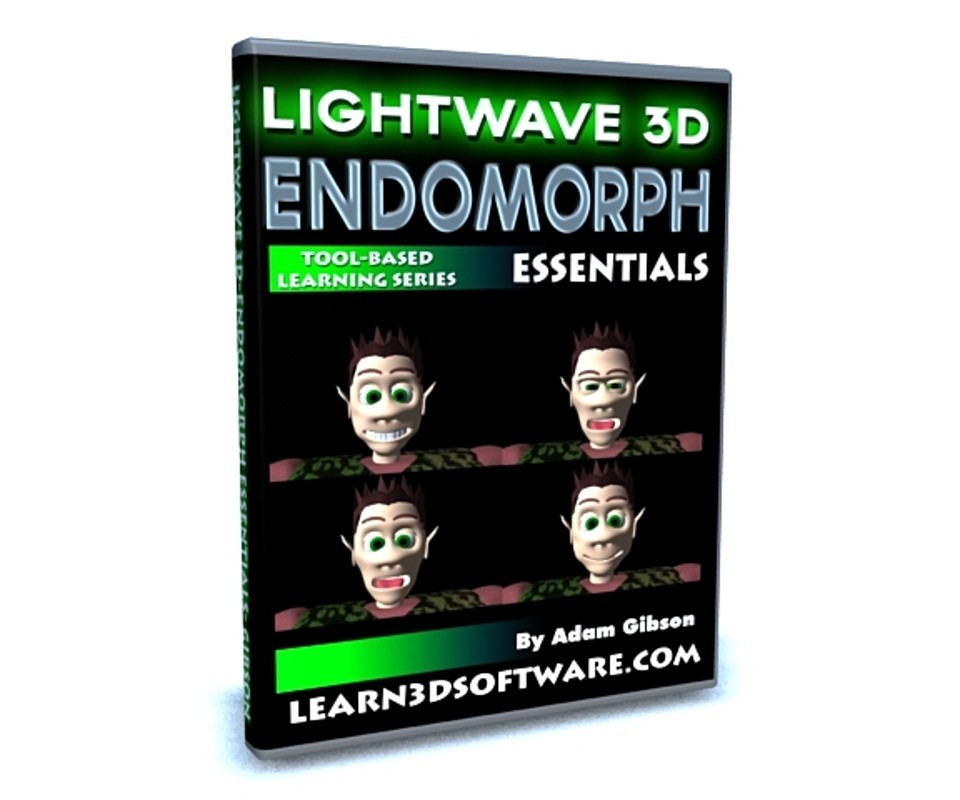
In this training video Lightwave 3D Instructor Adam Gibson demonstrates how to quickly get started using Endomorphs for animation production.
Tips and Tricks are shown on how to avoid mesh distortions when using Endomorphs on Sub-D models.
Multiple examples using Endomorphs are shown in detail to provide the 3D student a strong foundation of how they could use and create their own imaginative uses for Endomorphs.
A great training video for beginner Lightwave users!!
Table of Contents for Endomorph Essentials
Chapter 1- Intro
Chapter 2- What are Endomorphs?
Chapter 3- Subdivision Order
Chapter 4- Endomorph Basics
Chapter 5- Sliding Doors
Chapter 6- Antennae Morph
Chapter 7- Copy Morph Geometry
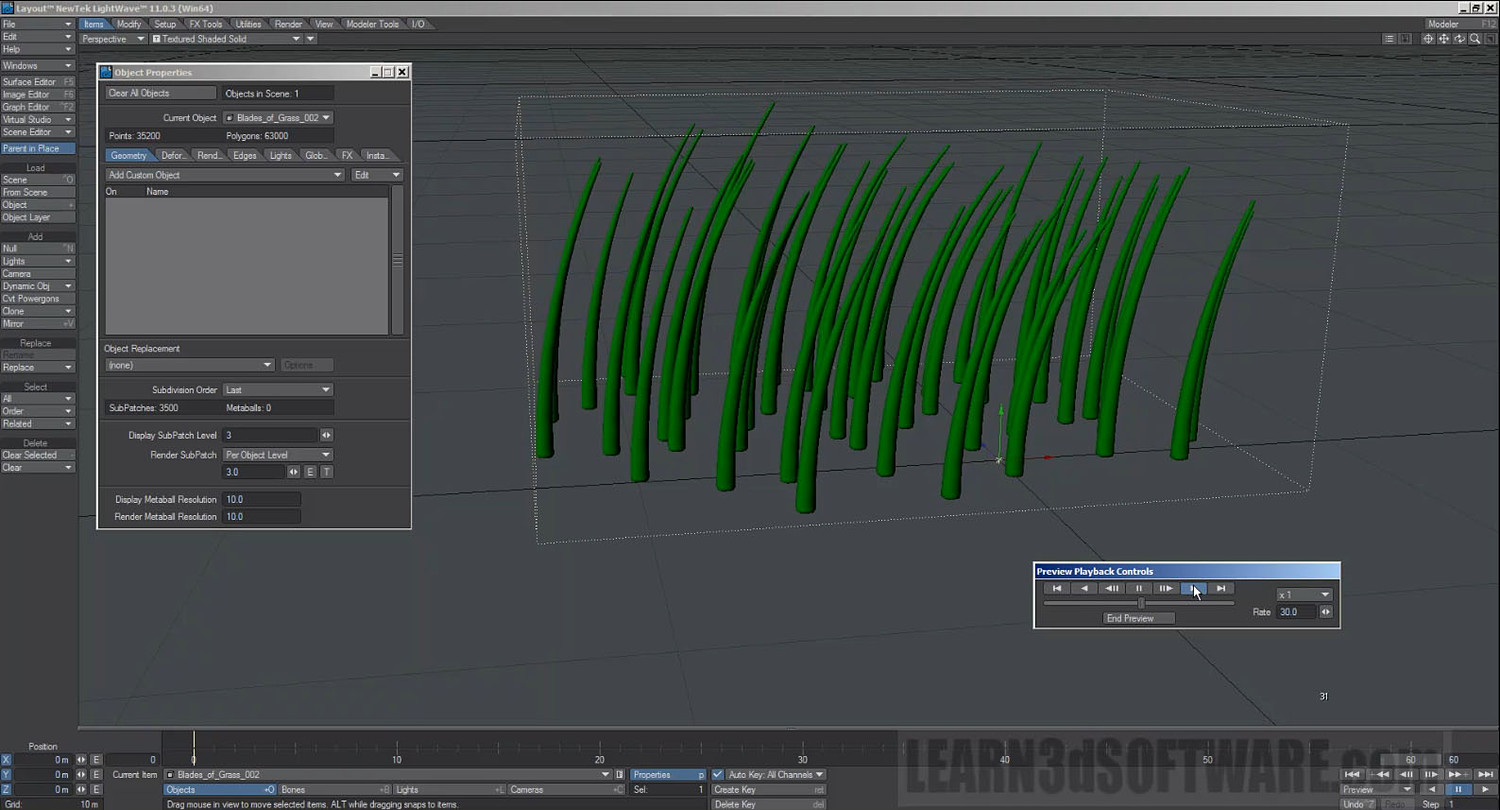
Chapter 8- Grass in Wind
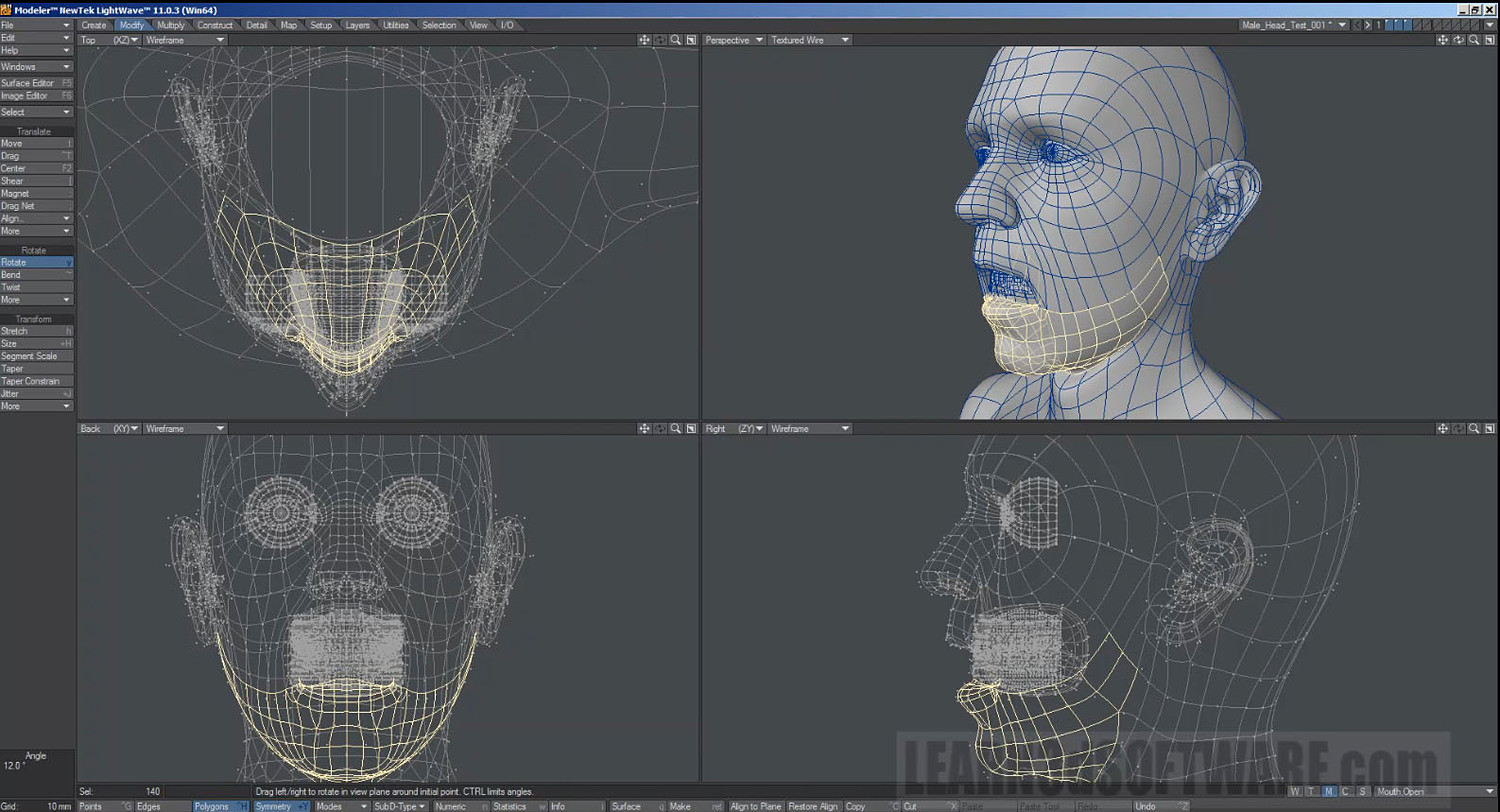
Chapter 9- How to Create Facial Morphs
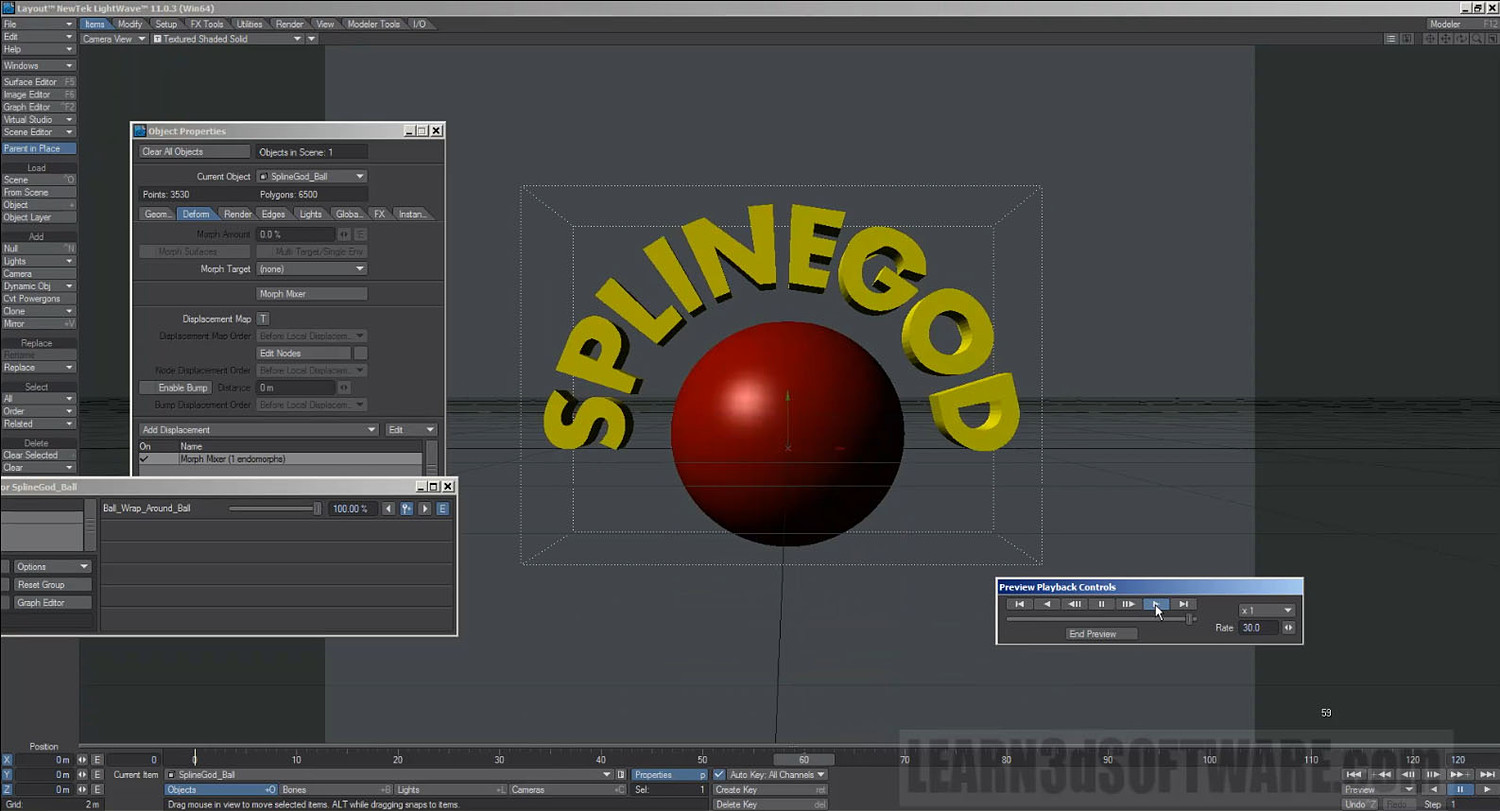
Chapter 10- Text Trick Animations with Endomorphs
Running Time: 3 hrs. 44 mins.
High Quality (Screen-Res 1920 x 1080 pixels) MP4 Video
Level: Beginner & Up
You will get 10 files
All files previously purchased will always be available for download in your Library
- LW_11_Endomorph_Essential...712.07 KB
- LW_11_Endomorph_Essential...24.15 MB
- LW_11_Endomorph_Essential...27.33 MB
- LW_11_Endomorph_Essential...126.48 MB
- LW_11_Endomorph_Essential...40.59 MB
- LW_11_Endomorph_Essential...46.8 MB
- LW_11_Endomorph_Essential...21.37 MB
- LW_11_Endomorph_Essential...100.38 MB
- LW_11_Endomorph_Essential...283.92 MB
- LW_11_Endomorph_Essential...96.31 MB