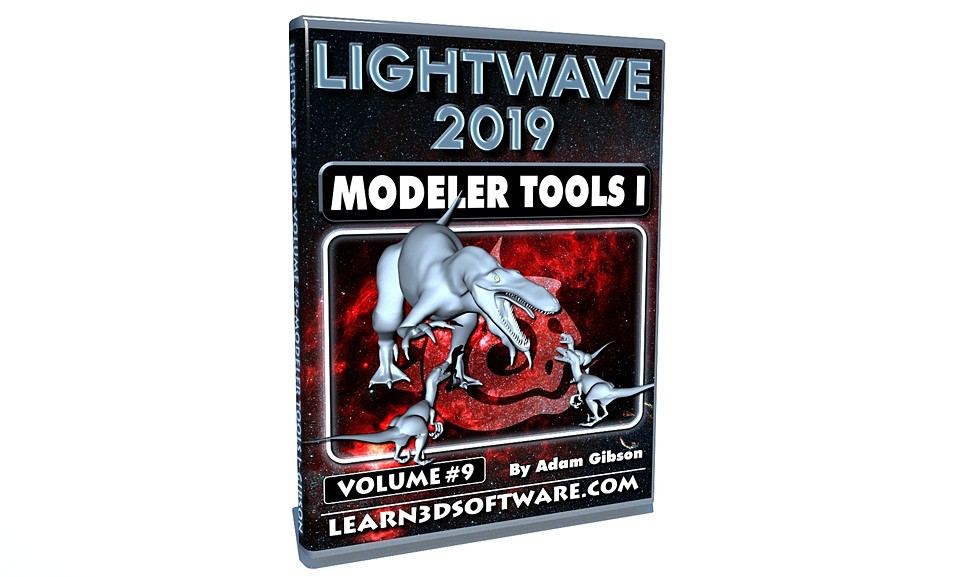


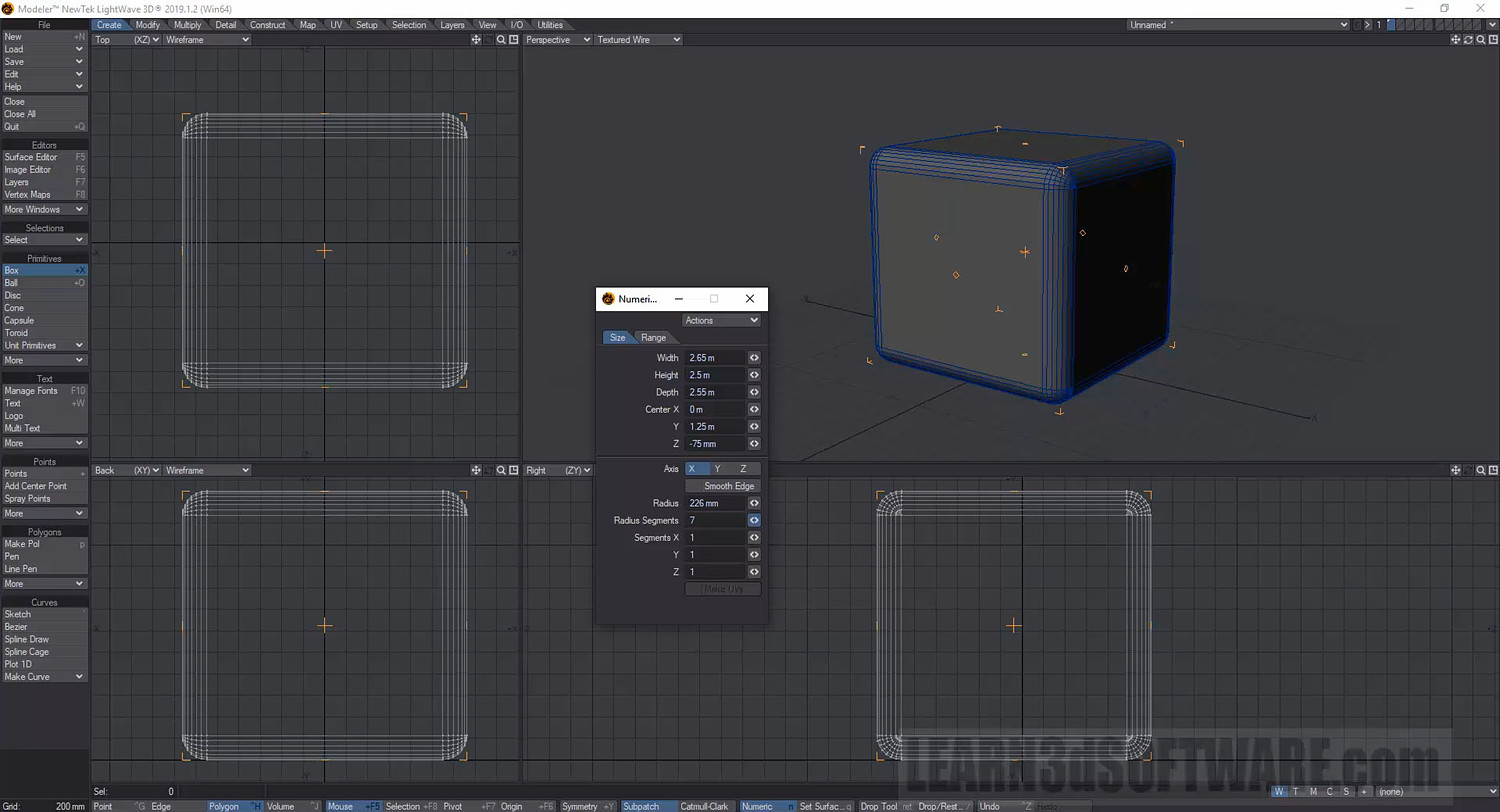
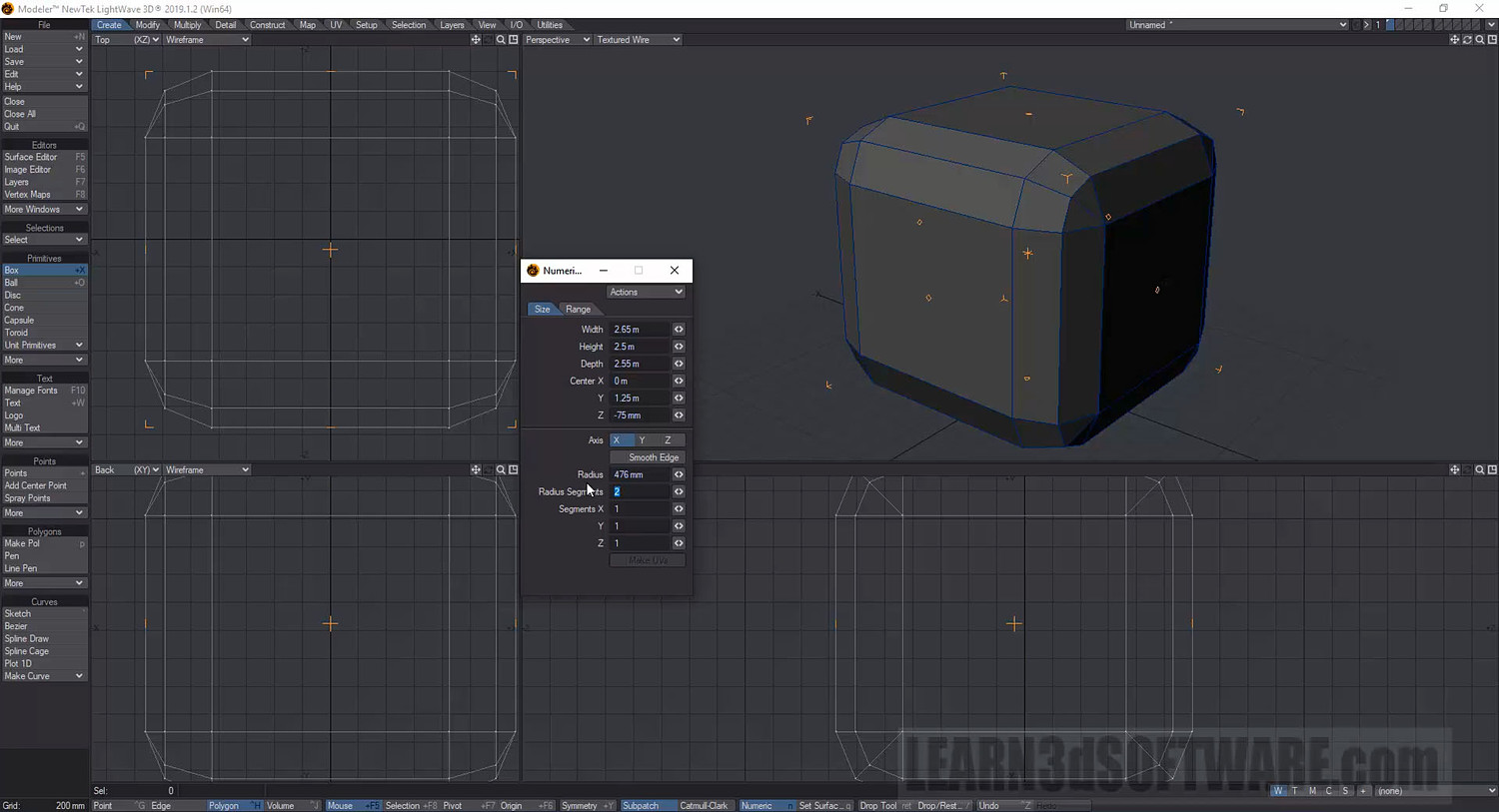

Lightwave 2019- Volume #9- Modeler Tools I
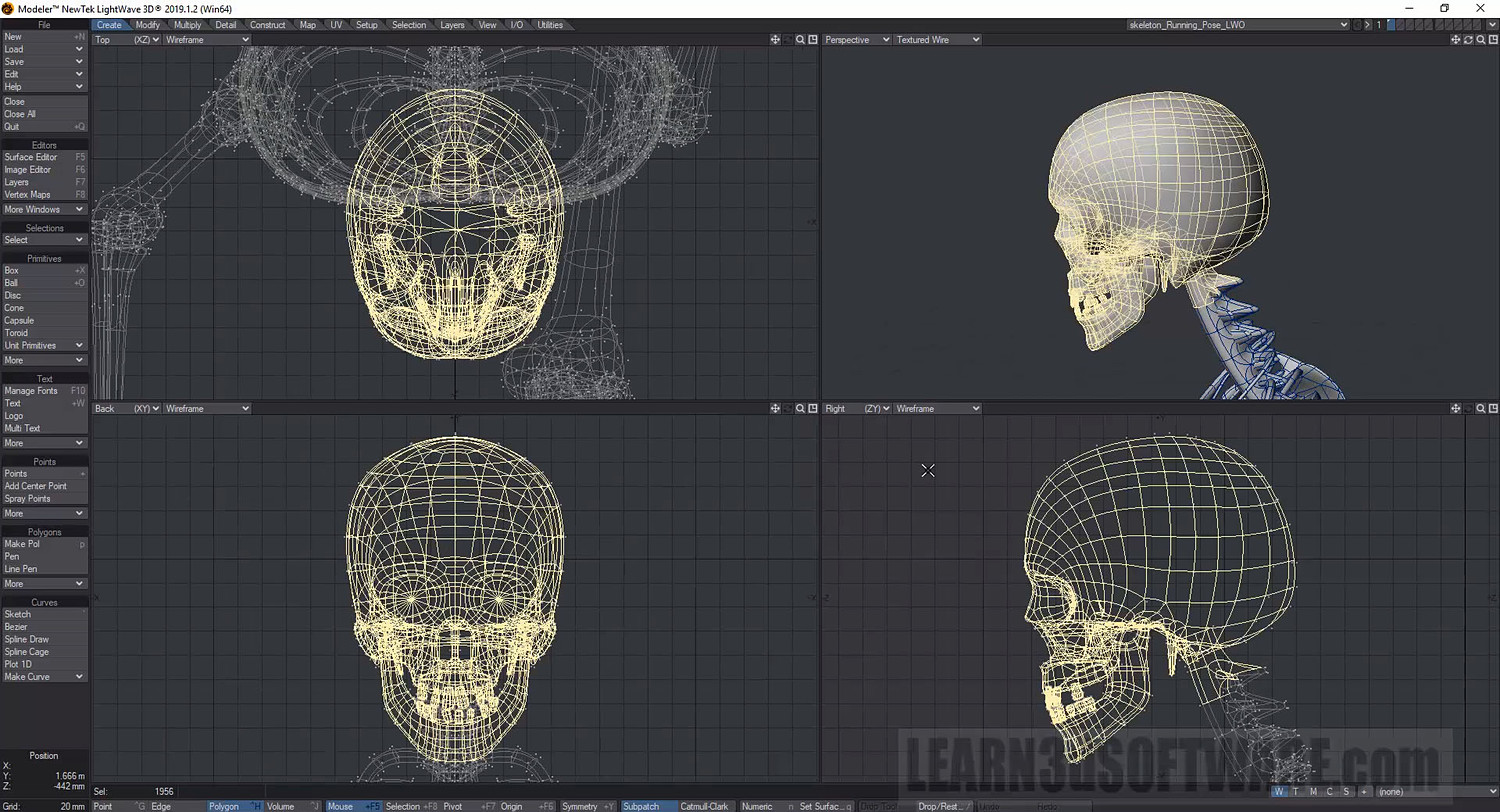
In this ninth volume of the Lightwave 2019/2018 (12 Volume Series) 3D Instructor Adam Gibson introduces Modeler's 3D mesh creation tools and UI (User Interface). A great place to start for beginner Lightwave Users.
Some of the Topics Covered: 1) File Management, 2) Lightwave HUB, 3) Layout Views, 4) Orthagonal & Perspective Navigation Tools, 5) Grid & Origin, 6) Background Color, 7) Polygonal Primitive Shape Tools, 8) Selection Modes, 9) Selecting Items, 10) Lasso Selections, 11) Autofit, 12) Surface Normals.
Table of Contents
Chapter 1- Intro
Chapter 2- Quick UI (User Interface) Tour
Chapter 3- Loading Models
Chapter 4- Loading Multiple Model Files
Chapter 5- Closing Model Files
Chapter 6- Closing Multiple Model Files
Chapter 7- How to Close Modeler
Chapter 8- Creating New Files
Chapter 9- Lightwave HUB
Chapter 10- Layout Views (Quad, Triple, Double & Single Views)
Chapter 11- Orthagonal Navigation Tools (Move, Orbit, Zoom)
Chapter 12- Grid & Origin Toggle (Hide & Unhide)
Chapter 13- Background Color
Chapter 14- Unit Primitives (Box, Ball, Plane, Disc Cone)
Chapter 15- Box Tool (Part One)- XYZ Position, Width, Height, Depth
Chapter 16- Box Tool (Part Two)- Segments, Range, Axis, Smooth Edge, Radius
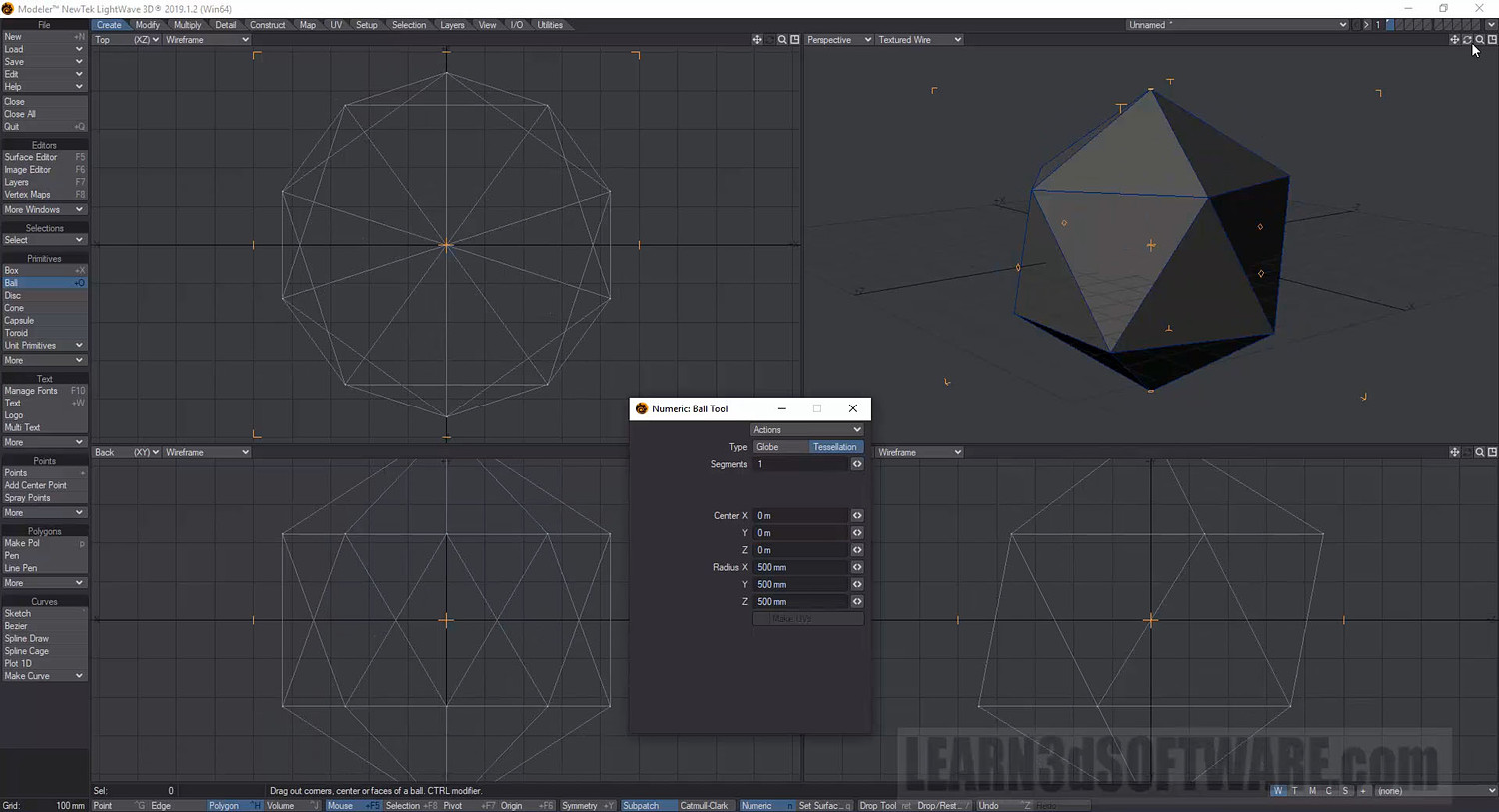
Chapter 17- Ball Tool (Globe, Tesselation, Axis, Sides, Segments, Center, Radius)
Chapter 18- Disc Tool (Axis, Sides, Segments, Bottom, Top, Center, Radius)
Chapter 19- Cone Tool (Part One)- Axis, Sides, Segments, Bottom, Top, Center, Radius
Chapter 20- Cone Tool (Part Two)- Creating Pyramids & Other Shapes
Chapter 21- Capsule Tool (Axis, Center, Length, Radius, Length, Sides, Segments, Divisions)
Chapter 22- Toroid Tool (Axis, Center, Sections, Main & Section Radius, Length, Start/End Angle, Segments, Divisions)
Chapter 23- Selection Modes (Point, Polygon, Edges)
Chapter 24- Selecting Items (Select, Add, Subtract, Deselect)
Chapter 25- Lasso Selections (Select, Add, Subtract, Deselect)
Chapter 26- Autofit Mesh
Chapter 27- Autofit Selected Items
Chapter 28- Surface Normals (Direction & Correction)
Chapter 29- Saving Object Files
Chapter 30- Final
Running Time: 2 hrs. 9 mins.
High Quality (Screen-Res 1920 x 1080 pixels)
Video Format: MP4 (.mp4)
Level: Beginner
You will get 30 files
All files previously purchased will always be available for download in your Library
- LW_2019_Vol_9_Chap_01_Int...1.36 MB - 16.362666666666666 sec
- LW_2019_Vol_9_Chap_03_Loa...10.81 MB - 1 min
- LW_2019_Vol_9_Chap_04_Loa...22.64 MB - 3 min
- LW_2019_Vol_9_Chap_02_Qui...109.61 MB - 16 min
- LW_2019_Vol_9_Chap_05_Clo...2.69 MB - 20.949333333333332 sec
- LW_2019_Vol_9_Chap_07_Clo...5.68 MB - 52.629333333333335 sec
- LW_2019_Vol_9_Chap_06_Clo...6.0 MB - 50.32533333333333 sec
- LW_2019_Vol_9_Chap_11_Ort...36.07 MB - 3 min
- LW_2019_Vol_9_Chap_10_Lay...44.55 MB - 4 min
- LW_2019_Vol_9_Chap_12_Gri...16.58 MB - 2 min
- LW_2019_Vol_9_Chap_13_BG_...23.36 MB - 2 min
- LW_2019_Vol_9_Chap_16_Box...74.54 MB - 8 min
- LW_2019_Vol_9_Chap_15_Box...80.69 MB - 12 min
- LW_2019_Vol_9_Chap_17_Bal...93.48 MB - 8 min
- LW_2019_Vol_9_Chap_20_Con...19.36 MB - 2 min
- LW_2019_Vol_9_Chap_19_Con...28.14 MB - 3 min
- LW_2019_Vol_9_Chap_18_Dis...53.4 MB - 6 min
- LW_2019_Vol_9_Chap_23_Sel...55.63 MB - 7 min
- LW_2019_Vol_9_Chap_21_Cap...39.34 MB - 3 min
- LW_2019_Vol_9_Chap_24_Sel...30.47 MB - 5 min
- LW_2019_Vol_9_Chap_22_Tor...88.64 MB - 5 min
- LW_2019_Vol_9_Chap_25_Las...59.31 MB - 7 min
- LW_2019_Vol_9_Chap_26_Aut...12.72 MB - 59.519999999999996 sec
- LW_2019_Vol_9_Chap_27_Aut...20.75 MB - 2 min
- LW_2019_Vol_9_Chap_28_Sur...43.51 MB - 4 min
- LW_2019_Vol_9_Chap_30_Fin...1.52 MB - 10.901333333333334 sec
- LW_2019_Vol_9_Chap_29_Sav...38.15 MB - 4 min
- LW_2019_Vol_9_Chap_08_New...15.3 MB - 2 min
- LW_2019_Vol_9_Chap_09_LW_...41.56 MB - 4 min
- LW_2019_Vol_9_Chap_14_Uni...21.7 MB - 3 min