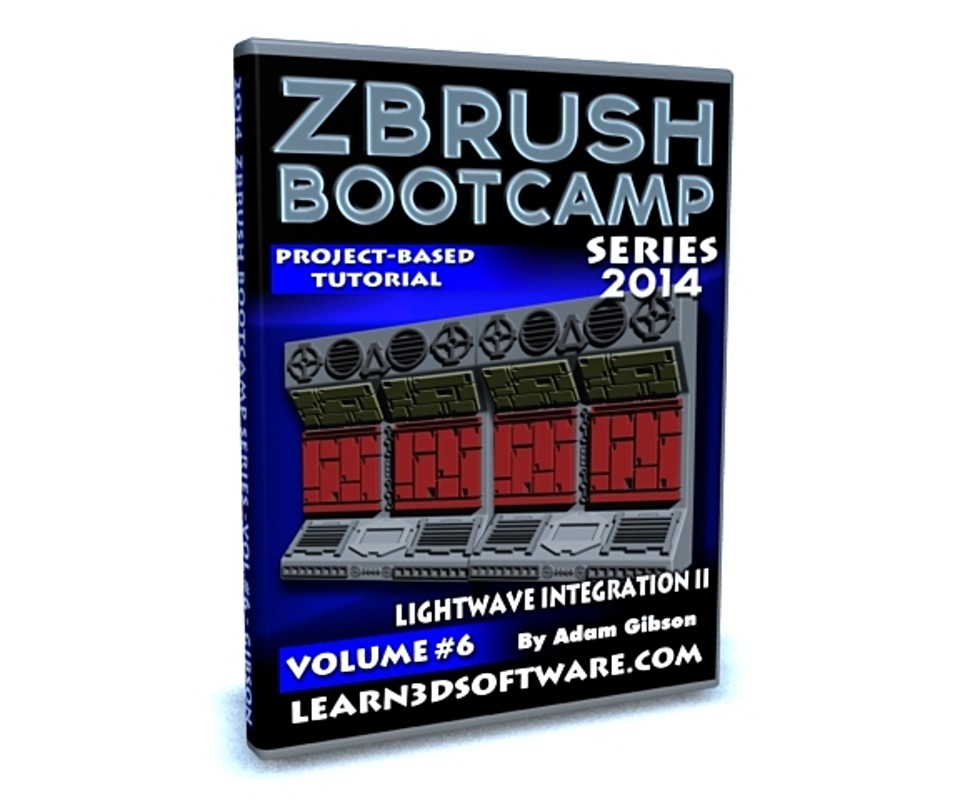



ZBrush Bootcamp- Vol.#6-Lightwave Integration II
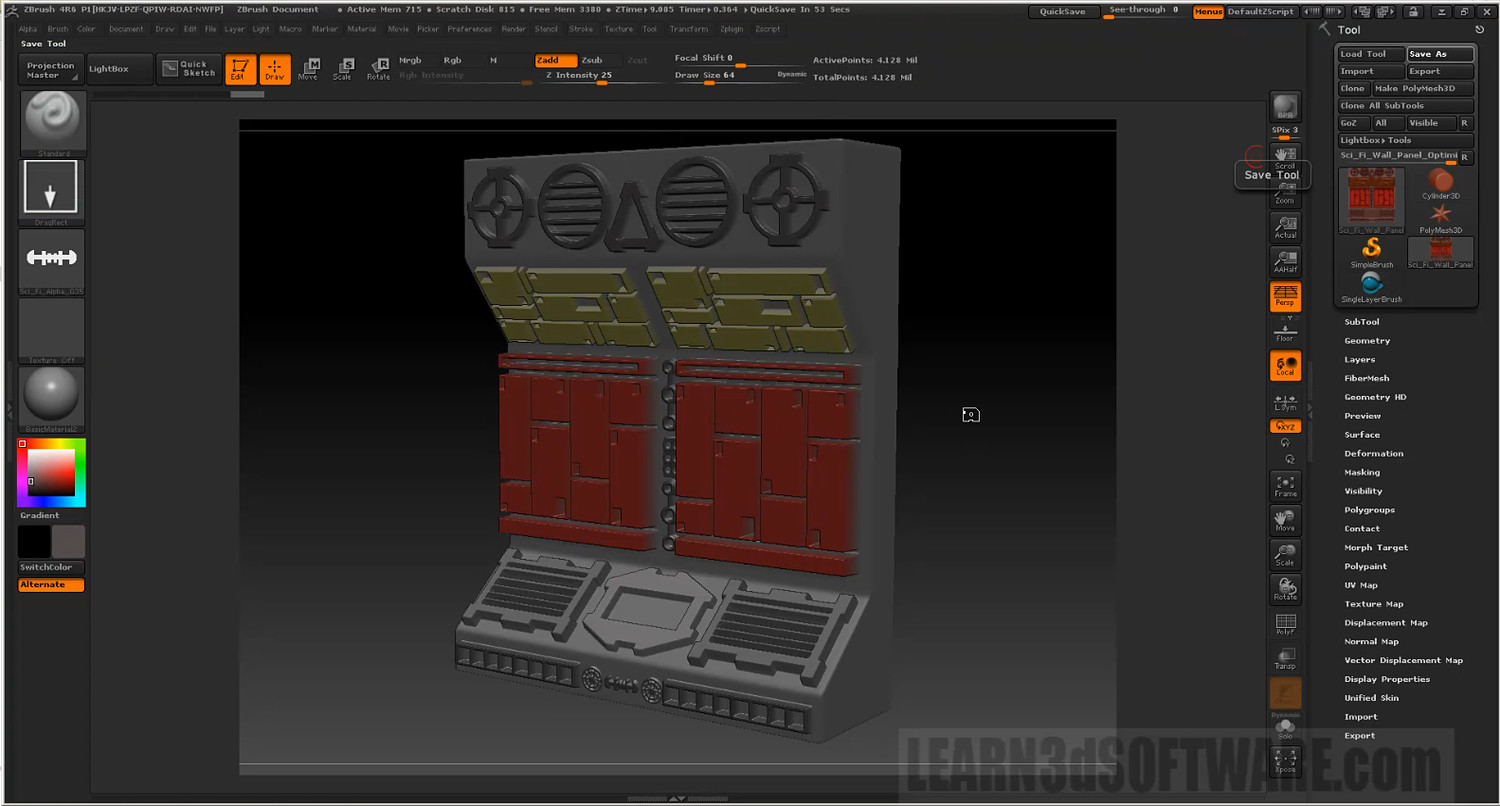
In this sixth video volume of 12 volumes 3D Instructor Adam Gibson introduces the beginner 3D student to a hands on project on how to detail a sci-fi prop that was modeled in Lightwave 3D.
The main goal is to show how to take a basic model created in Lightwave, detail it in ZBrush, and then import it seamlessly back into Lightwave with all the ZBrush created maps (Color, Displacement, Normal) in tact.
Table of Contents for Volume #6
Chapter 1- Intro
Chapter 2- Optimizing the Mesh in Lightwave for Export to ZBrush
Chapter 3- Importing Mesh into ZBrush and Initial Set-up (Morph Target, UV's)
Chapter 4- How to Import Custom Alpha Brushes into ZBrush
Chapter 5- Adding Panels and Details in Projection Master
Chapter 6- Exiting Projection Master
Chapter 7- Creating the Maps (Color, Displacement, and Normal)
Chapter 8- Exporting and Set-Up in Lightwave, Test Renders, and Final
Running Time: 1 hrs. 22 mins.
High Quality (Screen-Res 1920 x 1080 pixels)
Video Format: MP4 (.mp4)
Level: Beginner
You will get 10 files
All files previously purchased will always be available for download in your Library
- Content_Folder.zip1.1 MB
- ZB_BC_2014_Vol_6_LW_Integ...403.23 KB
- ZB_BC_2014_Vol_6_LW_Integ...6.68 MB
- ZB_BC_2014_Vol_6_LW_Integ...20.74 MB
- ZB_BC_2014_Vol_6_LW_Integ...17.33 MB
- ZB_BC_2014_Vol_6_LW_Integ...27.96 MB
- ZB_BC_2014_Vol_6_LW_Integ...6.68 MB
- ZB_BC_2014_Vol_6_LW_Integ...8.46 MB
- ZB_BC_2014_Vol_6_LW_Integ...64.85 MB
- ZB_BC_2014_Vol_6_LW_Integ...65.53 MB