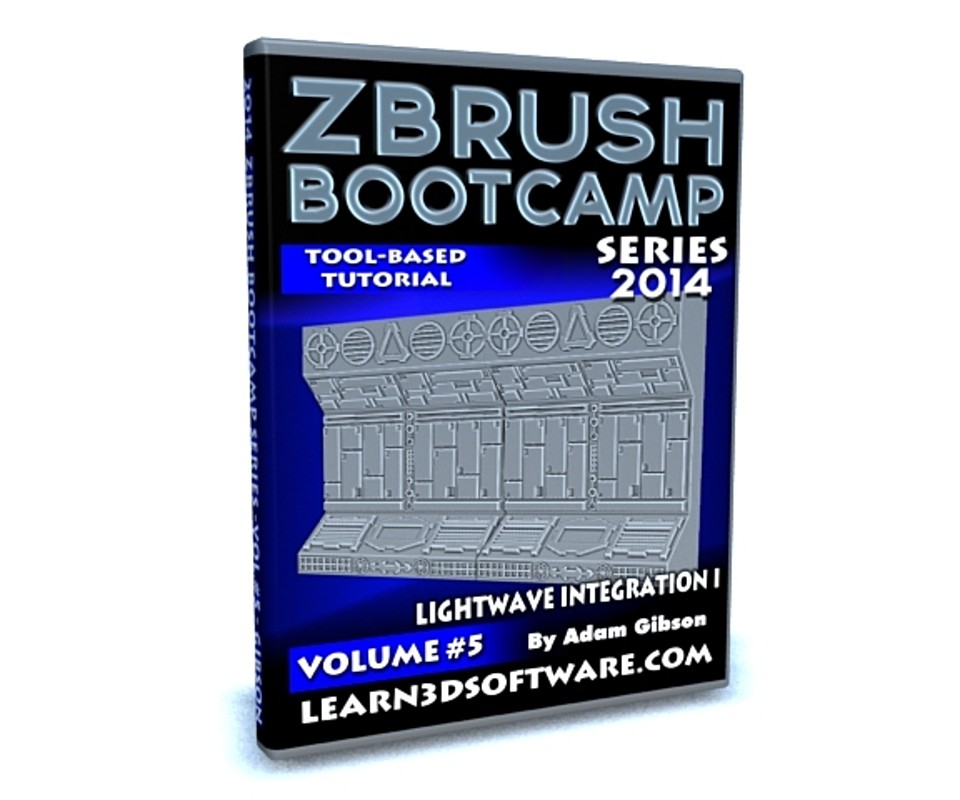


ZBrush Bootcamp-Volume #5-Lightwave Integration I
In this fifth video volume of 12 volumes 3D Instructor Adam Gibson introduces how to integrate Lightwave 3D with ZBrush and how to use the GoZ system.
The main focus of this beginner integration tutorial is how to optimize hard surface meshes for sculpting and painting in ZBrush and how to export that data back into Lightwave as seamlessly as possible.
Zbrush is a very powerful 3D package but there are also some gotchas and pitfalls along the way that require some extra knowledge to get the best results possible.
This tutorial covers those hidden items in great detail.
Table of Contents for Volume #5
Chapter 1- Intro
Chapter 2- GoZ Import to Zbrush from Lightwave
Chapter 3- NGon Import Issues to ZBrush
Chapter 4- Unified Skin Option
Chapter 5- Sci-Fi Prop Optimized
Chapter 6- Adding Details in ZBrush
Chapter 7- Creating Maps in ZBrush (Color, Normal, and Displacement Maps)
Chapter 8- GoZ Export to Lightwave
Chapter 9- Delete Lower Subdivision Level Fix
Chapter 10- More Displacement Gotchas
Chapter 11- Morph Target Solution
Chapter 12- Final
Running Time: 2 hrs. 52 mins.
High Quality (Screen-Res 1920 x 1080 pixels)
Video Format: MP4 (.mp4)
Level: Beginner
You will get 12 files
All files previously purchased will always be available for download in your Library
- ZB_2014_Vol_5_LW_Integ_I_...549.64 KB
- ZB_2014_Vol_5_LW_Integ_I_...25.6 MB
- ZB_2014_Vol_5_LW_Integ_I_...38.93 MB
- ZB_2014_Vol_5_LW_Integ_I_...36.45 MB
- ZB_2014_Vol_5_LW_Integ_I_...46.59 MB
- ZB_2014_Vol_5_LW_Integ_I_...5.93 MB
- ZB_2014_Vol_5_LW_Integ_I_...20.64 MB
- ZB_2014_Vol_5_LW_Integ_I_...28.37 MB
- ZB_2014_Vol_5_LW_Integ_I_...68.46 MB
- ZB_2014_Vol_5_LW_Integ_I_...78.0 MB
- ZB_2014_Vol_5_LW_Integ_I_...4.11 MB
- ZB_2014_Vol_5_LW_Integ_I_...141.03 MB