

LightWave 10- Camera Essentials
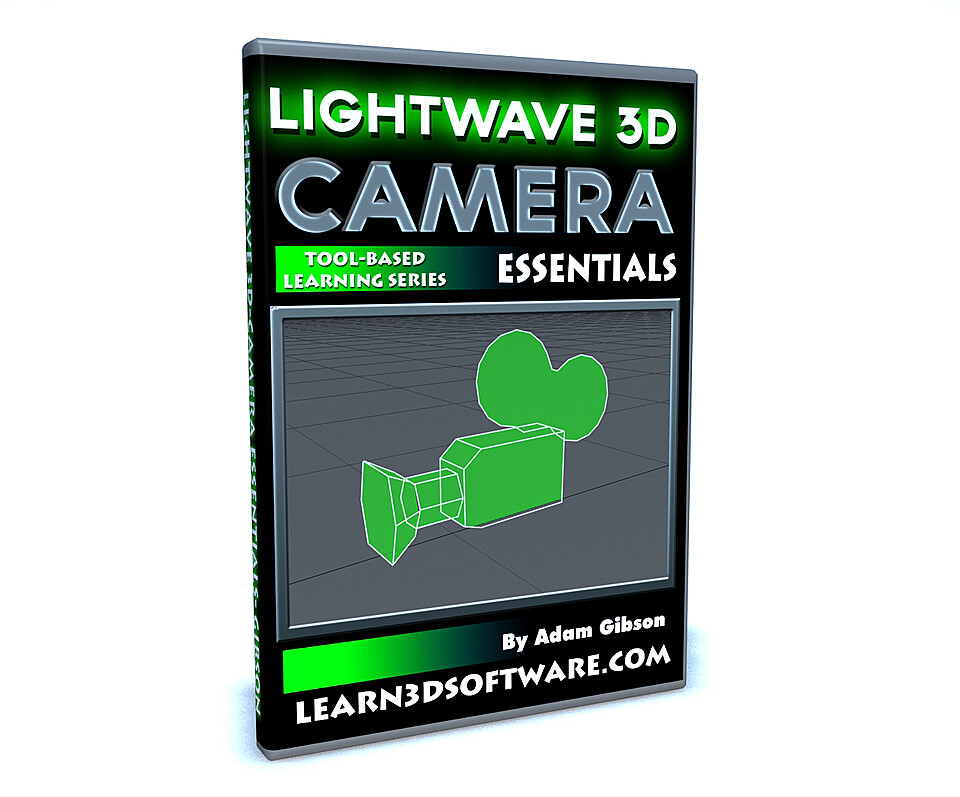
LightWave 10-Camera Essentials
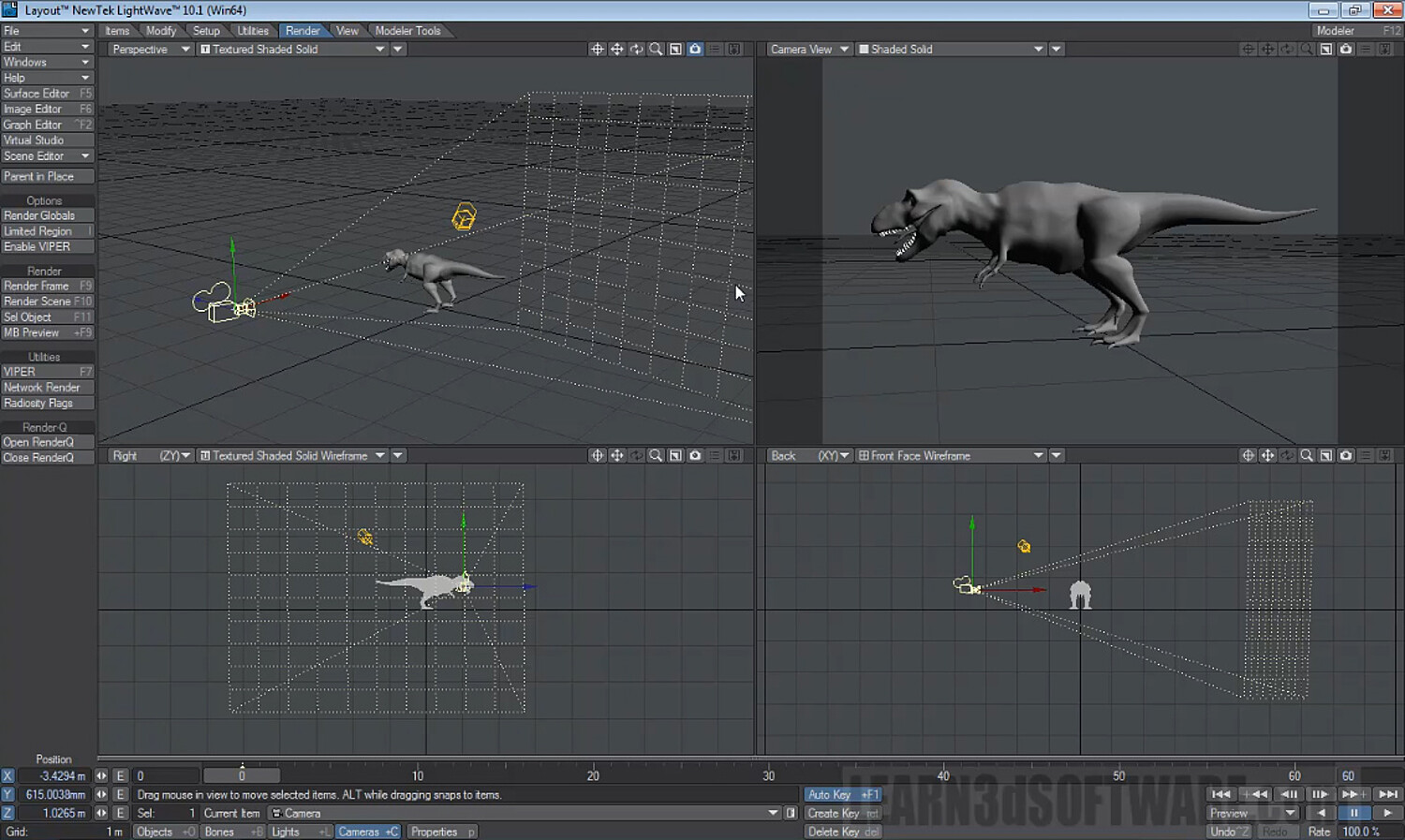
In this training video watch LightWave 3D Instructor Adam Gibson show the beginner 3D student how to quickly get up and started using Cameras and Rendering images in LightWave 10.
Topics covered: Viewport Modes, VPR (Viewport Preview Render), Camera Set-Up and Control, How to Render Images and Animations, How to Export/Save Images and Animations to your Hard-Drive, Image Formats, 24-bit Vs. 32-bit (Creating Alpha Channels Embedded in your rendered images), Safe Areas Mode, Field Chart, Pixel Aspect Ratio, Antialiasing, Camera Types, Output Resolutions, and a quick intro to Stereo-Scopic 3D in LightWave.
Table of Contents for Camera Essentials
Chapter 1- Intro
Chapter 2- Viewport Basics
Chapter 3- Adding Multiple Cameras
Chapter 4- Rendering and Saving Images to your Hard Drive
Chapter 5- Show Safe Areas Mode
Chapter 6- Show Field Chart Mode
Chapter 7- Test Rendering and Full Rendering
Chapter 8- Pixel Aspect Ratio
Chapter 9- Antialiasing for Rough Jagged Images
Chapter 10- Camera Types
Chapter 11- Output Resolution
Chapter 12- Stereo-Scopic Camera Intro (Part One)
Chapter 13- Stereo-Scopic Camera Intro (Part Two)
Running Time: 2 hrs. 32 mins.
Level: Beginner
Screen Resolution: 1440 x 900 pixels
Format: MP4 Video (.mp4)
You will get 14 files
All files previously purchased will always be available for download in your Library
- LW_10_Camera_Essentials_C...3.66 MB - 15.509333333333332 sec
- LW_10_Camera_Essentials_C...36.86 MB - 3 min
- LW_10_Camera_Essentials_C...45.24 MB - 3 min
- LW_10_Camera_Essentials_C...53.76 MB - 4 min
- LW_10_Camera_Essentials_C...74.37 MB - 6 min
- LW_10_Camera_Essentials_C...48.69 MB - 3 min
- LW_10_Camera_Essentials_C...100.54 MB - 7 min
- LW_10_Camera_Essentials_C...109.77 MB - 8 min
- LW_10_Camera_Essentials_C...56.06 MB
- LW_10_Camera_Essentials_C...180.92 MB - 14 min
- LW_10_Camera_Essentials_C...184.3 MB - 14 min
- LW_10_Camera_Essentials_C...265.19 MB - 20 min
- LW_10_Camera_Essentials_C...442.46 MB - 40 min
- LW_10_Camera_Essentials_C...318.04 MB - 24 min