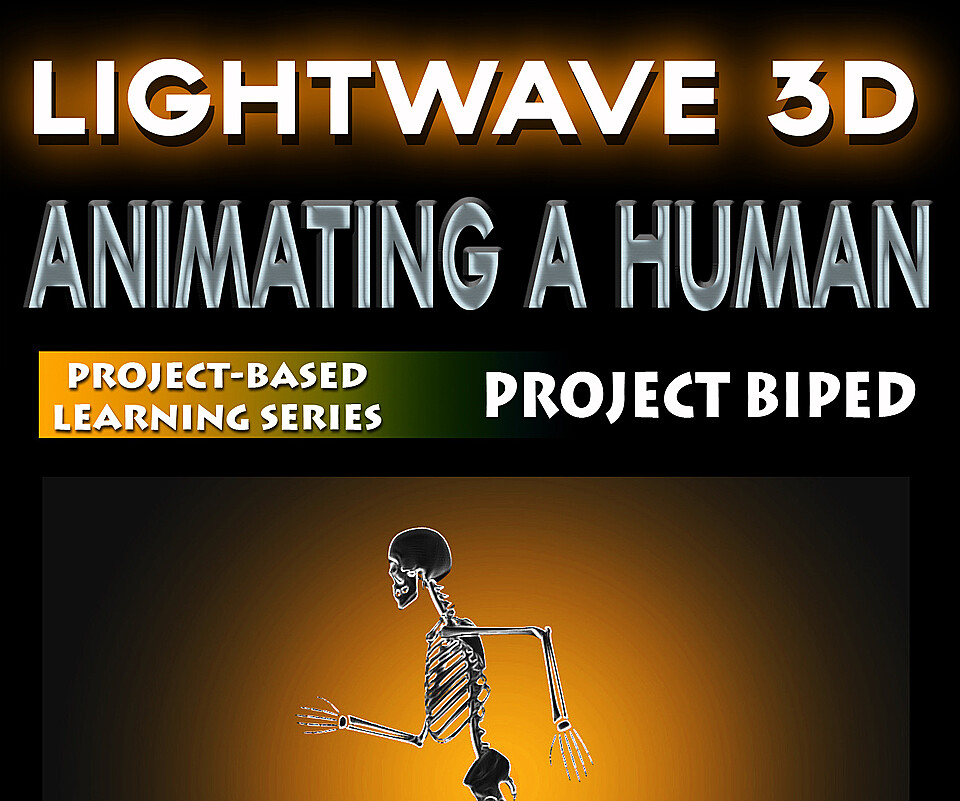
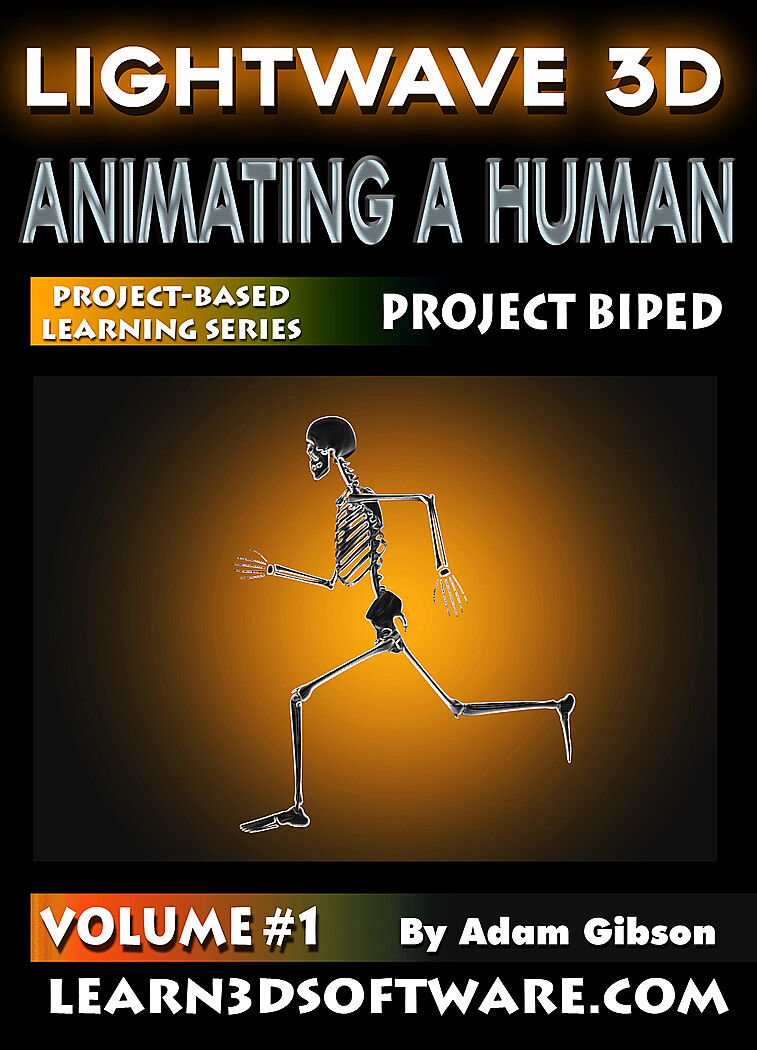


LightWave 3D- Animating a Human- Walk Cycle
Lightwave 11-Animating a Human-Vol.#1-How to Make Your Character Walk
In this training course for beginner Lightwave students 3D Instructor Adam Gibson shows the essential basics of how to animate a character walking. Keyframing concepts and problem solving are covered in easy to understand video chapters.
*All Model and Scene Files are included with the course so that you can follow along.
Table of Contents for Volume #1
Chapter 1- Intro
Chapter 2- Initial Set-Up and Turning Off Arm IK
Chapter 3- Posing the First Step
Chapter 4- Walk Cycle Length and Explanation
Chapter 5- Display Window Set-Up
Chapter 6- Create the First Step
Chapter 7- Create Second Step
Chapter 8- Creating the Third and Fourth Steps
Chapter 9- Creating the Fifth and Sixth Steps
Chapter 10- Correcting Foot Slippage
Chapter 11- Keyframe Feet Lifting off the Ground
Chapter 12- Keyframe Left Arm Positions
Chapter 13- Keyframe Right Arm Positions
Chapter 14- Keyframe Weight Transfer
Chapter 15- Keyframe Bobbing Movement
Chapter 16- Keyframe Hips Twisting
Chapter 17- Adding Foot Animation Details
Chapter 18- Keyframe Heel Strikes
Chapter 19- Adding Tension to Heel Nulls Pitch Keyframes
Chapter 20- How to Move Keyframes in the Timeline using the Dope Track
Chapter 21- Keyframe Toe Point Down
Chapter 22- VPR Rendered Animation of Walk Cycle
High Quality (Screen-Res 1440 x 900 pixels)
Format: Quicktime Video
Level: Beginner
Running Time: 3 hrs. 56 mins.
You will get 2 files
All files previously purchased will always be available for download in your Library