Curve drawing in Substance Designer
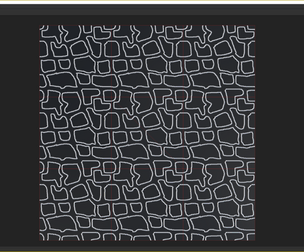
Set of tools, which allow you to edit and draw various curve-based shapes (see cover gifs for examples).
All tools have grayscale and color versions. Package also include couple of samples and tutorial graph which explains how to use tools . Package contain tools in compiled .SBSAR format.
Substance Designer 2018.1.0 or newer is required. 2018.2.2 for v.2 update.
Update v.2: 1. [New Input drivers]: Shape, Spiral 2. [New Utilities]: Curve transform, Polygonizer, Curve merge 3. [New Tools]: Extrude Profile 4. [New Samples]: Panels (see gif), Greek vase, Whorl, Celtic knot 5. [Curve sampler]: unclamped sample pivot coordinates 6. [Curve sampler]: added new sample placement feature - Offset samples by half 7. [Input drivers]: Updated icons to increase readability 8. [Input drivers]: Changed category, tags and labels to improve sorting within library/spacebar menu
You will get 2 files
All files previously purchased will always be available for download in your Library