

HUD & UI Elements for Blender
82 Views
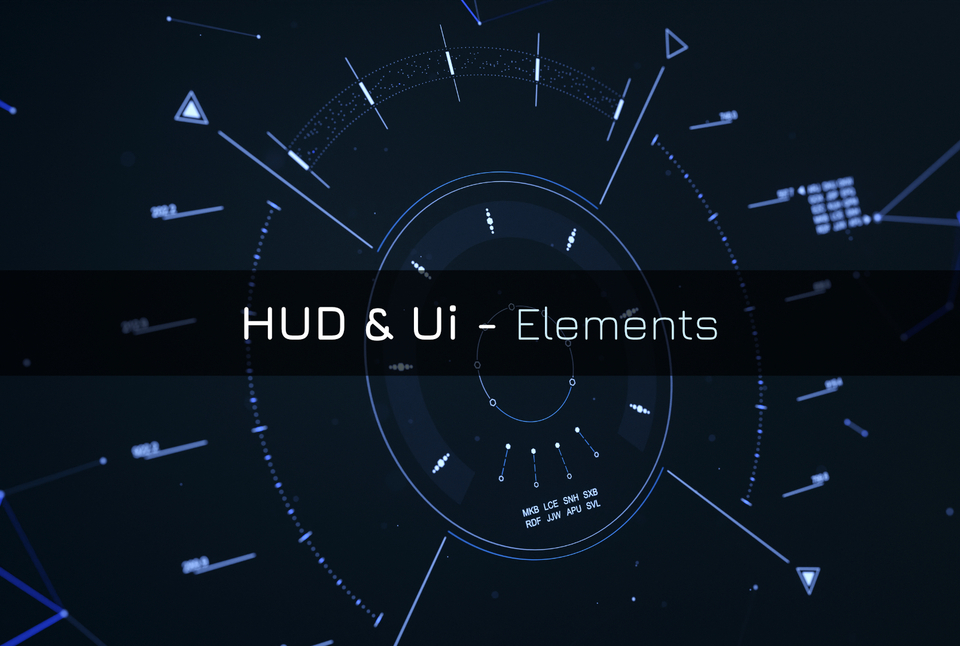
HUD & UI Elements Add-on for Blender
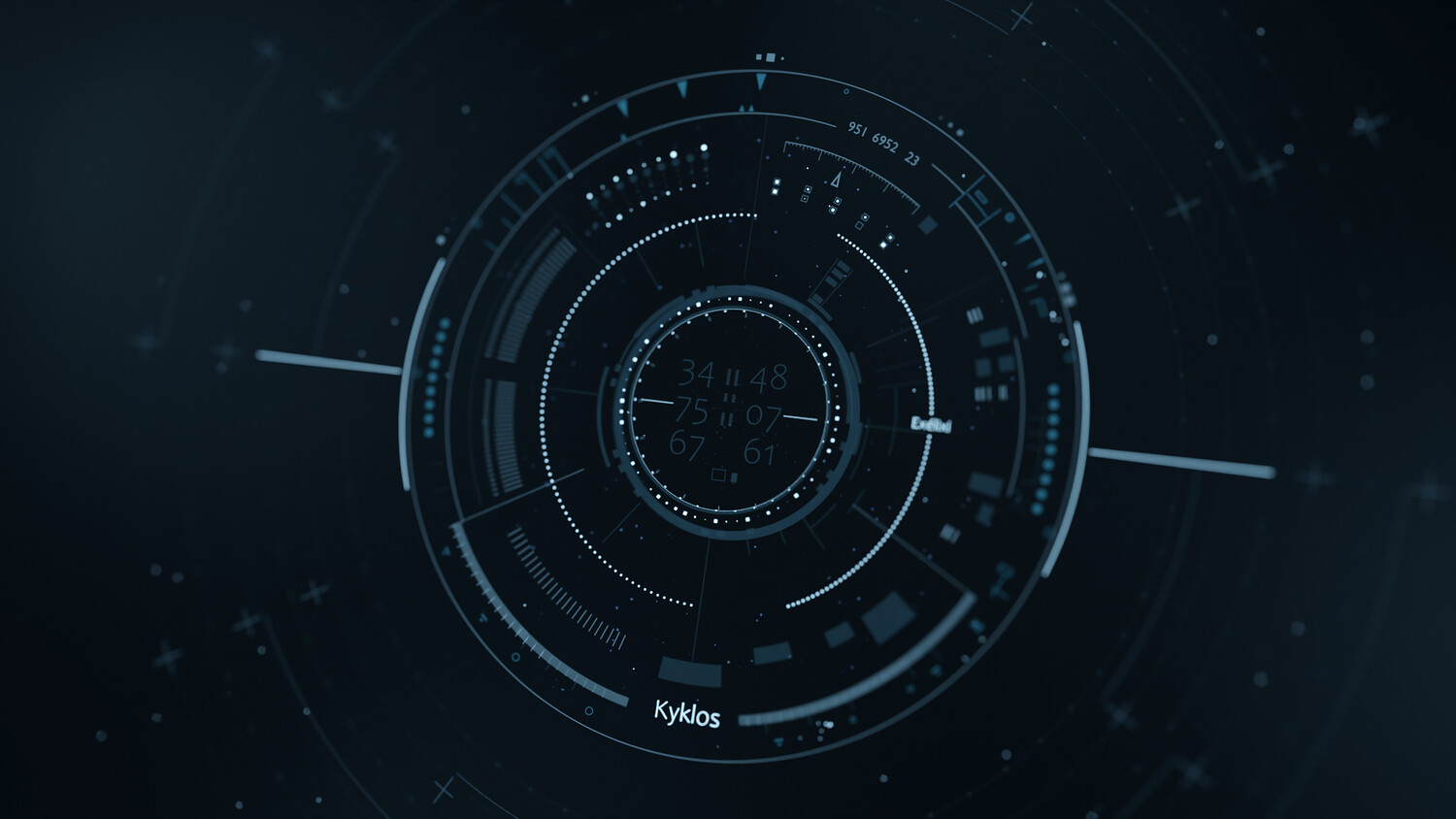
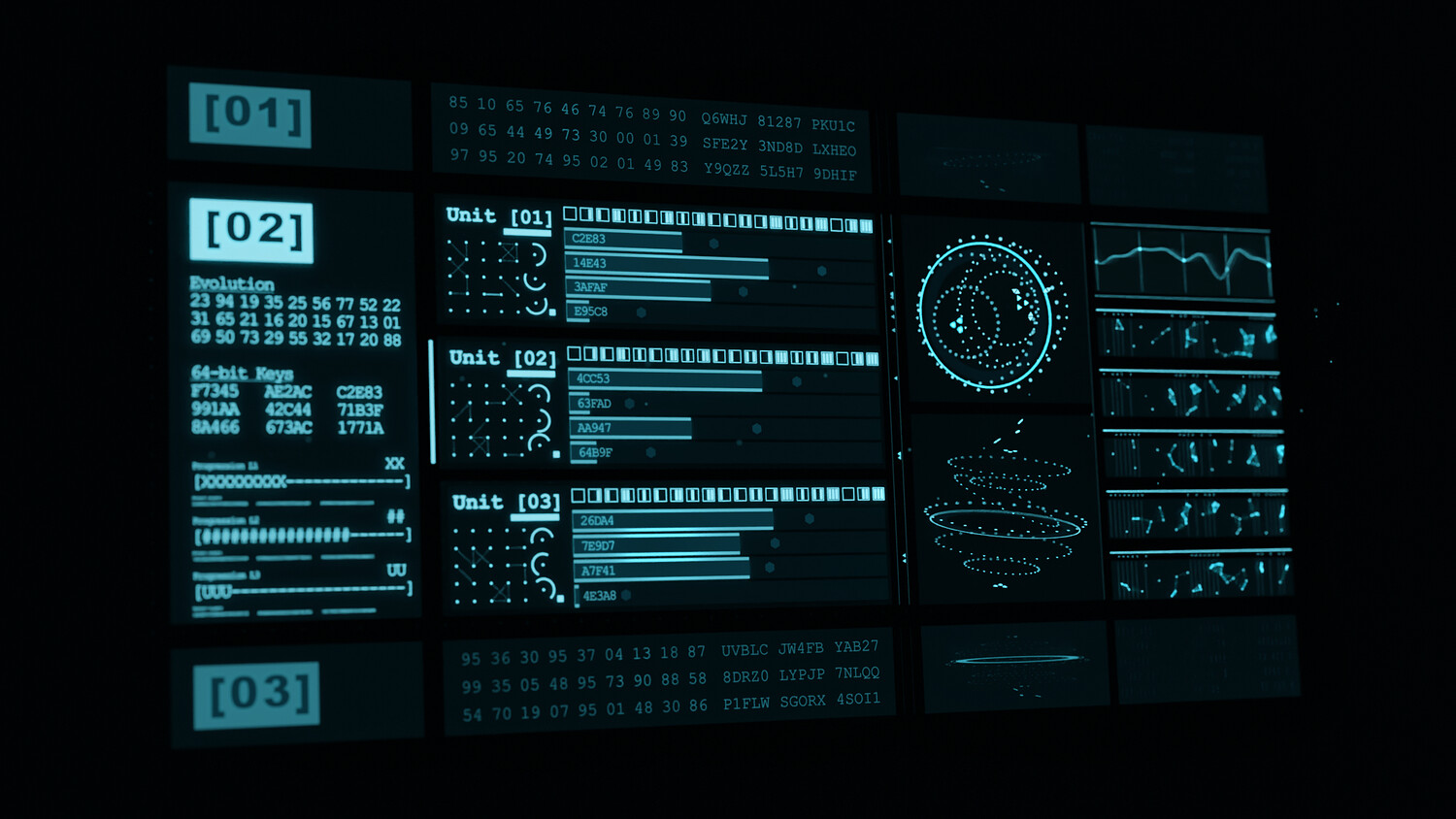
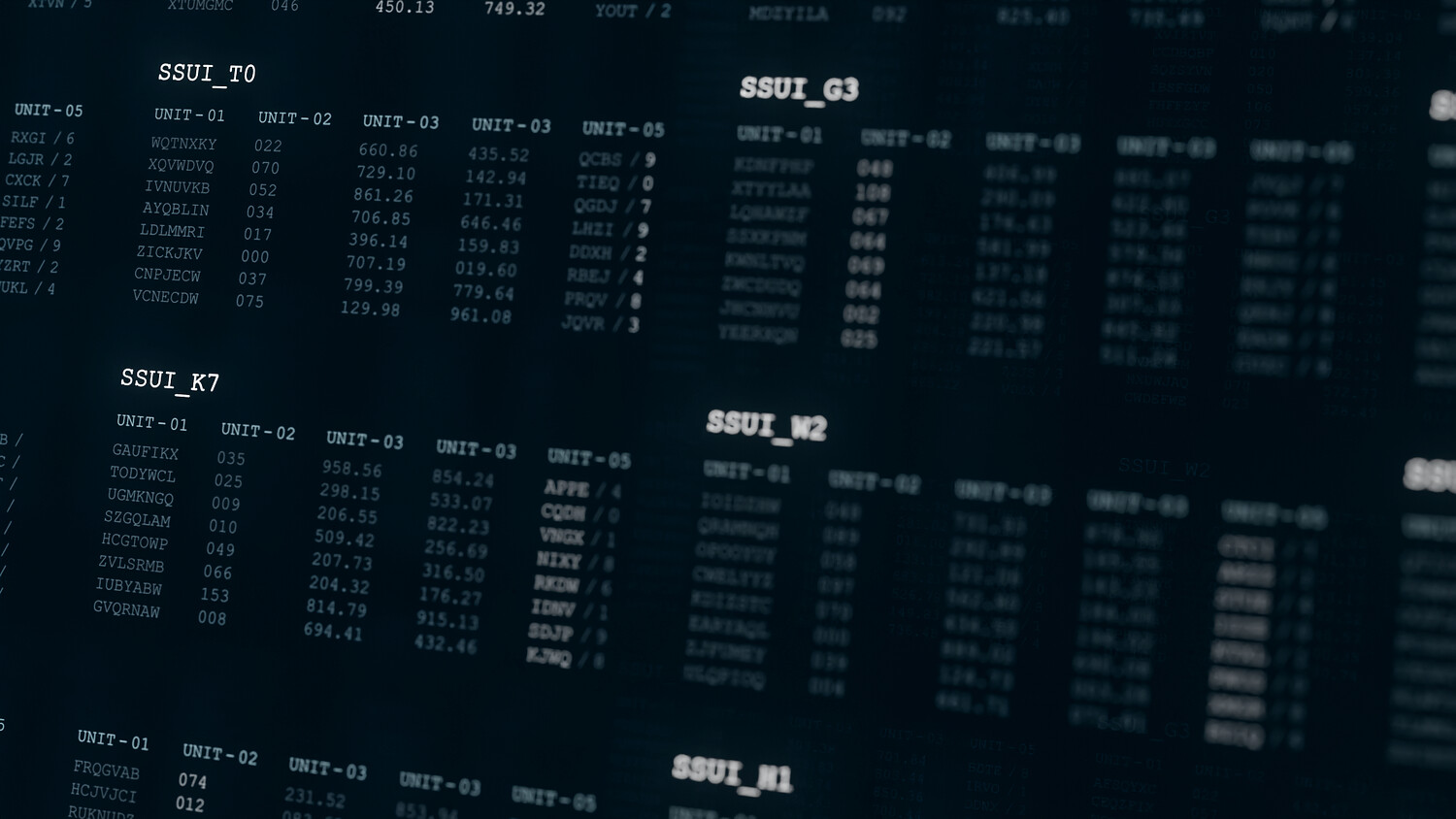
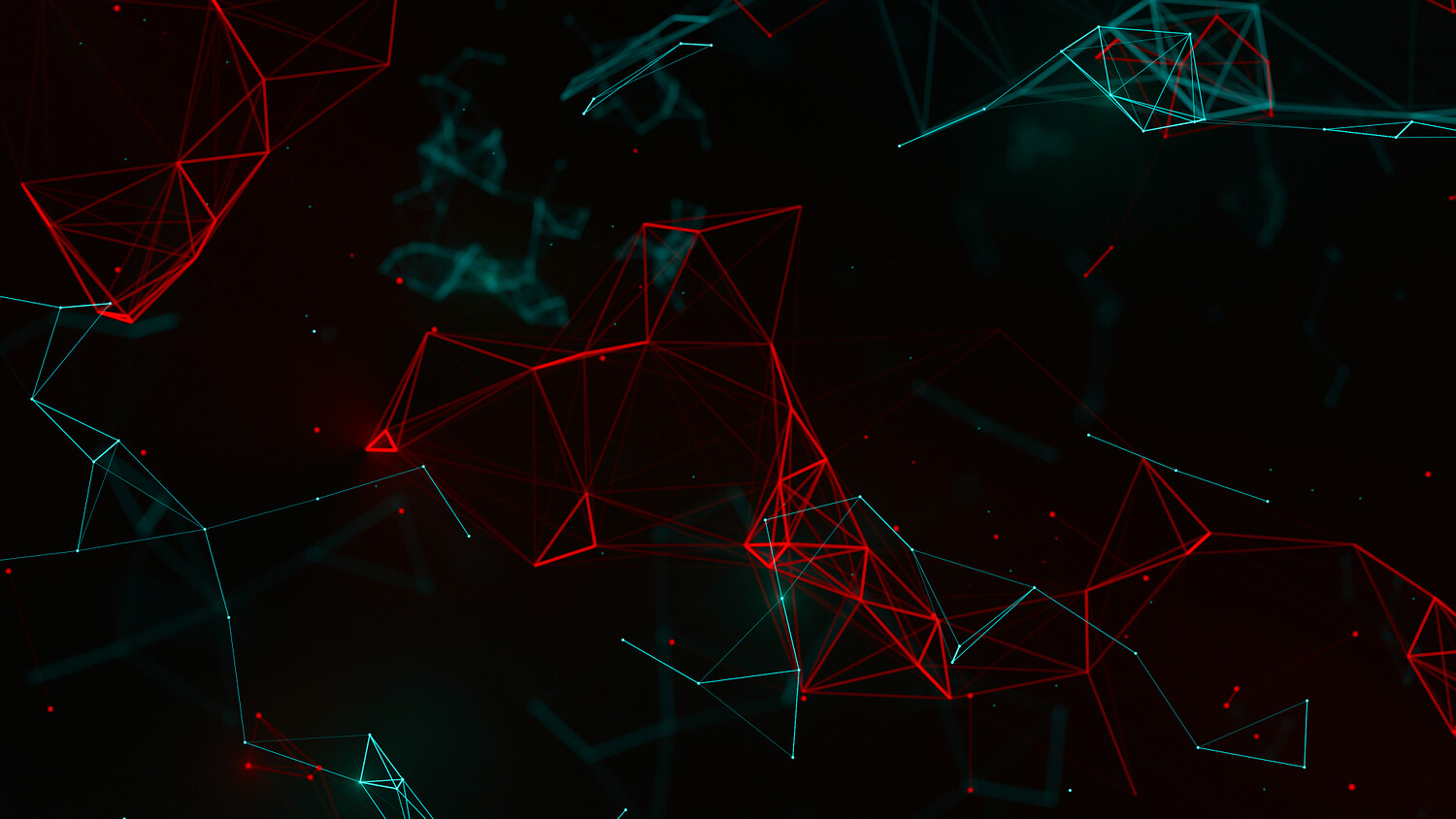
This add-on streamlines your creative workflow by providing a wide range of parametric elements designed to bring a futuristic touch to your projects. It’s perfect for crafting HUD (Head Up Displays), FUI (Futuristic User Interfaces) screens, high-tech dashboards, sci-fi displays, data-driven interfaces (functions, noise, graphics), and much more.
Demonstrations :
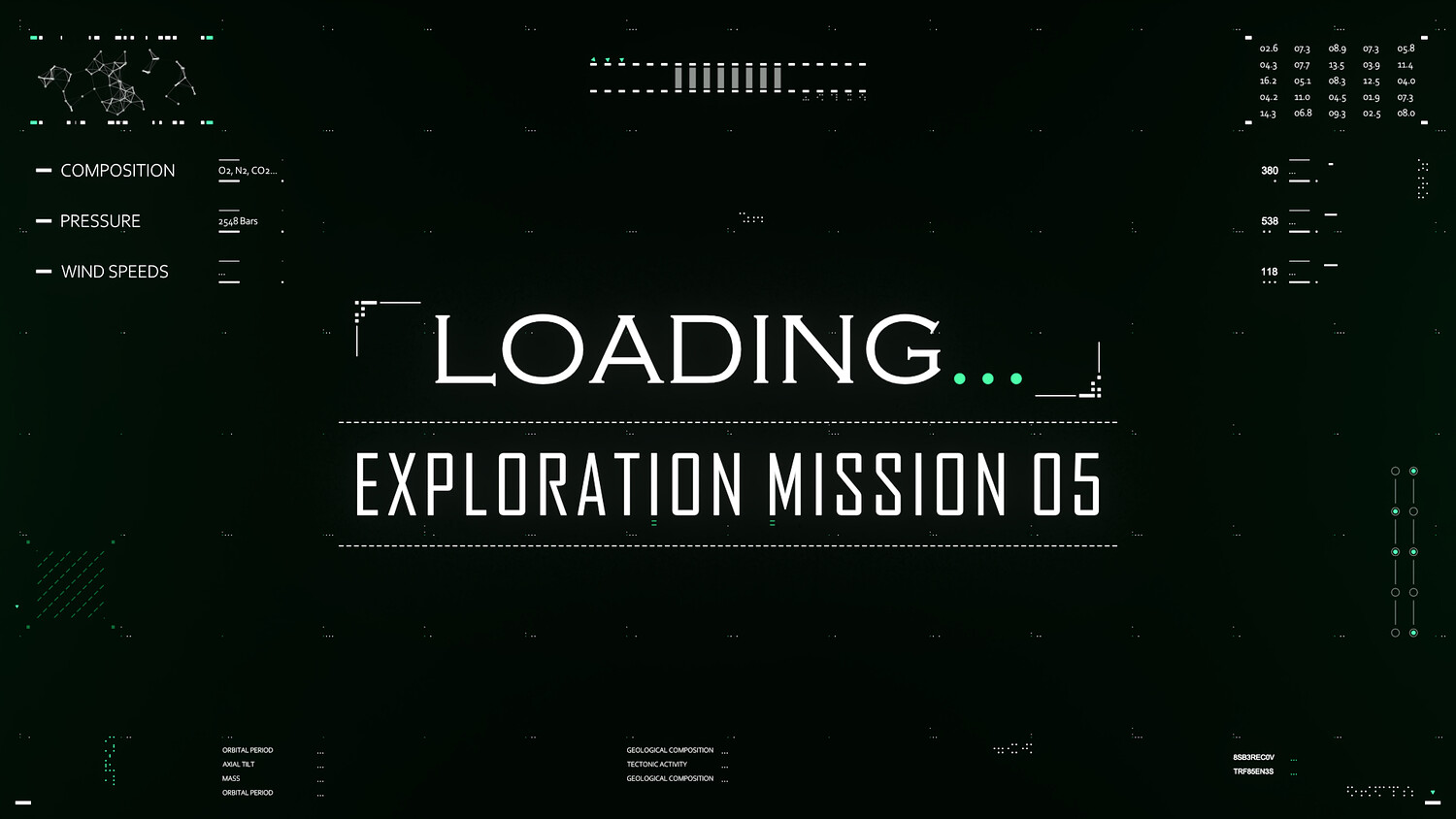
- HUD & UI - Loading User Interface
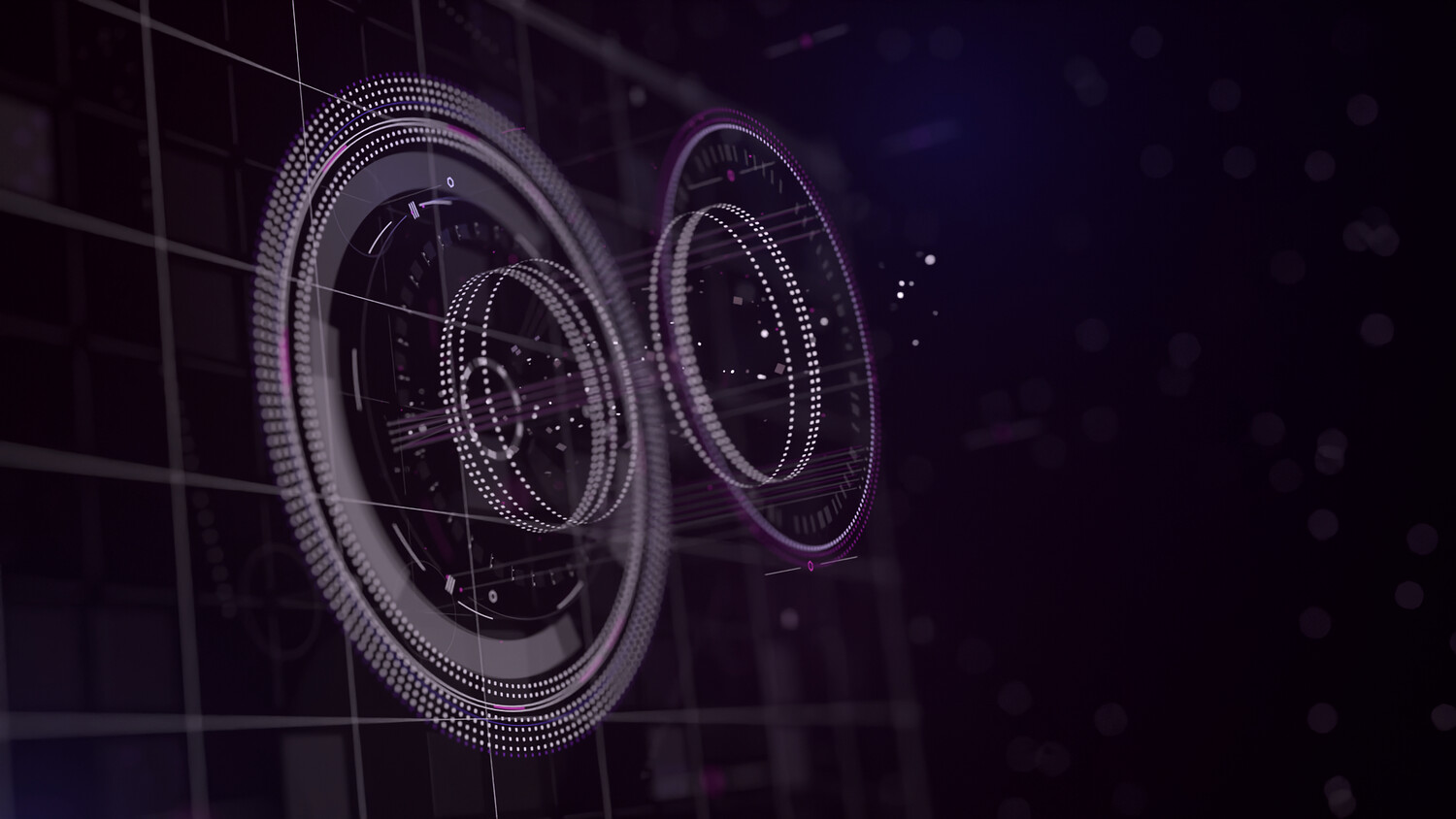
- Hud & Ui - Radial Core
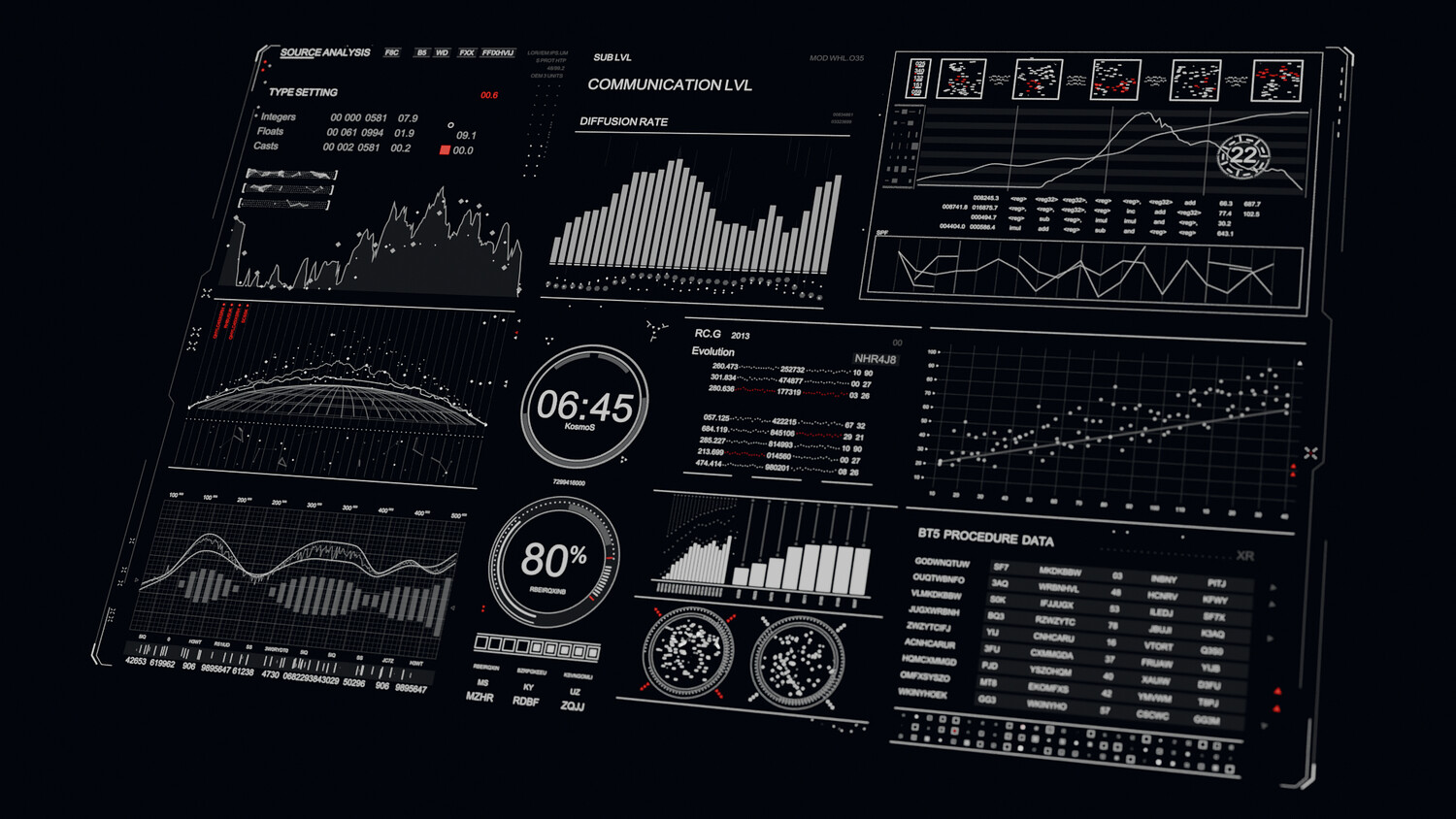
- HUD & UI - Kosmos
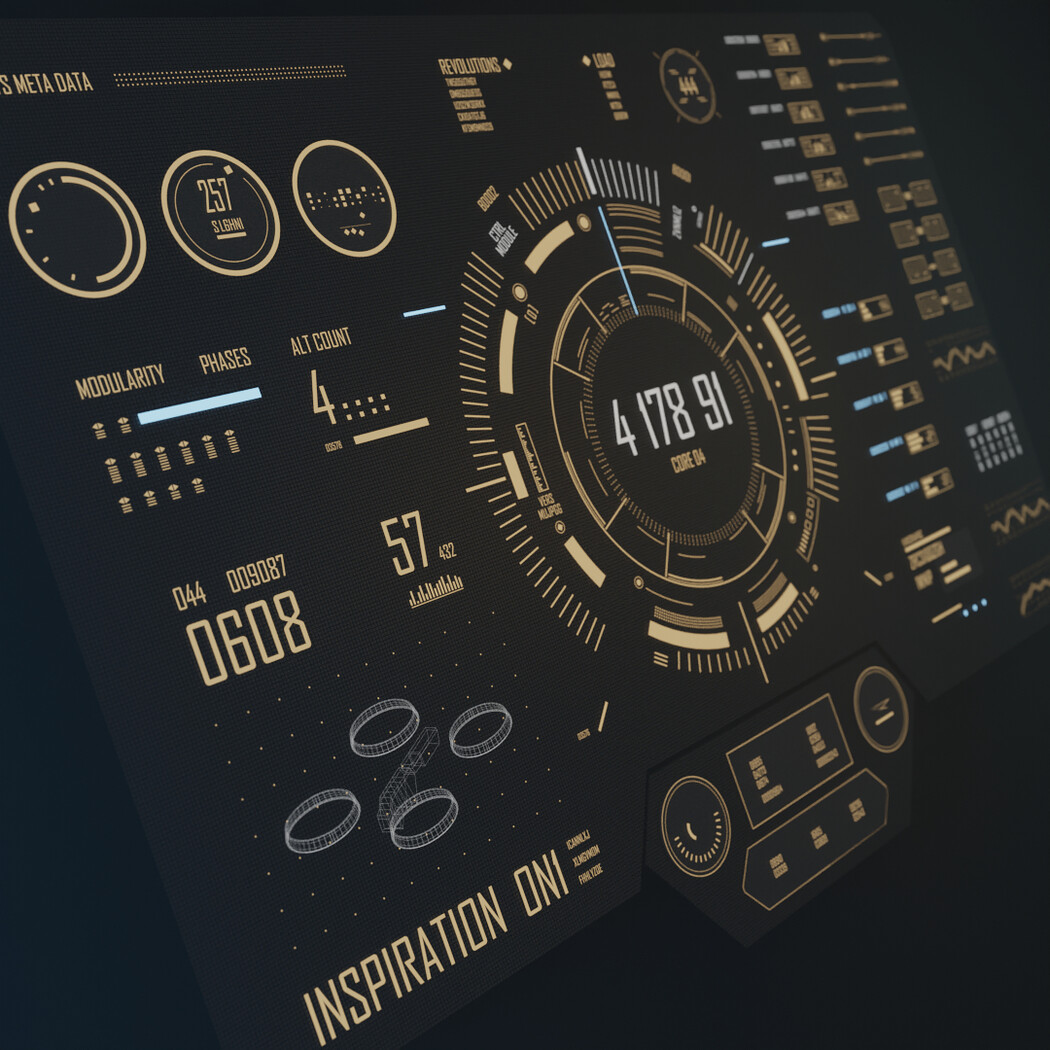
- HUD & UI - Antikeimeno
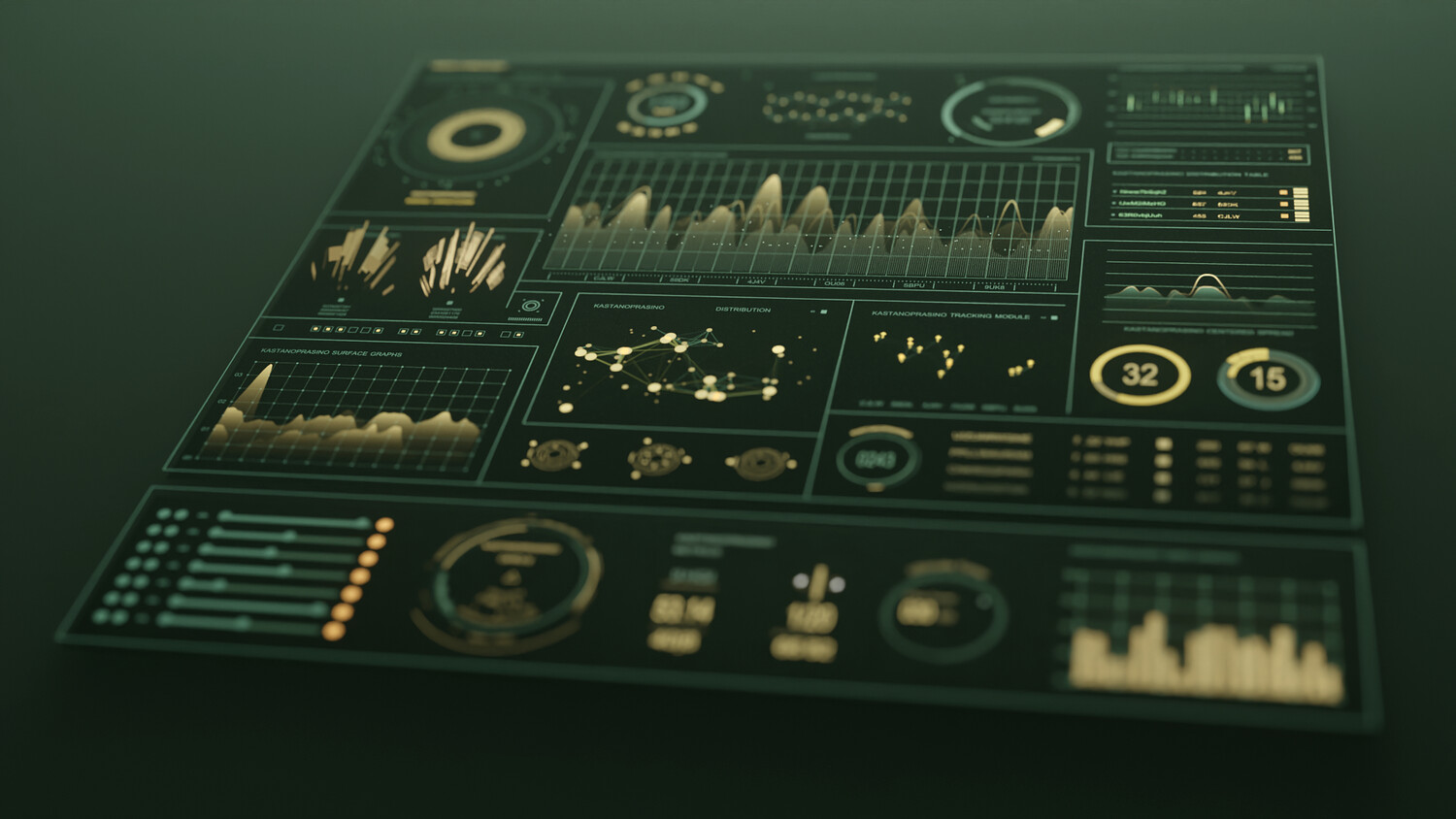
- HUD & UI - Kastanoprasino
- HUD & UI - Kyklos
Key Features :
- Shape every detail of your design with fully customizable, modular elements. Mix, match, and refine. Your creativity sets the boundaries.
- Built for high-end motion graphics, cinematic HUDs, sci-fi UIs, broadcast toolkits, and real-time visualizations.
- Export your creations anywhere: 3D software, game engines, or 2D compositing tools like After Effects and DaVinci Resolve.
- Comes packed with 30+ parametric elements and an ever-expanding preset library to accelerate your workflow.
Software Compatibility :
- Blender 2.81 and later
Support & Resources :
How to Install HUD & UI Elements :
- Open your preferred Blender version.
- Go to Edit > Preferences.
- In the Add-ons section, click Install....
- Navigate to and select the latest version of HUD & UI Elements.
- Click Install Add-on.
- After installation, ensure the add-on is activated (check the box if it’s not activated by default).
How to Use the Add-On :
- In the 3D Viewport, click Add > HUD & UI Elements.
- Select the desired element from the menu.
Editing Element Parameters :
- Select the element you want to edit.
- In the Outliner, go to Object Properties.
- Open the HUD & UI dropdown menu.
- Adjust the parameters to customize the element's appearance to your needs.
Have questions? Explore the HUD & UI Elements FAQ
You will get 8 files
All files previously purchased will always be available for download in your Library