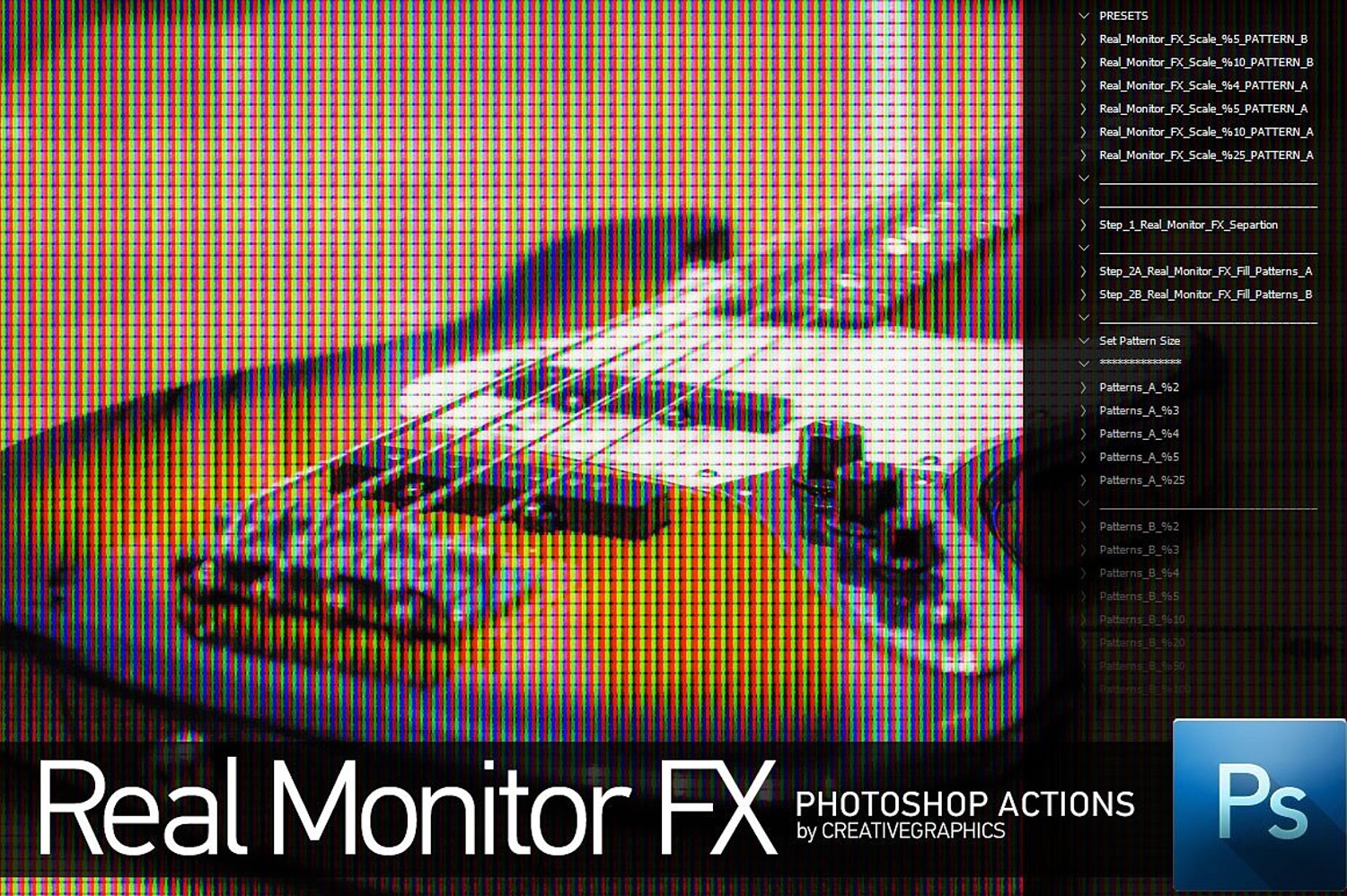

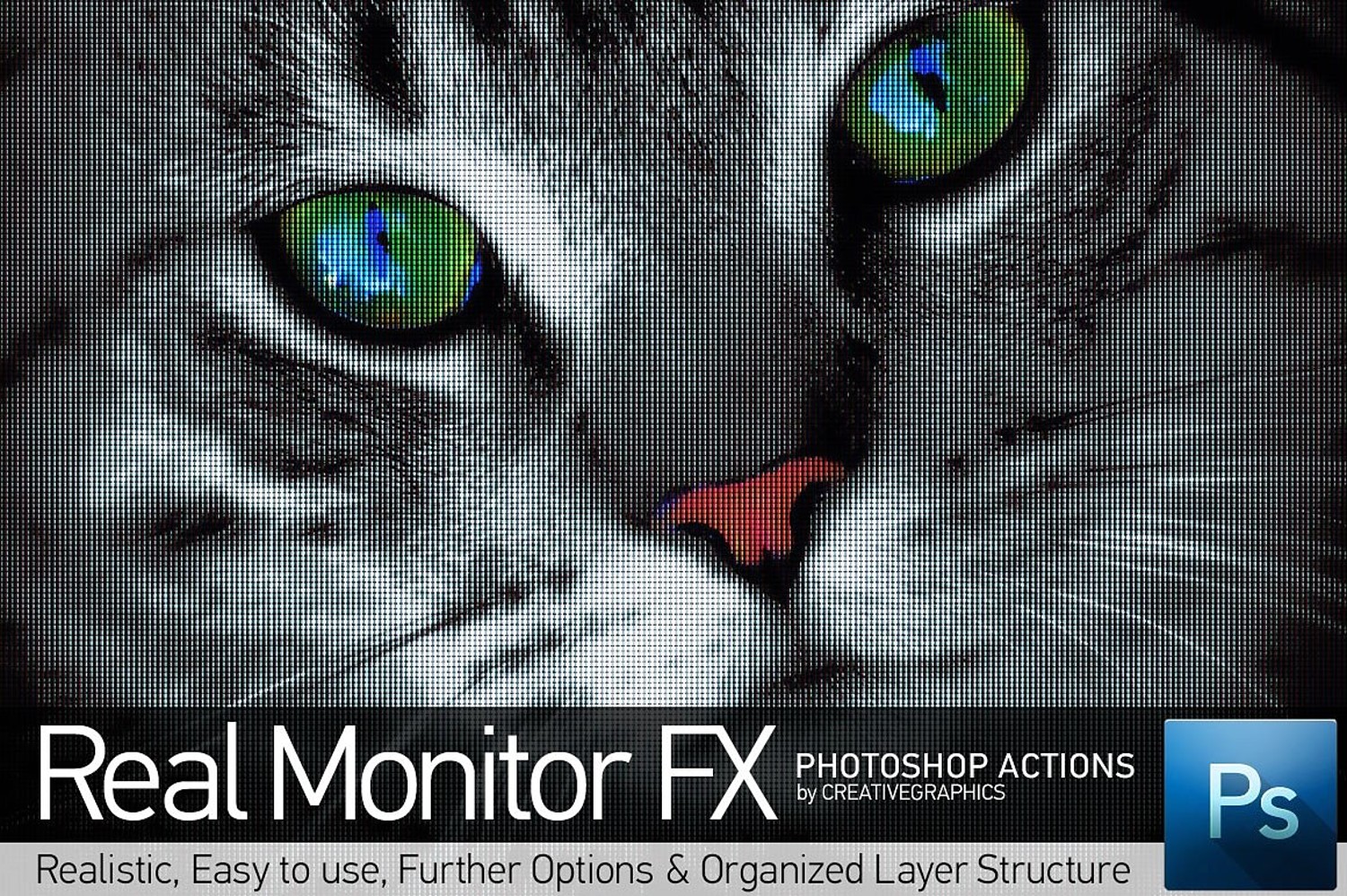
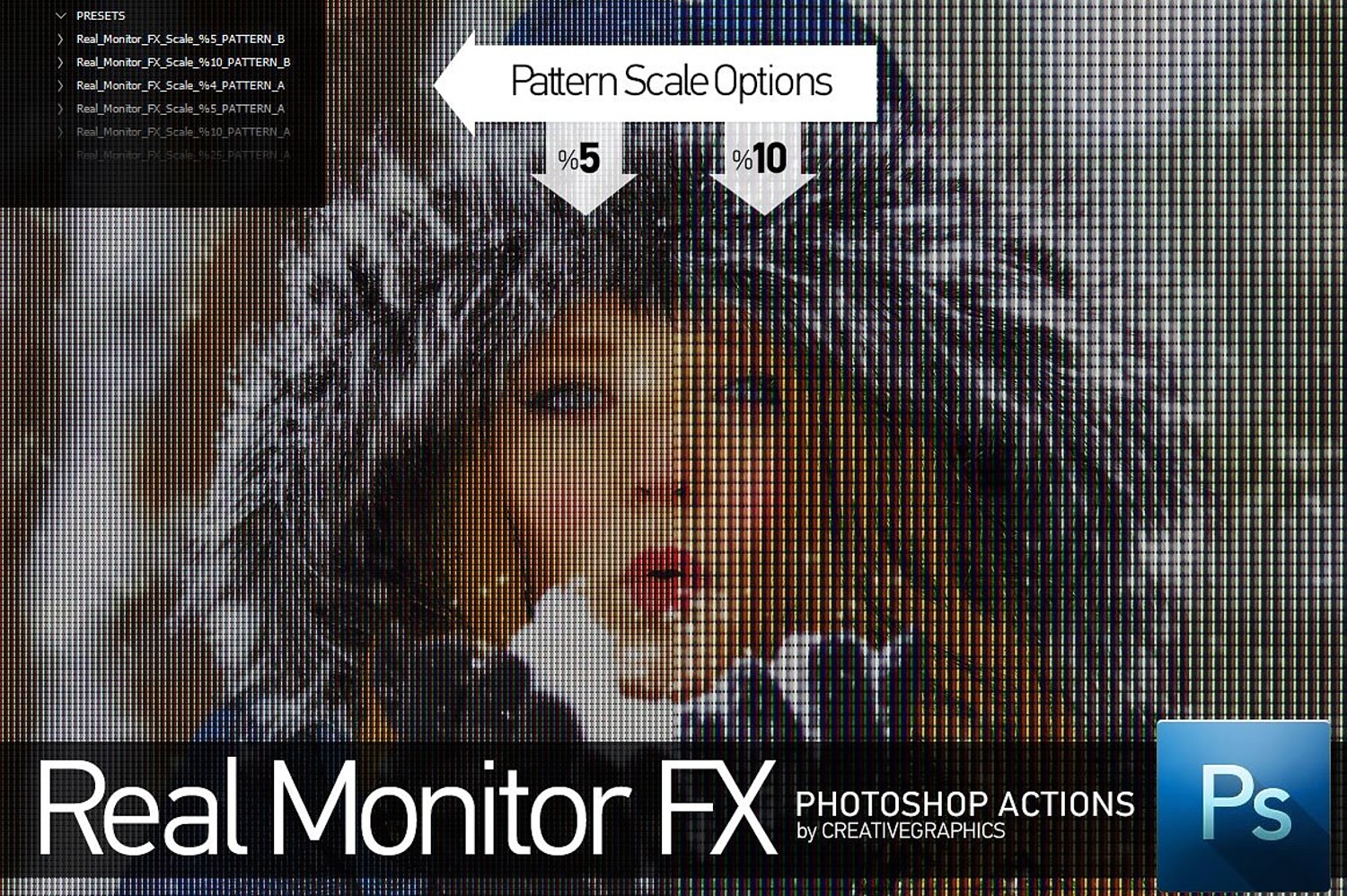
Real Monitor FX Photoshop Action
Real Monitor FX is a collection of Photoshop Actions which converts images into RGB Monitor display look. There are various pattern scale options available in action set. Also there are two pattern lcd pattern options.
Easy to use Pattern Scale Options Organized Layer Structure Further Options How to install Photoshop Actions and Patterns?
Open Photoshop, and click on the Actions Palette menu button (located in the top right of the Actions Palette. Select “Load Actions” Select one of the .atn files from the download. (CreativeGraphicsRealMonitorFXActions.atn) Load this action. Load patterns.
Important! You should load patterns included in archive ("CreativeGraphicsRealMonitorFXPatterns.pat") before you run actions
You will get 1 file
All files previously purchased will always be available for download in your Library