3DT Bridgify – Blender Geometry Node Procedural
3DT Bridgify – Blender Geometry Node Procedural
🎥 Demo Video
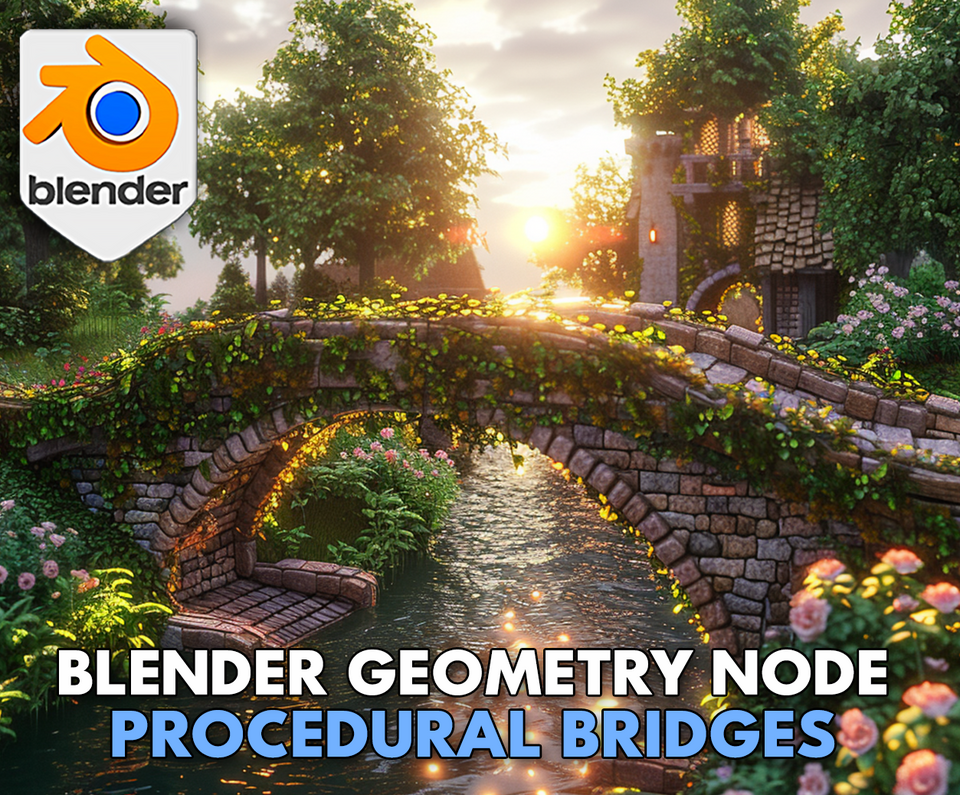
Design epic bridges of any style in minutes with the 3DT Bridgify Generator!
Fully optimized for Blender 4.0+, this powerful geometry node setup lets you build customizable bridges with railings, bricks, arches, randomized features, and live real-time editing — perfect for stylized worlds, games, and animated environments.
🎯 Key Features

Procedural Bridge Creation
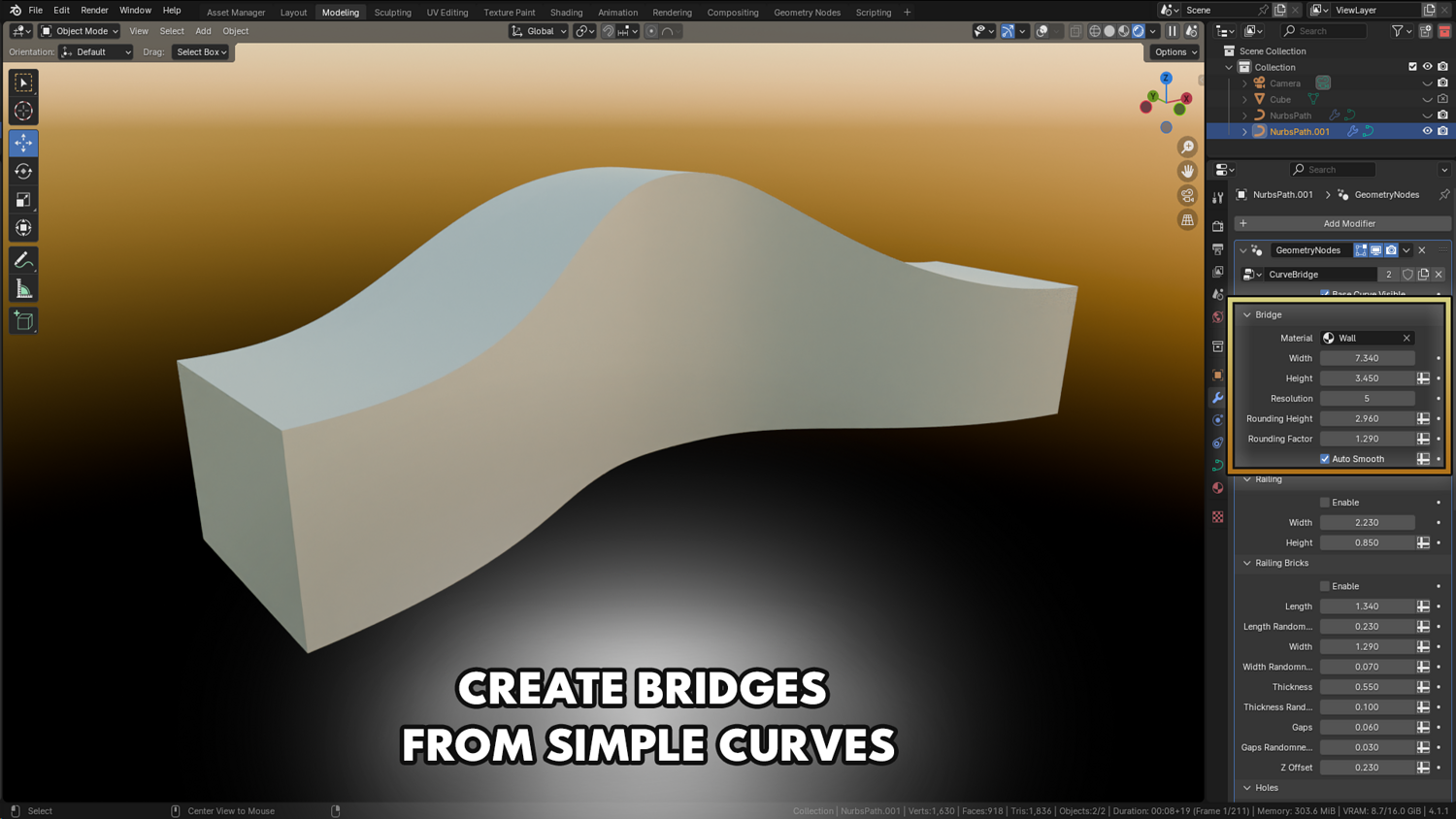
Shape bridges live from curves — full control over width, arch height, segment scale, curvature, brick density, and more.
Fully Customizable Railings and Walls
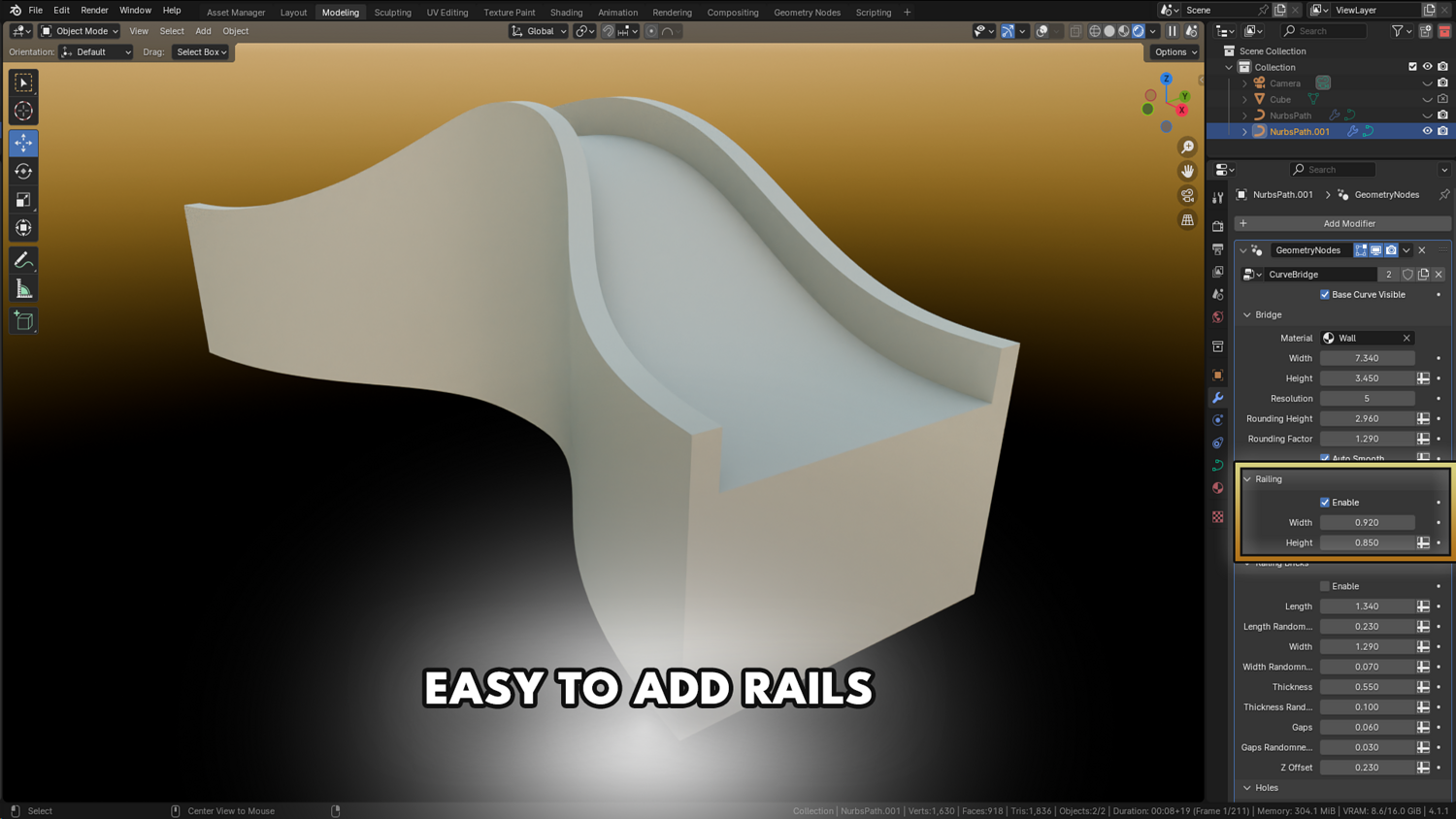
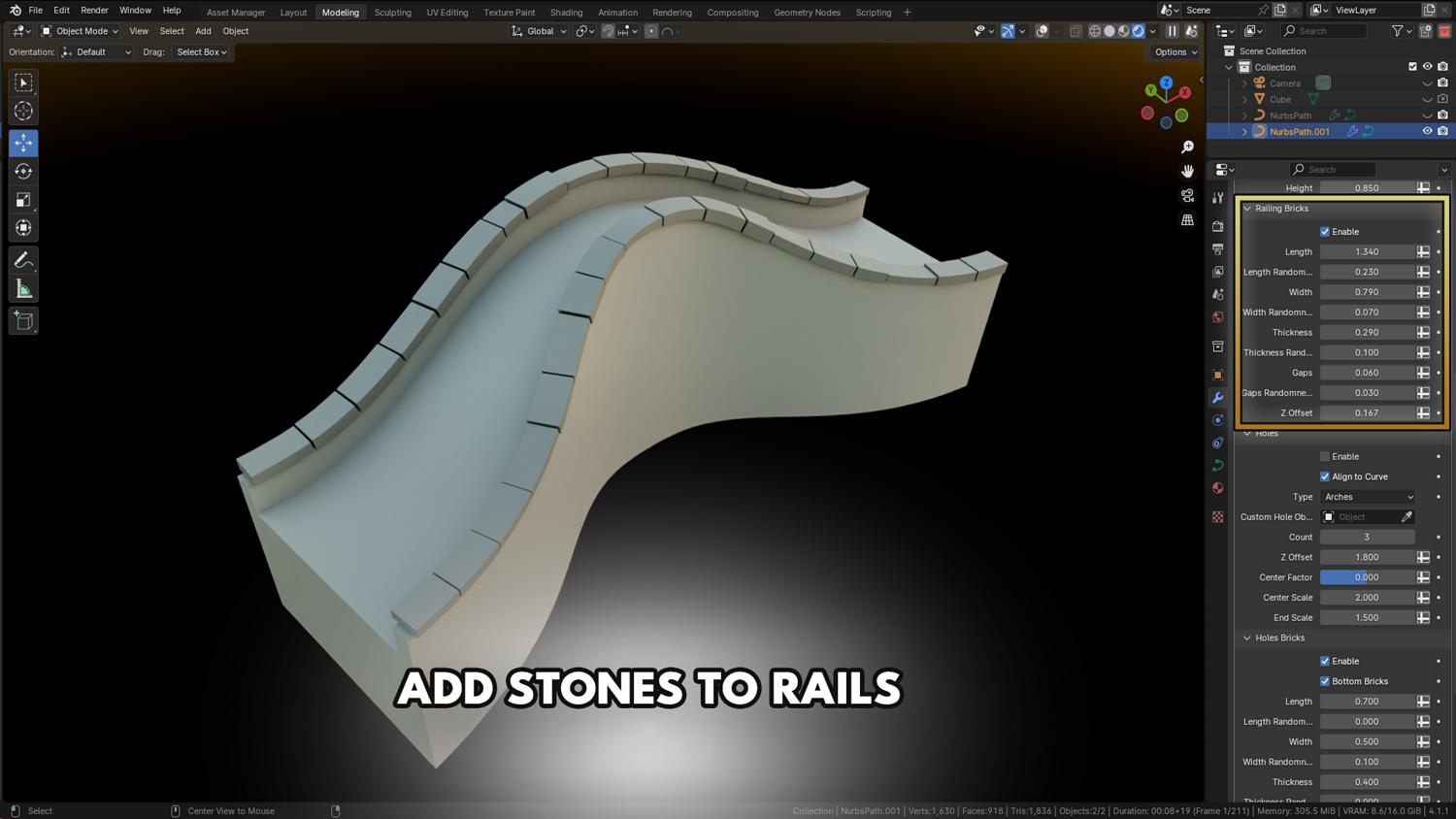
Add stylized railings, randomize width/height, adjust gaps and thickness easily.
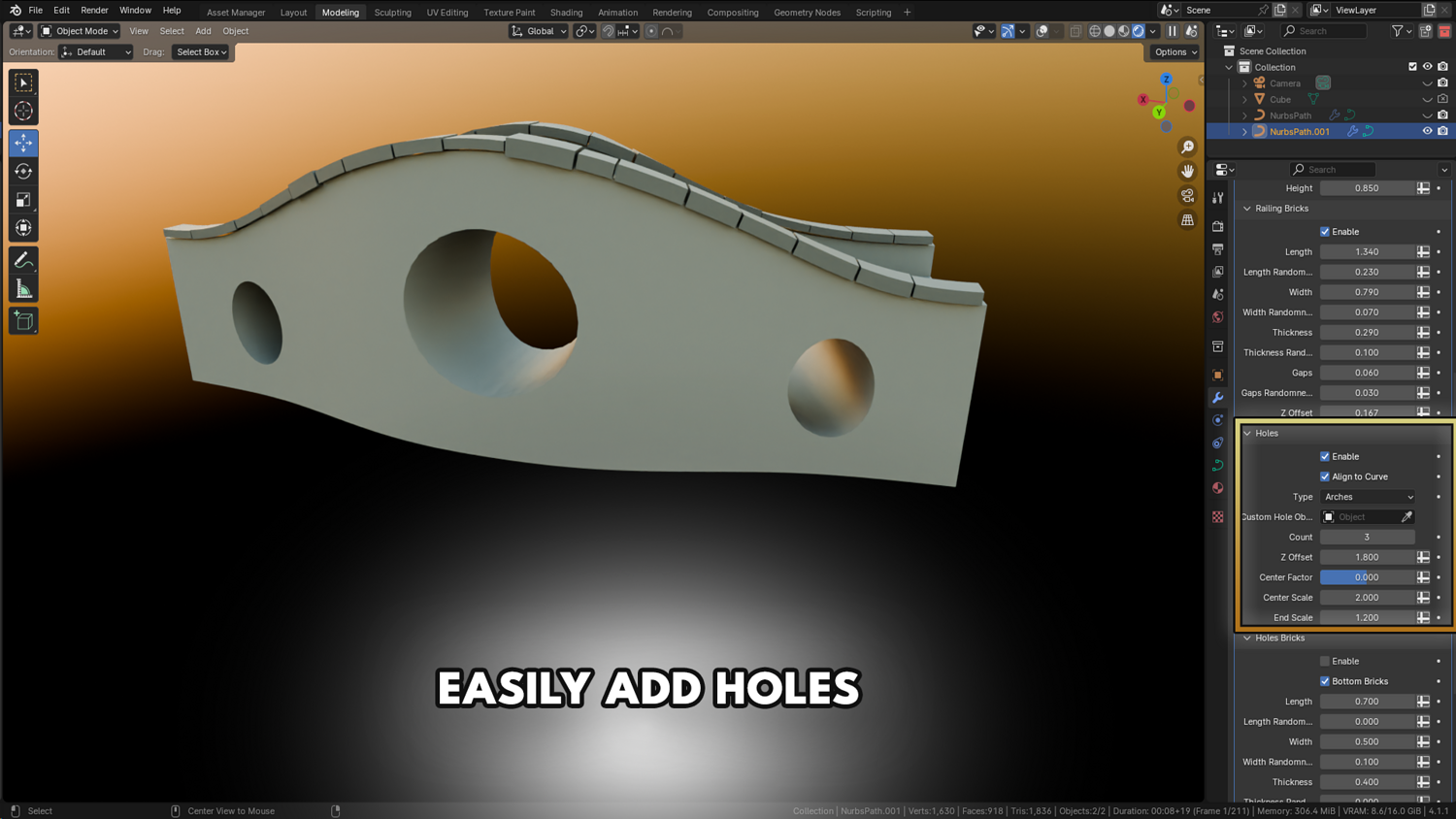
Built-in Arched Hole Generator
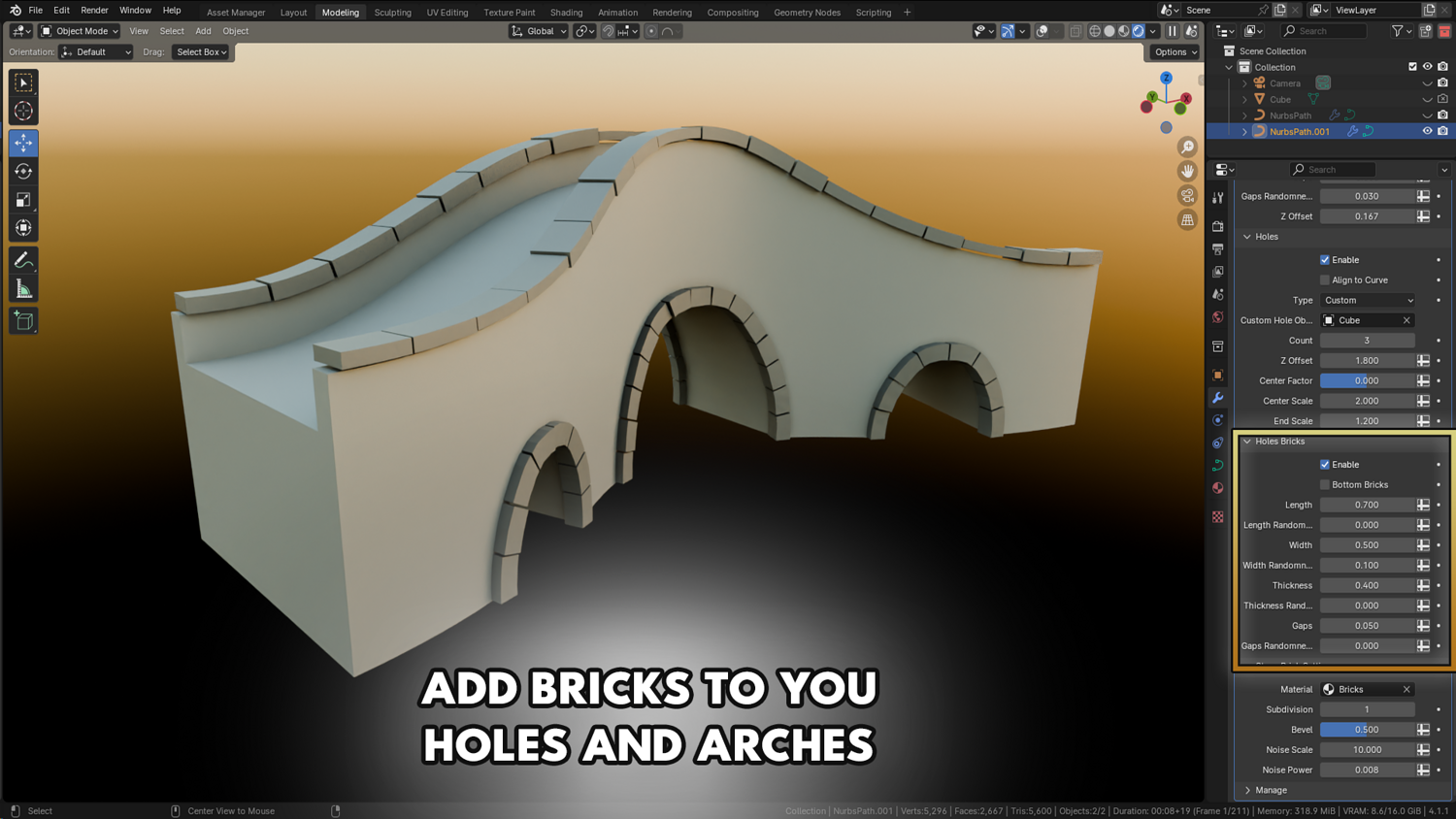
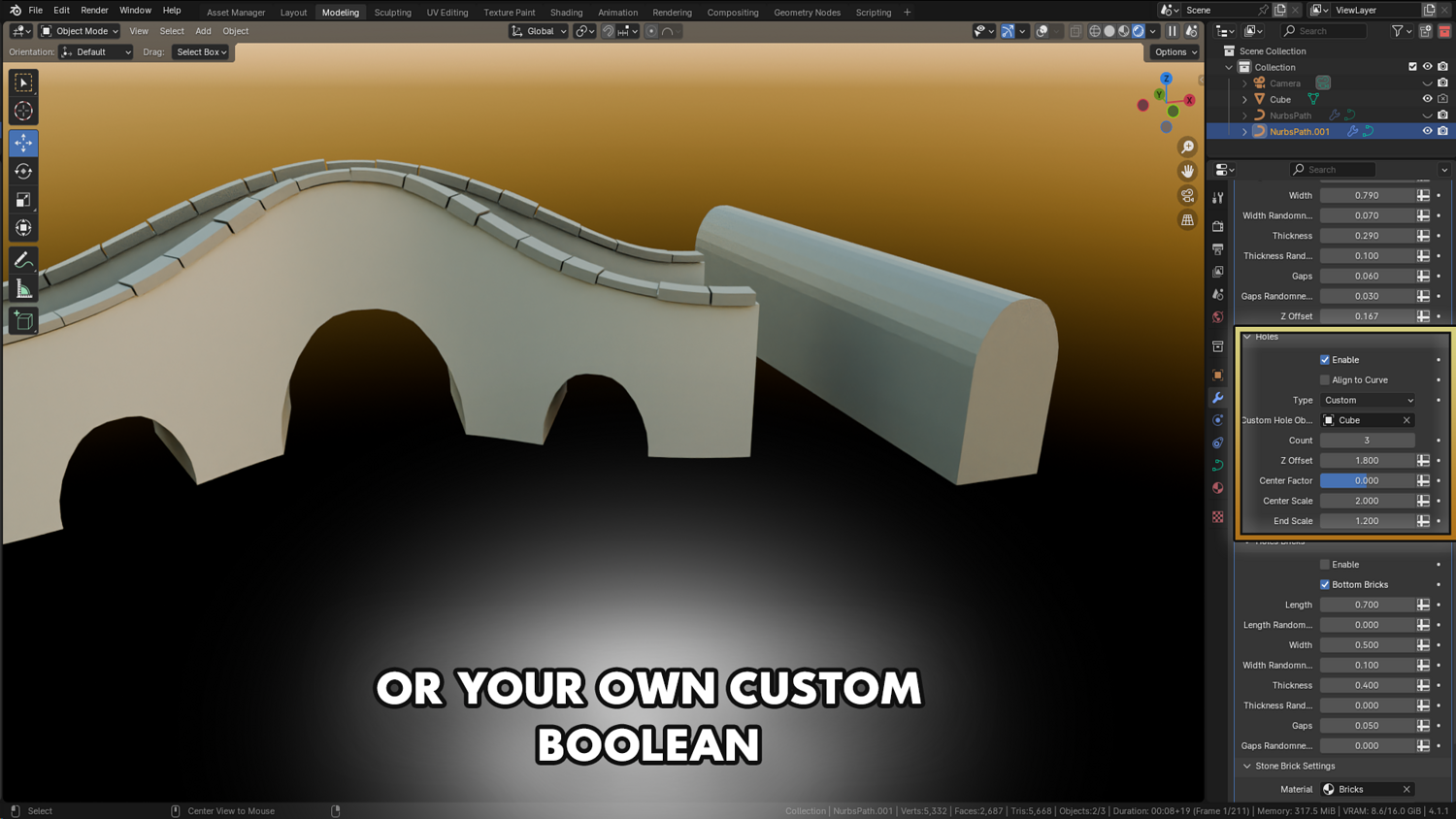
Insert dynamic holes into bridges using round arches or custom boolean objects.
Real-Time Performance
Modify curve paths and instantly update bridge designs without needing to re-bake or re-simulate.
Stylized Procedural Brick Materials
Enable realistic beveled bricks, randomized noise textures, and subdivision smoothing for close-up renders.
🔥 Why You'll Love It

Build Bridges Fast
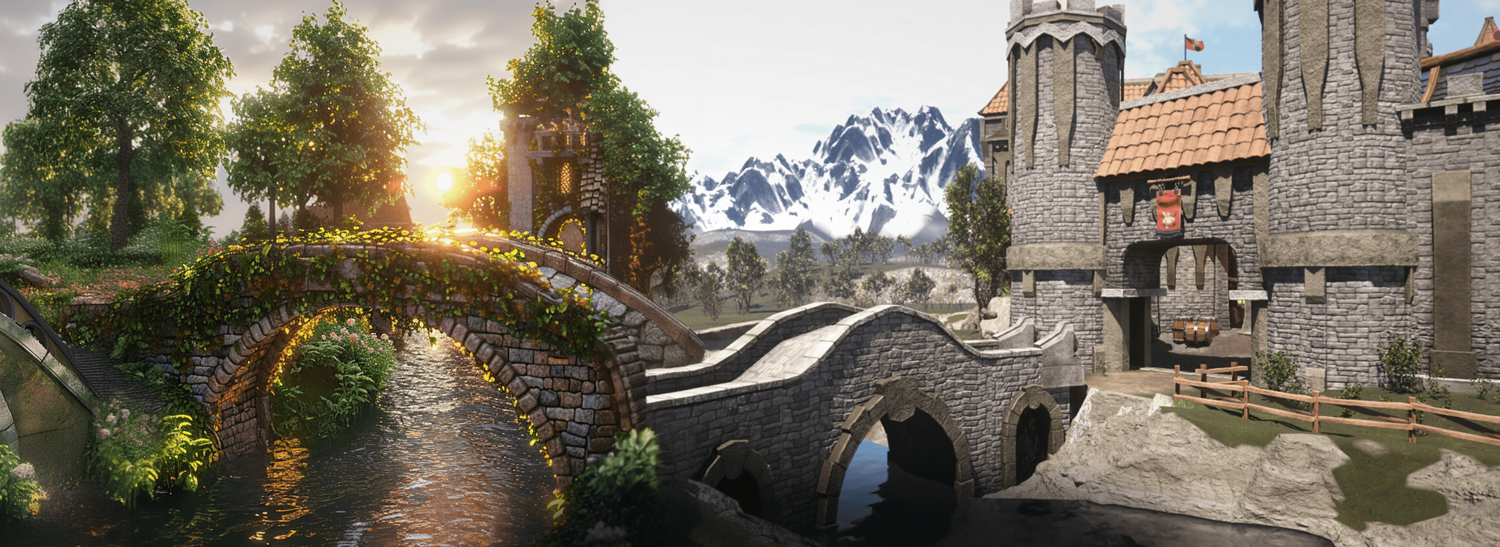
Create game-ready bridges for towns, cities, castles, fantasy realms, or medieval worlds in a few clicks.
Massive Flexibility and Control
Everything is adjustable: number of arches, size, placement, curvature, material blending, procedural noise, and more.
Perfect for Games, Animation, and Concept Art
Craft lightweight, real-time optimized assets for backgrounds or hero pieces.
Seamless Asset Integration
Use custom meshes or easily tweak bridge components to match your own art style.
📦 What's Included
- 1x Blender .blend file with complete Bridgify Geometry Node setup
- Procedural bridge creation system with curve editing support
- Real-time railing, wall, arch, and brick generation
- Procedural stylized material for bricks
- Full boolean control for arches and holes

⚙️ Requirements
- Blender 4.0 or newer with lifetime updates
- From noob to pro — watch the 10 minute video to have everything up and running in no time
🚀 Installation Instructions
Method 1 – Add to Asset Library
- Download and unzip the product folder.
- Open Blender → Edit → Preferences → File Paths → Asset Libraries → click the "+" button.
- Navigate to the extracted folder and add it.
- Open the Asset Browser and drag the Bridgify setup into your scenes.
Method 2 – Manual Append
- Open your Blender project.
- Go to File → Append → Locate the .blend file → Import the Geometry Node group.
Method 3 – Copy and Paste Between Projects
- Open the project containing the Bridgify setup.
- Select the Geometry Node group.
- Press Ctrl+C to copy.
- Open another Blender project and press Ctrl+V to paste it directly into your scene.
💬 Support
Need help? Join our growing 3D Tudor Discord community to connect with our support team and hundreds of fellow artists!
👉 Join the 3D Tudor Discord here
Model Details
- FormatsBLEND
- Polygons0
- Vertices0
- animatedno
- materialsno
- texturesno
- riggedno
- uvsno
- 3d print readyno
You will get 2 files
All files previously purchased will always be available for download in your Library