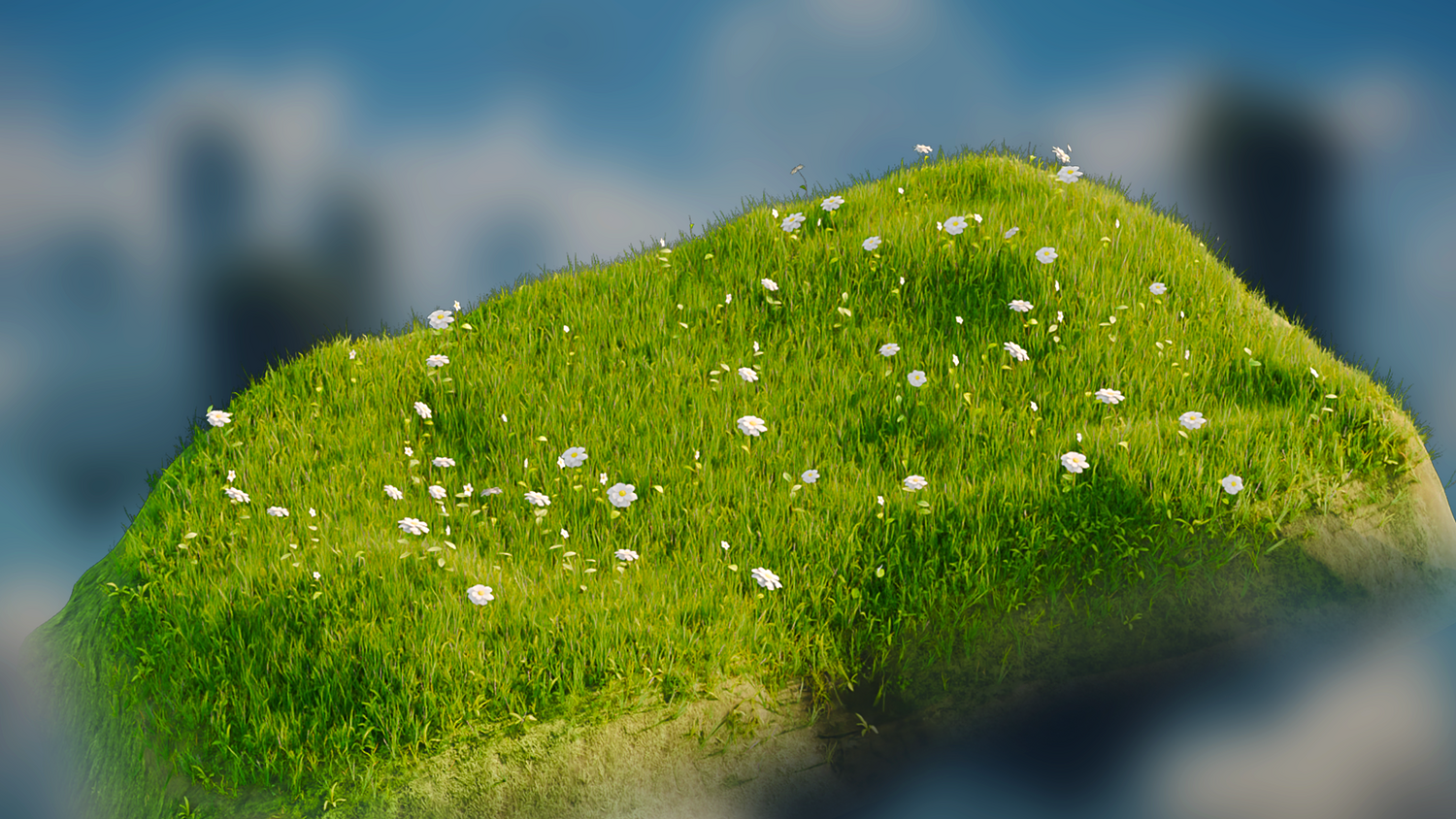
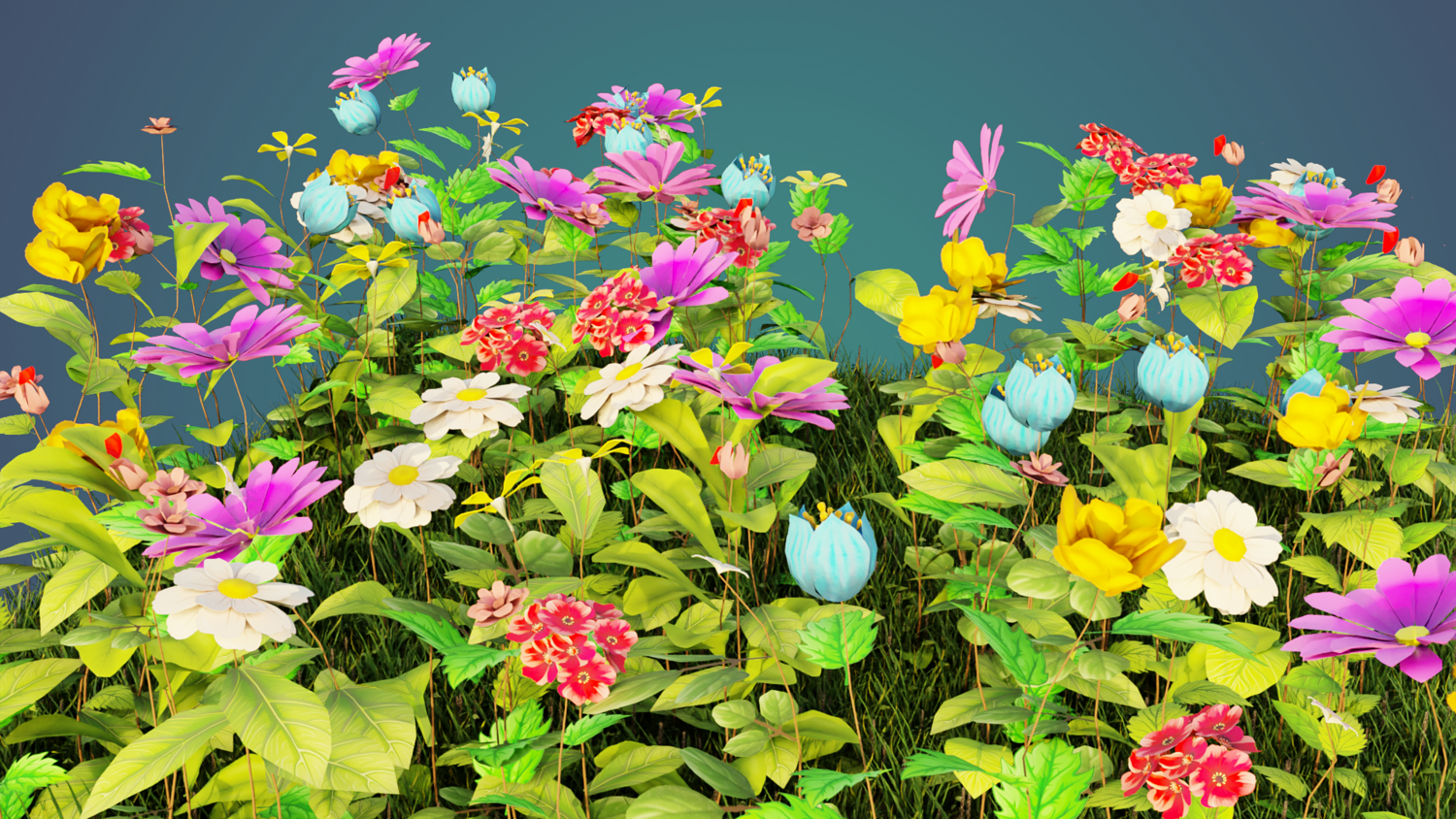
3DT Meadow Grass & Flowers Generator – Blender Geometry Nodes Procedural
3DT Meadow Grass & Flowers Generator – Blender Geometry Nodes
🎥 Demo Video
Breathe vibrant life into your projects with the 3DT Meadow Grass & Flowers Generator!
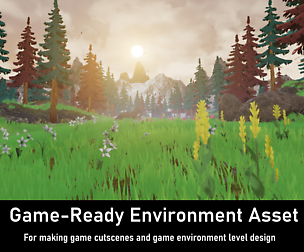
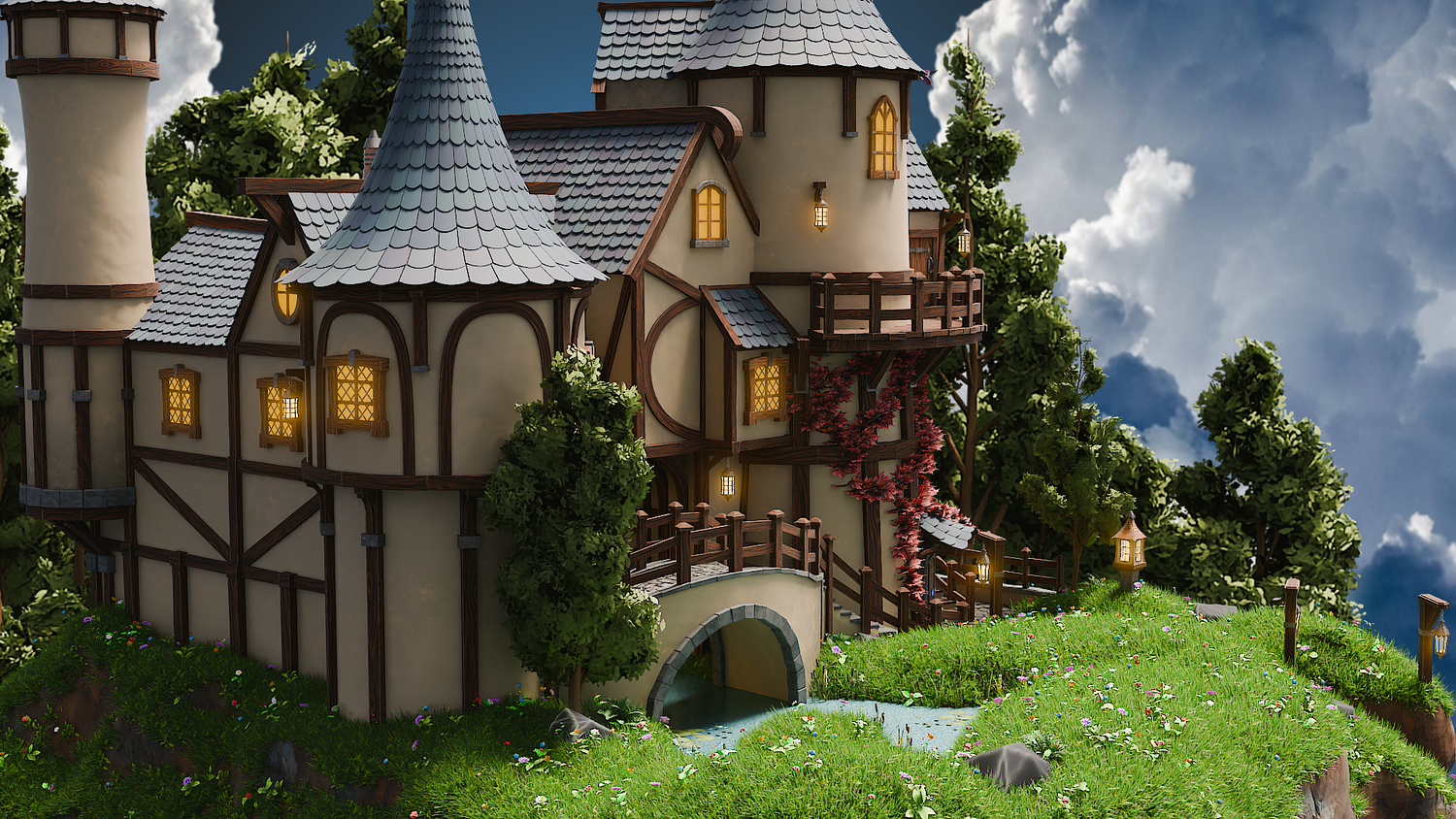
Fully optimized for Blender 4.4, this procedural node setup empowers you to create highly customizable, performance-optimized meadows and fields with beautiful grass, flowers, stems, and leaves. Whether you're crafting stylized fantasy worlds or realistic outdoor scenes, this generator provides the flexibility, control, and speed you need to bring your environment visions to life — all without tedious manual modeling.
🎯 Key Features
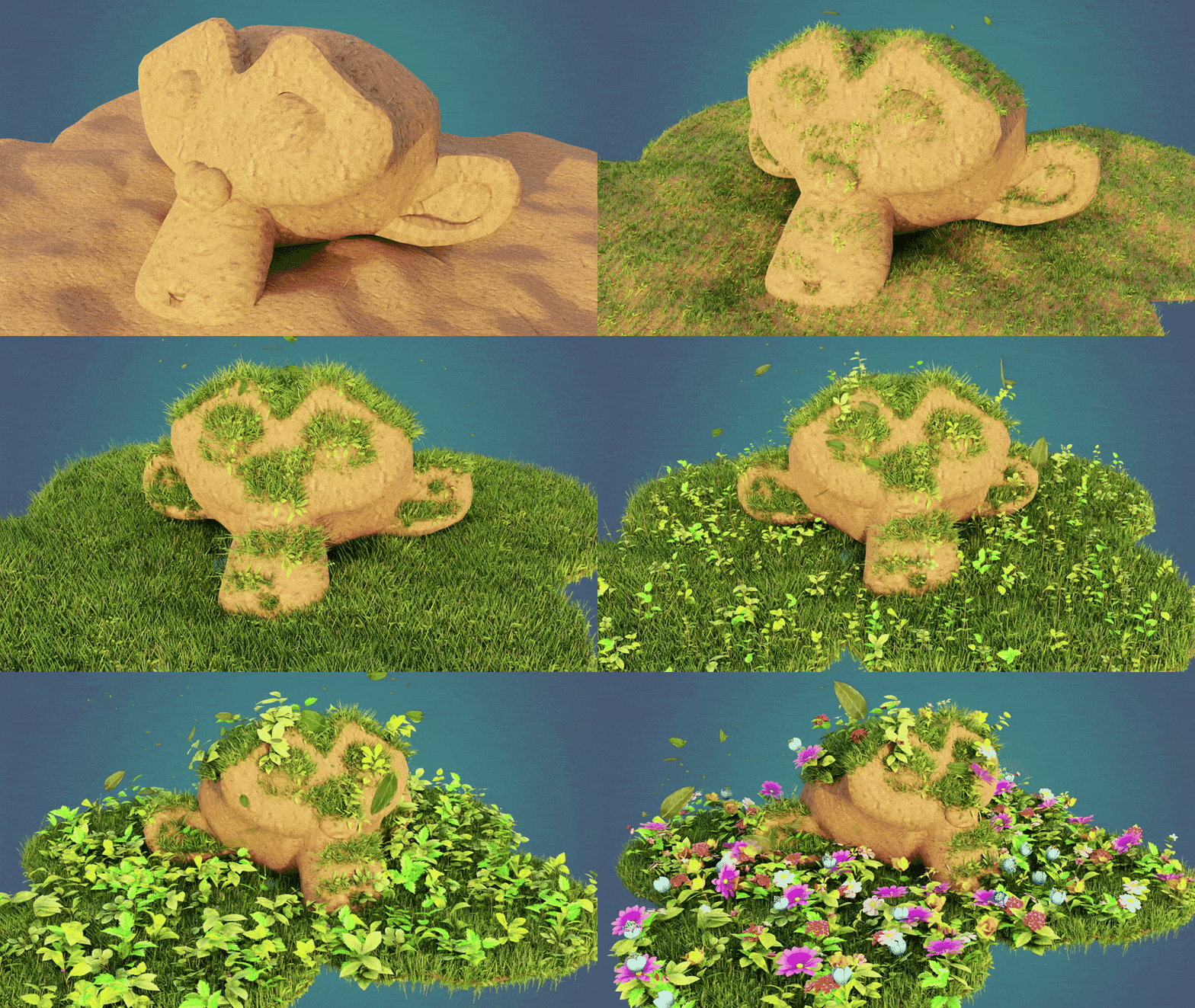
Advanced Surface Adaptation
Easily control grass and flower distribution based on surface angles, allowing you to populate flat planes, slopes, and even complex curved surfaces naturally. Fine-tune maximum angle thresholds and randomization for organic results.
Viewport and Render Optimization
Separate viewport and render density controls help you work smoothly in Blender’s editor while maintaining full lushness in final renders. Easily balance performance and quality even in large outdoor scenes.
Full Collection-Based Customization
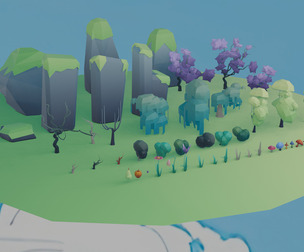
Swap out grasses, stems, flowers, and leaves using organized collections. Personalize your meadow with different assets or add new ones effortlessly to suit your project's style, from realistic to highly stylized.
Weight Painting & Vertex Control
Take full artistic control by painting grass or flower growth directly onto your mesh. Define dense patches, open clearings, or stylized trails with intuitive RGB vertex painting methods.
Growth Animation Ready
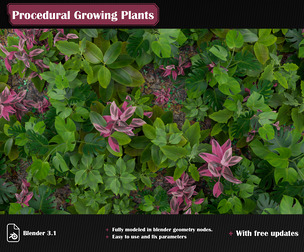
Animate your meadows growing over time with included scaling and tilt controls. Perfect for environment builds, stylized intros, or lush cinematic reveals.
🔥 Why You'll Love It
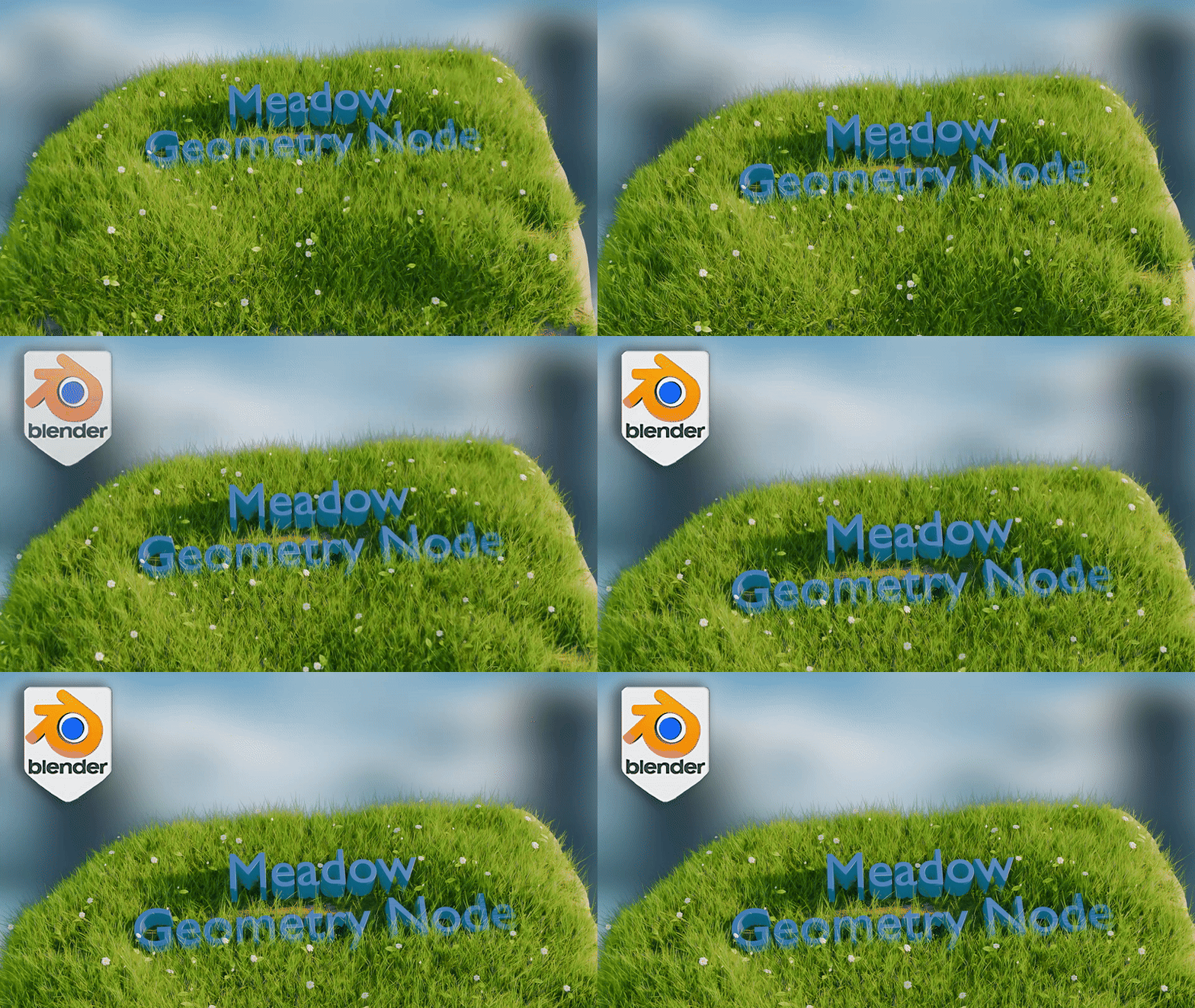
Effortless Scene Creation
No more tedious manual scattering — instantly populate detailed, natural-looking fields in seconds.
Massive Creative Flexibility
Tweak every element: grass, stems, flowers, and leaves. Customize density, scaling, color, and growth behaviors.
Performance-Optimized for Blender 4.4
Work quickly even on complex projects thanks to smart density control, lightweight geometry, and streamlined node groups.
Perfect for Games, Animation, and Concept Art
Bring stylized, realistic, or fantasy worlds to life — ideal for environment artists, 3D illustrators, and game developers.
📦 What's Included
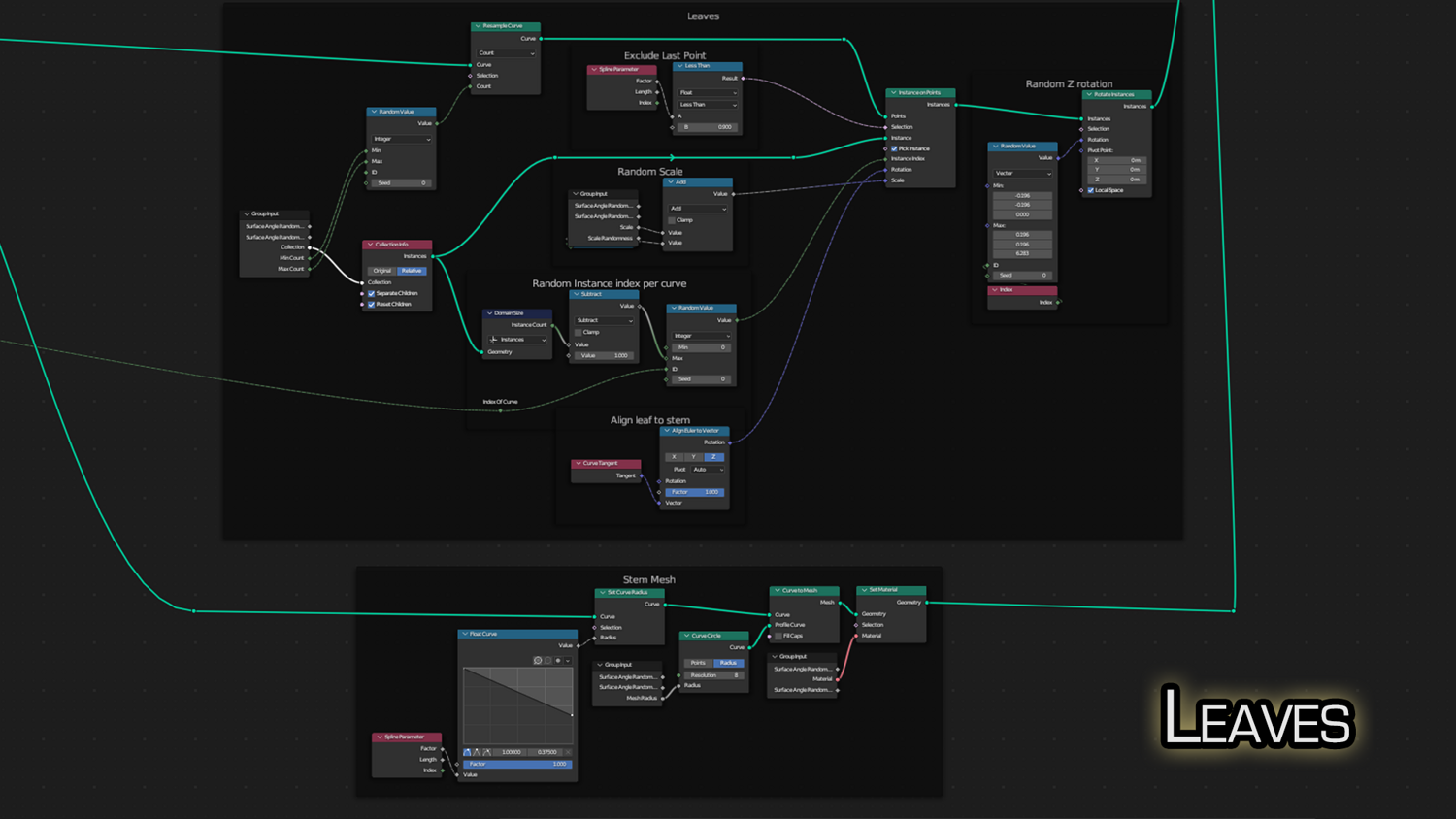
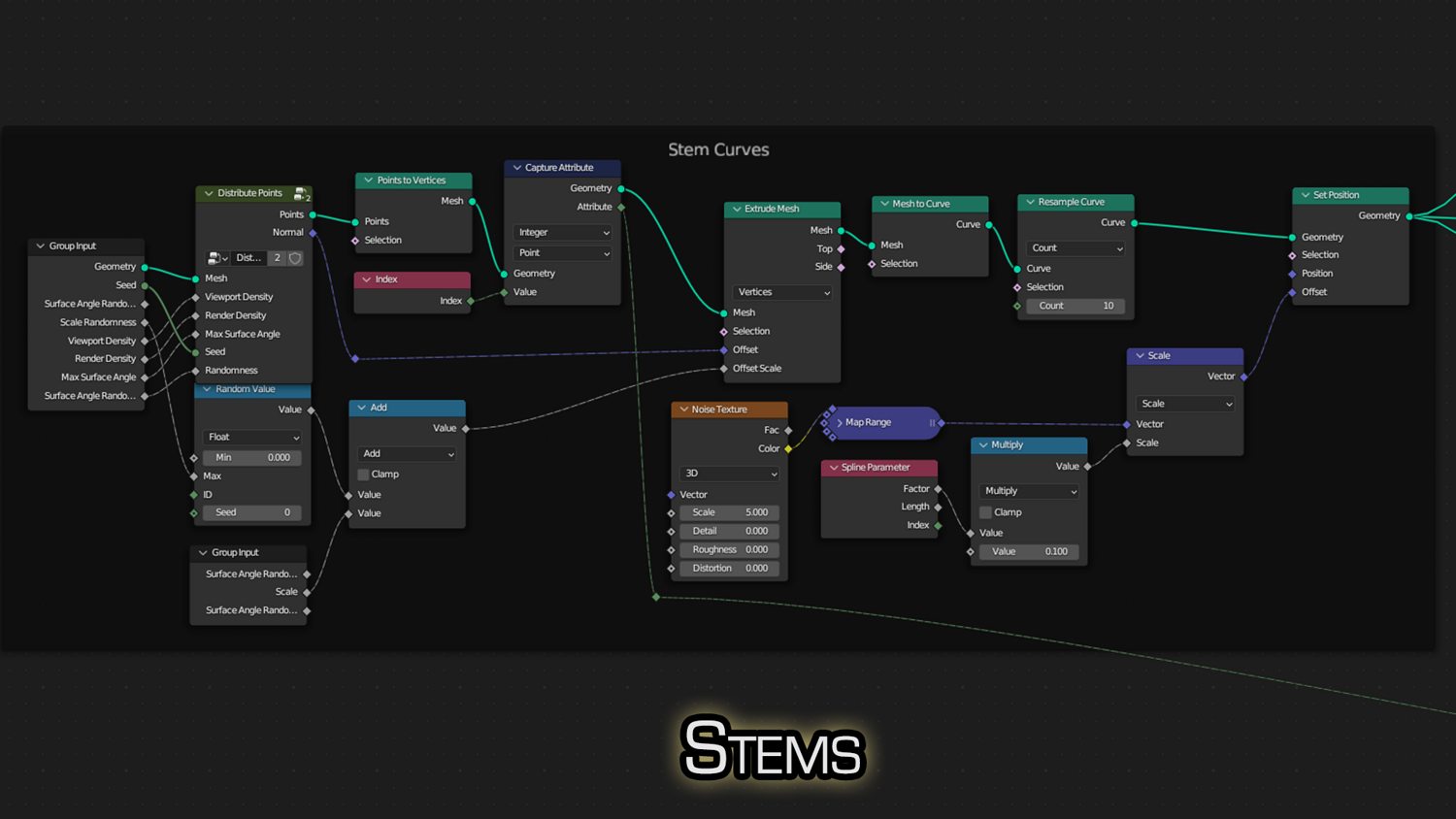
- 1x Blender .blend file with full procedural Meadow Grass & Flowers Geometry Node setup
- Pre-organized Grass, Stem, Flower, and Leaf collections
- Pre-built example scene ready to customize
- Fully labeled, easy-to-edit node group for fast workflow
⚙️ Requirements
- Blender 4.0 or newer
- Basic familiarity with the Asset Browser (helpful but not essential)
🚀 Installation Instructions
Method 1 – Add to Asset Library
- Download and unzip the product folder.
- Open Blender → Edit → Preferences → File Paths → Asset Libraries → click the "+" button.
- Navigate to the extracted folder and add it.
- Open the Asset Browser and start using your assets!
Method 2 – Manual Append
- Open your Blender project.
- Go to File → Append → Locate the .blend file → Import the Geometry Node group.
Method 3 – Copy and Paste Between Projects
- Open the project containing the Meadow Generator setup.
- Select the Geometry Node group.
- Press Ctrl+C to copy.
- Open another Blender project and press Ctrl+V to paste it directly into your scene.
💬 Support
Need help? Join our growing 3D Tudor Discord channel with hundreds of members and our support team ready to assist you!
👉 Join the 3D Tudor Discord here
Model Details
- FormatsNo
- Polygons0
- Vertices0
- animatedno
- materialsyes
- texturesyes
- riggedno
- uvsyes
- 3d print readyno
You will get 2 files
All files previously purchased will always be available for download in your Library