3DT Brick Wall Generator – Blender Geometry Node Procedural
3DT Brick Wall Generator – Blender Geometry Node Procedural
🎥 Demo Video
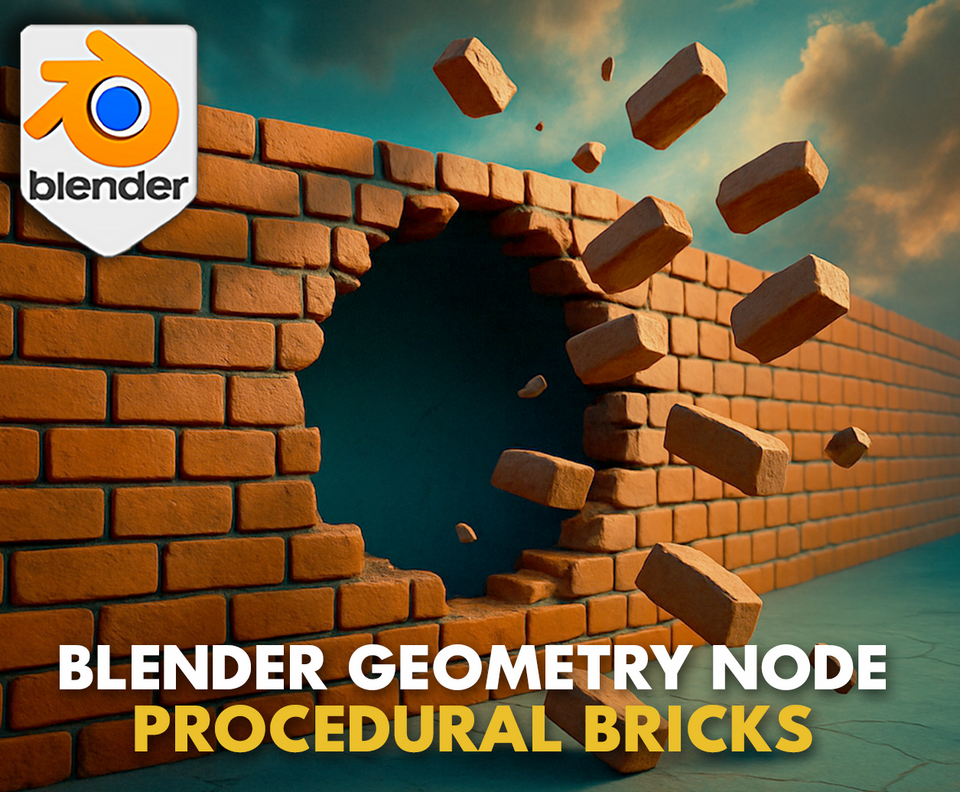
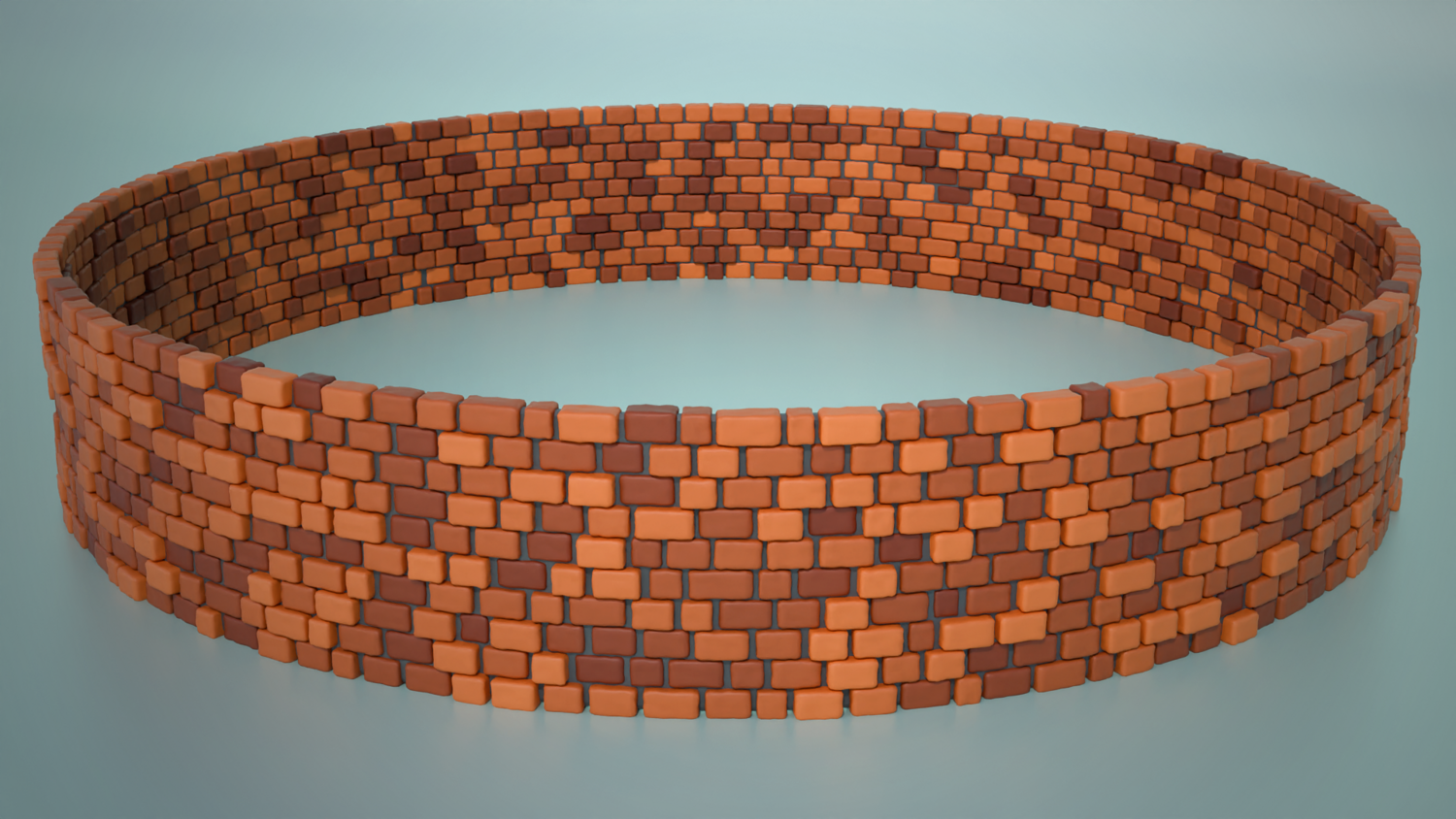
Create customizable, stylized or realistic brick walls with the 3DT Brick Wall Generator!
Designed for Blender 4.0+, this node lets you generate curved or straight brick walls using paths or circles, with full control over brick size, randomness, bevel, cement fill, and stylization. Perfect for castles, city walls, medieval buildings, or mobile games.
🎯 Key Features

Draw Brick Walls with Curves or Paths
Use paths, circles, or bezier curves to shape your brick walls — perfect for cylindrical or arched designs.
Brick Layer and Gap Control
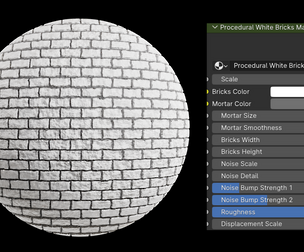
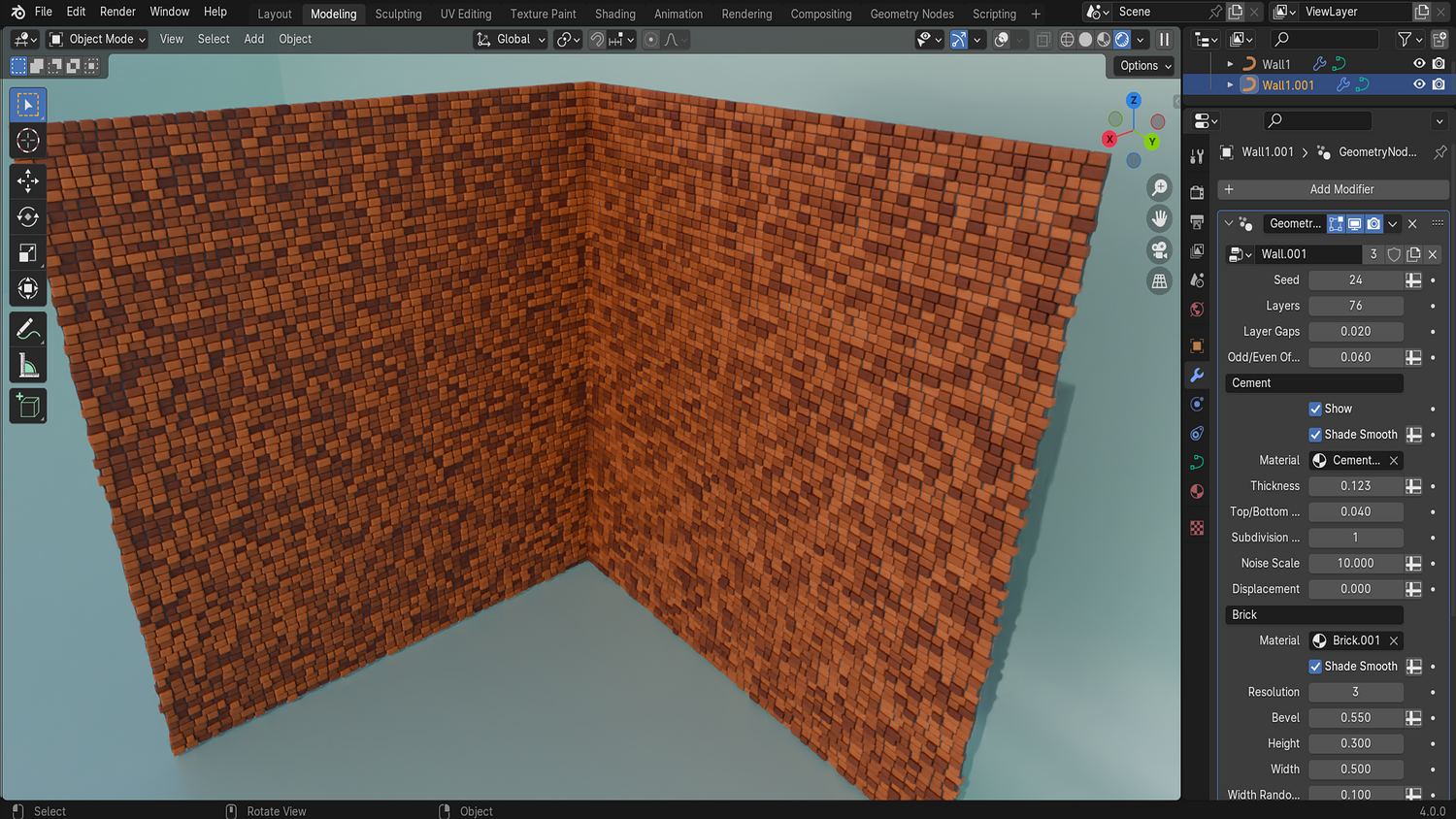
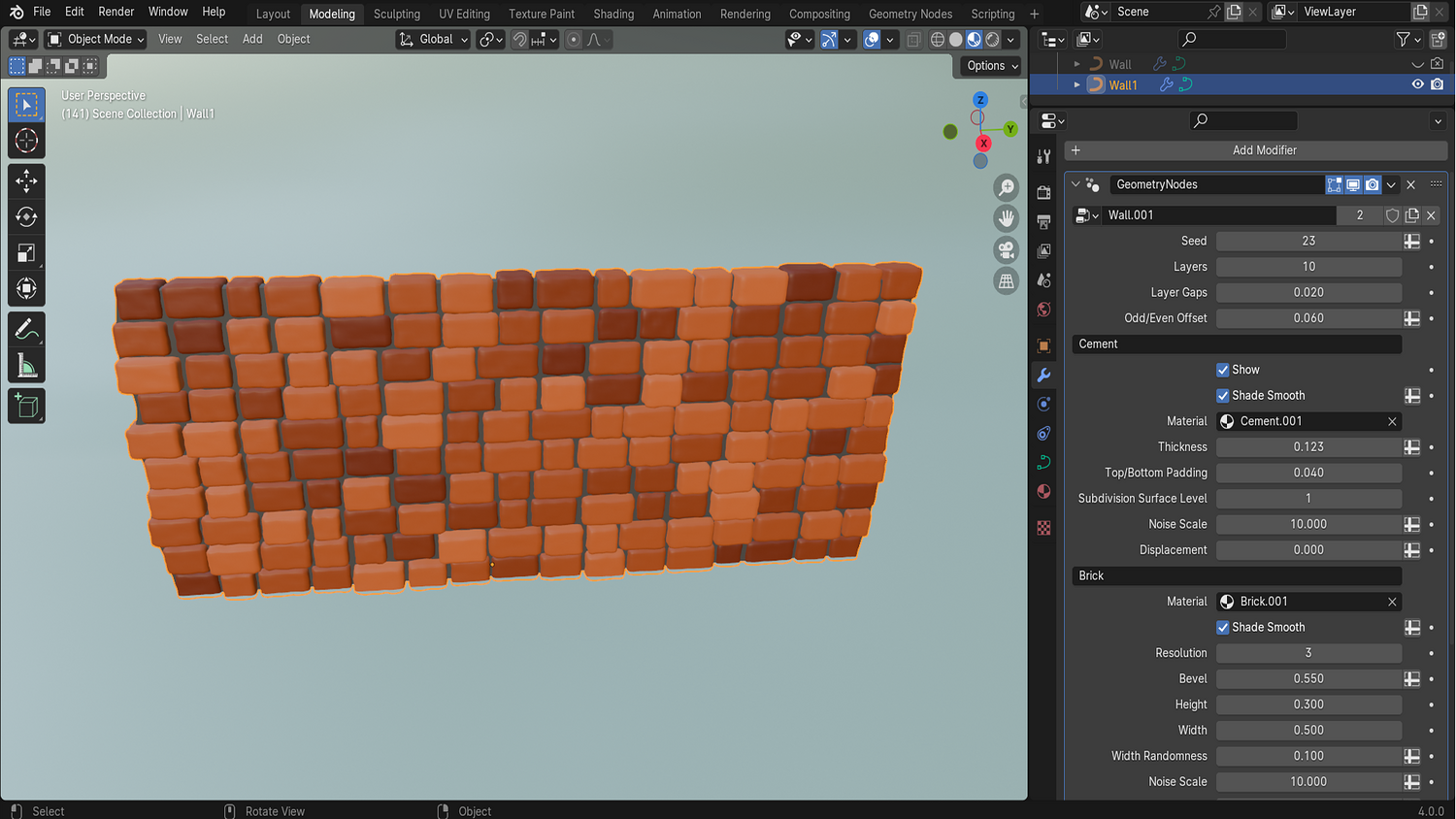
Change the number of layers, gap between rows, and apply cement thickness or remove it entirely for variation.
Width, Height, and Beveling Options
Adjust brick size, add rounding with bevels, and randomize dimensions with non-destructive sliders.
Rotation and Pull-Out Randomization
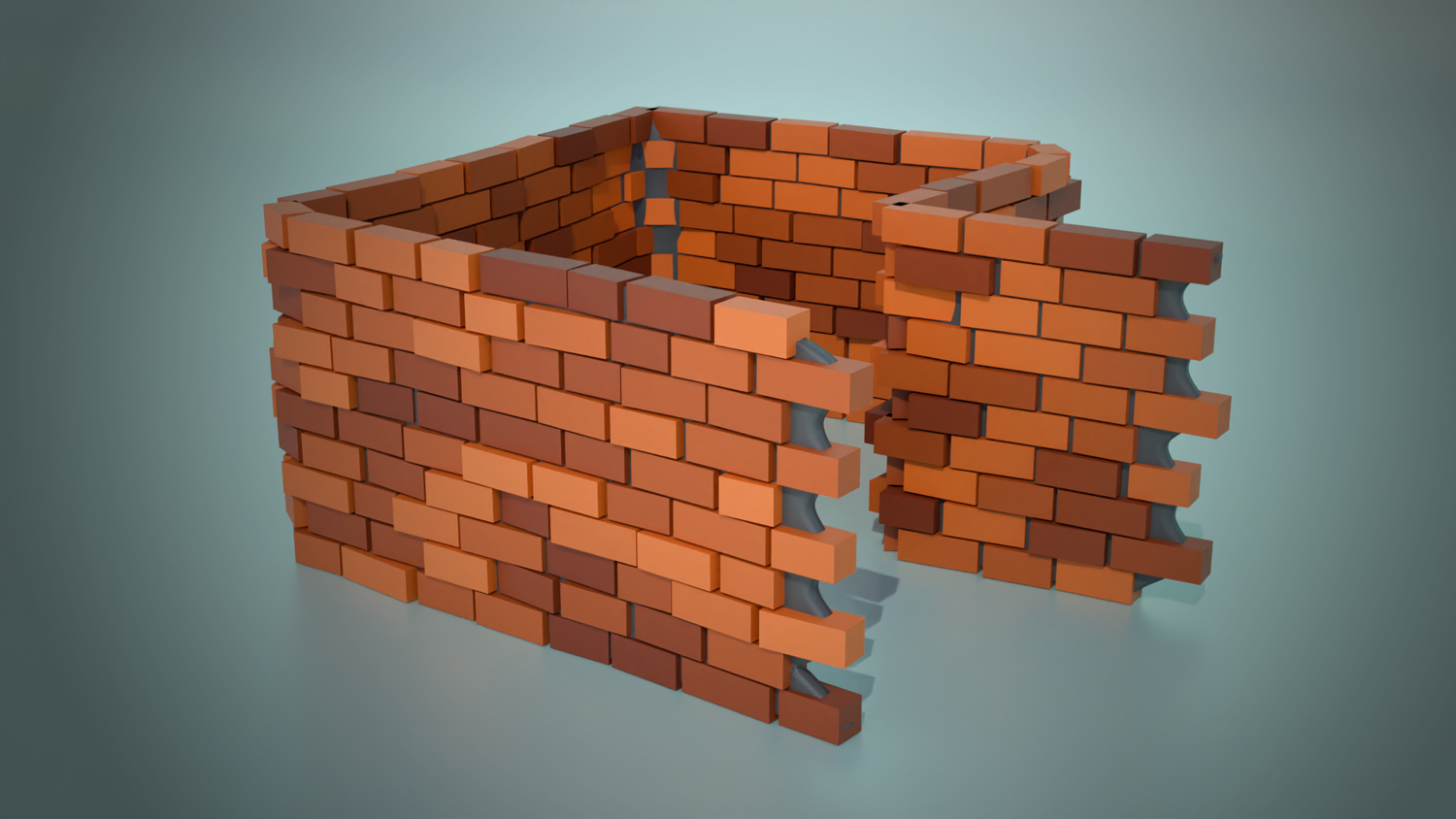
Randomly rotate bricks and “pull” them out slightly for a weathered, stylized appearance.
Stylized or Game-Ready Materials
Use built-in stylized materials for both bricks and cement, or swap them with your own seamlessly.
🔥 Why You'll Love It

Perfect for Curved and Organic Walls
Generate walls for castles, towers, ruins, or stylized scenes with circular or curved paths instantly.
Versatile for Realism or Stylization
Go clean and realistic or messy and cartoonish — full flexibility with randomness, beveling, and displacement.
Material and UV Ready
Smart material inputs for both bricks and cement with stylized shading — easily ready for export or baking.
Fast, Lightweight, and Customizable
Add, draw, and tweak walls in seconds — ideal for animation, games, or concept design workflows.
📦 What's Included
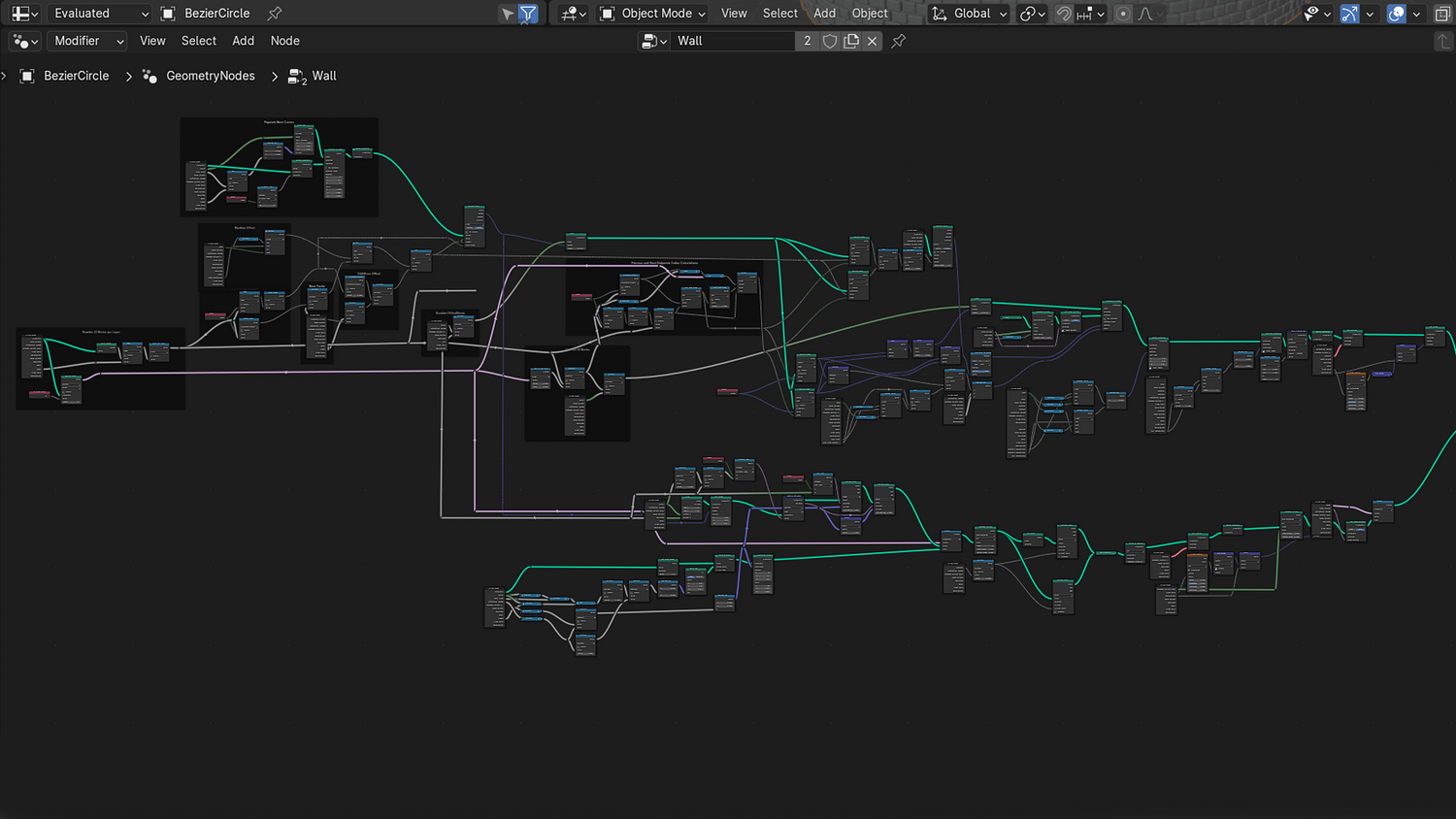
- 1x Blender .blend file with Brick Wall Generator Geometry Node setup
- Path, curve, and circle support for wall layout
- Brick size, layer, bevel, randomness, and cement controls
- Stylized brick and cement materials included
- Example scene with circular and straight wall demos
⚙️ Requirements
- Blender 4.0 or newer with lifetime updates
- From noob to pro — watch the 10 minute video to have everything up and running in no time
🚀 Installation Instructions
Method 1 – Add to Asset Library
- Download and unzip the product folder.
- Open Blender → Edit → Preferences → File Paths → Asset Libraries → click the "+" button.
- Navigate to the extracted folder and add it.
- Open the Asset Browser and drag the Brick Wall Generator into your scenes.
Method 2 – Manual Append
- Open your Blender project.
- Go to File → Append → Locate the .blend file → Import the Geometry Node group.
Method 3 – Copy and Paste Between Projects
- Open the project containing the Brick Wall setup.
- Select the Geometry Node group.
- Press Ctrl+C to copy.
- Open another Blender project and press Ctrl+V to paste it directly into your scene.
💬 Support
Need help? Join our growing 3D Tudor Discord community to connect with our support team and hundreds of fellow artists!
👉 Join the 3D Tudor Discord here
Model Details
- FormatsBLEND
- Polygons0
- Vertices0
- animatedno
- materialsno
- texturesno
- riggedno
- uvsno
- 3d print readyno
You will get 2 files
All files previously purchased will always be available for download in your Library