3DT Stone Path Generator – Blender Geometry Node Procedural
3DT Stone Path Generator – Blender Geometry Node Procedural
🎥 Demo Video
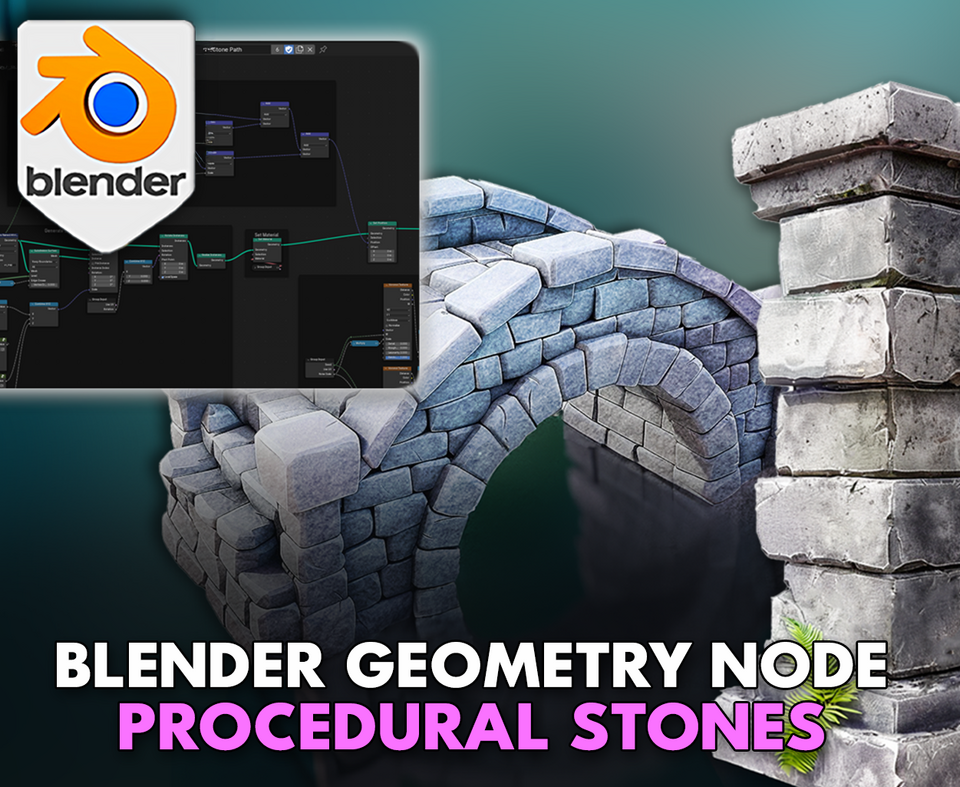
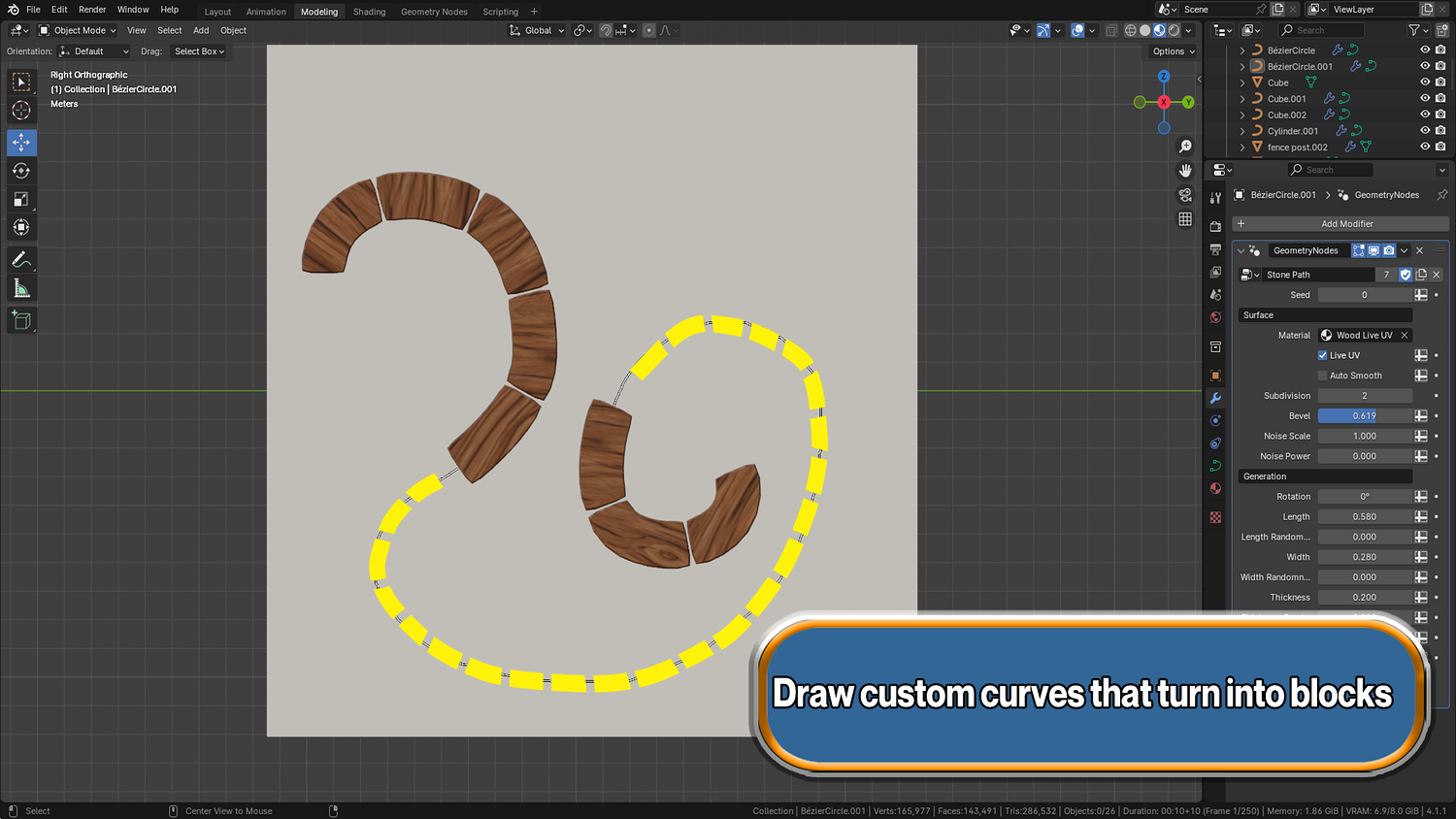
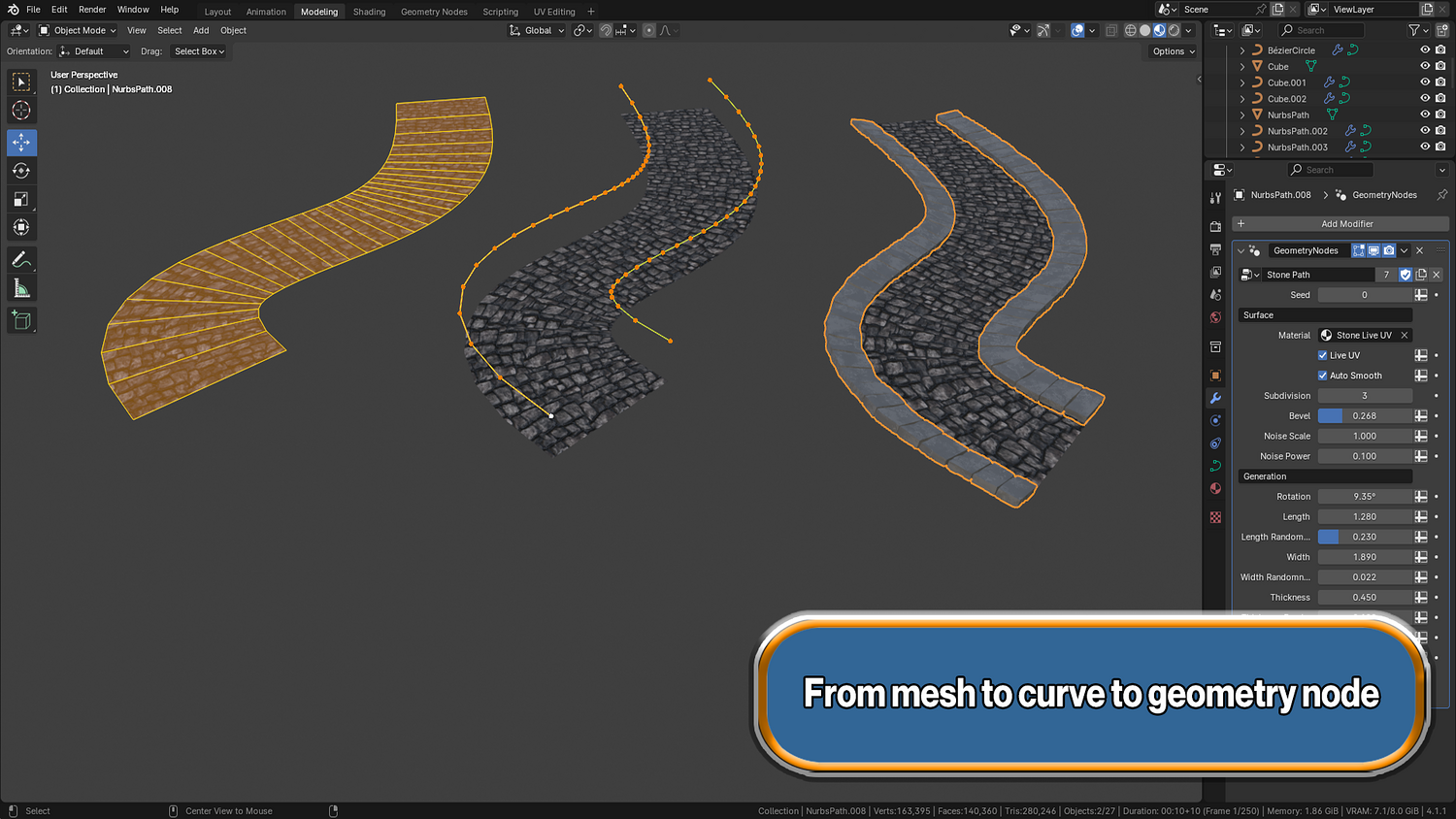
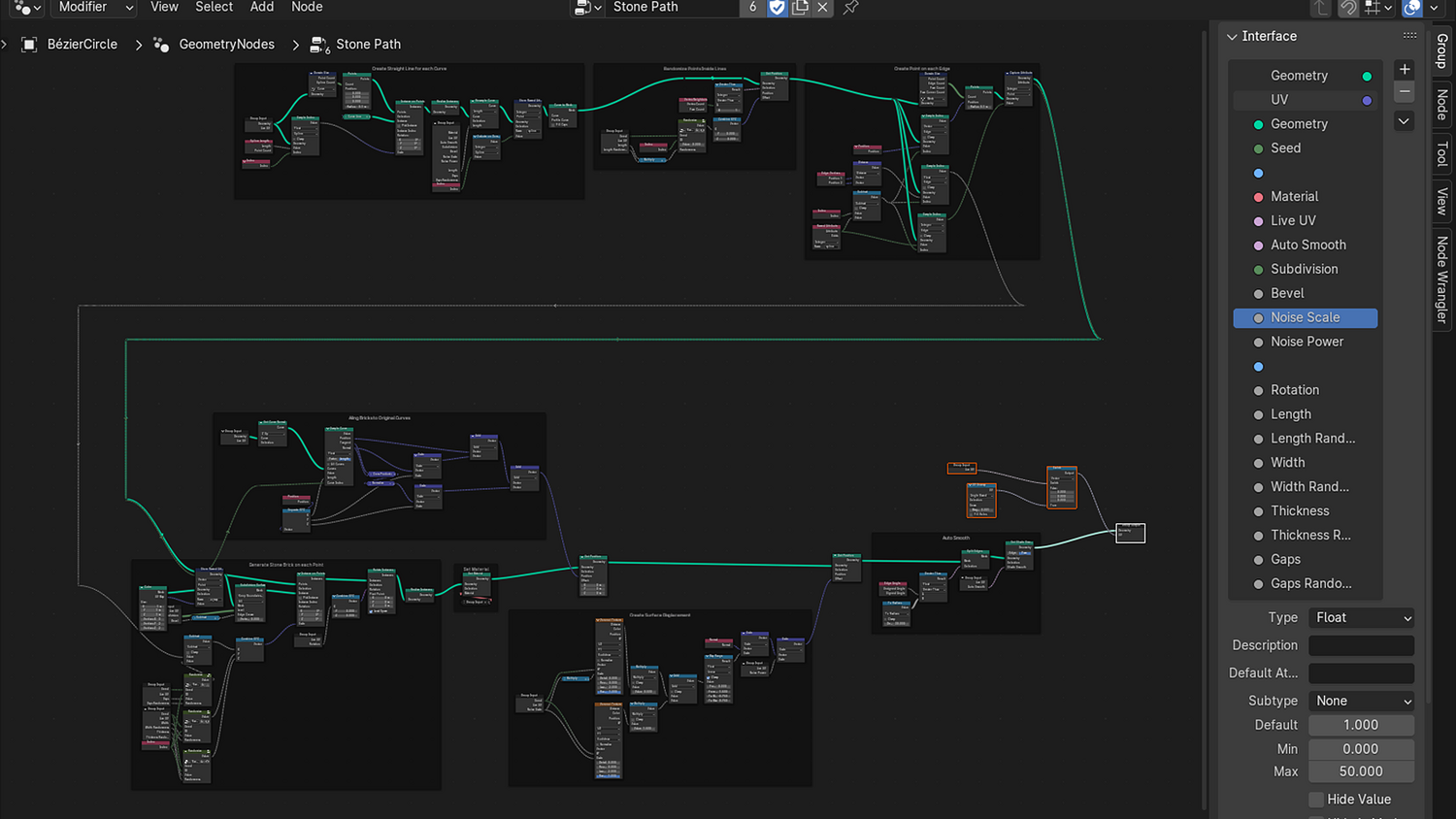
Create highly customizable stone pathways that follow any curve — with automatic live UV unwrapping — using the 3DT Stone Path Generator!
Designed for Blender 4.1+, this powerful geometry node system allows you to generate procedural stones along any curve and auto-unwrap textures in real-time while modeling — no manual UV work required.
🎯 Key Features

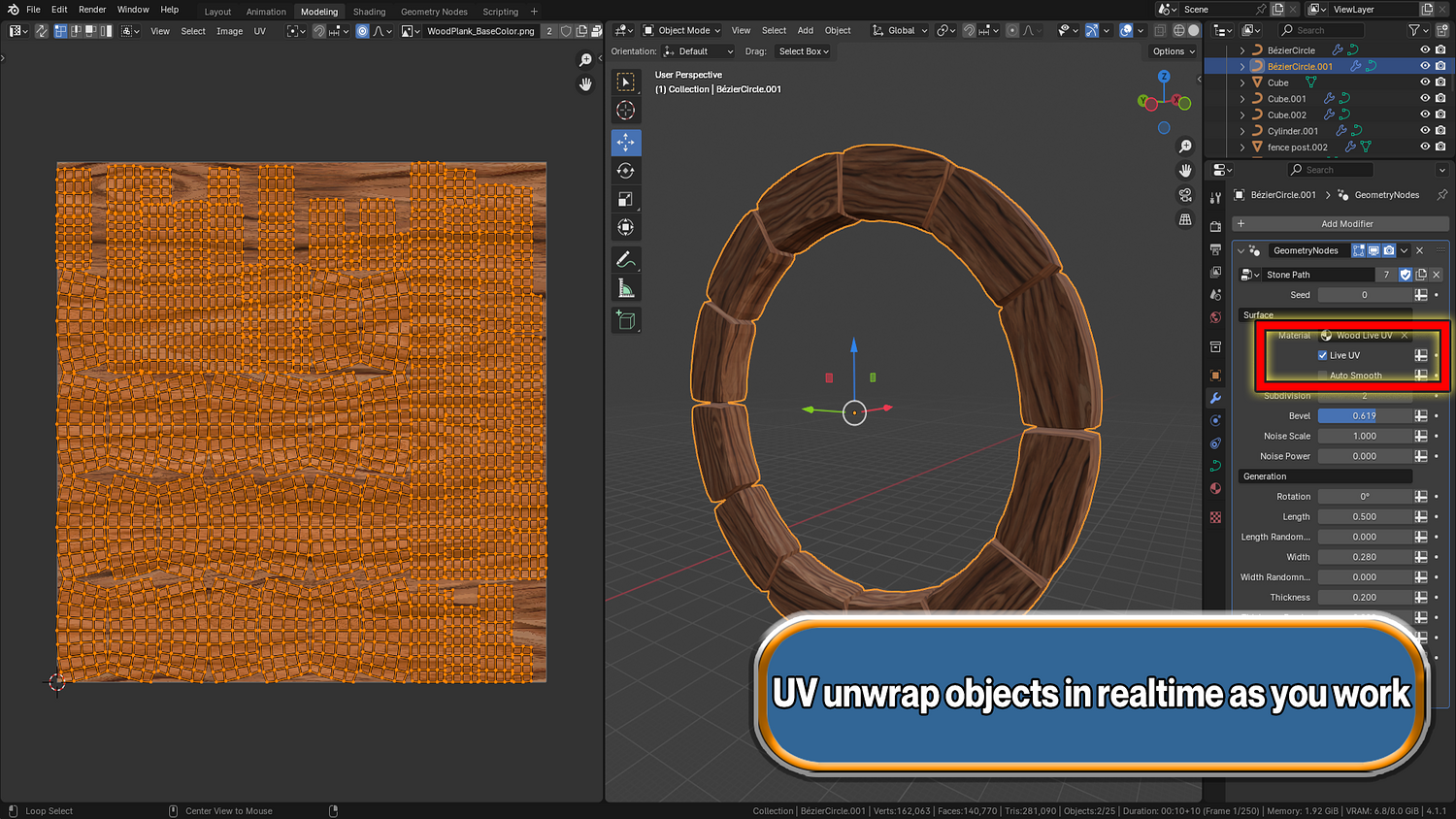
Live UV Unwrapping System
Automatically unwrap stones as you edit paths — no more tedious UV editing, perfect for real-time workflows and texturing.
Full Curve-Based Stone Generation
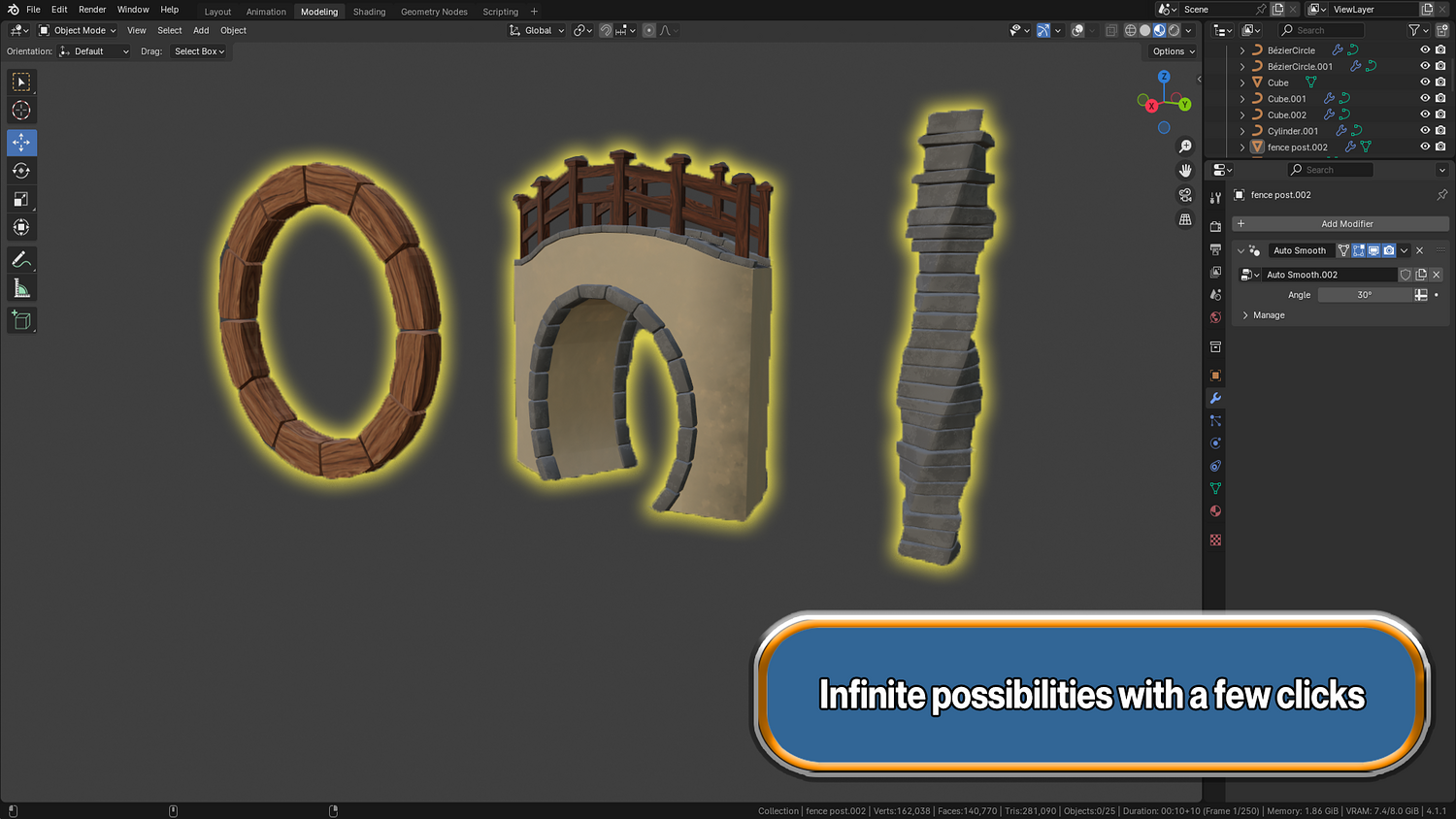
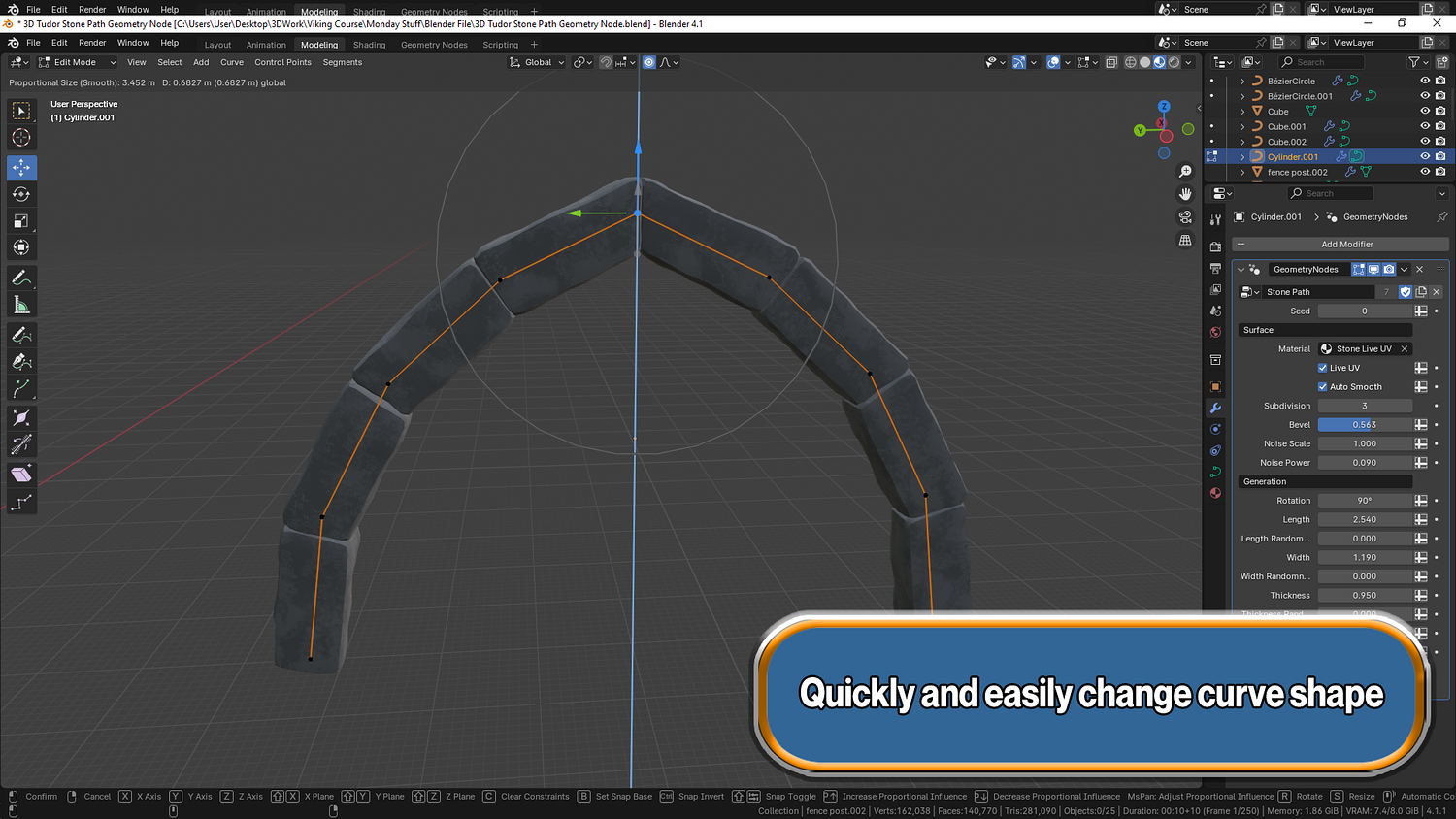
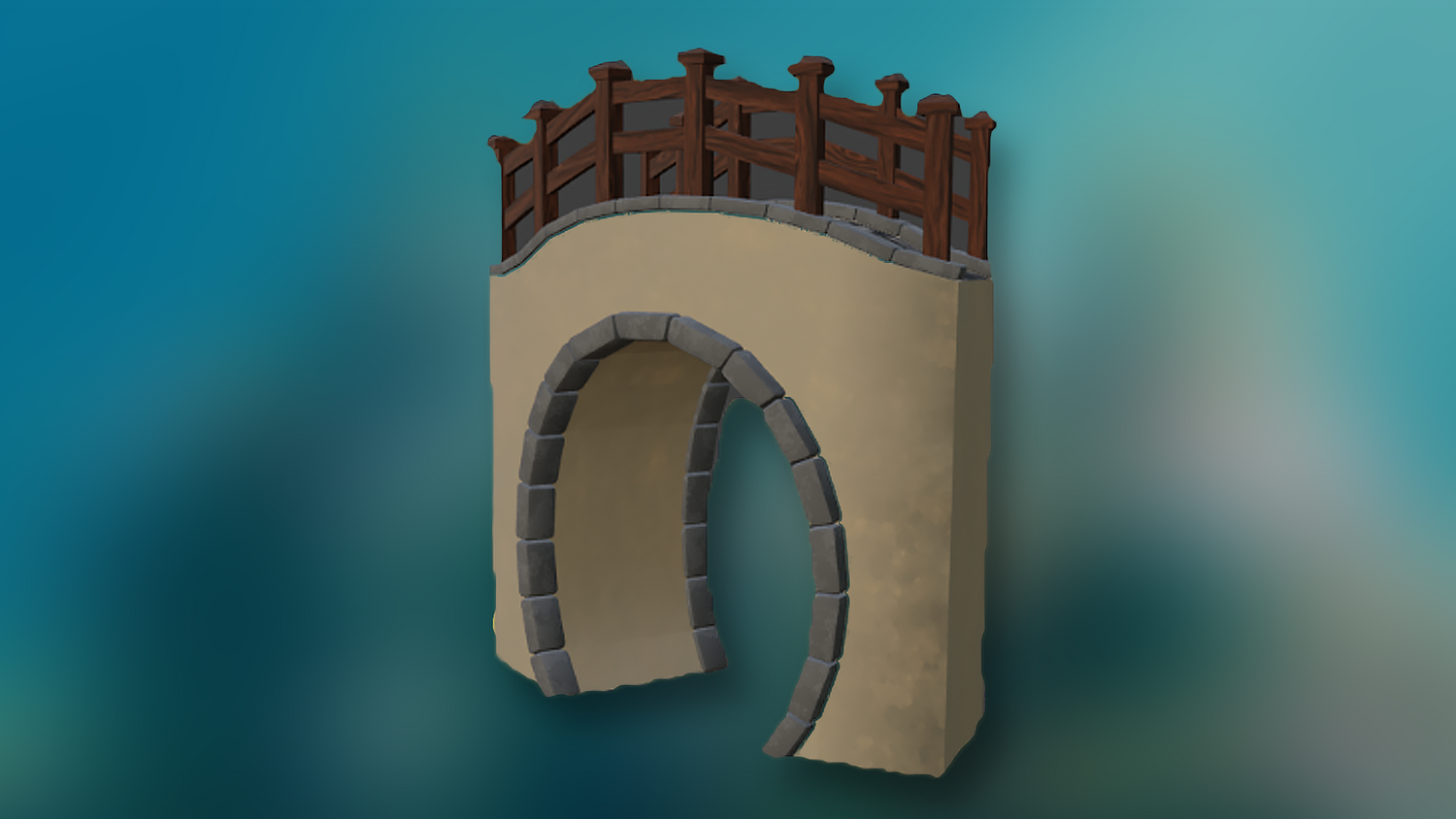
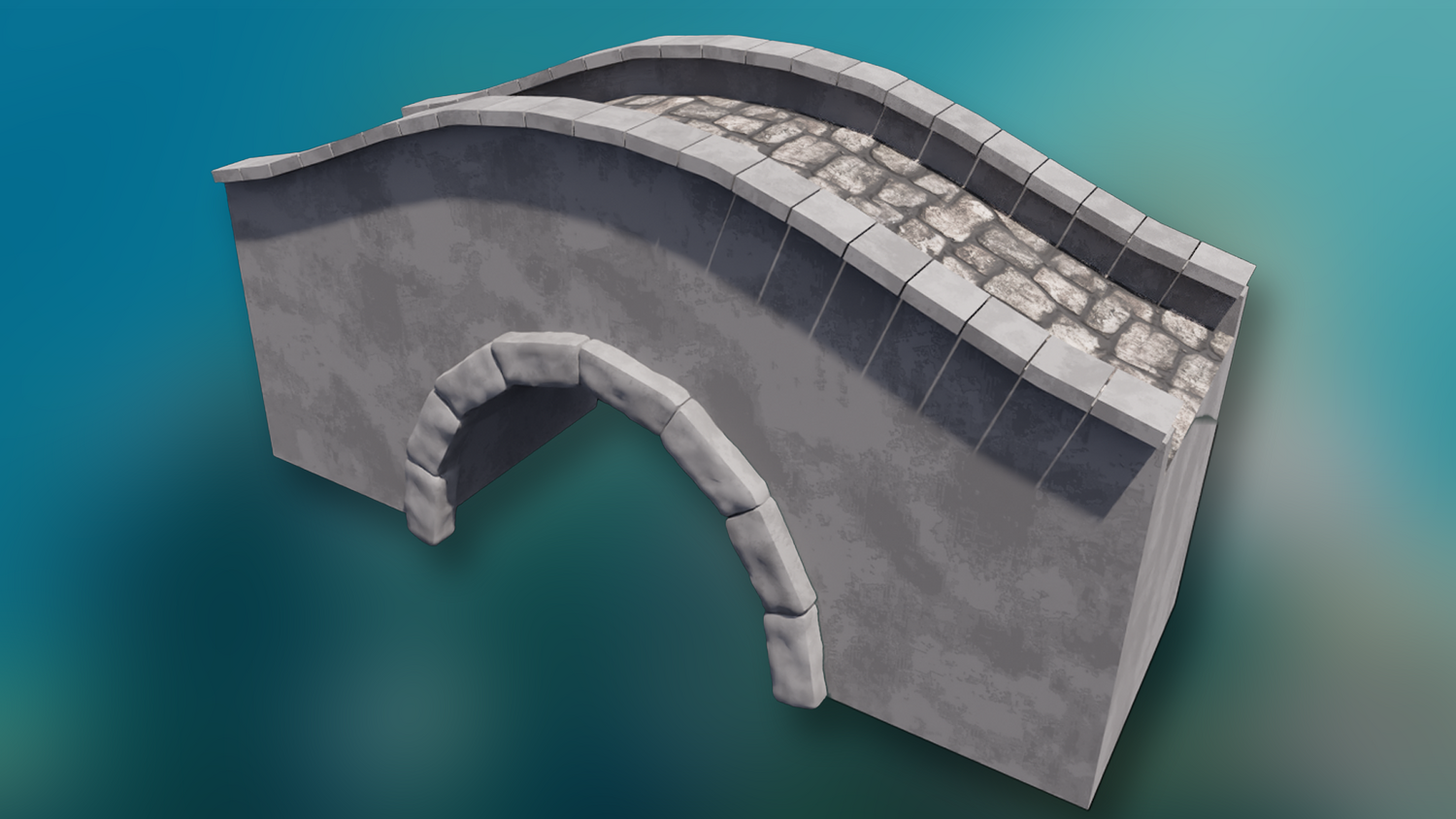
Shape pathways, walls, and arches easily with curve controls — works on any Blender curve object.
Procedural Shape and Spacing Control
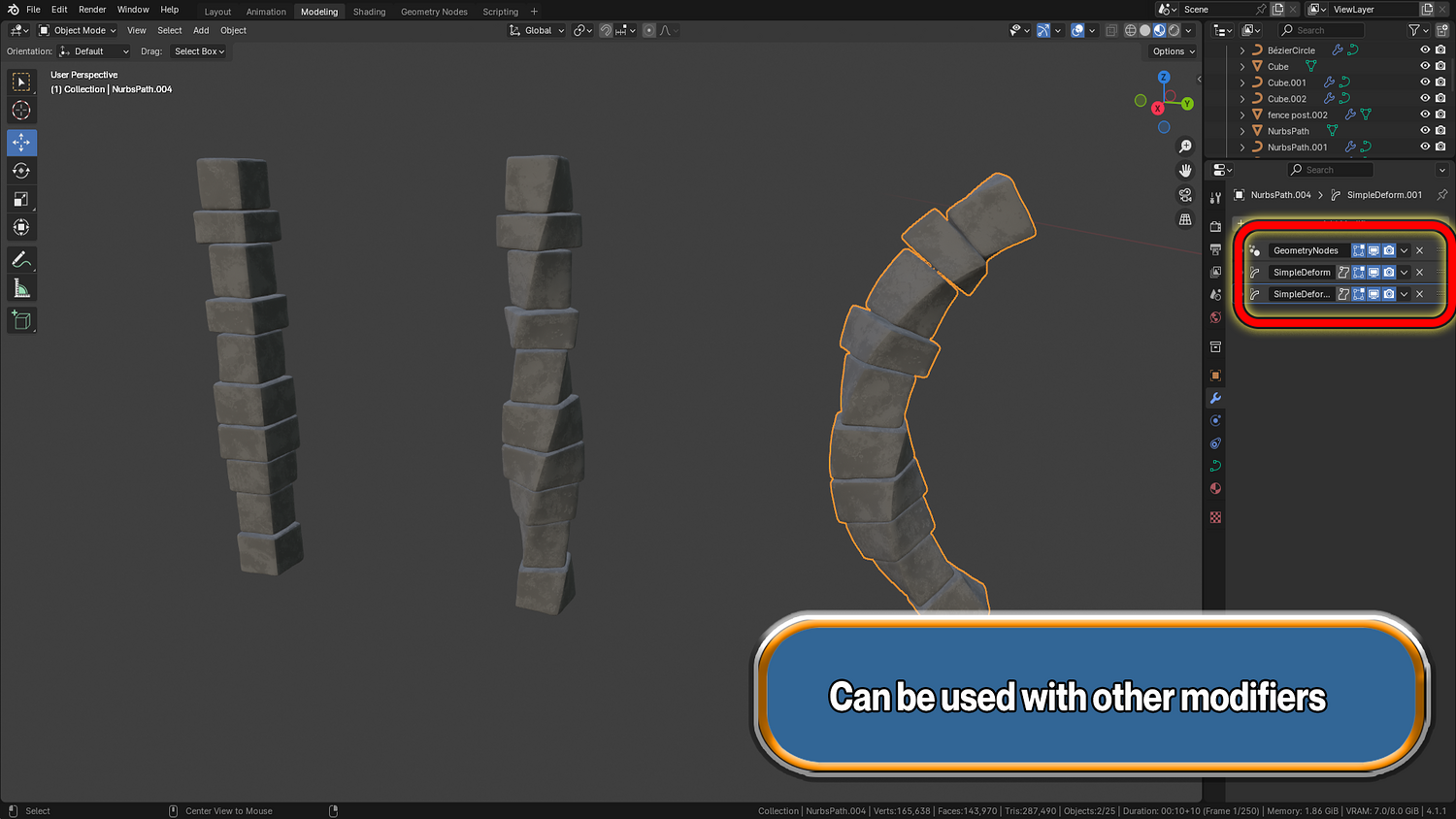
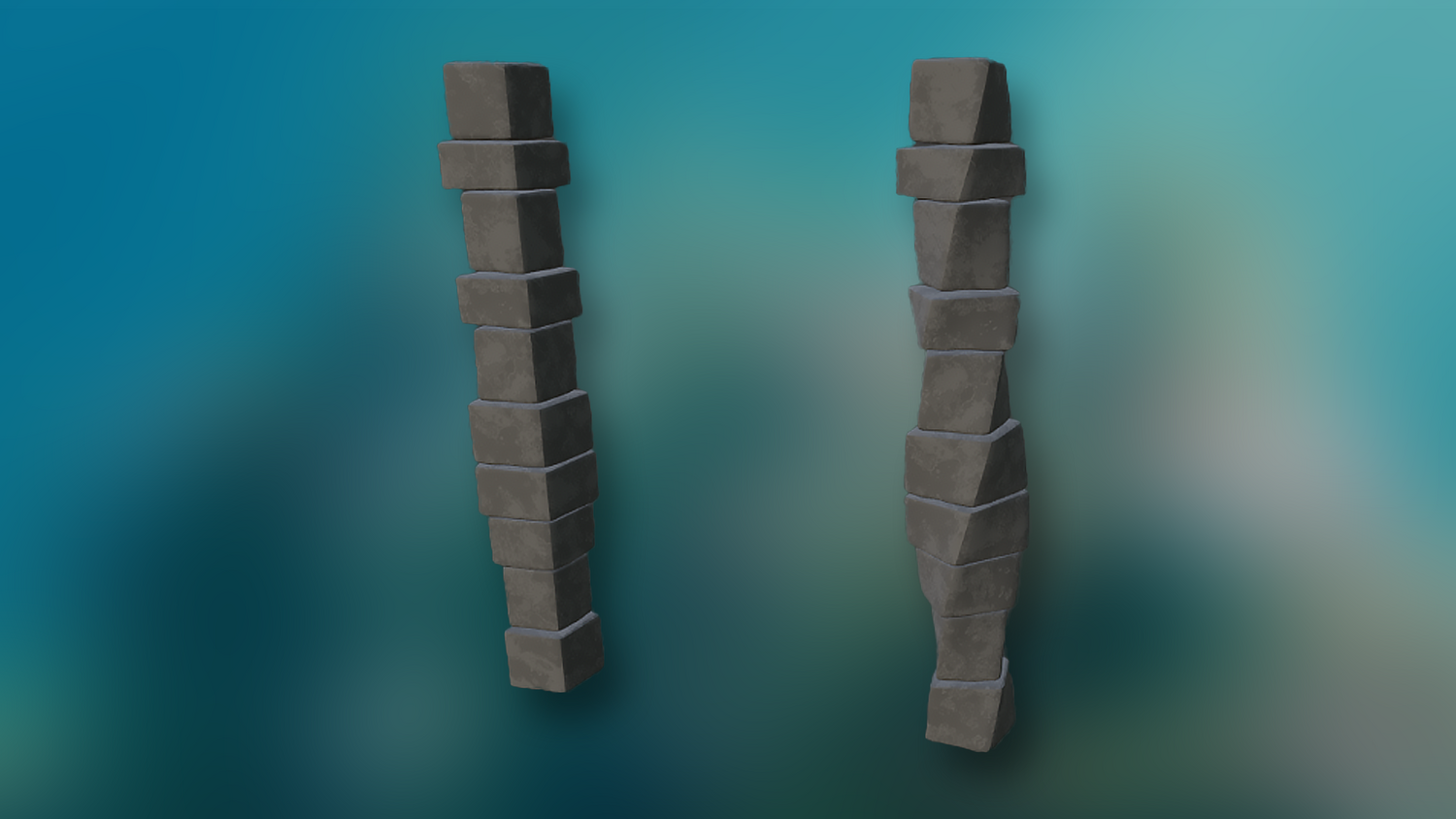
Adjust stone size, thickness, width, gaps, randomness, bevels, and more in real-time with slider-driven controls.
Dynamic Texturing Support
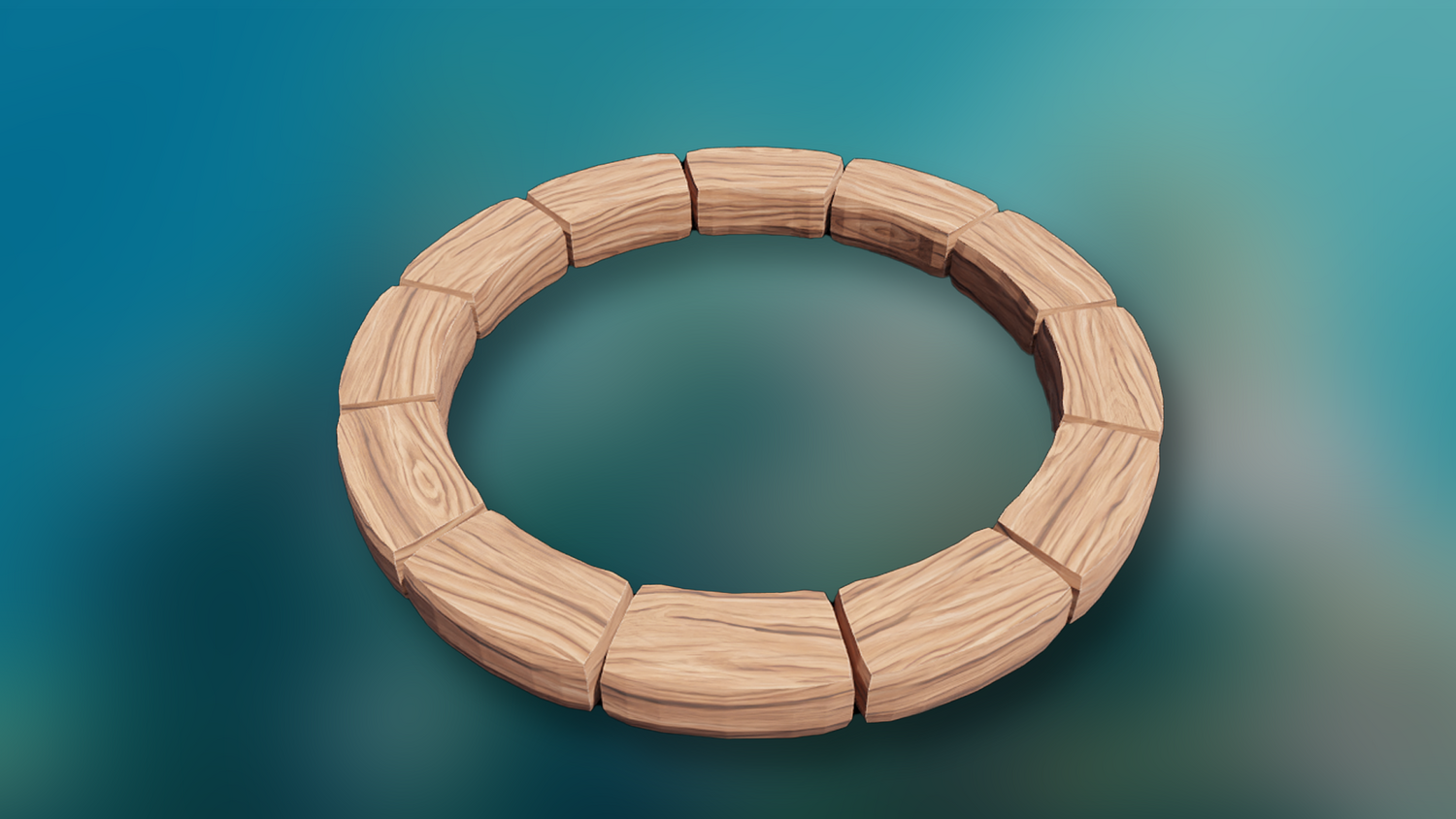
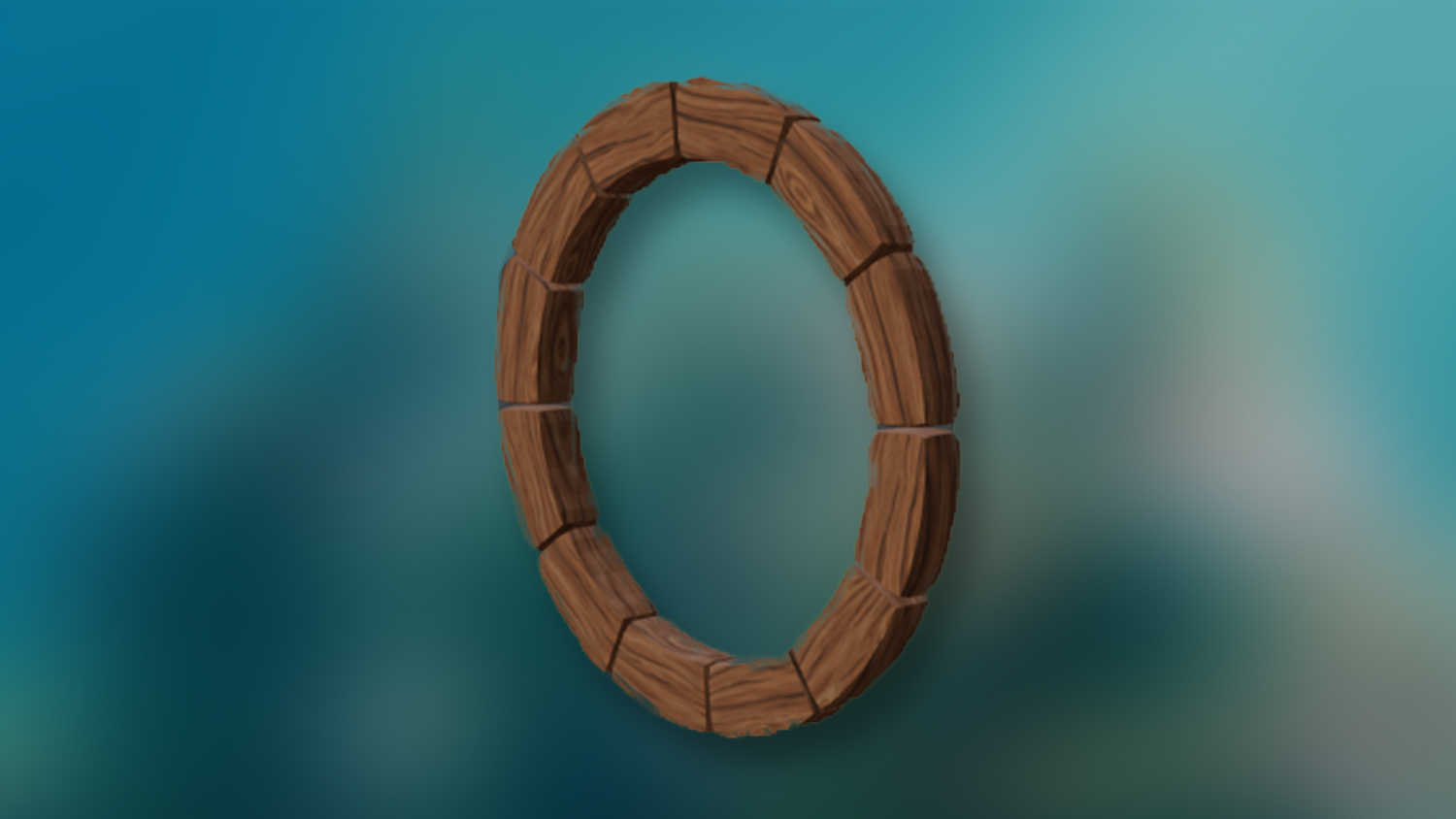
Easily swap between built-in stylized stone, wood, or custom textures using live UV attribute mapping.
Highly Optimized for Performance
Real-time preview even on complex paths — great for game asset creation, environments, and rapid prototyping.
🔥 Why You'll Love It
Save Time with Instant UVs
No more manual UV unwrapping after modeling — live UV updates as you shape paths.
Flexible for Many Uses
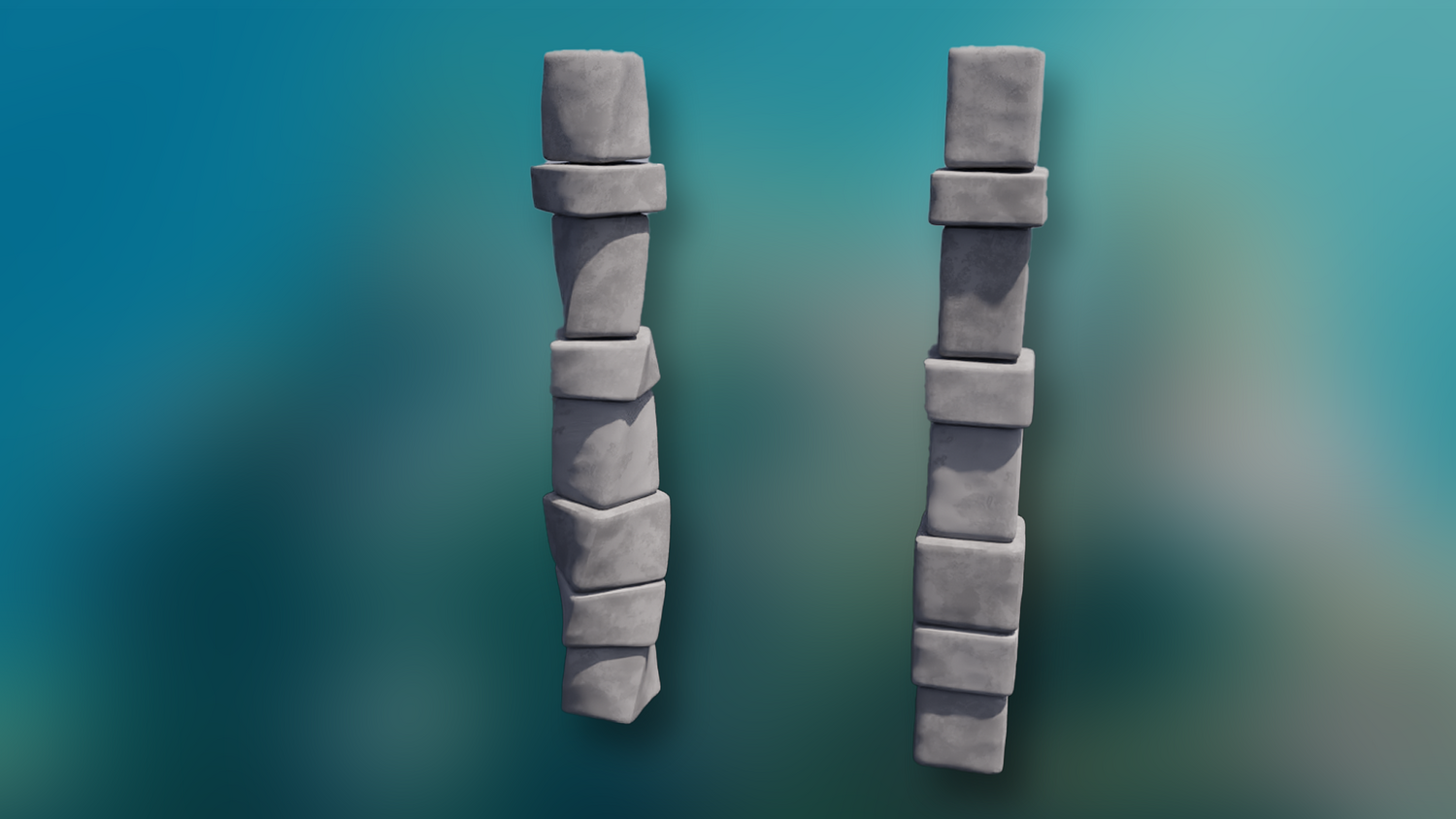
Create stylized paths, cobblestone bridges, fantasy village walkways, stone walls, and more with one tool.
Seamless Integration into Any Scene
Easily import the setup into other projects — copy, paste, and curve your way to fully detailed stonework.
Fully Adjustable, Fully Procedural
Customize every aspect: gap randomness, width variation, noise power, subdivision — adapt stones to any style.
📦 What's Included
- 1x Blender .blend file with Stone Path Generator Geometry Node setup
- Curve-based stone generation system with gap, width, and thickness controls
- Live UV unwrapping system for Blender 4.1 and above
- Switchable materials (stone and wood examples included)
- Optimized for Eevee and Cycles workflows
⚙️ Requirements
- Blender 4.1 or newer with lifetime updates
- From noob to pro — watch the 10 minute video to have everything up and running in no time
🚀 Installation Instructions
Method 1 – Add to Asset Library
- Download and unzip the product folder.
- Open Blender → Edit → Preferences → File Paths → Asset Libraries → click the "+" button.
- Navigate to the extracted folder and add it.
- Open the Asset Browser and drag the Stone Path Generator into your scenes.
Method 2 – Manual Append
- Open your Blender project.
- Go to File → Append → Locate the .blend file → Import the Geometry Node group.
Method 3 – Copy and Paste Between Projects
- Open the project containing the Stone Path Generator setup.
- Select the Geometry Node group.
- Press Ctrl+C to copy.
- Open another Blender project and press Ctrl+V to paste it directly into your scene.
💬 Support
Need help? Join our growing 3D Tudor Discord community to connect with our support team and hundreds of fellow artists!
👉 Join the 3D Tudor Discord here
Model Details
- FormatsBLEND
- Polygons0
- Vertices0
- animatedno
- materialsyes
- texturesyes
- riggedno
- uvsyes
- 3d print readyno
You will get 2 files
All files previously purchased will always be available for download in your Library