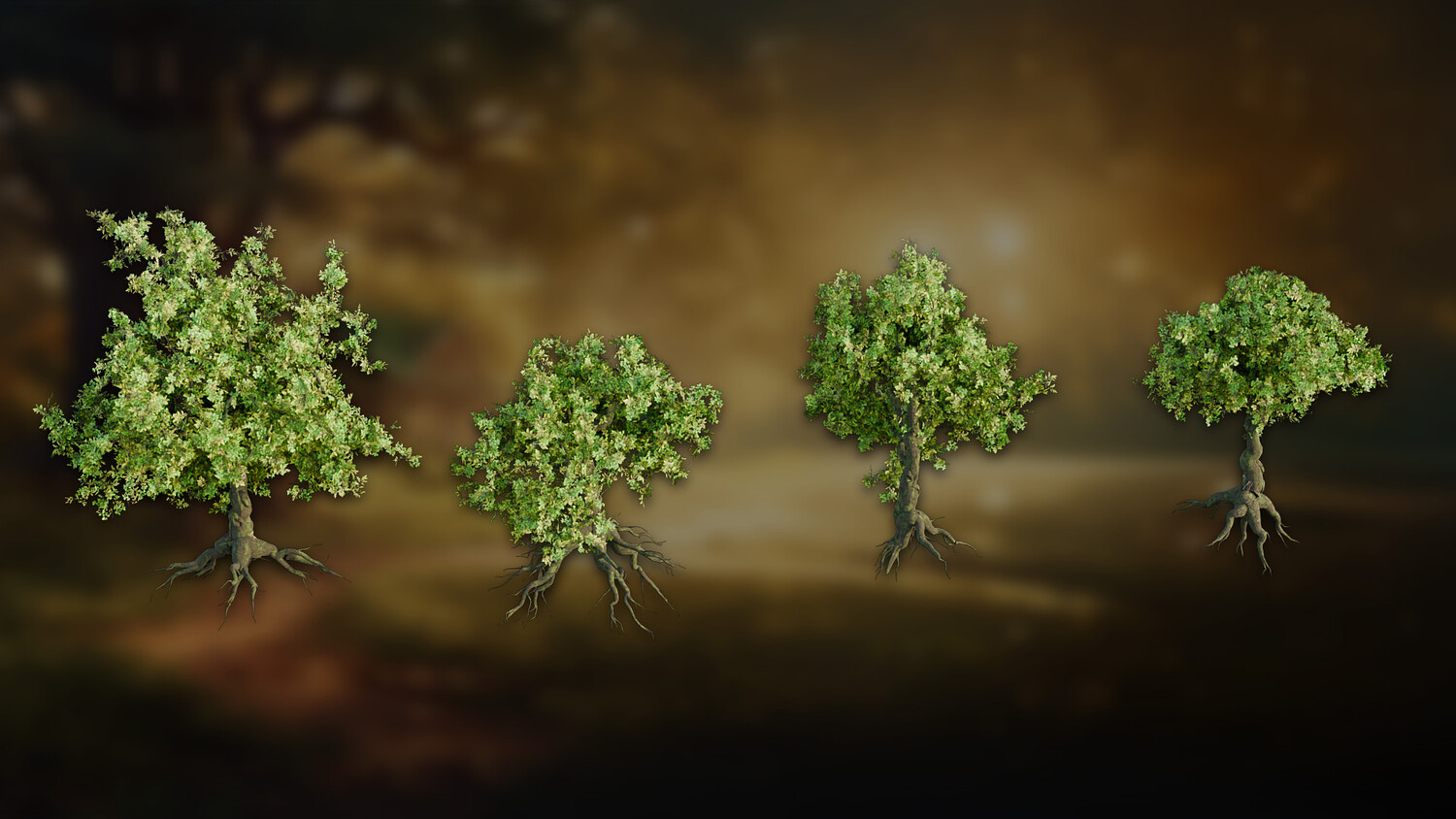
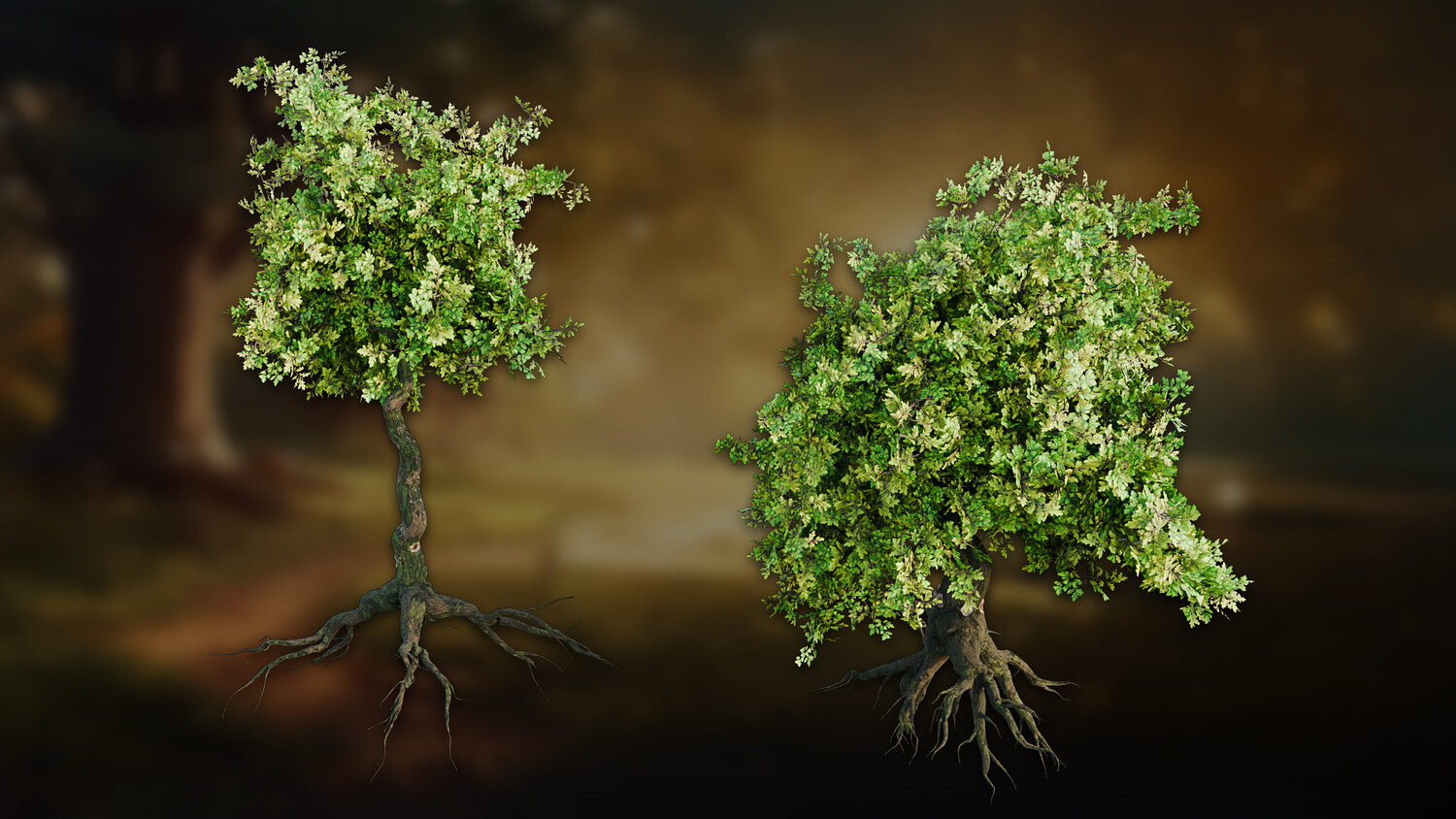


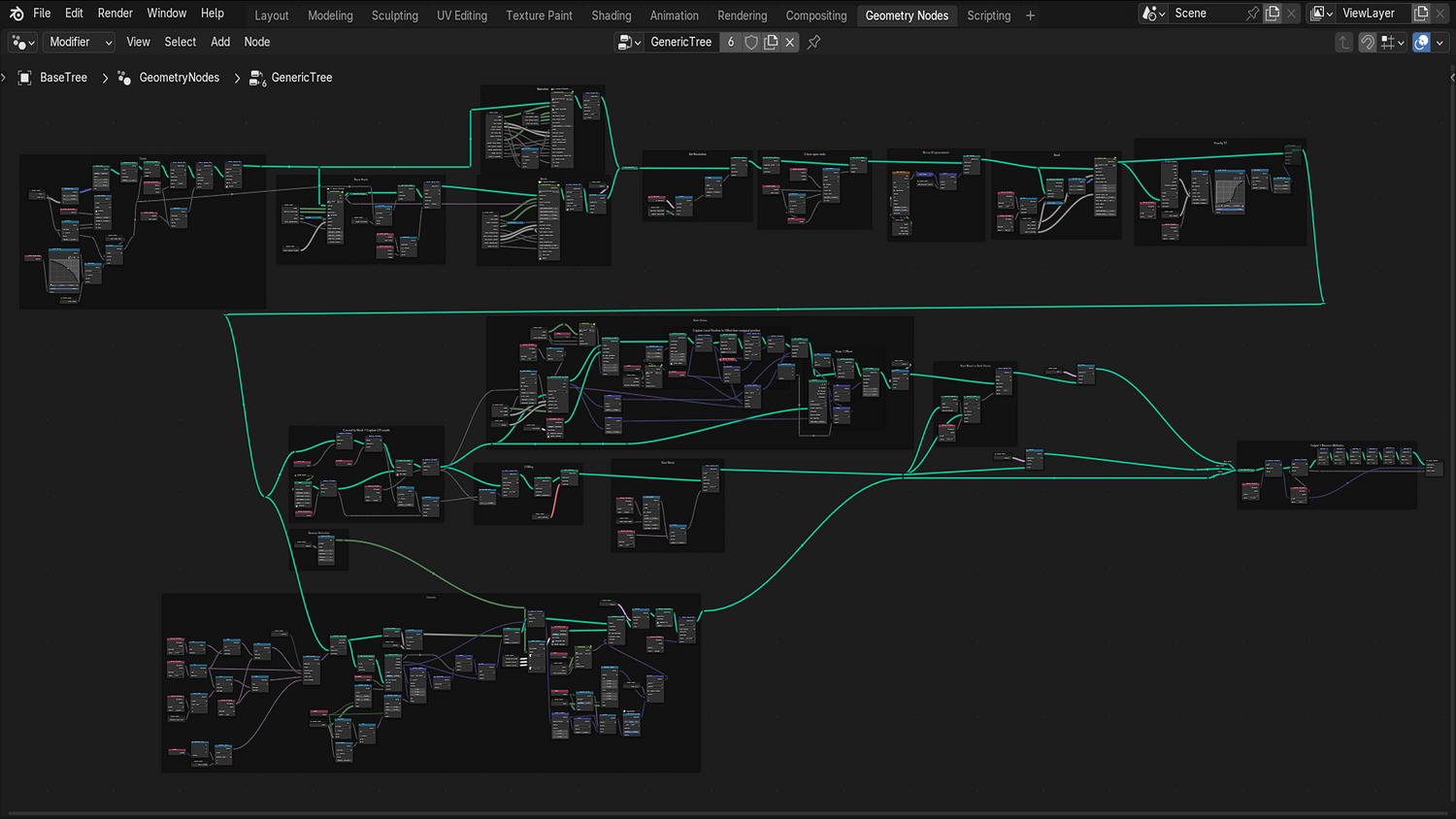
3DT Oak Tree Generator – Blender Geometry Node Procedural
3DT Oak Tree Generator – Blender Geometry Nodes
🎥 Demo Video
Build professional-grade oak trees in seconds with the 3DT Oak Tree Generator!
Designed for Blender 4.0+, this modular geometry node tool allows you to customize trunk shapes, branch structures, seasonal foliage, bark materials, and root systems — all optimized for speed, realism, and flexibility.
🎯 Key Features

Infinite Oak Tree Variations
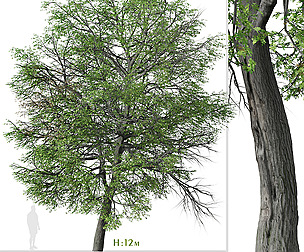
Change seed values for endless procedural generation of unique oak trees — no two trees need ever look the same.
Seasonal Leaf Collections
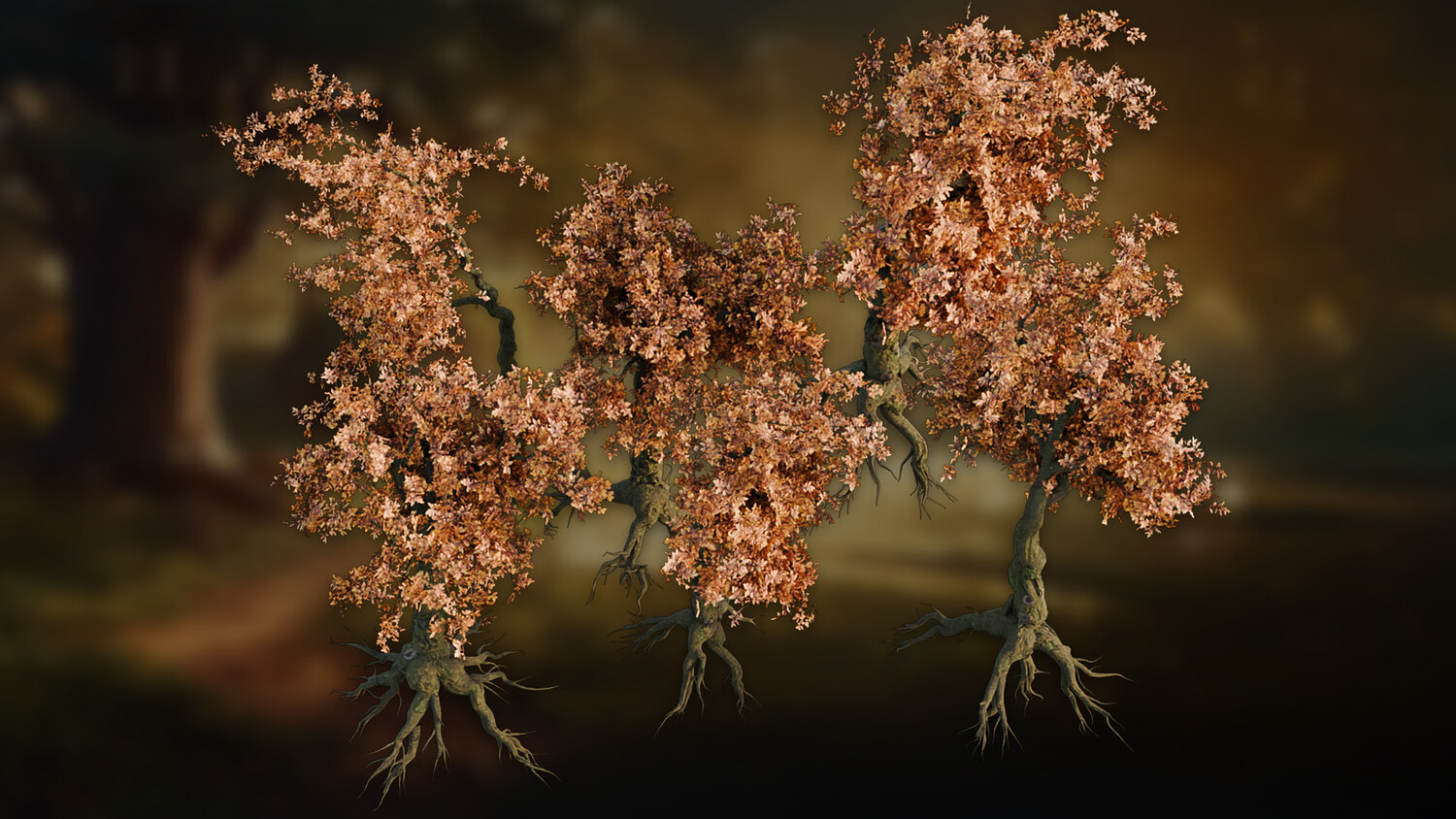
Swap between Spring, Summer, and Autumn leaves collections with a click — fully adjustable density, scale, and alignment.
Advanced Bark Shader
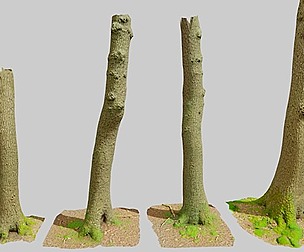
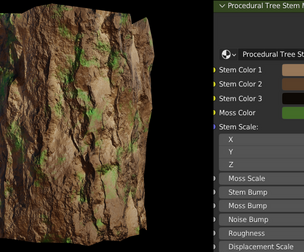
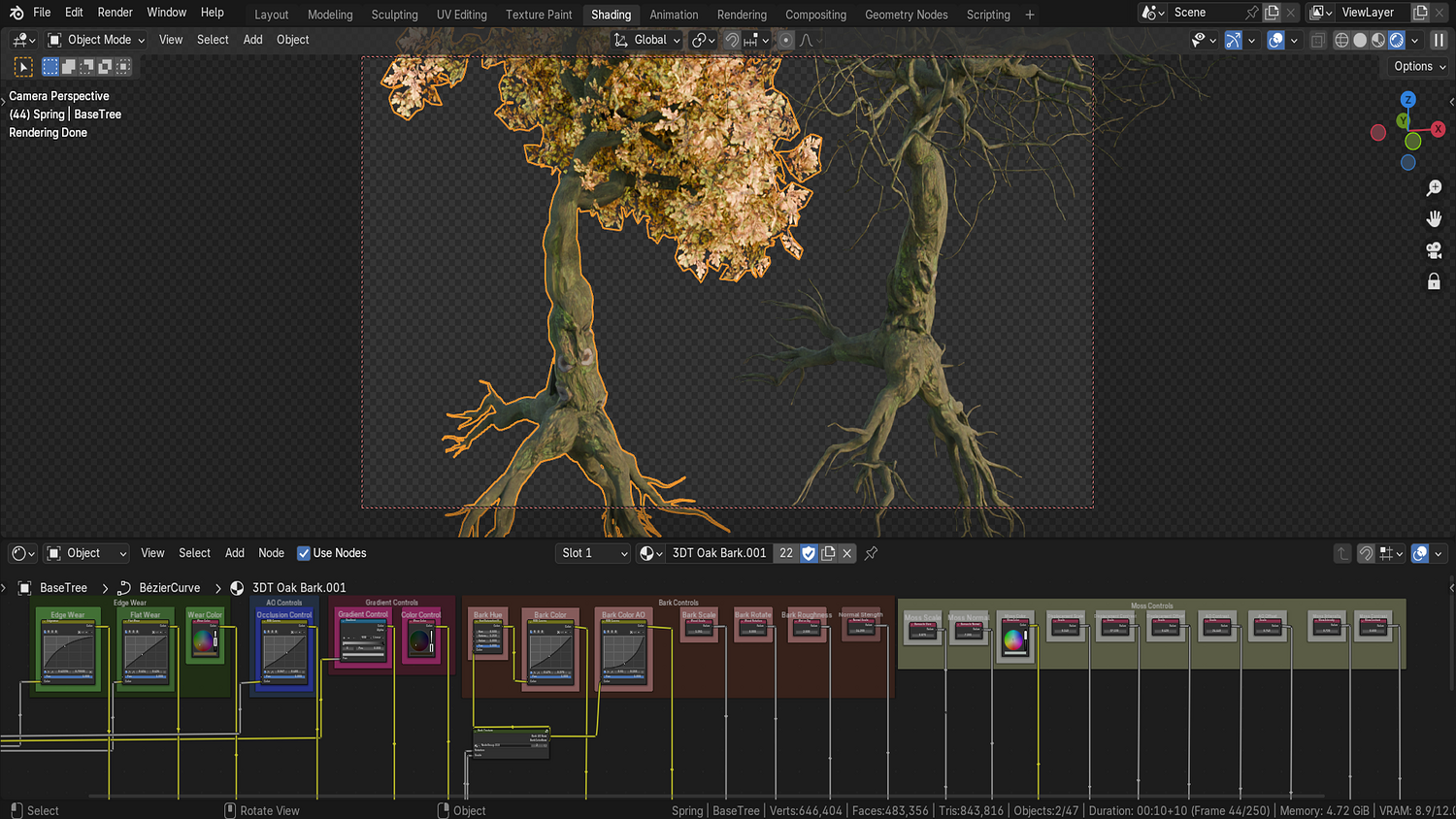
Built-in material supports edge wear, moss growth, ambient occlusion, customizable roughness, and bark scaling.
Highly Controllable Trunk and Branch Setup
Adjust trunk bend, branch gravity, split factors, noise distortion, displacement twisting, and branch radius falloffs.
Dynamic Root System
Enable roots, control root length, tilt, randomness, thickness, and count for complex environmental integration.
🔥 Why You'll Love It

Realistic Trees Made Easy
No sculpting or heavy simulations needed — generate forests or hero trees in minutes.
Full Control for Artists and Game Devs
Perfect for environment design, animation backdrops, stylized worlds, and photorealistic landscapes.
Modular System with Material Flexibility
Plug in your own leaf and bark assets if desired — fully customizable to match your project style.
Cycles and Eevee Compatible
Optimized for both real-time viewport previews and high-quality renders (best in Cycles with transparency tweaks).
📦 What's Included
- 1x Blender .blend file with full Oak Tree Generator Geometry Node setup
- Spring, Summer, Autumn leaf collections
- Procedural bark shader with full customization
- Dynamic root generation with multiple parameters
- Vertex paint controls and bark extras system
⚙️ Requirements
- Blender 4.0 or newer with lifetime updates
- From noob to pro — watch the 10 minute video to have everything up and running in no time
🚀 Installation Instructions
Method 1 – Add to Asset Library
- Download and unzip the product folder.
- Open Blender → Edit → Preferences → File Paths → Asset Libraries → click the "+" button.
- Navigate to the extracted folder and add it.
- Open the Asset Browser and drag the Oak Tree Generator into your scenes.
Method 2 – Manual Append
- Open your Blender project.
- Go to File → Append → Locate the .blend file → Import the Geometry Node group.
Method 3 – Copy and Paste Between Projects
- Open the project containing the Oak Tree setup.
- Select the Geometry Node group.
- Press Ctrl+C to copy.
- Open another Blender project and press Ctrl+V to paste it directly into your scene.
💬 Support
Need help? Join our growing 3D Tudor Discord community to connect with our support team and hundreds of fellow artists!
👉 Join the 3D Tudor Discord here
Model Details
- FormatsBLEND
- Polygons0
- Vertices0
- animatedno
- materialsyes
- texturesyes
- riggedno
- uvsyes
- 3d print readyno
You will get 2 files
All files previously purchased will always be available for download in your Library