3DT Coral Reef Generator – Blender Geometry Node Procedural
3DT Coral Reef Generator – Blender Geometry Node Procedural
🎥 Demo Video
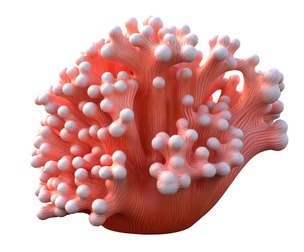
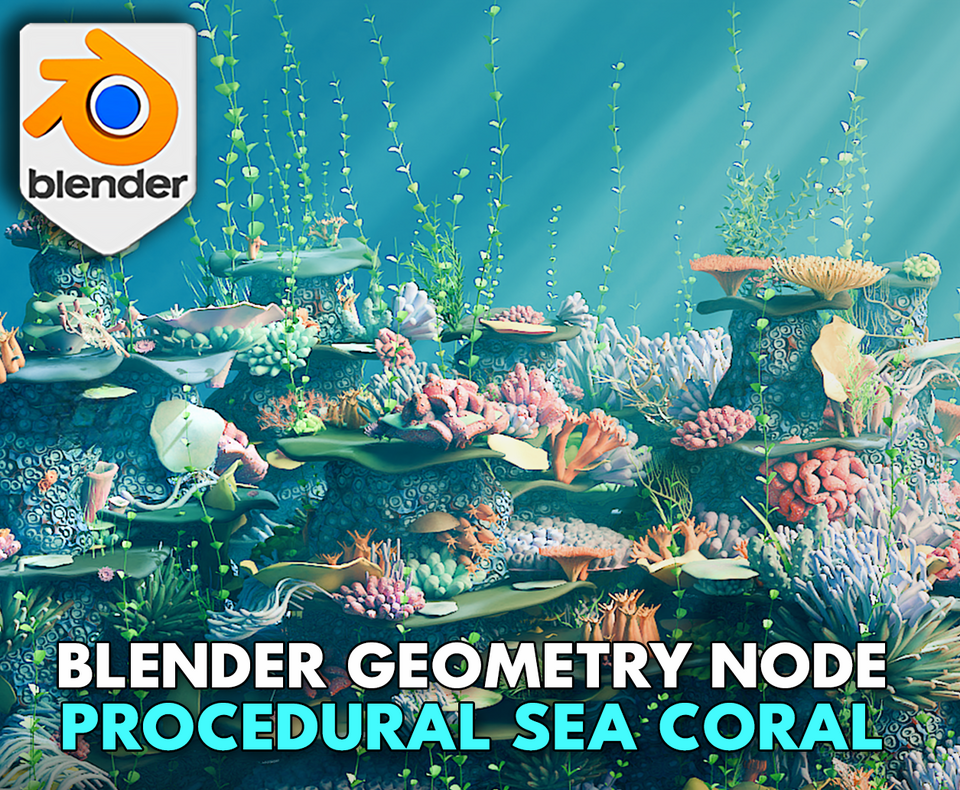
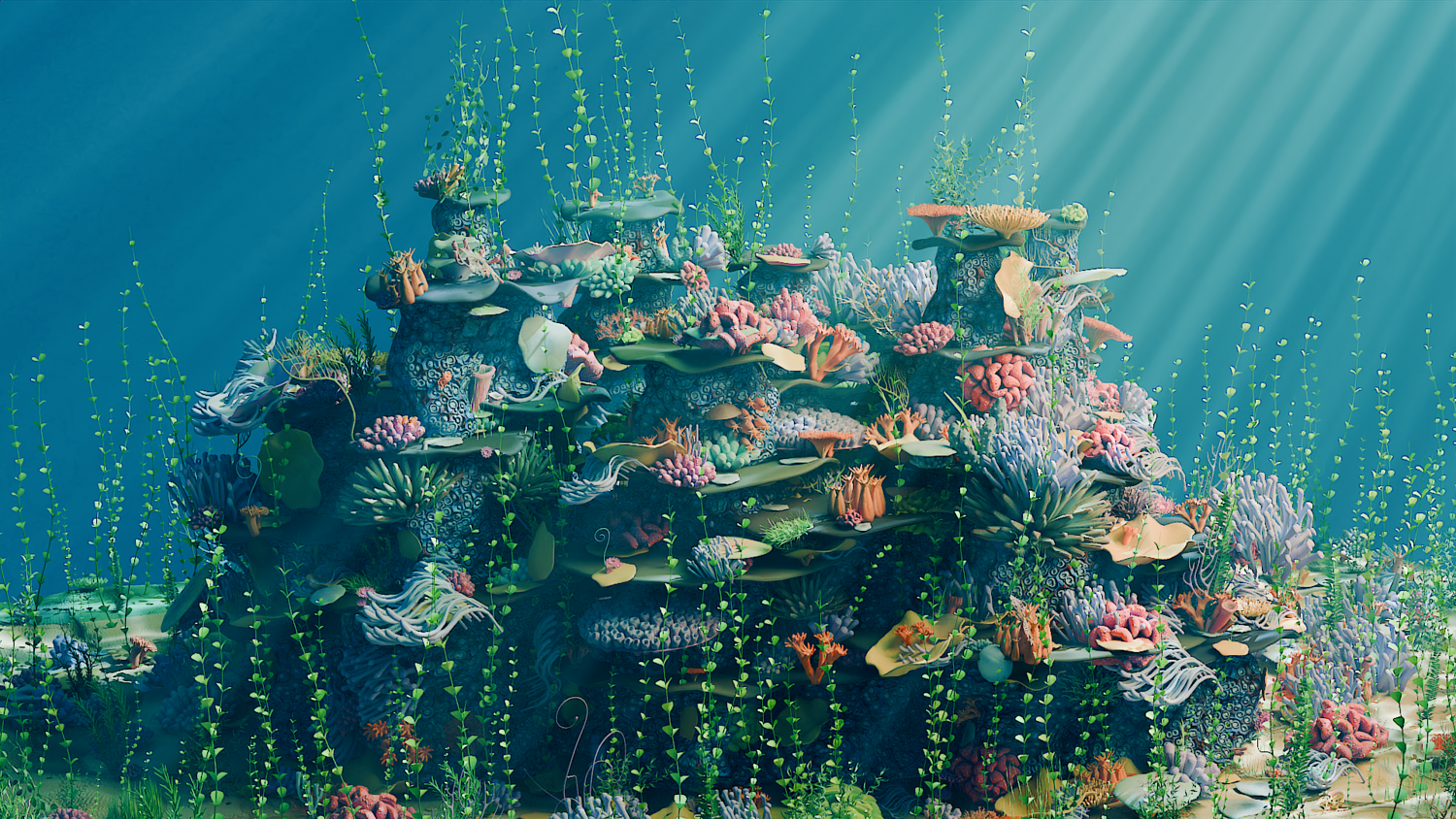
Design detailed underwater coral scenes in seconds using the 3DT Coral Reef Generator!
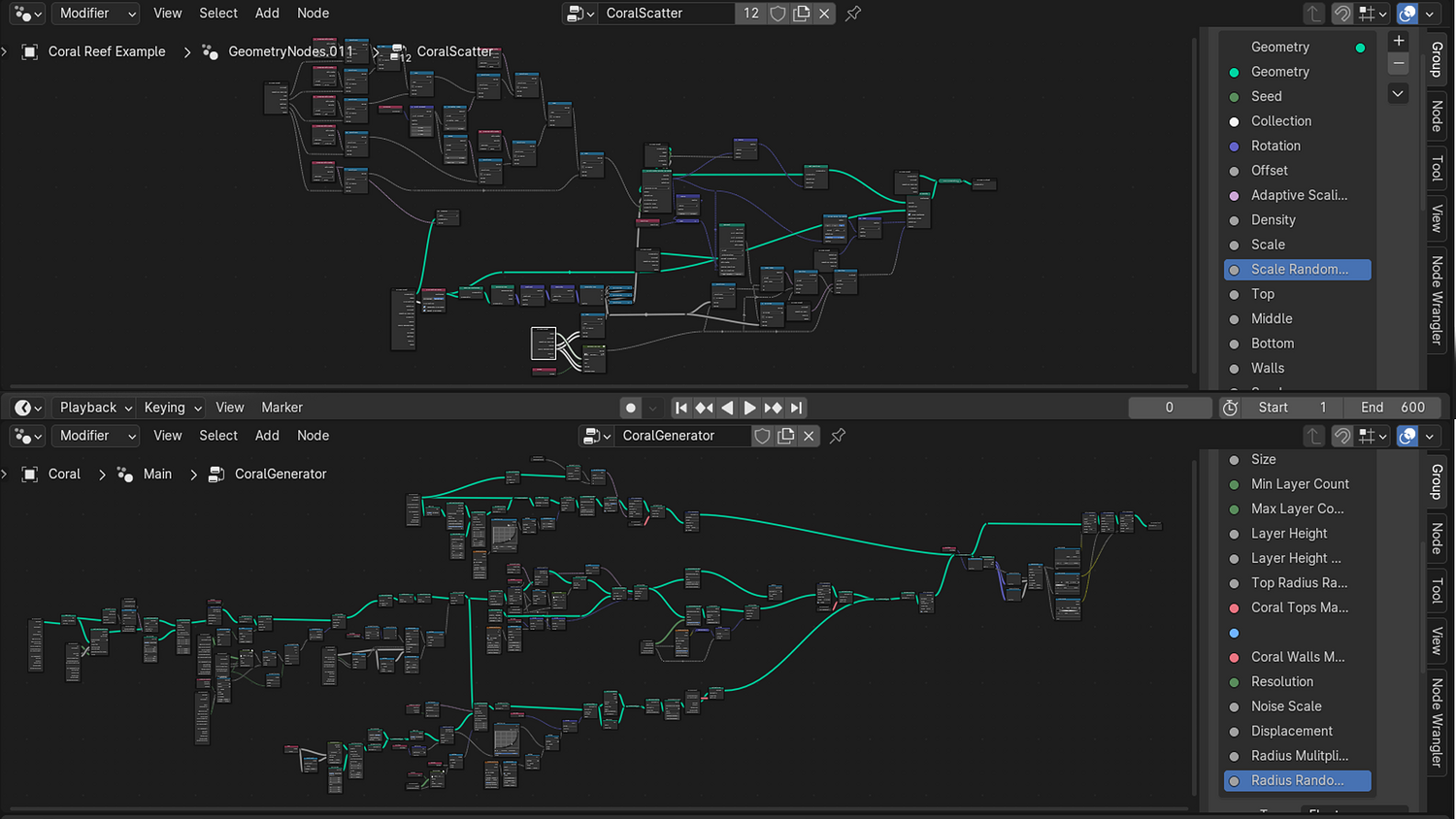
Optimized for Blender 4.0+, this procedural node system includes two Geometry Nodes — one for coral generation and one for coral scattering — along with stylized materials, prebuilt collections, water shaders, and full compositing setup to achieve cinematic reef scenes instantly.
🎯 Key Features

Dual-Node Coral and Scattering System
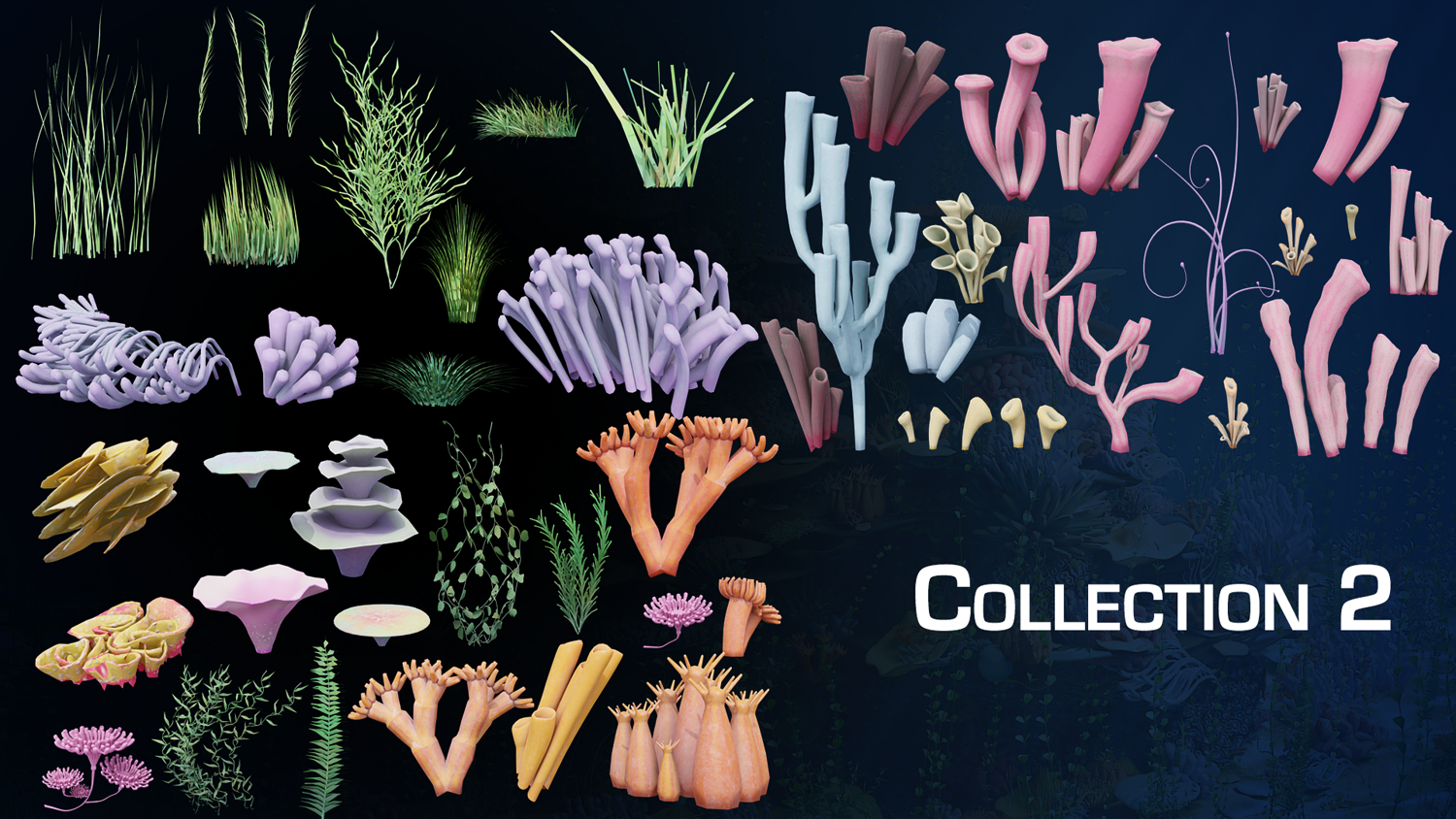
Generate stacked coral formations using curve-based base mesh and scatter 60+ included coral types across tops, walls, and sand.
Real-Time Density, Layer, and Radius Control
Easily tweak layer count, height randomness, displacement strength, and object radius from node sliders.
Collection-Driven Asset Swapping
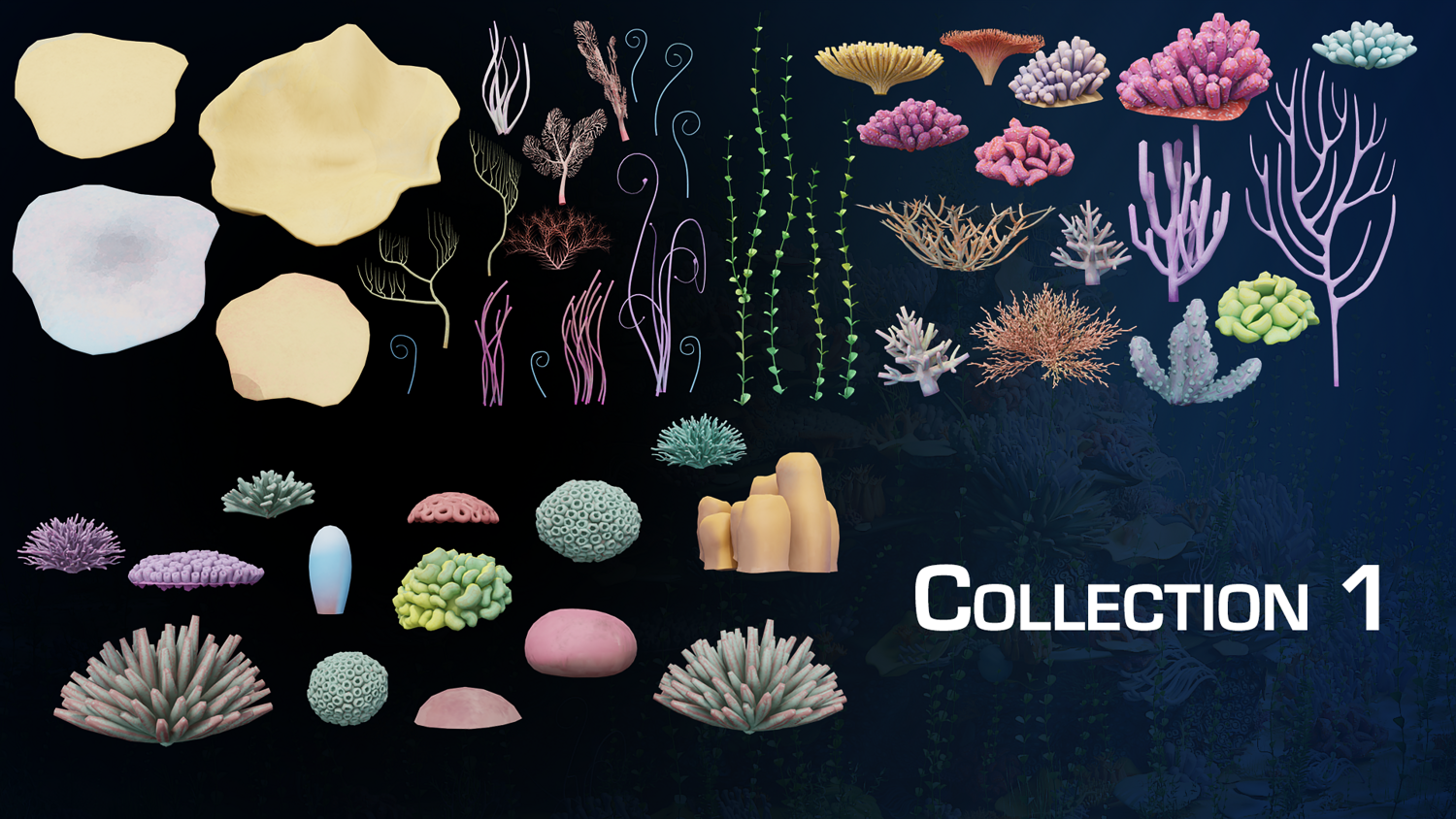
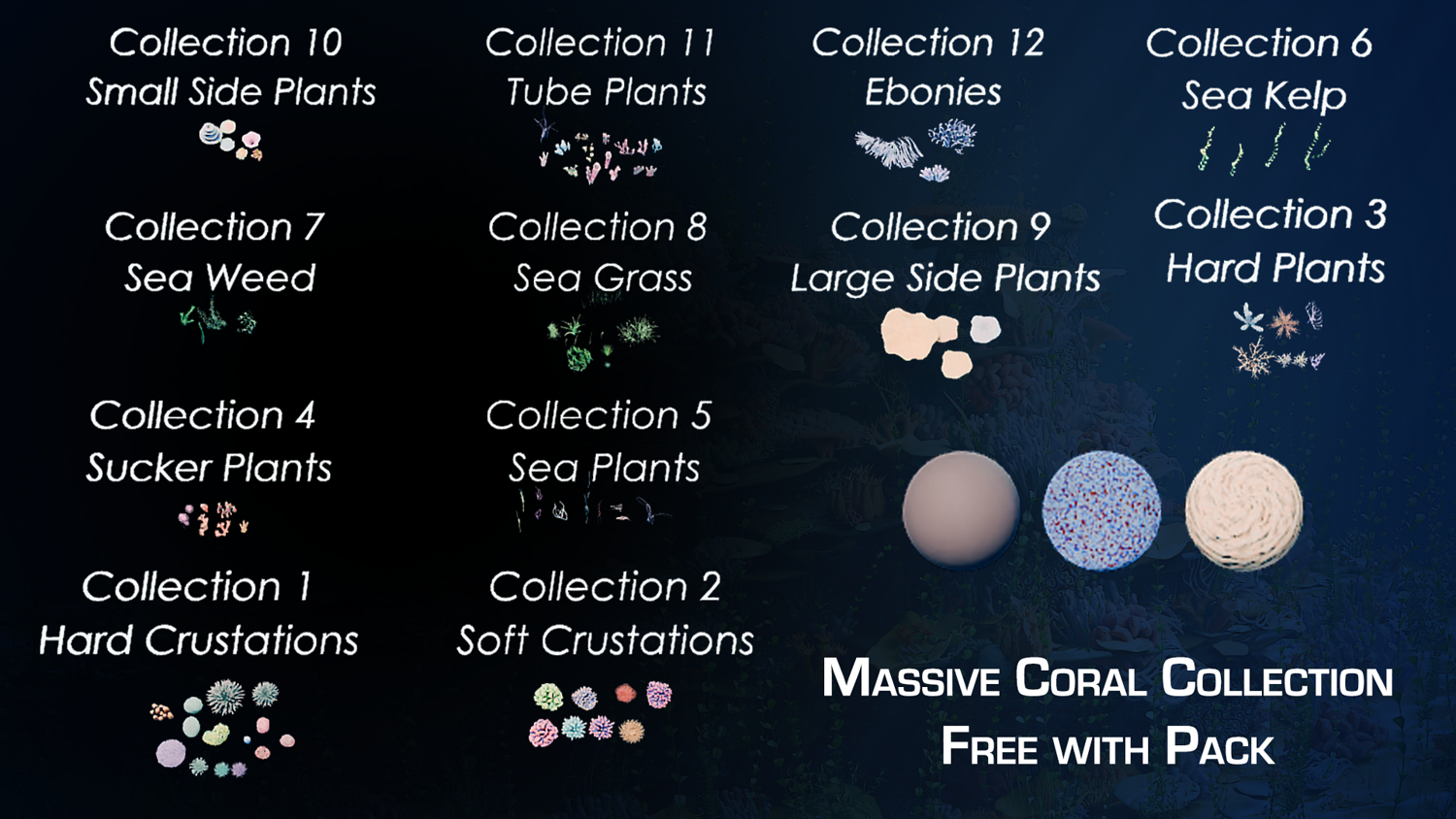
Load in any coral, kelp, seaweed, or crustacean collection to replace included assets for infinite reef variation.
Built-In Stylized Materials
Pre-applied coral, sand, and shell materials ready to render — plus material swapping support for your own shaders.
God Rays and Water Shader Setup
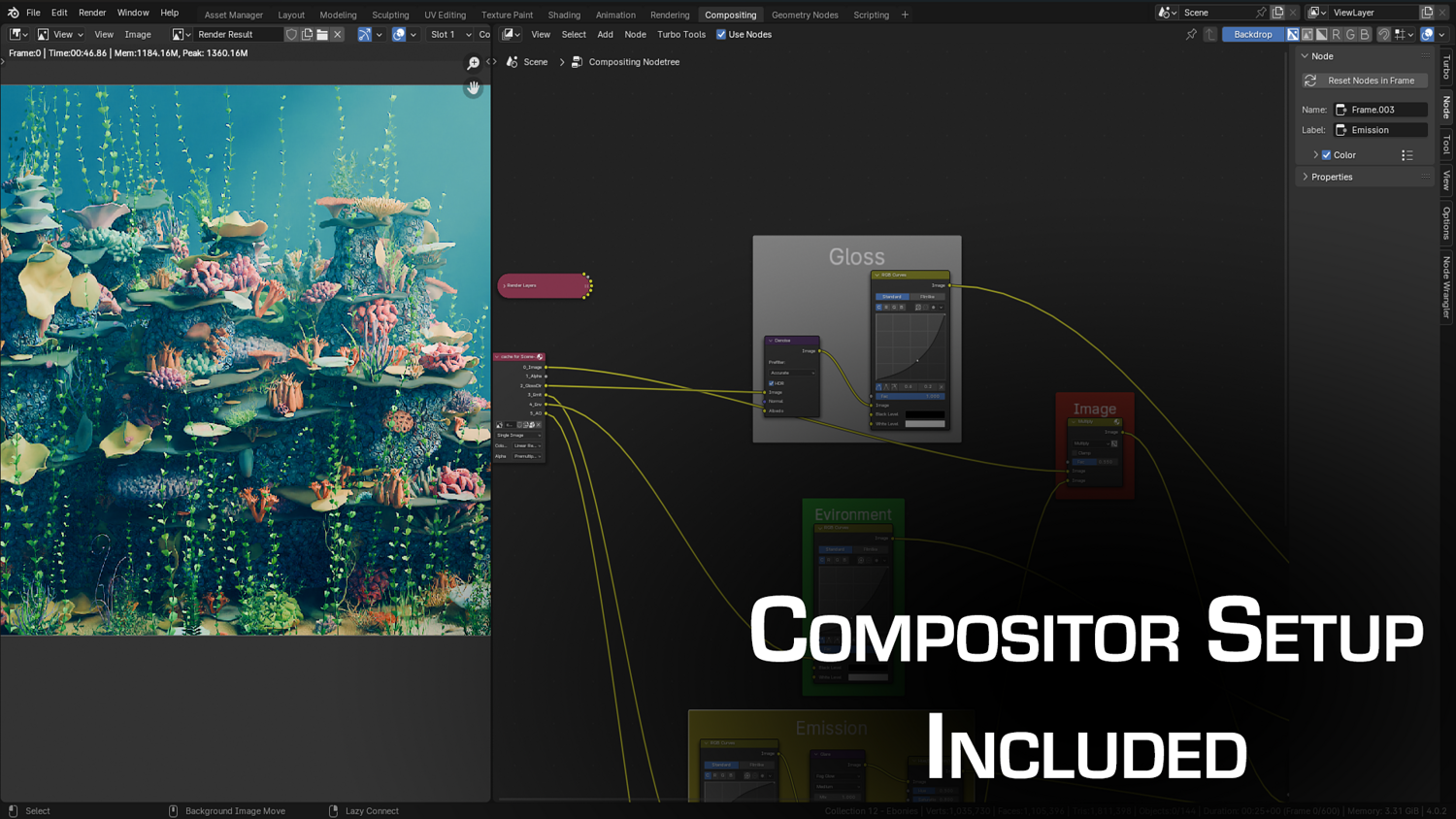
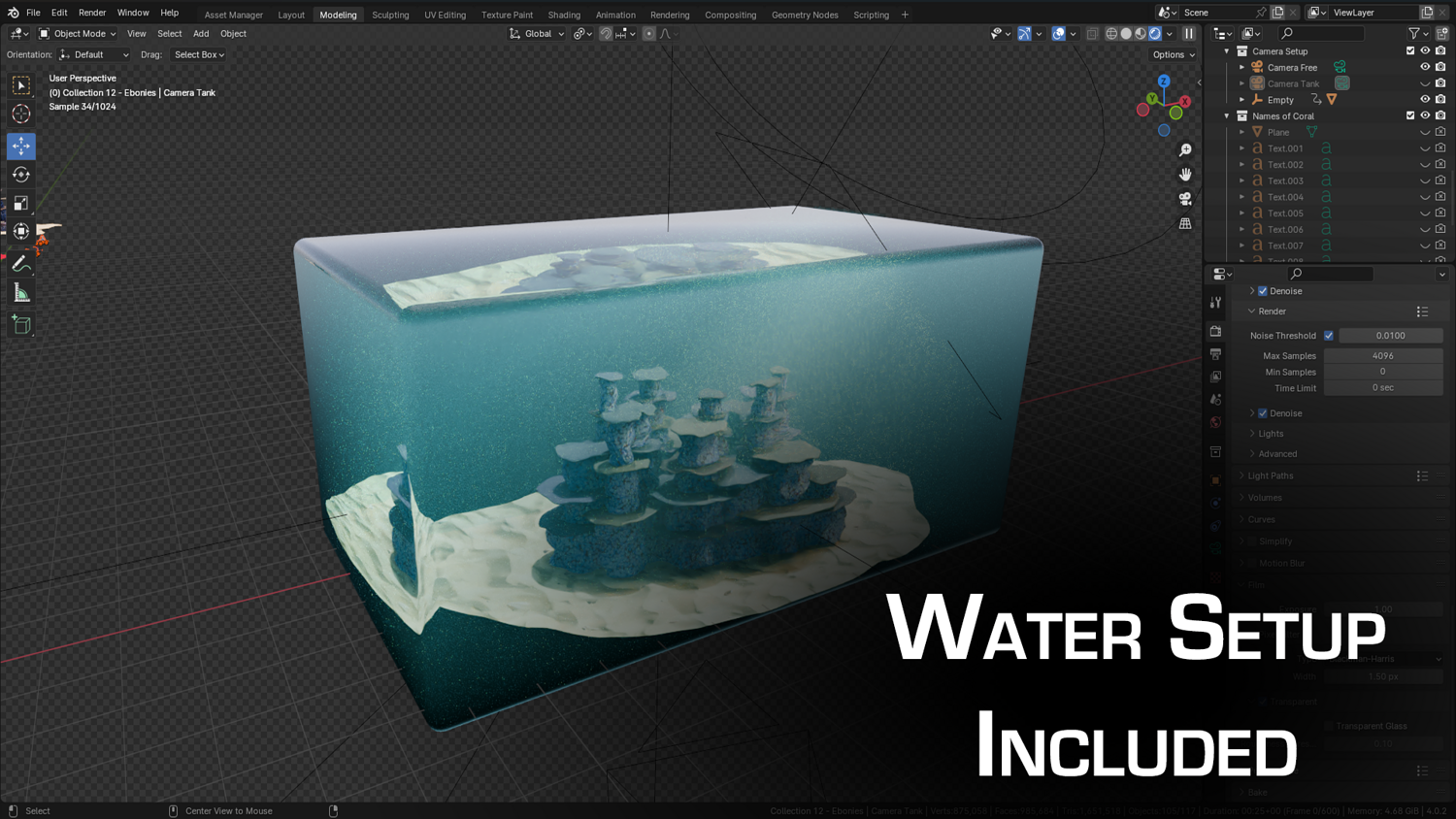
Achieve stunning underwater lighting instantly with included water shader and compositing node pre-setup.
🔥 Why You'll Love It

Instant Coral Reef Scenes
Generate underwater compositions in minutes instead of sculpting or placing dozens of assets by hand.
Perfect for Games, Cinematics, and Concept Art
Fill seabeds, temples, shipwrecks, or fantasy zones with believable reefs and ocean floor details.
Auto-Density Logic with Seed Variation
Prevents overlapping scatter by automatically checking for collisions and adjusting placement with each seed.
Viewport-Optimized and Beginner-Friendly
Quick preview, low impact on performance, and simple one-click setup makes this ideal for fast production.
📦 What's Included
- 1x Blender .blend file with full Coral Reef Generator Geometry Node setup
- Coral Base and Coral Scatter node systems
- 60+ custom coral, kelp, and shell assets in organized collections
- God ray and stylized water shader setups
- Prebuilt compositing layout for cinematic rendering

⚙️ Requirements
- Blender 4.0 or newer with lifetime updates
- From noob to pro — watch the 10 minute video to have everything up and running in no time
🚀 Installation Instructions
Method 1 – Add to Asset Library
- Download and unzip the product folder.
- Open Blender → Edit → Preferences → File Paths → Asset Libraries → click the "+" button.
- Navigate to the extracted folder and add it.
- Open the Asset Browser and drag the Coral Generator into your scenes.
Method 2 – Manual Append
- Open your Blender project.
- Go to File → Append → Locate the .blend file → Import the Geometry Node group.
Method 3 – Copy and Paste Between Projects
- Open the project containing the Coral setup.
- Select the Geometry Node group.
- Press Ctrl+C to copy.
- Open another Blender project and press Ctrl+V to paste it directly into your scene.
💬 Support
Need help? Join our growing 3D Tudor Discord community to connect with our support team and hundreds of fellow artists!
👉 Join the 3D Tudor Discord here
Model Details
- FormatsBLEND, FBX
- Polygons0
- Vertices0
- animatedno
- materialsyes
- texturesyes
- riggedno
- uvsyes
- 3d print readyno
You will get 2 files
All files previously purchased will always be available for download in your Library